


Which Free Accounting Software Fits Your Small Business Right Now?

May 1, 2026
Spreadsheets work fine for tracking receipts until the quarter you miss a tax estimate because months of bank transactions are sitting in a folder labeled "to sort." Moving to accounting software doesn't always require a monthly subscription, and many small businesses stay on free tools long past the early stage.
In this guide, we explore eight free accounting tools for small businesses: what each one includes at no cost, what sits behind a paywall, where the user limits kick in, and how to choose the right fit for where your business is right now.
In brief:
- Ramp works best as a free spend-management companion for teams that already have accounting software and need spend controls on top of it
- Wave Starter is permanently free for invoicing, but charges for automatic bank imports and receipt scanning.
- Zoho Books' free plan is capped at $50,000 in annual revenue; crossing that threshold requires a paid upgrade.
- Odoo Community is a free open-source ERP, but automatic bank sync requires a paid Enterprise subscription.
- ZipBooks Starter includes free automatic bank sync and reconciliation for one connected account.
Top 8 free accounting software for small businesses
Free accounting software splits into two types: permanent free tiers from commercial platforms and open-source or fully free tools. Commercial free tiers often cap users, bank connections, or specific features, while open-source tools tend to remove those caps and ask for more technical setup instead.
Let’s compare each option across the variables that affect your day-to-day bookkeeping decisions:
| Software | Free type | Users | Cloud or desktop | Auto bank sync | Payroll | Best for |
|---|---|---|---|---|---|---|
| Ramp | Permanent tier | Unlimited | Cloud | Via integrations | No | Spend management and AP alongside existing accounting software |
| Wave (Starter) | Permanent tier | 1 | Cloud | No (paid) | No (paid add-on) | Solo operators who need unlimited invoicing |
| ZipBooks (Starter) | Permanent tier | 1 | Cloud | Yes (1 account) | No | Free automatic bank sync on a budget |
| Zoho Books (Free) | Permanent tier | 1 + 1 accountant | Cloud | No (manual upload) | No | Very small businesses under $50K revenue |
| Akaunting | Open-source core | Unlimited | Cloud (self-hosted or hosted) | No (paid add-on) | No (paid add-on) | Teams wanting a customizable, cloud-based tool with no user caps |
| GnuCash | Fully free | Unlimited | Desktop | No | Manual only | Tech-comfortable teams willing to work with desktop software |
| Manager Desktop | Freeware | Unlimited | Desktop | No | Yes | Most complete free desktop option with payroll and inventory |
| Odoo Community | Open-source | Unlimited | Self-hosted | No (Enterprise only) | No (US) | Technically resourced teams wanting a full ERP |
Each option comes with trade-offs beyond price, and in the sections below, we walk through exactly what you get, where you'll hit a ceiling, and who each tool is best for.
1. Ramp
Ramp is a spend management and corporate card platform that handles expense tracking, bill payments, and AP automation by integrating with existing accounting software, such as QuickBooks Online or Xero.
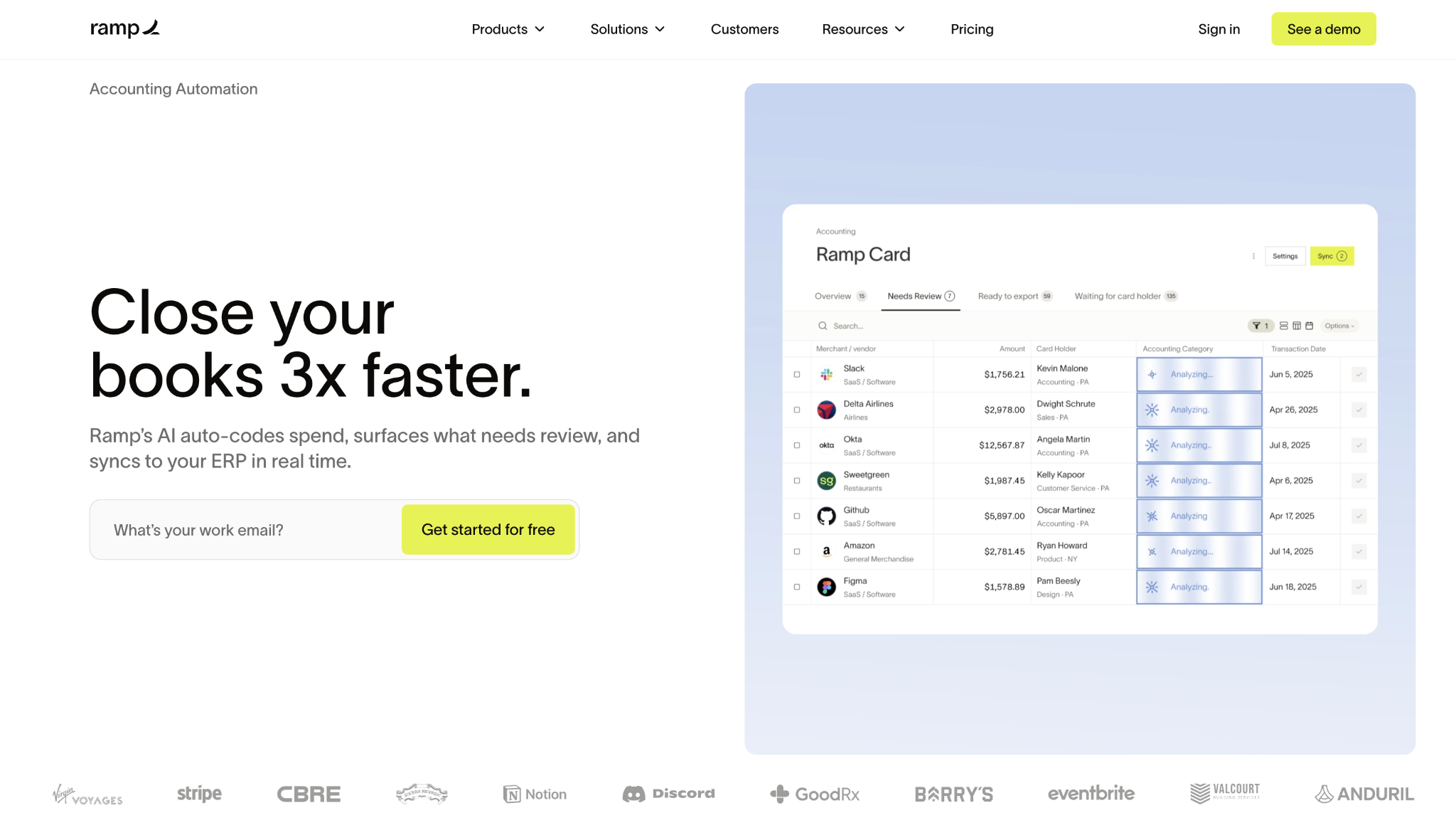
Transactions sync automatically to your general ledger, and every team member gets unlimited corporate cards with built-in spend controls and auto-receipt matching. Ramp doesn't replace a general ledger, but for teams that already have accounting software and need a spend layer on top of it, it's the strongest free option on this list.
Ramp pros:
- Unlimited corporate cards: Every team member gets a physical or virtual card with policy controls and no card issuance fee.
- Auto-receipt matching: Ramp matches receipts via OCR, SMS, or Slack without requiring a separate app or manual upload.
- Approval workflows: Configurable approval rules let you set spending limits by department, merchant, or category.
Ramp cons:
- Requires a US business bank account: Ramp is a spend layer, not a standalone banking or accounting replacement.
- No general ledger: It doesn't replace QuickBooks, Xero, or any other accounting system.
- No payroll or inventory: Teams that need those features will require a separate tool alongside Ramp.
Pricing: The core plan is free with no monthly fee, no per-user charges, and unlimited cards and bill payments included. The Plus tier adds multi-entity support and advanced AP features at an additional cost.
Best for: Growing US-based teams that need expense management and AP controls layered on top of their current accounting setup.
2. Wave
Wave offers a permanently free Starter plan with unlimited invoicing, expense tracking, and basic financial reporting.
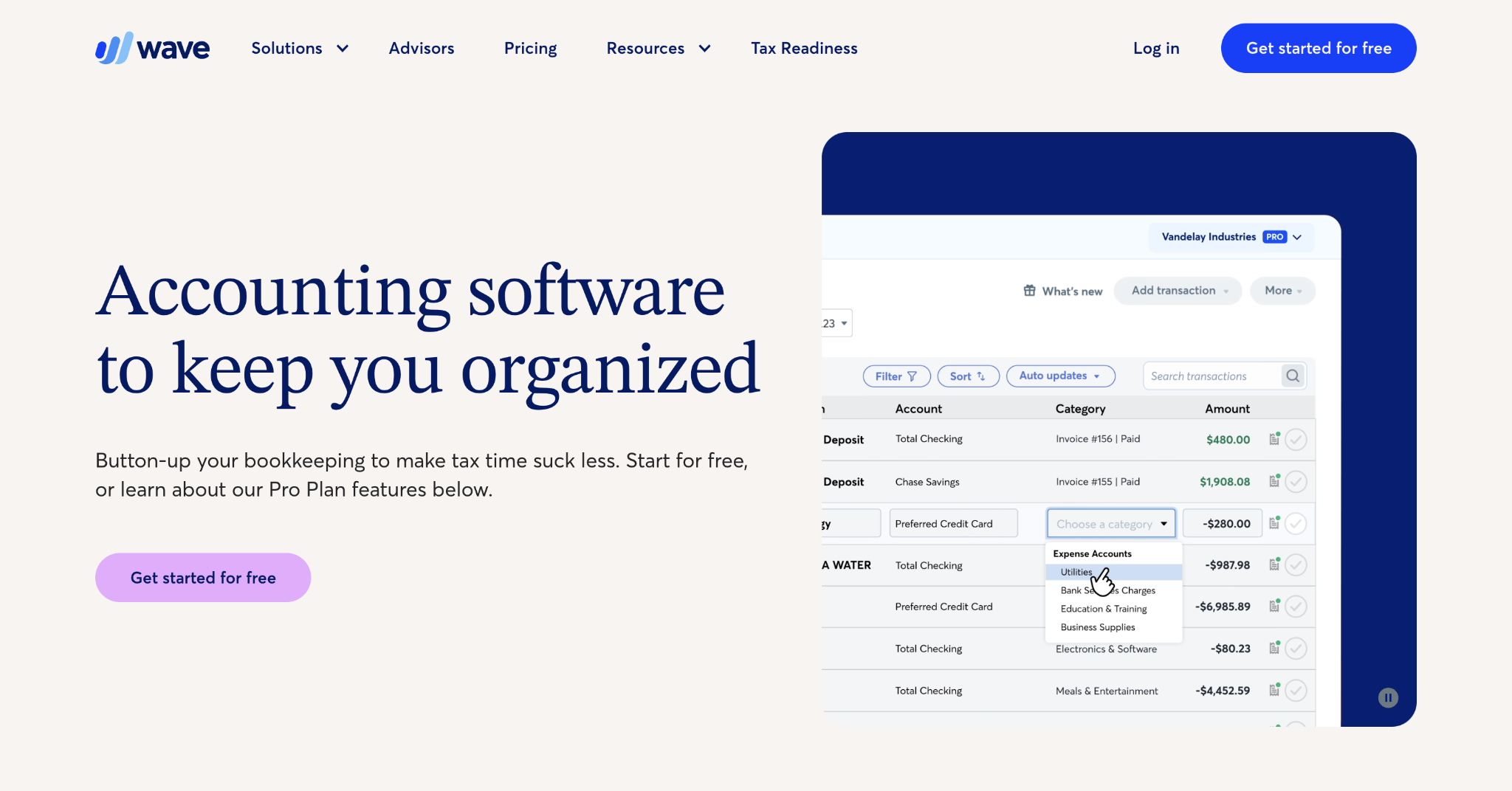
Automatic bank imports and OCR receipt scanning moved to the paid Pro plan at $19/month, so the free tier requires manual entry or CSV uploads for bank transactions. If you want live support, that's also a paid add-on.
Wave pros:
- Unlimited invoicing: You can create and send as many invoices as you like to any number of clients on the free plan.
- Simple interface: The dashboard is designed for non-accountants, so no accounting background is required to get started.
- Solid knowledge base: Wave's self-service documentation covers most common bookkeeping questions without needing live support.
Wave cons:
- No free bank imports: Automatic bank imports require the Pro plan at $19/month; the free tier is manual-entry only.
- No free OCR receipt scanning: Receipt scanning requires either the $8/month add-on (available on Starter) or an upgrade to Pro. It isn’t included in the free Starter plan.
- Limited support on free plan: Free users don't get live chat or phone support; you're working from documentation and forums.
Pricing: The Starter plan is free with no monthly fee. Pro is $16/month billed annually ($170/year) or $19/month billed monthly, and adds automatic bank imports, OCR receipt scanning, and multi-user access.
Best for: Solo operators or freelancers with simple finances who mainly need professional invoicing and can handle manual transaction entry.
3. ZipBooks
ZipBooks is a cloud accounting tool with a free plan that includes unlimited invoicing, digital payment acceptance, time tracking, and automatic bank sync for one connected account.
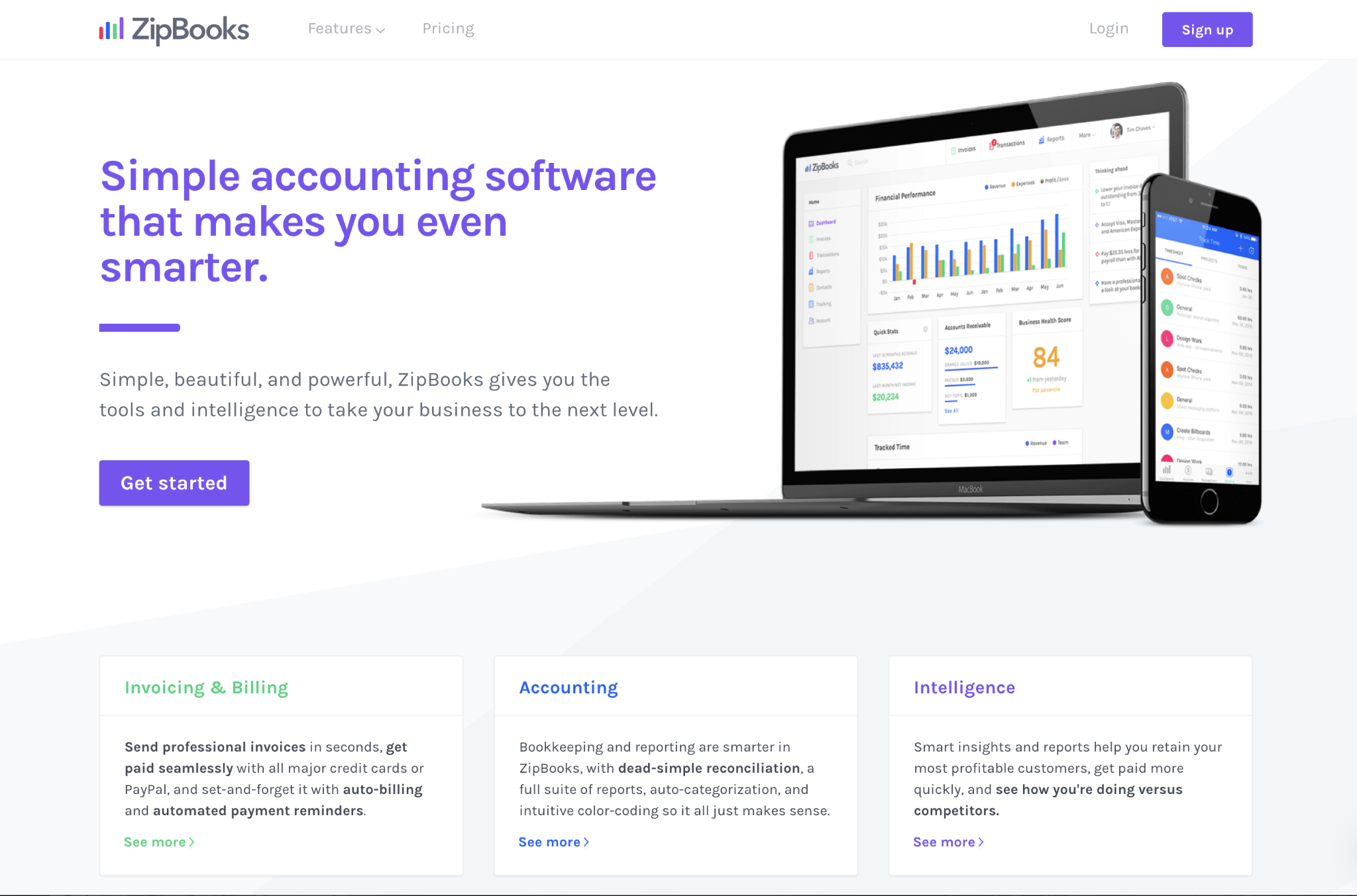
Bank reconciliation is available on the free plan, along with that single bank connection, putting it a step ahead of Wave for teams that don't want to manage CSV imports manually.
ZipBooks pros:
- Free automatic bank sync: The Starter plan includes automatic transaction import for one bank account, which most free cloud tools don't offer.
- Bank reconciliation included: Reconciling your connected account is part of the free tier, not a paid upgrade.
- Time tracking built in: Time tracking is included with the free plan, no separate subscription required.
ZipBooks cons:
- Single user only: The free plan doesn't support more than one user, so it's not suited for even a two-person finance team.
- One bank account limit: You can connect only one bank or credit account on the Starter plan.
- Basic reporting: Advanced financial analytics and reporting require a paid upgrade.
Pricing: The Starter plan is free with unlimited invoices and one bank connection. Paid tiers start at $15/month and add more bank accounts, users, and reporting.
Best for: Solo operators who want automatic bank sync and reconciliation without paying, and don't need multi-user access.
4. Zoho Books
Zoho Books offers a permanently free plan with invoicing, expense tracking, manual bank reconciliation, and basic financial reporting.
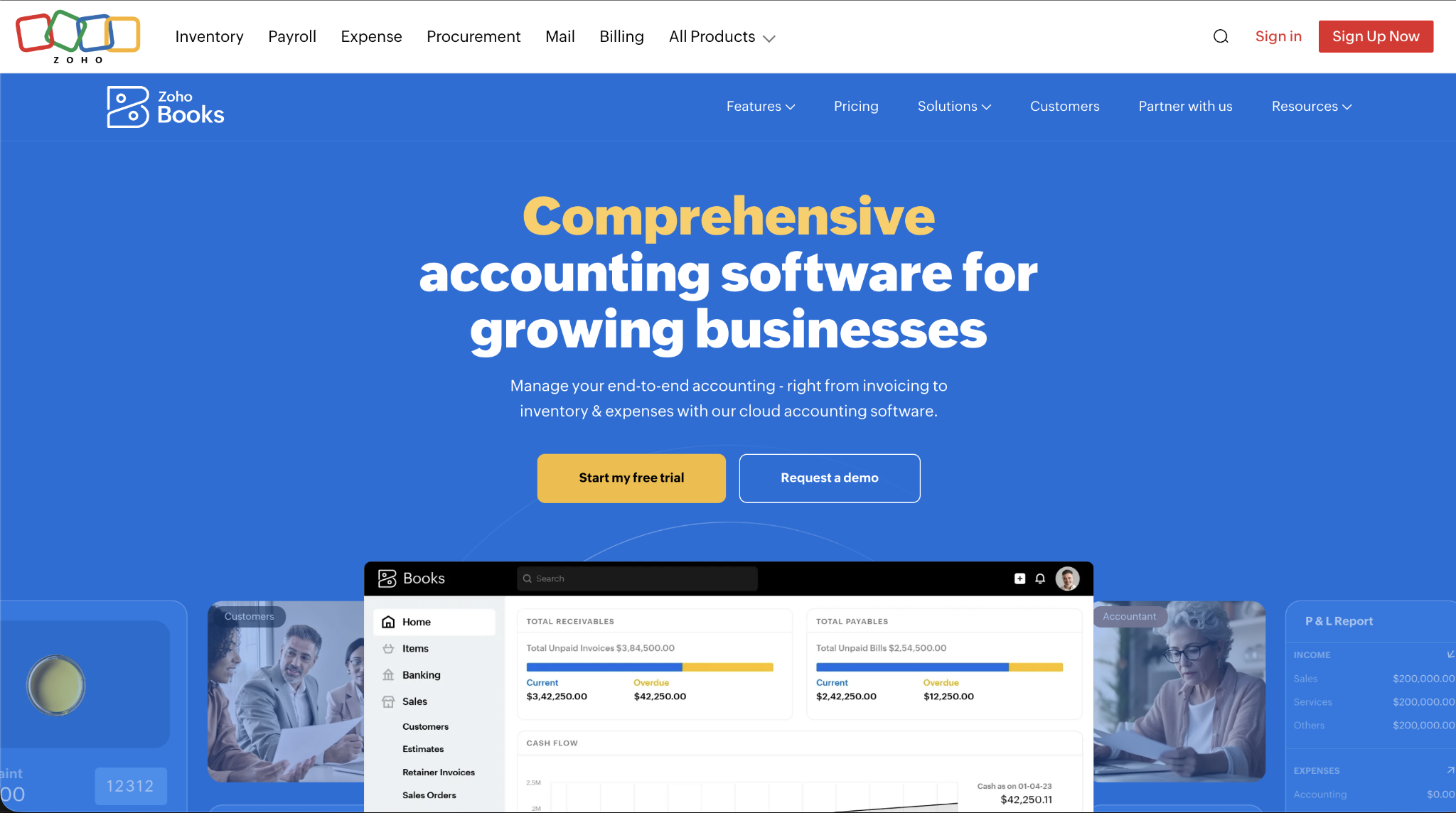
Its biggest constraint is a hard $50,000 annual revenue cap, and the plan also limits you to one user plus one accountant. If you're already in the Zoho ecosystem and use Zoho CRM or Zoho Expense, the integrations work without any additional setup costs.
Zoho Books pros:
- Polished invoicing: The free plan includes professional invoicing with automatic payment reminders and client portal access.
- Zoho ecosystem integration: Native connections to Zoho CRM, Zoho Expense, and Zoho Analytics are included on the free plan.
- Bank reconciliation: Manual reconciliation is available on the free plan even without live bank feeds.
Zoho Books cons:
- $50K annual revenue cap: Your account moves off the free plan once your annual revenue exceeds $50,000.
- No live bank sync: The free plan requires manual transaction entry or CSV uploads; there are no automatic bank feeds.
- Invoice volume limit: The free plan caps you at 1,000 invoices per year, which constrains higher-volume businesses even if they remain below the revenue threshold.
Pricing: The free plan is free for businesses with annual revenue under $50K. Paid plans start at $15/month billed annually ($20/month billed monthly) and add bank feeds, more users, and inventory support.
Best for: Very small businesses with annual revenue under $50K that want polished invoicing and are already using or open to using other Zoho products.
5. Akaunting
Akaunting is an open-source accounting platform with a free core that includes unlimited invoicing, expense tracking, cash flow management, basic financial reports, CSV-based bank transaction import, a customer portal, and multi-currency support.
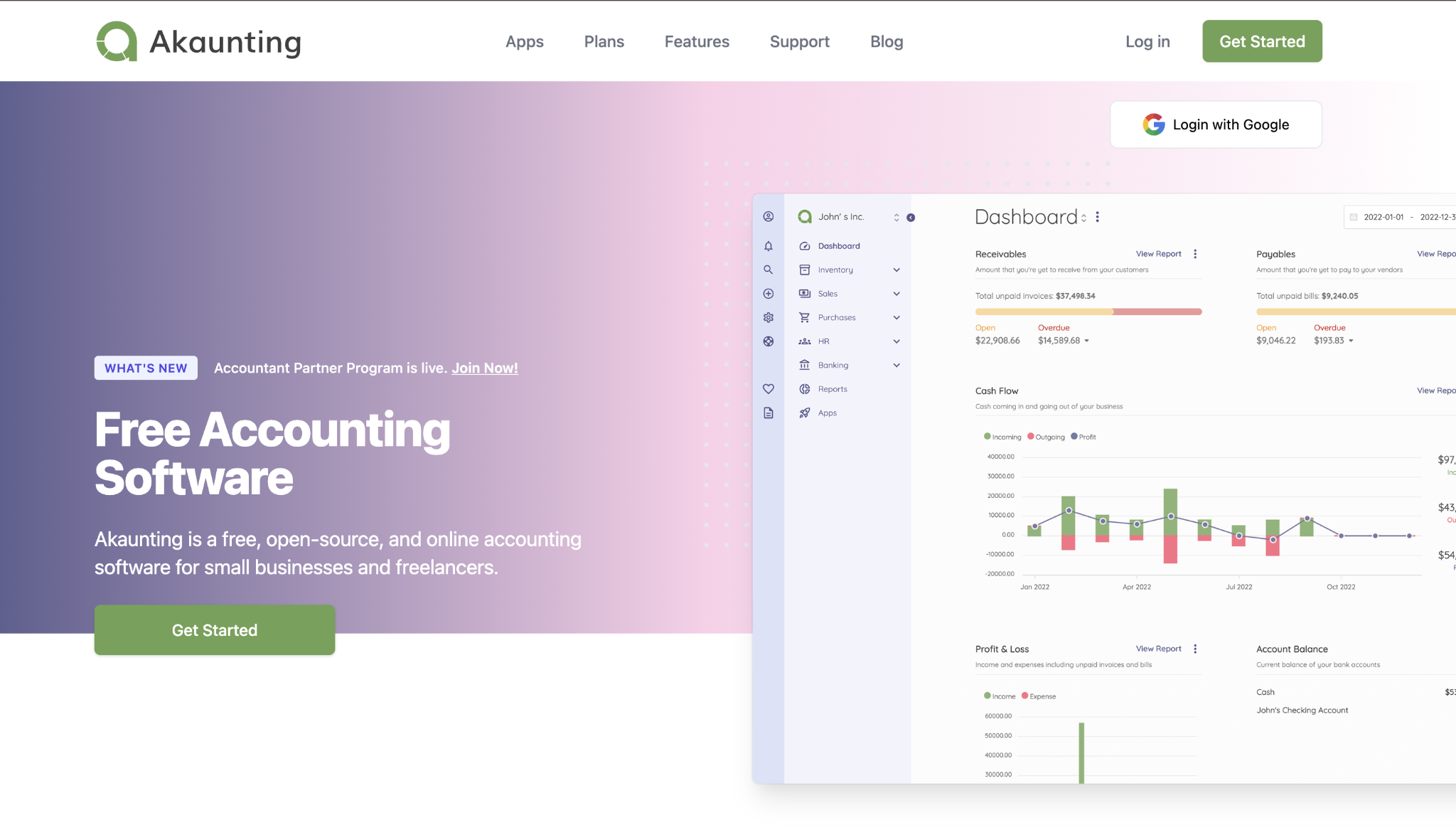
You can run it on Akaunting's hosting or self-host it on your server, and neither option caps users or imposes a revenue limit. Akaunting sells payroll, real-time bank feeds, and Stripe integration separately through the app marketplace.
Akaunting pros:
- Unlimited users at no cost: The free core doesn't cap team members, which is rare among cloud accounting tools.
- Multi-currency support: Invoicing and expense tracking in multiple currencies are included free of charge.
- Self-hosting option: Teams with IT resources can run Akaunting on their own server for complete data control.
Akaunting cons:
- Automatic bank feeds are a paid add-on: Real-time bank feed connectivity requires a paid marketplace app; the free core relies on CSV imports for bank transactions.
- Key integrations cost extra: Stripe, PayPal, and several other connectors are sold individually through the marketplace.
- Self-hosting requires technical setup: Running your own instance means you need a server and someone who can maintain it.
Pricing: The core is free with no time limits. Integrations are sold individually, and an All Apps bundle is available for teams that need multiple add-ons at once.
Best for: Businesses that need unlimited users and cloud access, and either have IT resources for self-hosting or are comfortable paying for select integrations.
6. GnuCash
GnuCash is a fully free, open-source desktop accounting program with no paid tiers, revenue caps, or user limits.
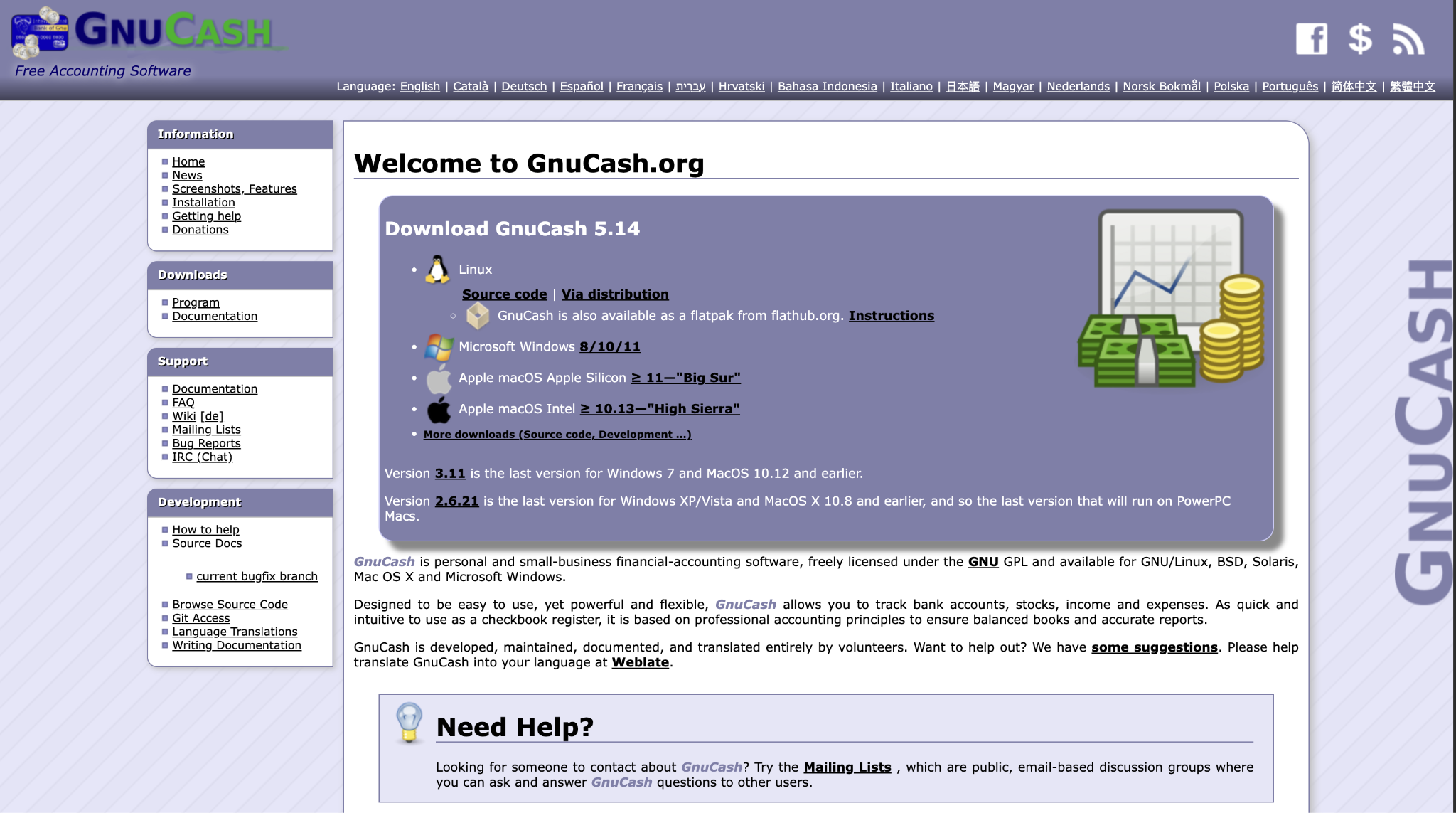
It runs on Windows, Mac, and Linux and includes double-entry accounting, invoicing, accounts payable and receivable, manual bank reconciliation, multi-currency support, and financial reporting. Bank transaction downloads depend on your bank's support for the AqBanking connector, which varies significantly by institution and region.
GnuCash pros:
- Completely free, no upsell path: There's no paid tier, no expiring trial, and no feature locked behind a subscription.
- Full double-entry accounting: GnuCash handles the chart of accounts, journal entries, and reconciliation the way an accountant would expect.
- Multi-user file access: Multiple team members can access the same GnuCash file sequentially, but not simultaneously.
GnuCash cons:
- Desktop only: There's no cloud version, so you're tied to local files on a single machine.
- Bank sync availability varies: Automatic transaction downloads through AqBanking work only with supported banks, and coverage is inconsistent by region.
- Community-only support: GnuCash has no phone, email, or live chat support; questions go to mailing lists and forums.
Pricing: GnuCash is free, with no paid version, add-ons, or licensing fees.
Best for: Tech-comfortable teams or individuals who want full double-entry accounting at zero cost and don't need cloud access or reliable automatic bank connections.
7. Manager
Manager is a free desktop accounting program with a feature set that outpaces most paid tools at the entry level.
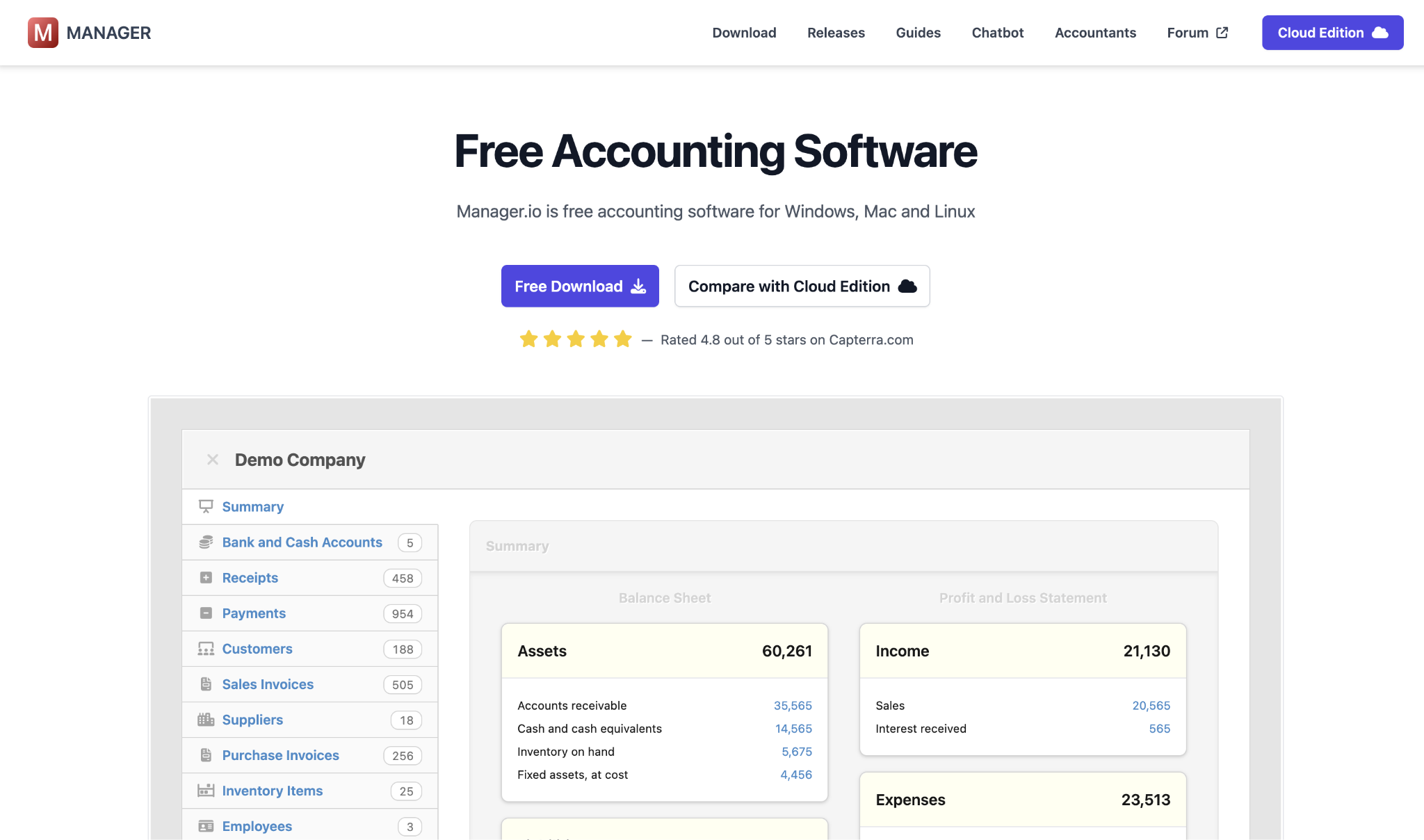
The free desktop edition includes double-entry accounting, invoicing, accounts payable and receivable, bank reconciliation, inventory management, fixed assets, payroll, expense claims, time tracking, and a customer portal for sharing invoices with clients. There are no time limits, no usage caps, and no ads.
Manager pros:
- Payroll included free: Unlike most free accounting tools, the desktop edition includes payroll processing at no extra cost.
- Inventory management: Full inventory tracking is part of the free desktop edition, with no upgrade required.
- Bank reconciliation built in: The desktop edition handles full double-entry accounting with bank reconciliation as a standard feature.
Manager cons:
- Desktop only: The free plan runs locally on your machine; cloud access and multi-location collaboration require the paid cloud edition.
- Limited third-party integrations: Manager doesn't connect natively to many third-party tools, so data transfer between systems often stays manual.
- No mobile access on the free plan: Mobile access requires upgrading to the paid cloud edition.
Pricing: The desktop edition is free with no monthly fee and no expiration. The cloud edition is a paid upgrade and adds browser-based access, automatic backups, and multi-user collaboration.
Best for: Small businesses that need payroll and inventory tracking at no cost and are comfortable working with desktop software.
8. Odoo (Community edition)
Odoo is a free, open-source ERP platform with accounting, invoicing, expense tracking, a built-in CRM, and inventory management.
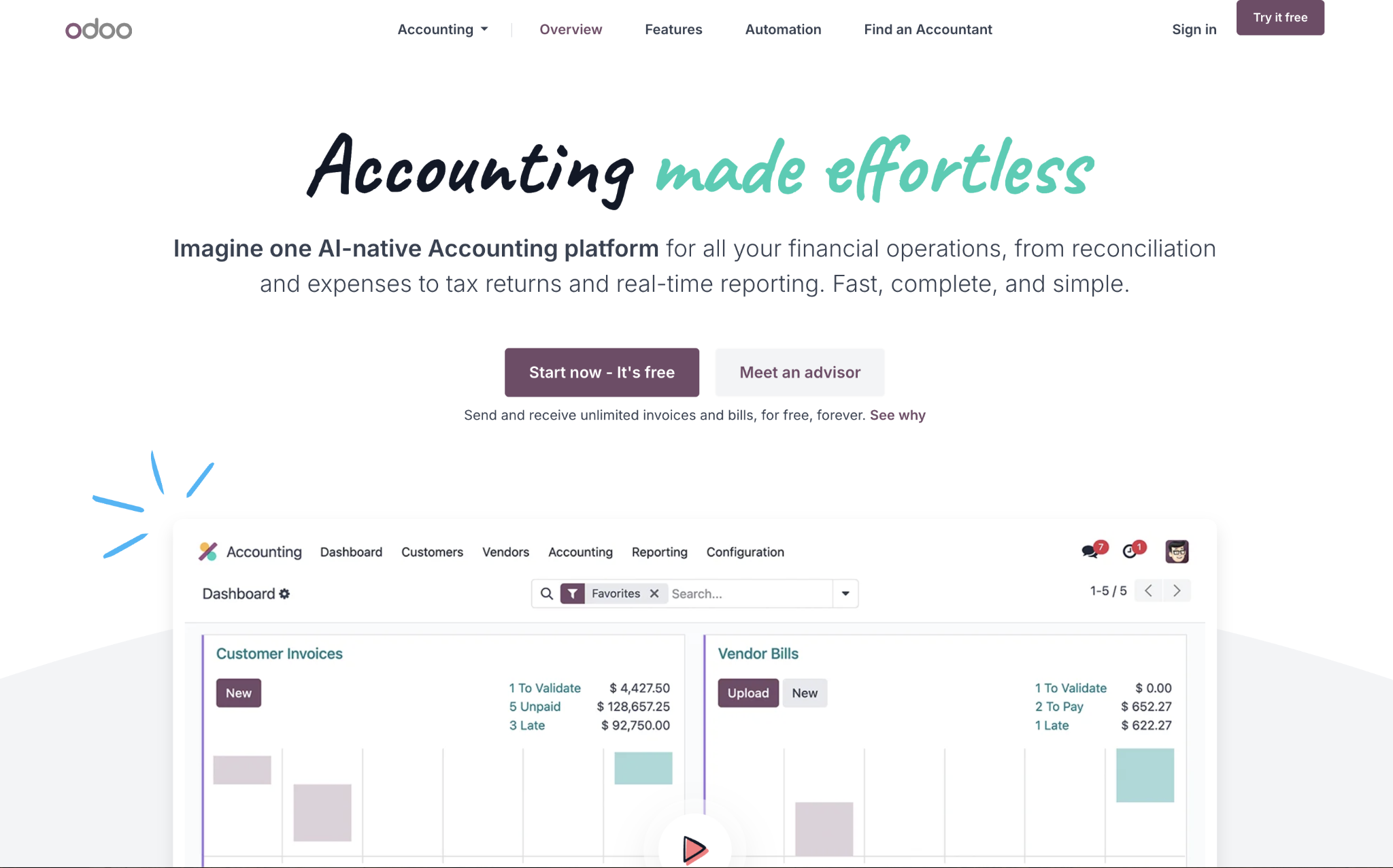
The Community edition is self-hosted and covers far more ground than any standalone accounting tool on this list, but it's also significantly more complex to set up and maintain. Community doesn't include automatic bank synchronization; that requires an Odoo Enterprise subscription.
Odoo pros:
- Full ERP coverage: Odoo covers accounting, CRM, inventory, HR, and more in one platform that no free accounting tool can match.
- Large module ecosystem: The community marketplace offers hundreds of free and paid modules to add functionality.
- No licensing fees: The Community edition is free to use and modify, with no per-user or monthly charges.
Odoo cons:
- No automatic bank sync: Bank synchronization is an Enterprise feature; Community users manage bank transactions via manual imports.
- Self-hosting required: Running Odoo Community means maintaining your own server, which requires dedicated technical staff.
- No native US payroll: The Community edition doesn't include a US payroll module; payroll requires a third-party integration.
Pricing: The Community edition is free with no licensing fees. Odoo Enterprise adds managed hosting, bank sync, and professional support at a monthly per-user cost.
Best for: Technically resourced teams that want a full ERP platform and have the staff to handle server setup, maintenance, and ongoing administration.
How to choose the right free accounting software for your small business
Your choice usually comes down to three questions:
- How many people need access to the books?
- Is automatic bank sync necessary for your workflow?
- How long do you realistically expect to stay on a free plan?
If your business is outgrowing its constraints, the right SaaS accounting software at a low monthly cost removes friction faster than workarounds can. If your team needs more than one user at no cost, Akaunting, GnuCash, and Manager Desktop are the only options here that don't restrict headcount.
For businesses growing past those constraints, a low-cost paid tier from a QuickBooks alternative often removes friction faster than manual workarounds will. If you're also weighing whether it's time to bring in outside help, benchmarking what an accountant costs against your current bookkeeping volume can help you make that call with real numbers.
Ramp accounting also integrates well with any of these tools if you need spend management and AP controls on top of your existing accounting setup, at no additional cost.
Frequently asked questions about free accounting software for small businesses
Is free accounting software good enough for tax filing?
The IRS doesn't require specific software for recordkeeping, so free tools work for tax preparation as long as your records are complete and exportable for your accountant or tax preparer. If you need to file contractor 1099s, Wave's free plan doesn't include that feature, so you'd use the IRS IRIS portal directly or a paid payroll add-on.
Can I use free accounting software with more than one person?
Most free cloud-based tools in this list limit you to one user, so collaboration on the same account isn't possible without upgrading. Akaunting, GnuCash, and Manager Desktop are the exceptions that allow unlimited users at no cost. If you need multi-user access on Wave, ZipBooks, or Zoho Books, you'll need to upgrade to a paid plan.
What's the biggest limitation of free accounting software?
Automatic bank sync is the gap you'll hit first on most free tools. Among the cloud-based options here, ZipBooks is the only one that includes free automatic bank sync, and it's limited to one connected account. The desktop tools handle reconciliation manually, and Odoo Community doesn't include automatic bank sync at all without an Enterprise subscription.
When should a small business switch from free to paid accounting software?
It usually makes sense to switch when manual data entry takes more than a couple of hours per week, when you need a second user on the same account, or when payroll becomes a requirement that your free tool can't handle. Zoho Books users will also move off the free plan once revenue crosses the $50K annual threshold.
Did the 1099 threshold change in 2026?
The IRS raised the 1099-NEC reporting threshold from $600 to $2,000, effective in 2026, under the One Big Beautiful Bill Act. Check your software settings before generating 2026 1099s, because older tracking logic may still flag contractor payments at the $600 level.


