


What Should You Use Instead of Revolut Business When Your Company Starts Scaling?

May 18, 2026
Running payments through Revolut Business works until the day your QuickBooks sync goes dark, your cards get flagged in a new market, or an expense report sits unreviewed because nobody set up approval rules. Most growing companies don't need a full Revolut replacement, just a platform that handles what Revolut can't.
In this guide, we compare eight platforms that cover the same services: international transfers, corporate cards, expense automation, and US banking. We’ll also cover pricing, FX fees, accounting integrations, and how each platform fits companies at different stages, from lean operations to finance teams managing hundreds of vendors.
In brief:
- Ramp's free plan includes unlimited corporate cards, bill pay, and QuickBooks/Xero sync with no foreign transaction fees on card spend.
- Wise Business uses the mid-market exchange rate with no monthly fee, keeping FX costs lower than Revolut on most corridors.
- Mercury offers free US business checking with no minimums; the Pro plan adds NetSuite integration at $299 per month.
- Relay's flat $30/month Grow plan and multiple checking accounts suit domestic companies needing cash-segregation workflows.
- Bluevine pays up to 3% APY on checking balances and includes a built-in business credit line up to $250,000.
8 best Revolut Business alternatives at a glance
No single platform replicates everything Revolut Business offers. The right choice depends on whether your team needs tighter expense automation, cheaper international transfers, or a full US banking relationship. Companies with 50 to 500 employees often pair a core banking system with a spend management layer rather than relying on a single tool for everything.
In the table below, we compare monthly cost, FX fees, and NerdWallet ratings for each platform:
| Platform | Best for | Monthly fee | FX fee | NerdWallet rating |
|---|---|---|---|---|
| Ramp | Expense automation, all company sizes | $0 (Free); $15/user (Plus) | $0 on card | 4.7/5 |
| Wise Business | International transfers, transparent FX | $0 | From 0.33%, mid-market rate | N/A |
| Mercury | US startups needing full banking | $0 (Free); $299/mo (Pro) | 1% flat on non-USD | 4.5/5 |
| Novo | US SMBs, wanting free digital banking | $0 | None on debit card | N/A |
| Airwallex | Mid-market global operations | $0 (Explore); $12/user (Grow) | 0.5–1% above interbank | N/A |
| Relay | US SMBs, multi-account cash management | $0 (Starter); $30/mo (Grow) | No FX fee on debit card | 4.8/5 |
| Bluevine | Small businesses wanting interest + credit | $0 (Standard); $95/mo (Premier) | 1–1.5% on non-USD wires | 5.0/5 |
| Payoneer | Marketplace sellers, freelancer payments | $0 | 0.5% on internal conversions | N/A |
Each platform serves a different operating profile. We'll break down exactly what you get, what you give up, and who each tool fits best.
1. Ramp
Ramp is a finance automation platform with banking and treasury services through First Internet Bank of Indiana, Member FDIC.
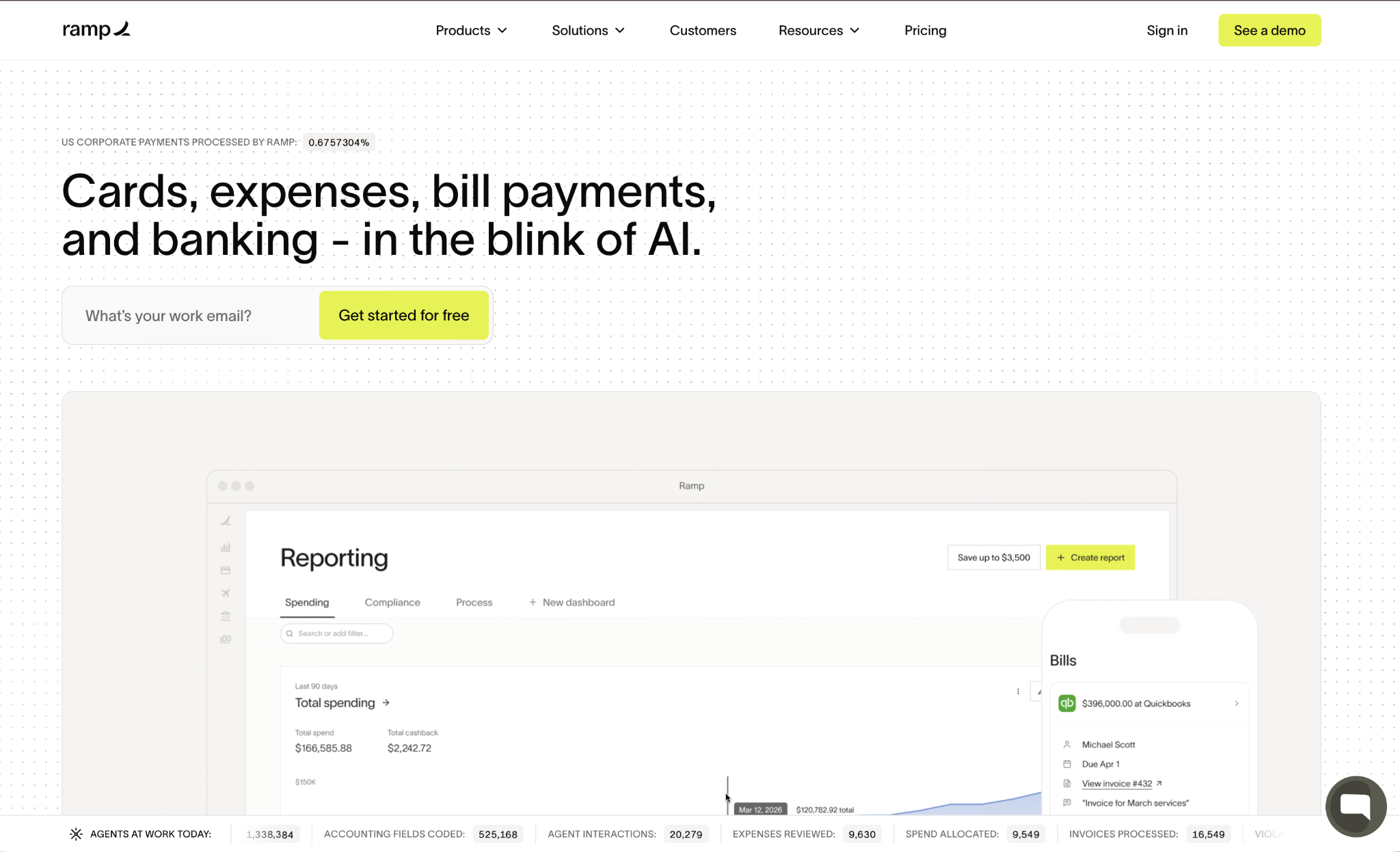
The free plan covers unlimited physical and virtual cards, bill pay, and vendor management with QuickBooks and Xero sync included out of the box. Plus adds advanced AP capabilities, multi-entity support, and more granular policy controls at $15 per user per month, plus a platform fee based on team size.
Ramp pros:
- Free same-day ACH and wires: Ramp includes domestic transfers on all plans, with international transfers available to all bill pay customers.
- Flat cash back: Eligible purchases automatically earn cash back, with no category management required.
- Treasury yield with FDIC-insured account: You can earn a yield on idle balances through Ramp's treasury product with no stated minimum balance.
- Expense collection via SMS or Slack: Receipts come in through the channels your team already uses rather than a separate app.
Ramp cons:
- Requires a separate bank account: Ramp is a spend layer, not a standalone banking replacement for your operating funds.
- Plus plan pricing is partially undisclosed: The platform fee requires a sales conversation before you know your total monthly cost.
- Multi-entity and advanced approvals require Plus: The free tier handles only simpler operations.
Pricing: The free plan covers unlimited cards, AP automation, and QuickBooks/Xero integration. Plus costs $15 per user per month with an additional platform fee and a 30-day free trial.
Best for: Companies with 50 to 500 employees that want expense management and AP automation without paying for it, then scale into ERP integrations as the finance function matures.
2. Wise Business
Wise Business comes with no monthly subscription fee, uses the mid-market exchange rate at all times, and holds balances in multiple currencies, with local account details in many markets.

Wise holds balances in more than 40 currencies and provides local account details in 8+ currencies, including USD, EUR, GBP, AUD, and SGD. That means a US-registered business can give clients in the UK a local sort code and account number, receive the payment in GBP, and hold it until the exchange rate suits.
One-time setup costs $31 in the US or £50 in the UK, and FDIC coverage applies only when you opt in to the Interest feature through Wise's program bank.
Wise Business pros:
- Mid-market rate around the clock: No time-of-day surcharges, unlike Revolut's +1% after exchange hours.
- Fast transfers: Many transfers arrive the same day, and most arrive within a day, according to Wise's own data.
- Daily auto-sync with QuickBooks: Per-currency-account control with no manual exports needed.
Wise Business cons:
- No built-in expense management: You'll need a separate tool for team spend controls, approval workflows, and receipt capture.
- Not a bank: FDIC coverage is available only when opting into the Interest feature through a program bank.
- Per-transfer fee model: Costs add up if your team sends many small-value payments across multiple corridors.
Pricing: No monthly fee. One-time setup of $31 (US) or £50 (UK). Transfer fees start from around 0.33% of the amount, varying by corridor and payment method.
Best for: Teams that send frequent cross-border payments where FX transparency and transfer speed matter more than built-in expense tracking. There are Wise alternatives for teams weighing similar FX platforms.
3. Mercury
Mercury is a fintech that provides business banking features through partner banks, including Choice Financial Group and Column N.A., both Members FDIC, with no minimums, no overdraft fees, and no account opening fees.
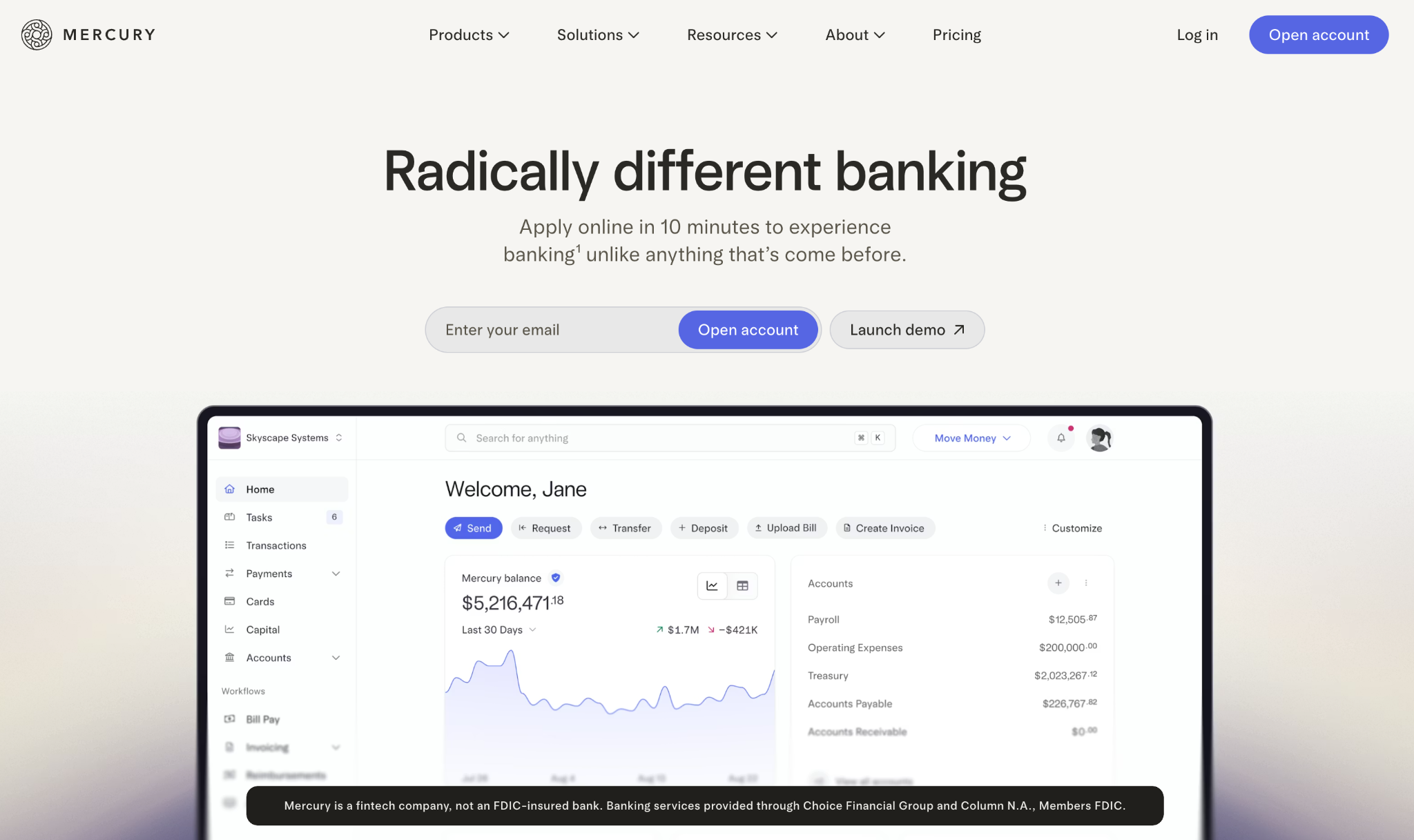
Pro is $299 per month and adds NetSuite integration and a dedicated relationship manager. One of Mercury's banking partners, Choice Financial Group, is under a consent order, which is worth factoring into your deposit decision.
Mercury pros:
- Genuinely $0 core banking: No minimums, no overdraft fees, and no fees to open an account.
- QuickBooks and Xero sync: Automated accounting reconciliation comes standard on the free plan.
- NetSuite integration on Pro: Available for companies scaling toward ERP workflows, included in the $299/month Pro tier.
Mercury cons:
- Free-tier ATM reimbursements are limited: Teams that rely on regular cash access may need to upgrade.
- Treasury requires a high minimum balance: Not accessible for companies at earlier stages.
- Banking partner under consent order: Worth monitoring until the situation with Choice Financial Group is resolved.
Pricing: Mercury's core checking is free with no monthly fee. Pro is $299 per month and includes NetSuite integration, a dedicated relationship manager, and enhanced customer service.
Best for: US startups and SMBs that want a complete banking replacement at zero monthly cost, primarily using QuickBooks Online or Xero as their accounting layer. Teams evaluating similar platforms can also find a detailed breakdown of Mercury alternatives.
4. Novo
Novo is a free US digital banking platform for small businesses, with banking services through Middlesex Federal Savings, F.A., Member FDIC.

The account has no monthly fee, no minimum balance, and no foreign transaction fees on the Mastercard debit card. Novo integrates natively with QuickBooks, Xero, Shopify, Stripe, and Zapier, and includes built-in invoicing for teams that need to send invoices without a separate tool.
Novo pros:
- No monthly fee or minimum balance: Free checking with no thresholds to maintain and no hidden fees.
- No foreign transaction fees on debit: The Mastercard debit card carries no FX surcharge, useful for international vendor payments and team travel.
- Built-in invoicing: Create and send invoices directly from the account dashboard without a separate subscription.
- ATM fee reimbursements: Novo refunds up to $7 per month in out-of-network ATM fees.
Novo cons:
- USD only: No multi-currency accounts or native FX conversion for cross-border volume.
- No expense management features: Lacks approval workflows, receipt capture, and card spend controls.
- Limited outgoing wire transfer support: Outgoing wires aren't available on all account tiers.
Pricing: Free with no monthly fee and no minimum balance. Standard ACH transfers have no fee. Wire transfer and cash deposit fees apply.
Best for: US-based small businesses and early-growth companies that want a clean, free bank account with modern integrations and no overhead, and don't need multi-currency capability or team expense controls.
5. Airwallex
Airwallex targets mid-market companies running global operations, offering local-currency accounts in multiple countries and tools to minimize FX costs for transfers.
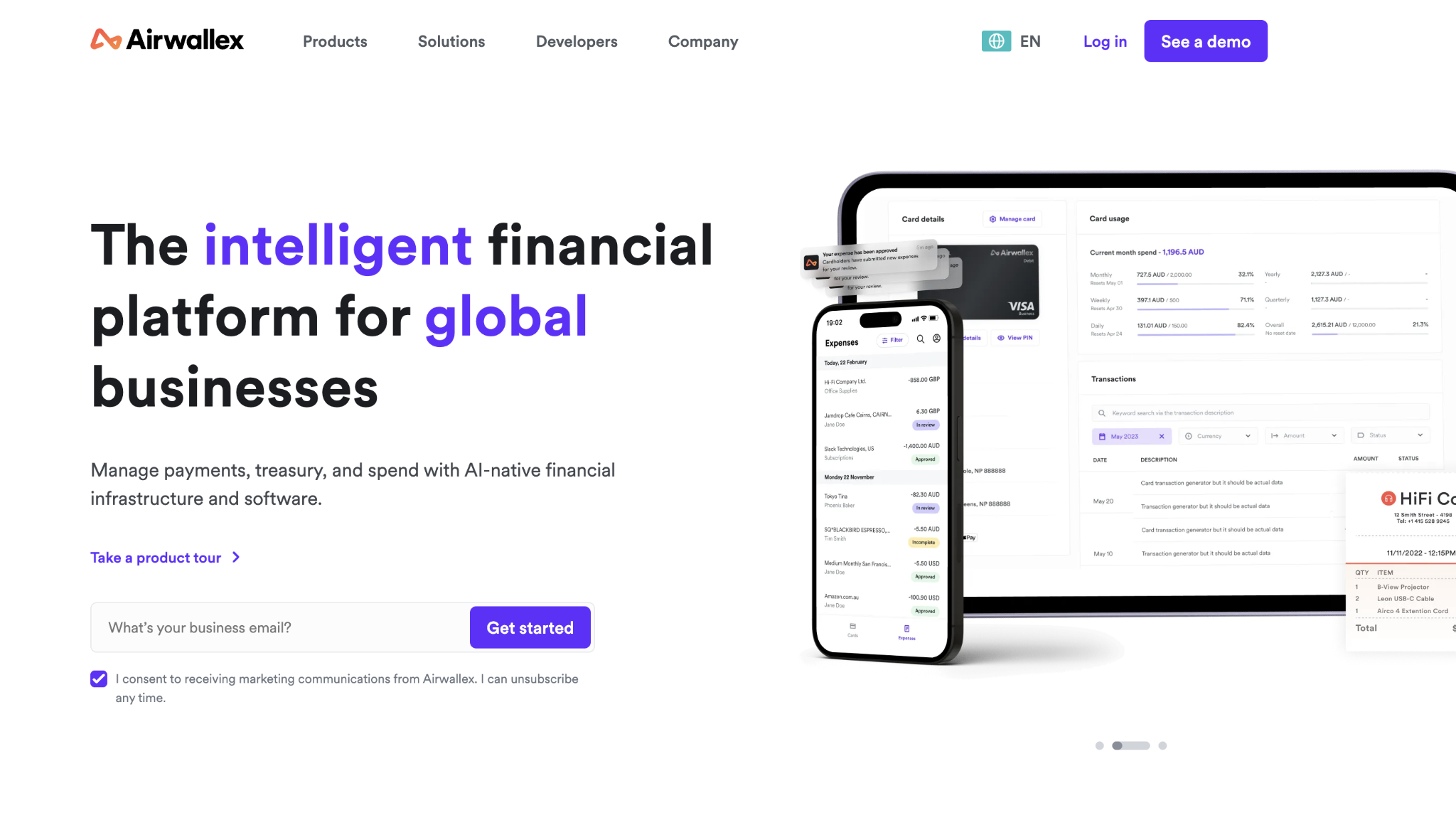
The Explore plan is free but caps the number of spend users, which limits its use for larger teams. At the Grow level, your finance team gets multi-currency corporate cards, expanded local payment rails, and advanced expense workflows.
The Grow plan charges $12 per active spend user per month, plus a platform fee based on team size, which means the total monthly cost isn't fully visible until you talk to sales.
Airwallex pros:
- Free local transfers to many countries: No per-transfer fee when sending on local payment rails.
- Unlimited multi-currency corporate cards: Zero international transaction fees across all plans.
- Higher deposit yield: Airwallex offers a yield on idle balances that exceeds several US banking alternatives in this comparison.
Airwallex cons:
- The Explore plan has a spend-user cap: Insufficient for most teams at the 50-plus employee stage.
- SWIFT transfers carry per-transfer fees: Expensive for corridors without local rail coverage.
- Total Grow cost is opaque: The $12/user fee plus an undisclosed platform fee means you'll need a sales conversation to know your full monthly bill.
Pricing: Explore is free for users with limited spend. Grow is $12 per active spend user per month, up to 250 users, plus a platform fee.
Best for: Mid-market companies with 50 to 500 employees running significant cross-border payment volume that need full expense management alongside multi-currency accounts.
6. Relay
Relay is a US-based business banking platform with banking services through Thread Bank, Member FDIC.

Its standout feature is multiple separate checking accounts designed for project or department cash-segregation workflows. The Grow plan at $30 per month offers flat, per-month pricing that doesn't scale with headcount, and teams often pair Relay with Ramp for corporate cards and expense management.
Relay pros:
- Multiple checking accounts: Purpose-built for account-segregation cash management, letting you hold reserves, operating funds, and tax savings in separate buckets.
- Flat $30/month on Grow: Doesn't increase with headcount, which keeps your cost predictable as the team grows.
- No foreign transaction fees on debit: Useful for teams that travel internationally without needing multi-currency accounts.
Relay cons:
- USD only: No multi-currency accounts or native FX conversion.
- No bill pay on Starter: Requires upgrading to Grow for vendor payment workflows.
- No NetSuite integration documented: May limit companies' ability to scale into enterprise accounting.
Pricing: Starter is free with checking accounts and QuickBooks/Xero sync. Grow is $30 per month and adds bill approval rules and batch vendor payments. Scale is $90 per month with cash flow forecasts and additional checking accounts.
Best for: US-based companies with primarily domestic operations that want clean multi-account cash management at a predictable monthly cost.
7. Bluevine
Bluevine is an American financial technology company that offers financial services to small and medium businesses.

Banking runs through Coastal Community Bank, Member FDIC, with up to $3 million in FDIC insurance through Insured Cash Sweep. The platform also includes a business line of credit of up to $250,000, which sets it apart from the other options in this comparison.
Bluevine pros:
- Interest on checking: Premier tier pays 3% APY on all balances, with up to $3 million in FDIC coverage through their sweep network.
- Business credit line built in: Eligible businesses can access a credit line from $5,000 to $250,000 for working capital needs.
- Sub-accounts with individual account numbers and debit cards: More flexible than envelope-based budgeting for team-level spend management.
Bluevine cons:
- No fee-free cash deposit: Cash deposits carry fees regardless of plan tier.
- Revenue requirements for waiving the Premier fee: The $100,000 average daily balance threshold excludes many early-stage companies.
- Paid tiers add meaningful monthly cost: Premier's $95/month fee is waivable but requires $100K in deposits and $5K/month in card spend.
Pricing: Standard is free with APY on qualifying balances. Plus is $30 per month (waivable with qualifying conditions). Premier is $95 per month, waivable with a $100K average daily balance and $5K/month in card spend, with the highest APY tier.
Best for: Small businesses that want interest-earning checking and a built-in credit line on a single platform, with sub-account controls to separate team-level spending.
8. Payoneer
Payoneer is a publicly traded (NASDAQ: PAYO) cross-border payments platform serving freelancers and marketplace sellers across more than 190 countries.
Payoneer holds balances in multiple currencies and lets account holders withdraw to local bank accounts in over 190 countries. The platform's internal balance-to-balance conversion charges 0.5% above the real-time exchange rate, which is significantly lower than bank wire fees for the same corridors.
It natively accepts payments from Shopify, Upwork, Airbnb, and Fiverr, but has no documented built-in expense management features.
Payoneer pros:
- No monthly fee: $0 subscription with no minimum balance requirements.
- Direct marketplace integrations: Receives payments from Shopify, Upwork, Airbnb, and Fiverr natively without manual reconciliation.
- Low-complexity interface: Works well for teams without dedicated finance operations who primarily need to collect international payments.
Payoneer cons:
- Payout currency support is limited: A constraint for multi-currency operations beyond straightforward collections.
- No confirmed accounting integrations: Compatibility with QuickBooks and Xero isn't documented in Payoneer's official materials.
- No expense management features: Lacks approval workflows, receipt capture, or card controls.
Best for: Freelancers and small businesses whose primary need is collecting payments from international marketplaces, not managing team expenses or running vendor payments. If you’re evaluating similar collection-focused tools, check out Payoneer alternatives for options with stronger accounting integrations.
Pricing: No monthly fee. Currency conversion runs 0.5% above the real-time exchange rate for internal balance-to-balance conversions; withdrawal fees and card conversion fees vary by transaction type.
How to choose the right Revolut Business alternative
The choice usually comes down to two questions:
- How much of your payment volume crosses borders
- Which accounting system does your company use
If most payments are domestic, we'd prioritize banking clarity and expense automation over FX features. If a meaningful share is international, FX spread cost, and local rail coverage become the main cost drivers. Wise fits simpler international flows; Airwallex fits higher-volume, more complex workflows.
For accounting integrations, the split is clean. QuickBooks Online and Xero users can stay on free tiers with Ramp or Relay. For teams that frequently spend outside the US, a no-foreign-fee card alongside your banking choice can further reduce overhead costs.
Before moving your operating funds, verify FDIC or deposit protection status with each vendor and confirm that any accounting integration uses a native API connection rather than a CSV export.
Making the switch from Revolut Business
Start by mapping what depends on your current platform: active accounting integrations, recurring payments, and team workflows. Set up your new platform's accounting integration first, testing with small transactions before moving larger volumes.
Most finance teams run both platforms in parallel for a month to catch configuration errors early, and companies with complex vendor contracts should plan for at least two weeks between sending new payment details and when vendors update their systems.
Platforms like Ramp offer responsive implementation support during the first 30 days, so surface issues while you can still get help.
Frequently asked questions about Revolut Business alternatives
Can Wise Business replace Revolut for expense management?
Wise Business doesn't include a built-in expense management platform. You can issue cards with individual spend limits, but approval workflows, receipt extraction, and policy enforcement require pairing Wise with a separate tool, such as Ramp.
Which Revolut Business alternative is best for US-only companies?
Relay or Bluevine fits best if your payments are primarily domestic. Relay offers multiple checking accounts designed for cash-segregation workflows, while Bluevine pays interest on checking and includes a built-in credit line for working capital.
Do these alternatives have the same account freeze risks as Revolut?
Account freezes can occur on any platform subject to AML regulations when compliance or risk flags are triggered. When you're evaluating alternatives, ask each provider about response times for account holds and whether your plan includes a named account manager to help ensure faster resolution.
How do I know when to switch business banking platforms?
The clearest signal is when daily workarounds cost more time than switching itself. If your finance team spends hours weekly on manual processes that should be automated, if support response times delay critical operations, or if transaction limits require constant plan upgrades, you've outgrown your current platform.


