


10 SaaS Accounting Software Options Ranked From Seed Stage to Pre-IPO

June 27, 2026
The spreadsheet workarounds start small, a side tab here, a manual journal entry there, until your team is rebuilding the same report different ways every month. That sprawl is usually the first sign the books have outgrown the tool running them, and more spreadsheets won't fix it.
SaaS accounting software gives growing companies cloud-based books with real-time access and cleaner integrations than desktop systems offer.
In this guide, we walk through what the software does, the features that matter as a company scales, and the platforms we'd recommend at each stage, from a single-entity startup to a multi-entity company preparing for an audit.
In brief:
- A 60-person company running three subsidiaries needs different SaaS accounting software than a 200-person single-entity business.
- Shadow spreadsheets multiplying and a month-end close stretching into weeks both signal that the accounting software no longer fits.
- Maxio and Chargebee automate ASC 606 revenue recognition as a billing layer rather than replacing the general ledger.
- When multi-entity consolidation and ASC 606 workflows combine with high transaction volume, Sage Intacct and NetSuite earn their cost over lighter tools.
- Tools like Ramp automatically sync data into the general ledger, regardless of which core accounting platform runs the books.
What is SaaS accounting software?
SaaS accounting software is a cloud-based program for bookkeeping, account reconciliation, and financial reporting, billed on a recurring subscription basis. Software as a service is a form of cloud computing accessed online, so your data lives on the vendor's servers and your whole team can work in the same books at once.
Under that access model, the software performs the same core functions as every accounting system. It keeps a general ledger, handles account reconciliation, tracks invoicing, and automates routine bookkeeping. Pricing usually varies by plan, and some plans also vary by user count or feature tier.
What to look for in SaaS accounting software
A handful of features separate software that carries a company through growth from software it migrates off within a year. Day-to-day usability and integrations usually outweigh any single checkbox, so we'd weight your evaluation toward usability, integrations, and cost first, with security and room to grow close behind.
The features that earn their place for a growing company include the following:
- General ledger and real-time reporting: Profit-and-loss, balance sheet, and cash flow reports should filter by department or entity.
- AP and AR automation: Invoice capture, approval routing, and automated collections are the core of good AP automation.
- Expense management integration: Real-time expense management and automated categorization keep the month-end from becoming a backlog.
- Audit trails: A timestamped log of who changed what and when is often a regulatory requirement and good hygiene either way.
- Multi-entity support: Subsidiaries or planned acquisitions make consolidated reporting and intercompany automation non-negotiable.
- Revenue recognition: When ASC 606 applies, native automation recognizes subscription revenue as it's earned over the contract while cash receipts follow a separate schedule.
Most early-stage tools cover the first three well and leave the last three to higher tiers or add-on layers, which is why stage matters as much as the feature list.
How to choose a SaaS accounting software for your stage
Operational complexity, not headcount, should drive the timing. For instance, a 200-person company running one entity with clean integrations can stay on QuickBooks Online far longer than a 60-person company juggling three subsidiaries and 600 monthly invoices, so the question is how tangled your operations have become rather than how many people you employ.
The clearest signals that a company has outgrown its platform tend to appear together, and any one of them is worth taking seriously.
| Upgrade signal | What does it tell you |
|---|---|
| Manual workarounds multiplying | Shadow spreadsheets and side journal entries mean the software no longer fits how the team works. |
| Month-end close stretching | A close that should take days drags into weeks as the team manually pulls data from disconnected tools. |
| Multiple entities | Consolidating subsidiaries or currencies in spreadsheets doesn't scale, and QuickBooks Online offers only basic multi-entity support. |
| Transaction volume is straining the system | Past roughly 500 invoices a month, real-time syncing and automatic coding become necessary, and nearing a plan's user cap signals the same. |
When two or more of these describe your typical week, it's time to price out the next tier and plan a careful migration rather than patching the current setup.
A deep dive into the best SaaS accounting software
A seed-stage startup and a pre-IPO company need different tools, so we've grouped the options by stage rather than ranking them head-to-head. The table is a quick orientation, and the sections below give the pros, cons, pricing, and best fit for each.
| Tool | Category | Best stage | Starting price | Why it stands out |
|---|---|---|---|---|
| Ramp | Spend and AP layer | At any stage, alongside a ledger | Free, Plus $15/user/mo | Syncs spend into 40+ accounting systems |
| QuickBooks Online | Core ledger | Startup, single entity | $38/mo | Familiar, broad bookkeeper support |
| Xero | Core ledger | Startup, remote teams | $25/mo | Unlimited users on every plan |
| Wave | Core ledger, budget | Solo and micro-business | Free | No-cost bookkeeping basics |
| Maxio | Billing and rev-rec layer | Scaling B2B SaaS | $599/mo | ASC 606 plus SaaS metrics |
| Chargebee | Billing and rev-rec layer | Startup to enterprise | Free to $250K billing | Usage and hybrid billing |
| HubiFi | Revenue recognition layer | High-volume SaaS | From $22,000/yr | Automated ASC 606 at volume |
| Sage Intacct | Core ledger, mid-market | Mid-market, pre-IPO | Custom quote | Multi-entity plus native rev-rec |
| NetSuite | Full ERP | Multi-entity, scaling | Custom quote | One system across finance and ops |
| SoftLedger | Core ledger or ERP | Multi-entity, tech-forward | $750/mo or consumption | API-first consolidation |
We lead with Ramp because it addresses the most common reason books fall behind: spending data that never cleanly reaches the ledger, rather than replacing the accounting platform on which everything else is built.
1. Ramp
Ramp is a spend management and AP automation platform that sits atop accounting software and pushes clean, coded spend data into the general ledger.
Because it sits on top of your existing books rather than replacing them, Ramp is the rare tool you can add at almost any stage without a migration. The corporate card and bill-pay data code themselves against your chart of accounts and flow into the ledger, so the work that usually piles up before month-end gets handled as spend happens.
Ramp pros:
- Connects to 40-plus accounting systems: Real-time two-way sync with QuickBooks Online, Xero, NetSuite, and Sage Intacct keeps manual reconciliation out of the close.
- Cash back, no card fees: Cards earn up to 1.5% cash back with no annual fee, no foreign transaction fees, and no personal guarantee on issuance.
Ramp cons:
- Not a standalone ledger: It works as a spend layer, so a core general ledger still has to be your books of record.
- ERP integrations are on the paid tier: NetSuite and Sage Intacct connections, as well as multi-entity support, require the paid Plus plan.
Pricing: The free plan is $0 per user; Plus adds advanced controls and ERP integrations at $15 per user per month, plus a platform fee that scales with team size, and Enterprise is custom, with a discount on annual billing.
Best for: Companies at any stage that want clean spend and AP data flowing into the books without a second source of truth.
2. QuickBooks Online
QuickBooks Online is the default many bookkeepers already know, making it a low-friction starting point for a single-entity company. That familiarity is the main reason it stays the default for single-entity companies well into the growth stage.
You get a complete general ledger, invoicing, and reporting, and the Advanced plan adds revenue recognition and deeper reporting as your needs grow. However, the fit starts to fray as entities and transaction volume pile up.
QuickBooks Online pros:
- Familiar to most accountants: Finding a bookkeeper who already knows it is rarely a problem, which shortens onboarding.
- Revenue recognition on Advanced: The Advanced plan adds basic revenue recognition, workflow automation, and broader reporting.
QuickBooks Online cons:
- Basic multi-entity support: Consolidating subsidiaries is awkward and usually needs the separate Intuit Enterprise Suite or manual work.
- Strains at higher volume: The fit worsens as transaction volume and reporting complexity grow.
Pricing: QuickBooks Online runs from $38/month for Simple Start to $275/month ($3,300/year) for Advanced, which supports up to 25 users and includes revenue recognition; 50%-off promos for three months are common but temporary.
Best for: Small to medium businesses with a single entity that want a familiar tool with room to scale. Some users explore QuickBooks alternatives if their team outgrows it.
3. Xero
Xero is a cloud ledger built for predictable per-company pricing rather than per-seat costs, which suits remote and international teams, and it connects to a large app ecosystem.
The flat per-company pricing is what sets Xero apart, since the bill doesn't climb as you add people to the books. That makes it a natural fit for distributed teams where the whole finance group, plus an outside accountant, all need access without each seat raising the cost.
Xero pros:
- Unlimited users on every plan: Pricing doesn't climb with headcount, so the whole team and the accountant get access on the entry tier.
- Large app ecosystem: More than 1,000 integrations cover payroll, billing, and reporting.
Xero cons:
- Top-tier features only: Deeper analytics and the full feature set are reserved for the Established plan.
- No native multi-entity consolidation: Each entity needs its own subscription, and consolidation requires a third-party tool.
Pricing: Xero runs $25/month for Early, $55 for Growing, and $90/month for Established ($1,080/year) in the US, all with unlimited users; plan names differ in other countries.
Best for: Remote or international teams that want predictable per-company pricing regardless of user count.
4. Wave
Wave covers invoicing, expense tracking, and double-entry bookkeeping at no charge, which is enough to keep the books clean until there's a budget for paid software.
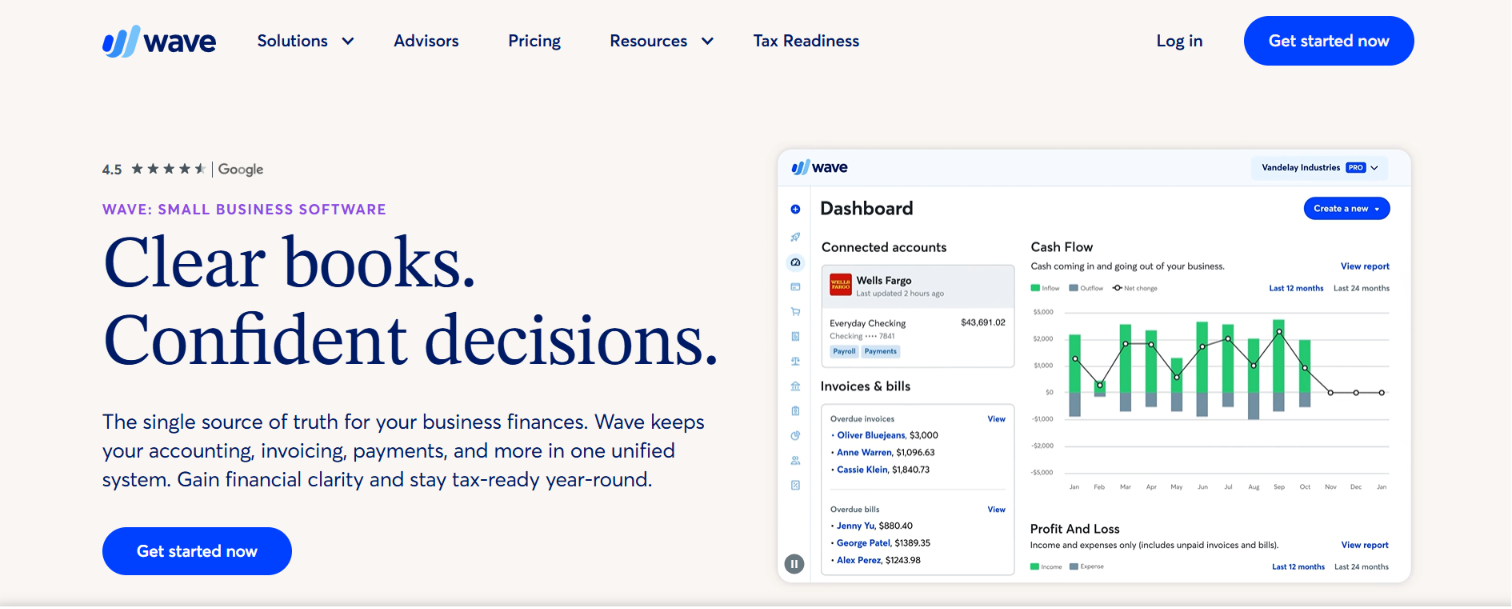
When manual data entry starts eating real time, the Pro plan adds automatic bank imports and receipt scanning without jumping to enterprise pricing. Tight cash and simple books make free accounting software like Wave a reasonable starting point, with paid tiers available later.
Wave pros:
- No-cost starter plans: cover invoicing and basic bookkeeping at no charge.
- Low-cost upgrades: Wave's Pro's smarter, more sophisticated tiers add features without enterprise pricing.
Wave cons:
- No revenue recognition: Neither offers native ASC 606 or a deferred-revenue engine, so subscription accounting falls to manual work.
- Limited multi-entity and scale: Consolidation across legal entities isn't supported, and both break down as volume climbs.
Best for: Freelancers, solo founders, and micro-businesses that need clean books before the budget for paid software exists.
Pricing: Wave offers a free Starter plan with Wave Pro at $19/month (or $190/year) per business.
5. Maxio
Maxio combines subscription billing, revenue recognition, and SaaS metrics into a single platform built for B2B SaaS finance teams, posting journal entries to the accounting system rather than replacing it.
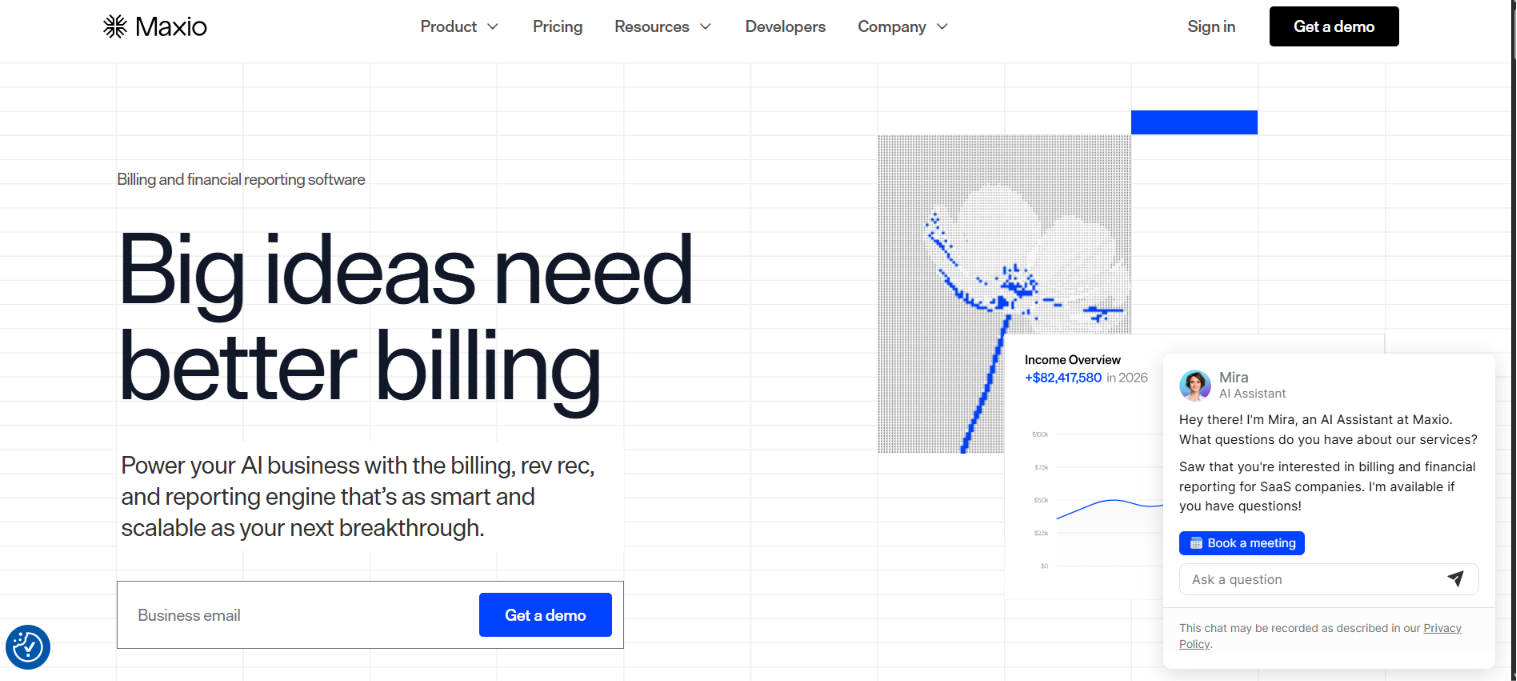
It's built to sit beside the general ledger, not replace it, posting recognized and deferred revenue as journal entries into your accounting system. That makes it a fit once recurring billing gets complex enough that ASC 606 schedules no longer belong in a spreadsheet.
Maxio pros:
- ASC 606 and SaaS metrics together: It automates recognized and deferred revenue, revenue waterfalls, and the metrics investors ask about.
- Two-way integrations: It syncs with QuickBooks, Xero, NetSuite, and Sage Intacct, so billing and the ledger stay aligned.
Maxio cons:
- Another system to maintain: It adds a platform and an integration on top of the core ledger.
- Built for real volume: The value shows up once recurring billing is complex, so it can be more than a low-volume team needs.
Pricing: Maxio offers a free developer sandbox, a Grow plan at $599/month for up to $100,000 in monthly billings, and a custom-quoted Scale plan for higher volumes, all with unlimited users.
Best for: Growth-stage to mid-market B2B SaaS companies, roughly $1M to $50M in ARR, with complex recurring or usage-based billing.
6. Chargebee
Chargebee is a subscription billing and revenue management platform for flexible, usage-based, and hybrid pricing models, with revenue recognition handled in a separate add-on module that posts ASC 606 entries to the ledger.
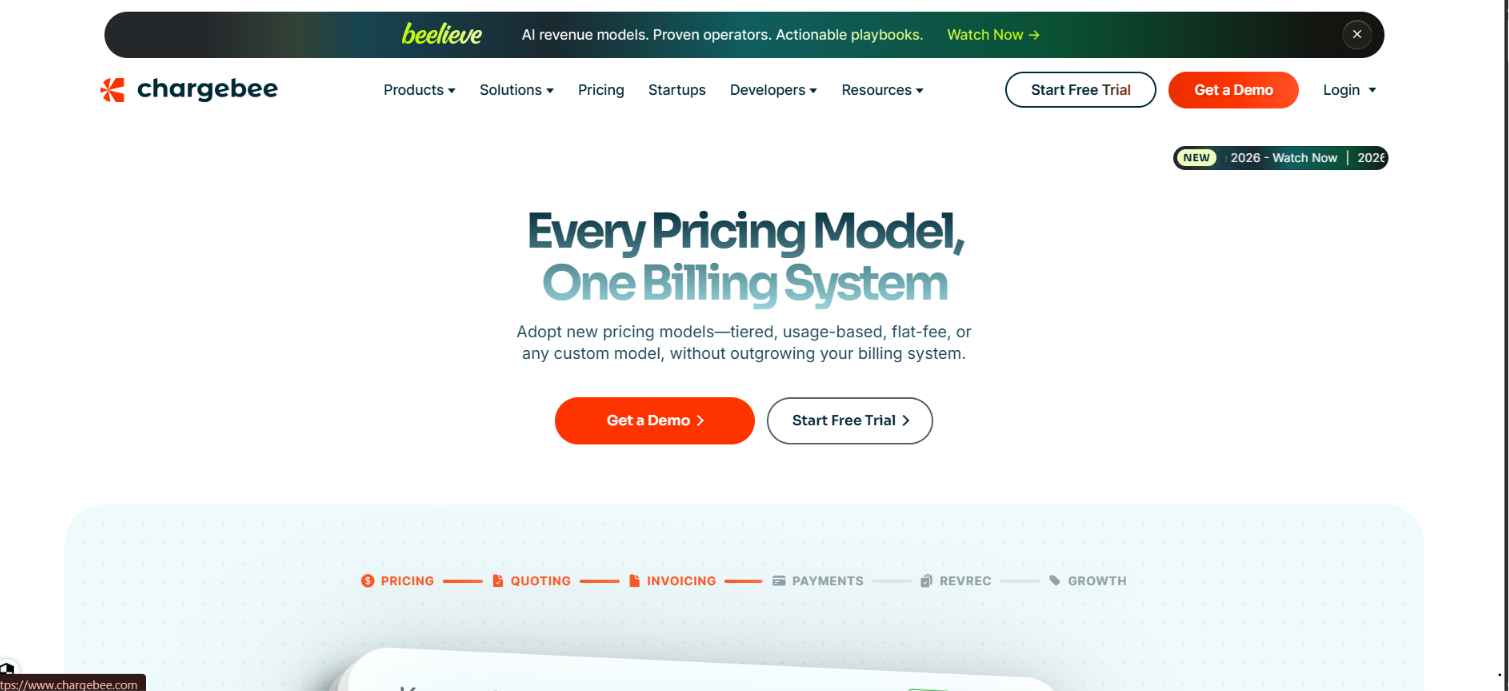
The draw is billing flexibility, since recurring, usage-based, and hybrid models are all handled in one place, along with dunning and collections. Revenue recognition lives in a separate RevRec module rather than the base plans, so factor that in if ASC 606 automation is what you're after.
Chargebee pros:
- Flexible billing models: Recurring, usage-based, and hybrid pricing are all supported, along with dunning and collections.
- Free to start: The Starter plan is free up to $250,000 in cumulative billing before usage-based fees begin.
Chargebee cons:
- Revenue recognition incurs additional costs: ASC 606 is implemented in a separate RevRec module rather than in the base billing plans.
- Layer, not a ledger: Like Maxio, it posts entries into the accounting system instead of being the books of record.
Pricing: The Starter plan is free up to $250,000 in cumulative billing, then charges 0.75% on billing; Performance is $7,188/year for up to $100,000 in monthly billing, and Enterprise is custom, with RevRec priced separately.
Best for: Startups through enterprise SaaS businesses with usage-based or hybrid billing that scale globally.
7. HubiFi
HubiFi automates revenue recognition for high-volume, multi-source subscription businesses, pulling transaction data from systems like Stripe and pushing clean journal entries into the ledger.
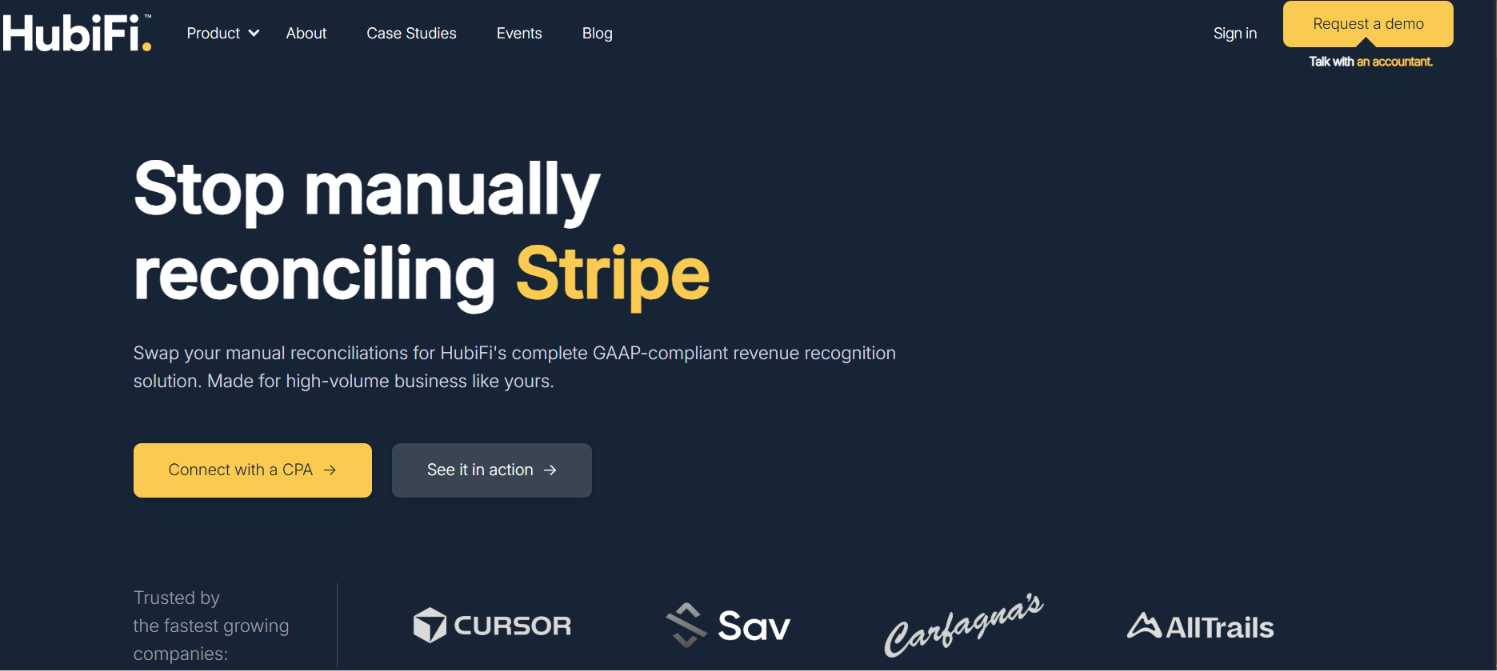
It targets the volume problem directly by pulling transaction data from systems like Stripe and posting clean journal entries, so the close stays fast even across large transaction sets. Pricing starts in the tens of thousands per year, which signals who it's built for: funded scale-ups and enterprises rather than seed-stage teams.
HubiFi pros:
- ASC 606 at high volume: It automates recognition, deferred revenue, and reconciliation across large transaction sets for a faster close.
- API-first integrations: It connects to NetSuite, QuickBooks, and many revenue-source systems through prebuilt connectors.
HubiFi cons:
- Priced for funded teams: Annual plans start in the tens of thousands, so it targets scale-ups and enterprises rather than seed-stage companies.
- Recognition layer only: It calculates and posts entries but relies on an existing ledger or ERP to hold the books.
Pricing: HubiFi publishes annual plans starting at $22,000 for Essentials, $45,000 for Growth, and $100,000 for Enterprise, with custom tiers above that and quotes tailored to each company's integrations.
Best for: High-volume, transaction-heavy SaaS and subscription businesses that need automated ASC 606 and a fast close.
8. Sage Intacct
Sage Intacct is a mid-market financial platform with native multi-entity consolidation, a dimensional general ledger, and built-in revenue recognition.
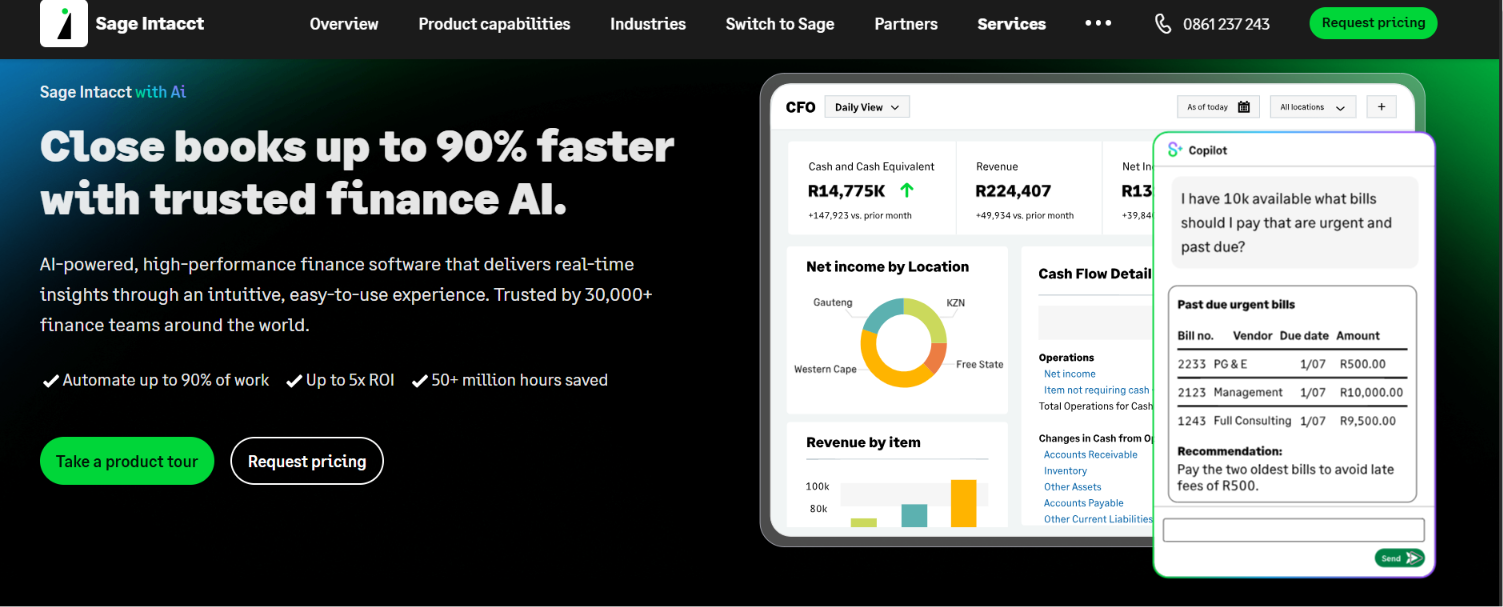
It is a frequent choice for SaaS companies that need investor-grade reporting without a full ERP scope.
The pull for SaaS companies is to get native multi-entity consolidation and revenue recognition without taking on the full ERP scope. Real-time consolidation across entities and currency pairs with dimensional reporting, which is why it shows up so often in pre-IPO finance stacks, with the tradeoff being rising costs as you add entities and a multi-month implementation.
Sage Intacct pros:
- Native multi-entity and rev-rec: Real-time consolidation across entities and currency pairs with automated ASC 606 recognition.
- Dimensional reporting: Reports by department, project, or location without a bloated chart of accounts.
Sage Intacct cons:
- Costs rise with entities: Adding entities and modules pushes the subscription up over time.
- Multi-month implementation: A typical deployment runs three to six months before going fully live.
Pricing: Sage Intacct is quote-only; third-party estimates put mid-market subscriptions at $25,000 to $75,000 or more per year and implementations at $30,000 to $75,000, so confirm current figures directly with Sage.
Best for: Mid-market services and SaaS companies that need multi-entity consolidation and investor-grade reporting.
9. NetSuite
NetSuite is a full cloud ERP that connects accounting with CRM and inventory or order management; OneWorld handles multi-subsidiary and multi-currency consolidation, and Advanced Revenue Management automates ASC 606 for complex subscription businesses.
The case for NetSuite is consolidation: finance, CRM, and inventory live in one system, and OneWorld handles multi-subsidiary, multi-currency reporting that lighter tools can't. That breadth is also the cost, since total spend climbs quickly once modules and users are added and deployments run for several months or more.
NetSuite pros:
- One platform across operations: Finance, CRM, and inventory live in a single system, which suits multi-subsidiary global companies.
- Strong consolidation and rev-rec: Multi-currency consolidation and rule-based revenue recognition are built in.
NetSuite cons:
- Among the most expensive options: The total cost is high once modules and users are added.
- Long implementation: Deployments typically take several months, and more for customized multi-entity setups.
Pricing: NetSuite is quote-only, with a base subscription that typically starts around $999/month, plus per-user fees of roughly $99 to $199 per user; third-party estimates put mid-market deployments at $40,000 to $150,000 or more per year, so verify directly with Oracle.
Best for: Multi-entity companies expecting enterprise-scale growth that want one platform for the long haul.
10. SoftLedger
A company that wants multi-entity consolidation without NetSuite's weight has a lighter option in SoftLedger, an API-first cloud ledger with real-time consolidation across entities.
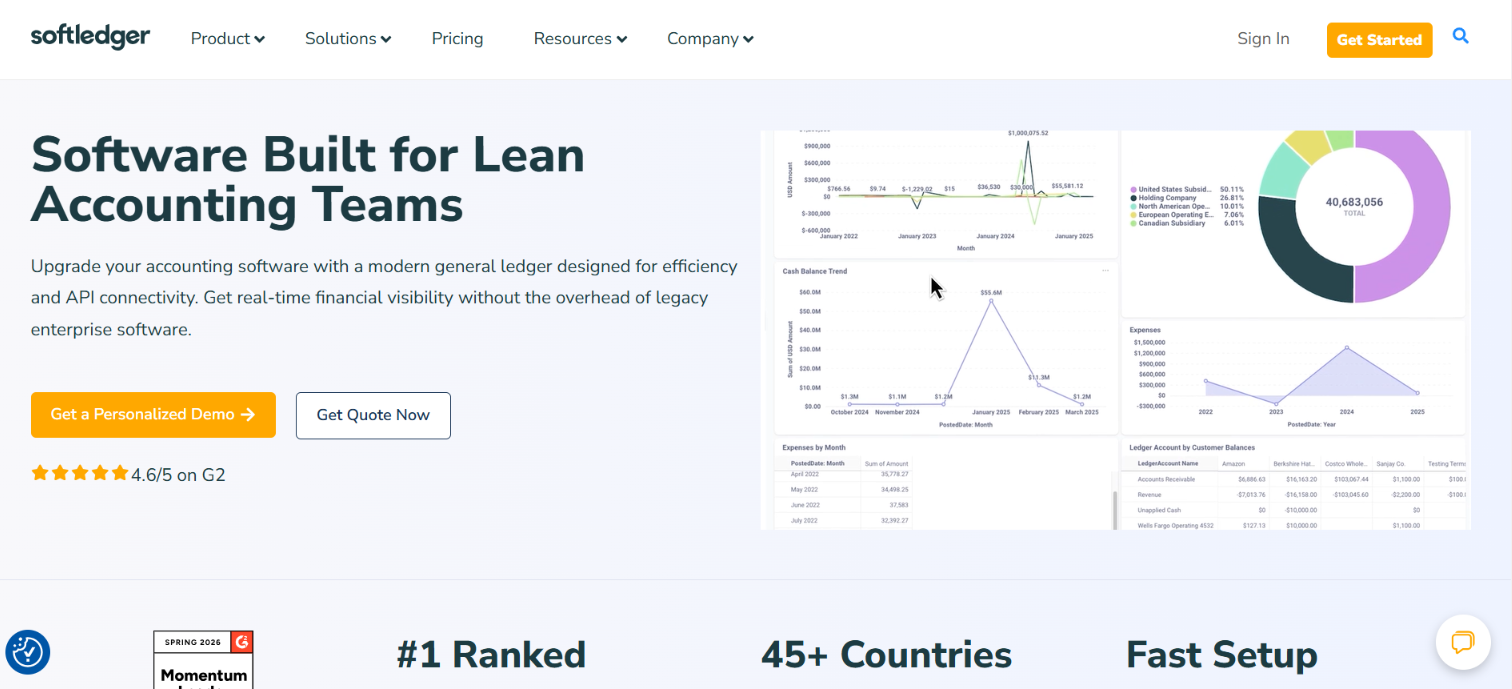
Because it's built around a full REST API and supports nested entities, SoftLedger suits tech-forward finance teams that want to automate workflows or feed an existing system rather than work entirely in a UI.
The trade-off is depth, since its revenue recognition is lighter than Intacct's or NetSuite's, so confirm the ASC 606 specifics your business needs before committing.
SoftLedger pros:
- Real-time consolidation: SoftLedger handles multi-entity accounting, and its API-first design suits tech-forward finance teams that want to automate workflows or feed data into other systems.
- Flat-fee, entity-unlimited structure: SoftLedger's plans are priced per month rather than per entity, so adding subsidiaries doesn't create a new line item as it does in Sage Intacct.
SoftLedger cons:
- Lighter rev-rec depth: SoftLedger's revenue recognition is less deep than Intacct or NetSuite, so confirm ASC 606 specifics for your needs.
- Per-seat costs add up: The Standard plan includes 3 users; additional seats increase the monthly rate so that a larger accounting team will pay more than the published base price.
Pricing: SoftLedger offers a Standard plan at $750/month for 3 users and an Enterprise plan starting at around $975/month; confirm current figures directly with the vendor.
Best for: Multi-entity, tech-forward companies that want real-time consolidation without a heavy ERP footprint.
The bottom line on SaaS accounting software
Platform choice comes down to complexity, not size. A single entity with clean integrations and under 500 monthly invoices can run on QuickBooks Online or Xero longer than you'd expect.
Once multi-entity consolidation or ASC 606 workflows combine with higher transaction volume and force your team into shadow spreadsheets, that's the signal to price out Sage Intacct and NetSuite, and to plan the migration with parallel closes and real data validation.
Clean spend data syncing into the general ledger matters before and after that decision, because a disconnected stack creates blind spots that no core platform fixes on its own.
Whatever ledger you land on, options like Ramp keep SaaS spend management and AP data flowing into your books.
Frequently asked questions about SaaS accounting software
Do you need spend management software if you already have accounting software?
Tools like Ramp sit on top of the ledger to set limits, route approvals, and code transactions before money goes out, then sync clean data back into the books. If your accounting software already captures spend cleanly and your volume is low, you may not need a separate platform yet, but most growing teams find the control and faster close worth it.
How does revenue recognition work for SaaS companies?
SaaS companies recognize revenue as the service is delivered over the contract term, not when cash lands. Hence, a $120,000 annual contract amounts to about $10,000 in monthly revenue, with the remainder deferred. ASC 606 governs how those obligations are split, which is why scaling teams rely on accrual accounting and dedicated revenue recognition (rev-rec) tools.
What accounting software do SaaS companies use?
SaaS companies commonly use QuickBooks Online or Xero early on, then move to Sage Intacct or NetSuite as they scale into multi-entity structures and need native revenue recognition. A billing tool like Maxio or Chargebee can cover subscription revenue and ASC 606 in addition to the ledger.
Is QuickBooks good for a SaaS company?
QuickBooks Online works well for SaaS companies in their early and growth stages, especially on the Advanced plan, which includes basic revenue recognition and up to 25 users. It strains once a company runs multiple entities or more than 500 invoices a month and needs consolidated reporting.
Does SaaS use cash or accrual accounting?
SaaS companies usually use accrual accounting because revenue is recognized as services are delivered over the contract term, so cash timing doesn't drive the revenue schedule. Accrual also aligns with ASC 606's treatment of subscription revenue and provides investors with a standardized view.


