


What Are the Best QuickBooks Alternatives for Small Businesses?

April 24, 2026
Most finance teams don't leave QuickBooks because it's broken. They leave because the platform might not be suitable for where the business is now: a team of five who all need accounting access, expense approvals still happening over email, and vendor payments that require someone to log in and cut a check manually.
The per-seat pricing model that works fine at two or three people quietly becomes expensive as your team grows.
In this guide, we explore eight alternatives to QuickBooks, and a practical framework for choosing based on your team size, budget, and whether you need a full general ledger replacement or an automation layer on top of what's already working.
In brief:
- Ramp is a free spend management platform that automates corporate cards, expense approvals, and vendor payments. It sits on top of your existing accounting software rather than replacing it.
- Xero includes unlimited users on all plans starting at $25/month, making it cheaper than QuickBooks for teams of 4 or more who need accounting access.
- Zoho Books offers a free plan for organizations with annual revenue under $50,000, with paid plans starting at $20/month (or $15/month billed annually) for 3 users.
- Wave's core accounting and invoicing are free; automated bank transaction import requires the Pro plan at $16/month, billed annually.
- If your accounting software works, but expense approvals and AP workflows are the actual problem, an automation layer like Ramp or BILL is a faster fix than a full GL migration.
8 best QuickBooks alternatives at a glance
Some of these QuickBooks alternatives are full accounting platforms, while others, like Ramp and BILL, sit on top of your existing accounting software and automate the parts of finance that eat your week. The right choice depends on whether your business needs to replace its general ledger, add an automation layer, or both.
The table below gives you a side-by-side view before we break each one down:
| Platform | Starting price/mo | Free tier? | Best for | Type |
|---|---|---|---|---|
| Ramp | $0 | Yes | Spend management + AP automation | Automation layer |
| Xero | $25 | No | Multi-user teams needing a full GL | Full accounting |
| Zoho Books | $0 | Yes | Budget-conscious teams; Zoho ecosystem | Full accounting |
| FreshBooks | $23 | No | Freelancers and service businesses | Accounting software |
| Wave | $0 | Yes | Solopreneurs; multiple small entities | Basic accounting |
| Sage 50 | ~$69 | No | Desktop preference; inventory-heavy ops | Full accounting |
| NetSuite | Custom | No | Mid-to-large enterprise; multi-entity | Full ERP |
| BILL | $45/user | Yes (Spend module) | AP/AR workflow automation | Automation layer |
Let's walk through what makes each one worth considering, along with the tradeoffs you should know about.
1. Ramp
Ramp is a spend management and AP automation platform that handles corporate cards, expense management, vendor payments, and invoice processing. It sits on top of your existing accounting software rather than replacing it.
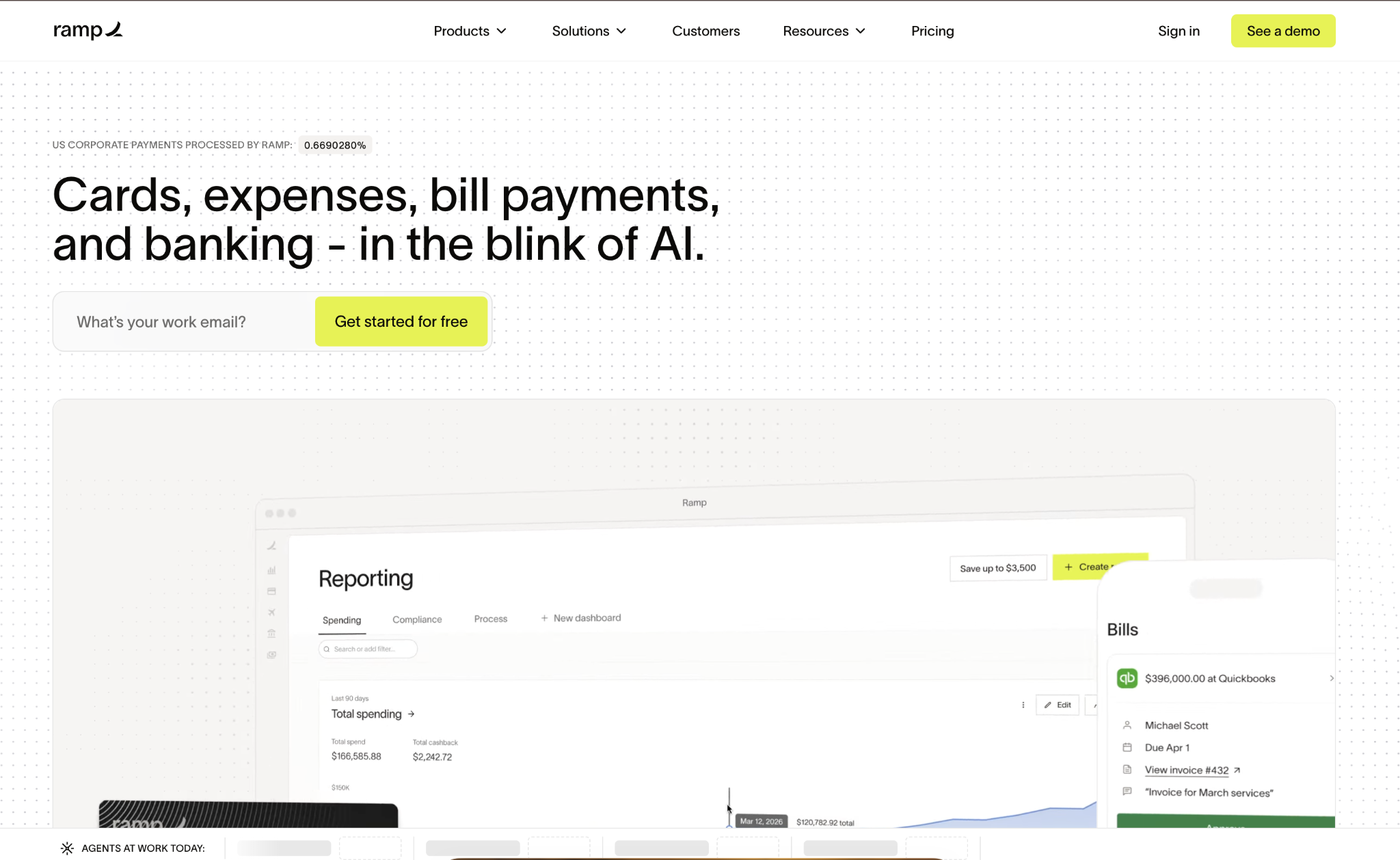
The free plan integrates with QuickBooks Online and Xero; the Plus tier adds advanced AP automation and connections to NetSuite, Sage Intacct, and Acumatica. If your team spends hours chasing down receipts or routing invoice approvals via email, Ramp addresses those pain points without requiring a migration from your current accounting platform.
Ramp pros:
- Free tier: No per-user fees on the base plan
- Flat cash back: Earned on all corporate card spend with no caps
- Multi-entity support: Available on Plus and above
- Payment speed: Free same-day ACH and international wire transfers via Ramp Business Account
Ramp cons:
- Not a standalone GL: You still need an accounting platform underneath it
- Advanced integrations: NetSuite and Sage Intacct connections require the Plus tier
- Enterprise features: Workday and Oracle Fusion Cloud integrations need a custom plan
Pricing: The free plan covers spend management basics with no per-user fee. Plus costs $15/user/month plus a platform fee based on team size, with a 20% discount on annual billing. Enterprise is custom-quoted for global operations.
Best for: Teams with 50 to 500 employees that already have an accounting platform but need to automate expense approvals, receipt chasing, and vendor payment workflows.
2. Xero
Xero is a cloud accounting platform that includes unlimited users on every plan, a pricing structure that directly addresses one of the most common reasons growing teams leave QuickBooks.
Three tiers cover bank reconciliation, invoicing, bill tracking, and financial reporting, with multi-currency and project tracking added at the highest tier. If your team has four or more people who need regular access to accounting, you'll find that Xero's per-plan pricing saves real money compared to QuickBooks' per-seat model.
Xero pros:
- Unlimited users: All plans, including the $25 starter tier, include unlimited users
- App ecosystem: Connects to more than 1,000 third-party tools, including Gusto, HubSpot, and Stripe
- Mobile features: Invoice creation, payment collection, and expense capture on iOS and Android
Xero cons:
- No native US payroll: You'll need Gusto, which adds cost on top of your Xero subscription
- Multi-currency: Only available on the $90 Established plan
- Accountant familiarity: Your CPA may be less comfortable in Xero than in QuickBooks
Pricing: Early starts at $25/month, Growing at $55/month, and Established at $90/month. New US customers can get 80% off for the first three months, but don't build your budget around a promotional rate that may not renew.
Best for: Growing teams where four or more people need accounting access and per-seat pricing has become a real budget concern.
3. Zoho Books
Zoho Books is a cloud accounting platform with one of the widest price ranges on this list, ranging from a free plan to $275/month.
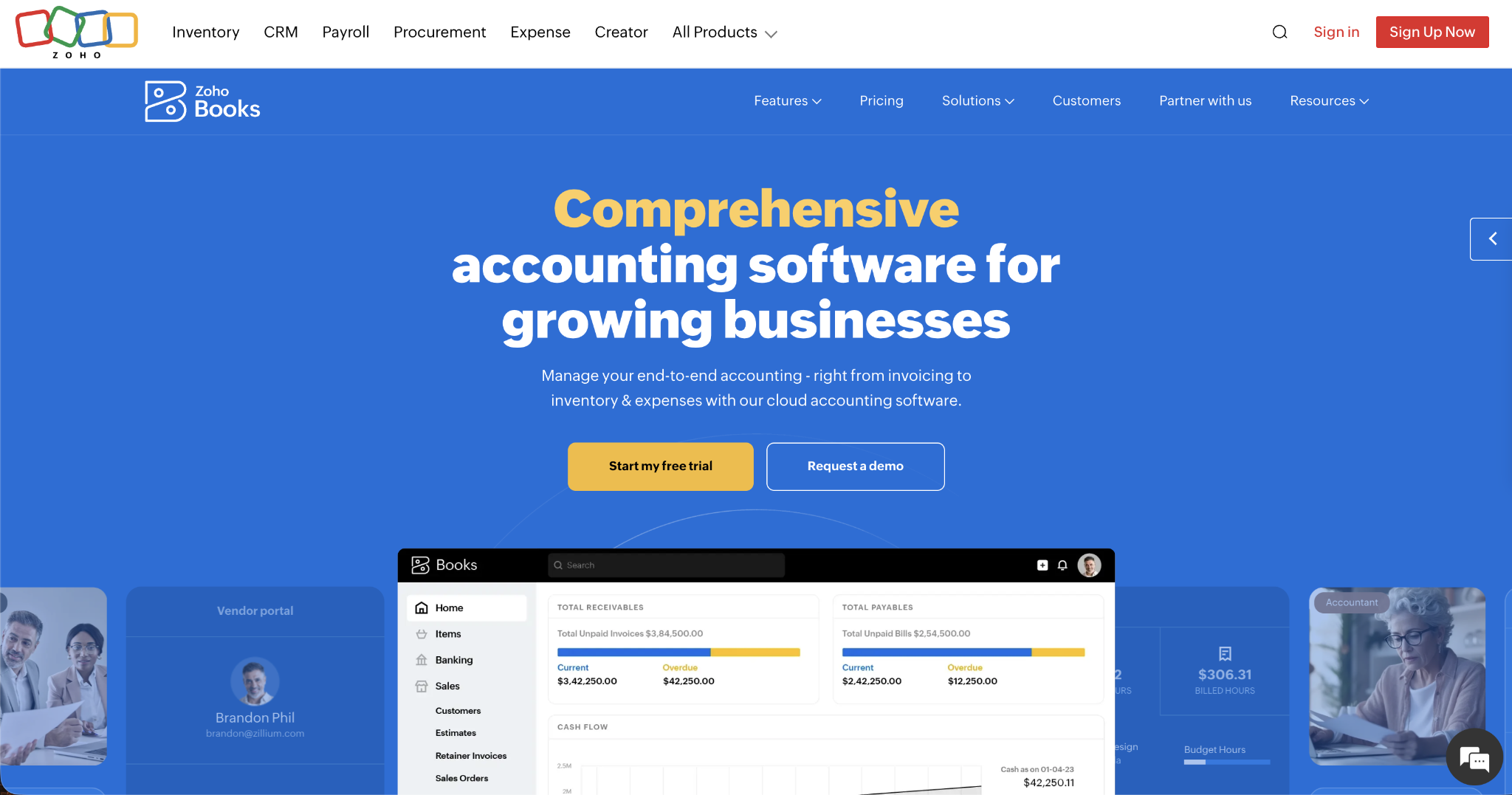
The free tier supports one user, one accountant, and up to 1,000 invoices per year for organizations with under $50,000 in annual revenue. Businesses already running Zoho CRM or Zoho Inventory benefit from native integrations that eliminate the need for third-party connectors in QuickBooks.
Zoho Books pros:
- Free plan: Includes double-entry accounting, bank reconciliation, and client portals for eligible organizations
- Standard plan: Starts at $15/month and supports three users
- Zoho ecosystem: Native integrations with Zoho CRM, Inventory, and other Zoho apps at no extra connector cost
- Nonprofit discount: 15% off paid plans for qualifying organizations
Zoho Books cons:
- Free plan limits: Automated bank import isn't available on the free tier; invoice and revenue caps also apply
- Support access: Phone and chat support are only on paid plans; the free plan gets email only
- Learning curve: Higher-tier plans include enough features to feel overwhelming for teams new to accounting software
Pricing: Free for eligible organizations under $50K annual revenue. Paid plans billed monthly: Standard is $20/month, Professional is $50/month, Premium is $70/month, Elite is $150/month, and Ultimate is $275/month. Annual billing reduces each tier by roughly 20% to 25%.
Best for: Cost-conscious teams that want to start free and scale gradually, especially those already using other Zoho products.
4. FreshBooks
FreshBooks is a cloud accounting platform designed for freelancers, consultants, and service businesses that invoice clients by the hour. Every plan includes built-in time tracking, client portals, and e-signatures, features QuickBooks typically charges extra for as add-ons.

It supports double-entry accounting, though the interface prioritizes invoicing and cash flow over complex financial reporting, which can limit your options if your bookkeeper relies on detailed reconciliation workflows.
FreshBooks pros:
- Time tracking: Built into every plan with no extra cost
- Client experience: Portal access and e-signatures included across all tiers
- Simpler interface: Easier for non-accountants to navigate than QuickBooks or Xero
FreshBooks cons:
- Client caps: The Lite plan limits you to 5 billable clients; you'll need a higher tier as your client base grows
- Limited inventory: No native inventory tracking, which is a problem if you sell physical products
- Reporting depth: Less suited for complex financial reporting than Xero or Zoho Books
Pricing: Lite is $23/month (5 clients), Plus is $43/month (50 clients), Premium is $70/month (unlimited clients), and Select is custom-priced with dedicated onboarding support.
Best for: Freelancers and service-based businesses that bill clients by the hour and need time tracking and invoicing in one workflow without paying for add-ons.
5. Wave
Wave is a free-to-start accounting platform built for solopreneurs and microbusinesses that need invoicing and basic bookkeeping without a monthly software fee.
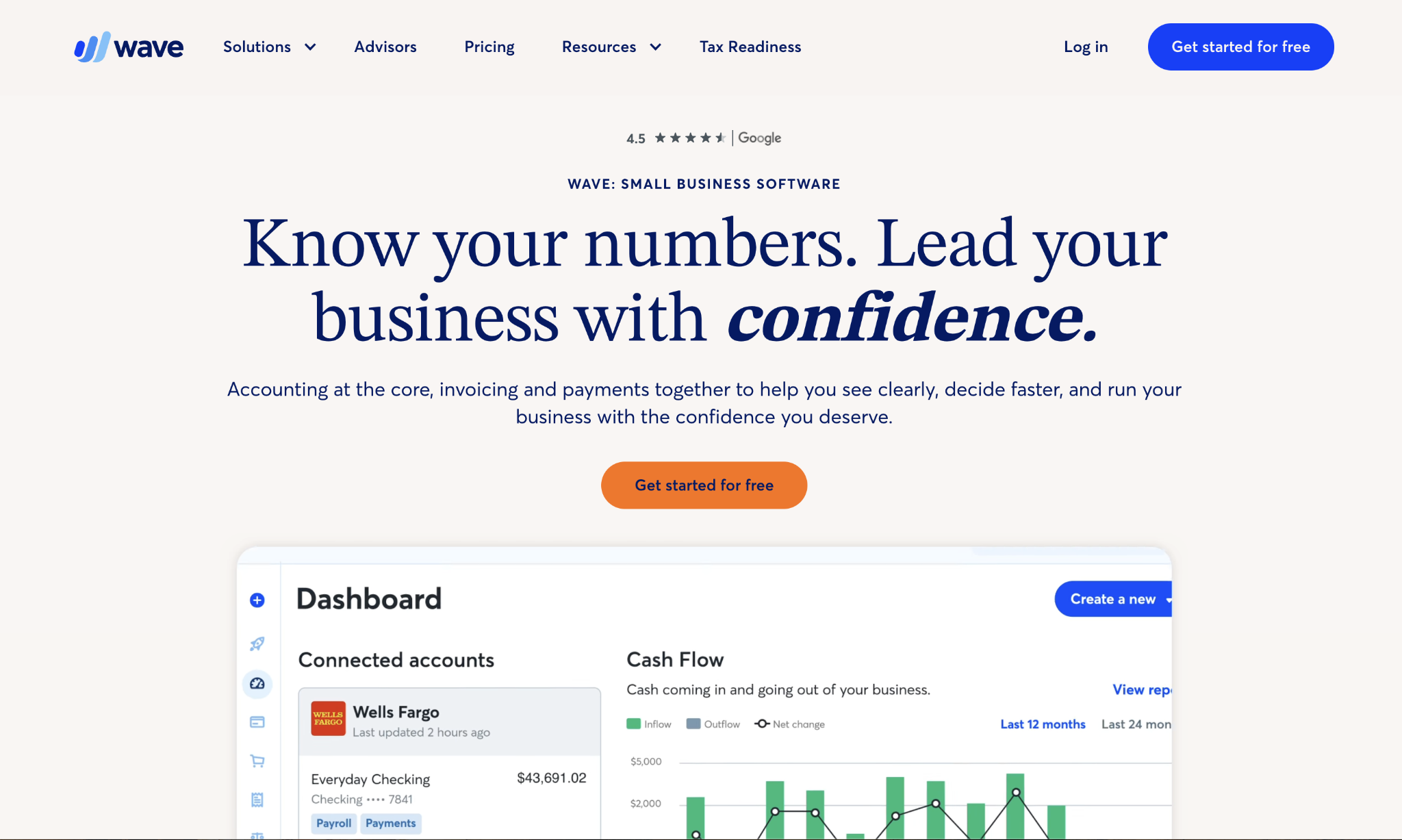
The Starter plan includes unlimited invoicing, estimates, and core accounting. Multiple business entities can be managed under a single Wave account at no additional cost. Automated bank transaction import, though, requires the paid Pro plan, at $16/month billed annually or $19/month billed monthly.
Wave pros:
- Free core accounting: Starter plan covers unlimited invoicing and basic financials
- Multiple entities: Manage more than one business under a single account at no added cost
- No lock-in: The free Starter plan doesn't expire or convert into a paid trial
Wave cons:
- No time tracking: A dealbreaker if you bill clients hourly
- Limited support: Chatbot and self-service only on the free plan; payroll and payments add-ons include access to live support
- No project tracking or advanced reporting: You'll hit the ceiling quickly as your business grows
Pricing: The Starter plan is free with no expiration date. The Pro plan costs $16/month billed annually or $19/month billed monthly, adding automated bank transaction import and receipt scanning. Payroll and payment processing are separate paid add-ons.
Best for: Solopreneurs and microbusinesses that need basic accounting and invoicing without a monthly software fee, especially operators running multiple small entities.
6. Sage 50
Sage 50 is a desktop accounting platform for businesses that prefer a local Windows application or need industry-specific financial reports that browser-based tools don't generate.
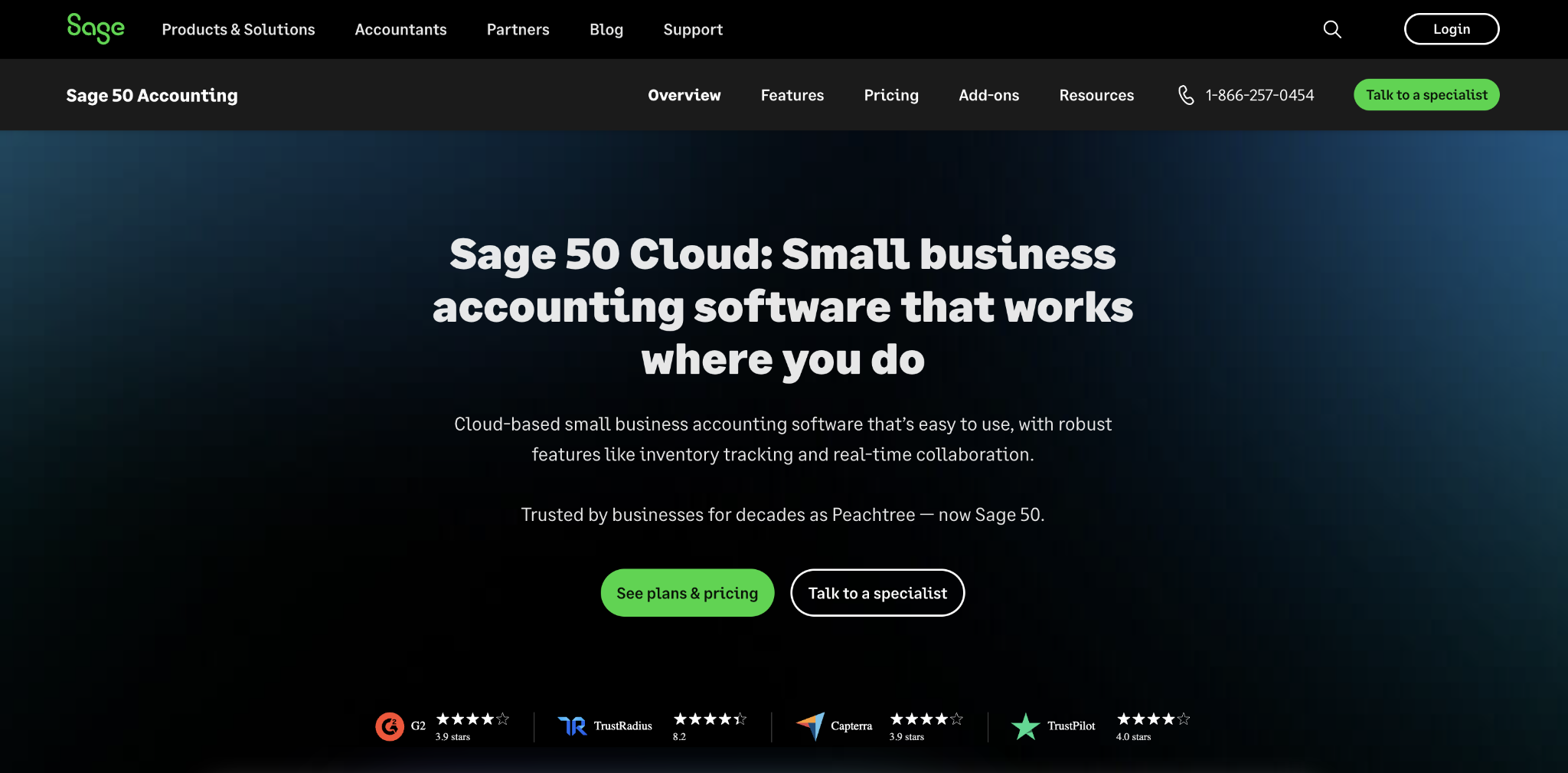
It's the only product on this list with a true desktop application alongside cloud access, and it includes audit trails on all plans with user capacity scaling up to 40 on Quantum.
Sage 50 pros:
- Industry-specific reports: Available in categories that cloud-only alternatives don't cover
- Desktop plus cloud: Local Windows application with online backup and access
- User scale: Quantum supports up to 40 users
Sage 50 cons:
- Higher entry cost: The single-user Pro plan starts around $69.42/month, the highest entry price on this list
- Smaller integration library: Xero and QuickBooks connect to more third-party apps
- Payroll: Available as a paid add-on through Sage's own integrated payroll module, with pricing tiered by employee count
Pricing: Pro Accounting runs approximately $69.42/month for a single user; Premium and Quantum pricing scale up for 5-user and 40-user configurations, respectively. Verify pricing directly with Sage before purchasing, as billing cycle and promotional pricing vary.
Best for: Inventory-heavy businesses that want desktop software with cloud backup, or companies that need industry-specific reports that their cloud accounting tool doesn't generate.
7. NetSuite
NetSuite is a full cloud ERP that consolidates accounting, CRM, inventory management, and HR into a single system, replacing the patchwork of point solutions that most growing companies accumulate as they scale.
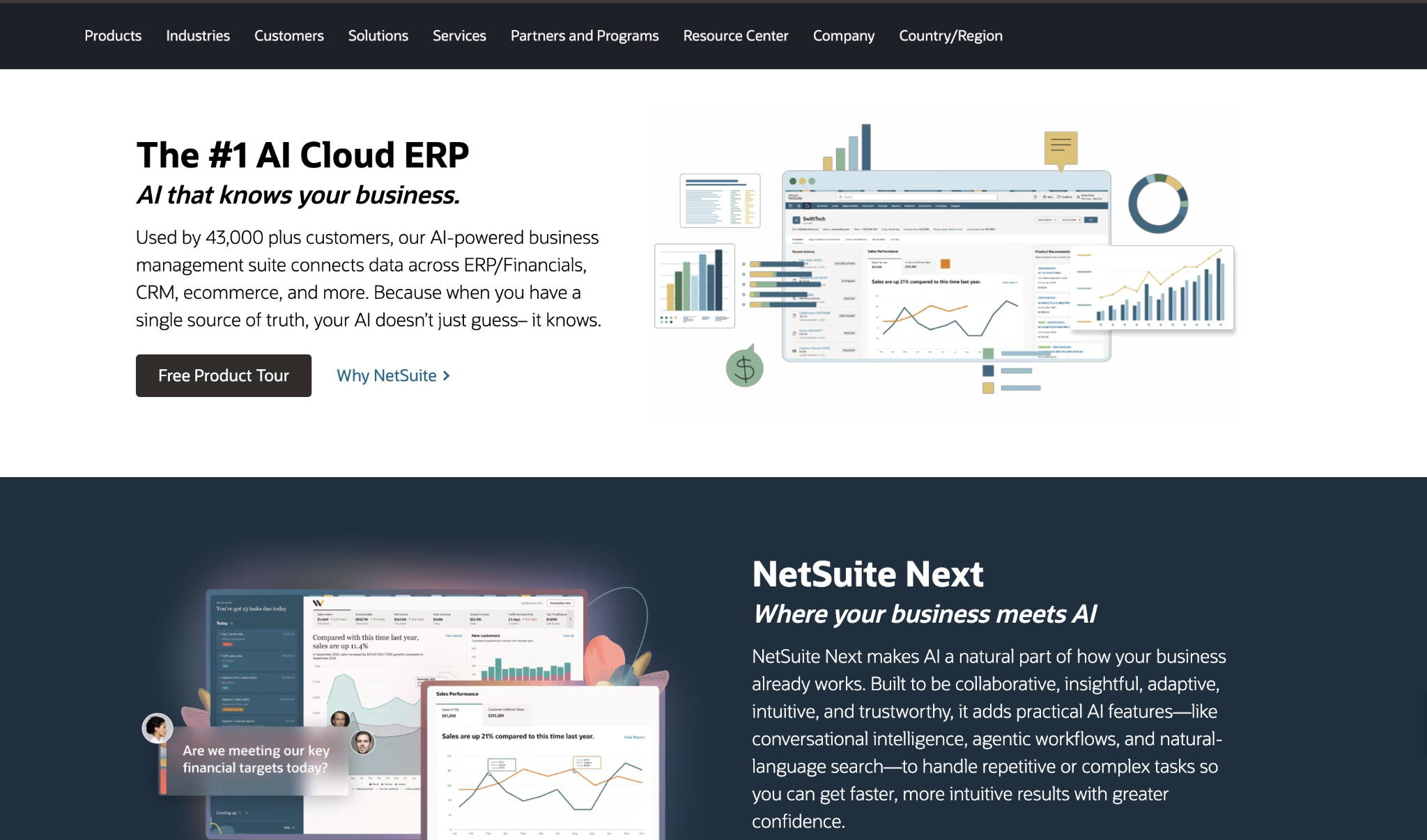
For teams that have outgrown QuickBooks Advanced's 25-user ceiling or are managing multiple legal entities, NetSuite offers native multi-entity consolidation and global compliance features that smaller tools can't match.
NetSuite pros:
- Multi-entity consolidation: Consolidated financials across subsidiaries without per-entity fees
- All-in-one platform: Native CRM, inventory, and HR modules in one system
- International support: Multi-currency and global compliance features built in
NetSuite cons:
- Price: Custom-quoted pricing often puts it out of reach for smaller companies
- Implementation complexity: Getting NetSuite running requires dedicated project management and a longer timeline
- Overkill risk: If you just need better accounting software, NetSuite is far more than you need
Pricing: Custom-quoted only, with per-user/month pricing on annual contracts. Expect a significant step up from every other platform on this list.
Best for: Companies with multiple entities or international operations that need consolidated financials and have outgrown QuickBooks' user limits and reporting capabilities.
8. BILL
BILL is an accounts payable and AR automation platform that syncs with QuickBooks, Xero, NetSuite, and Sage Intacct.
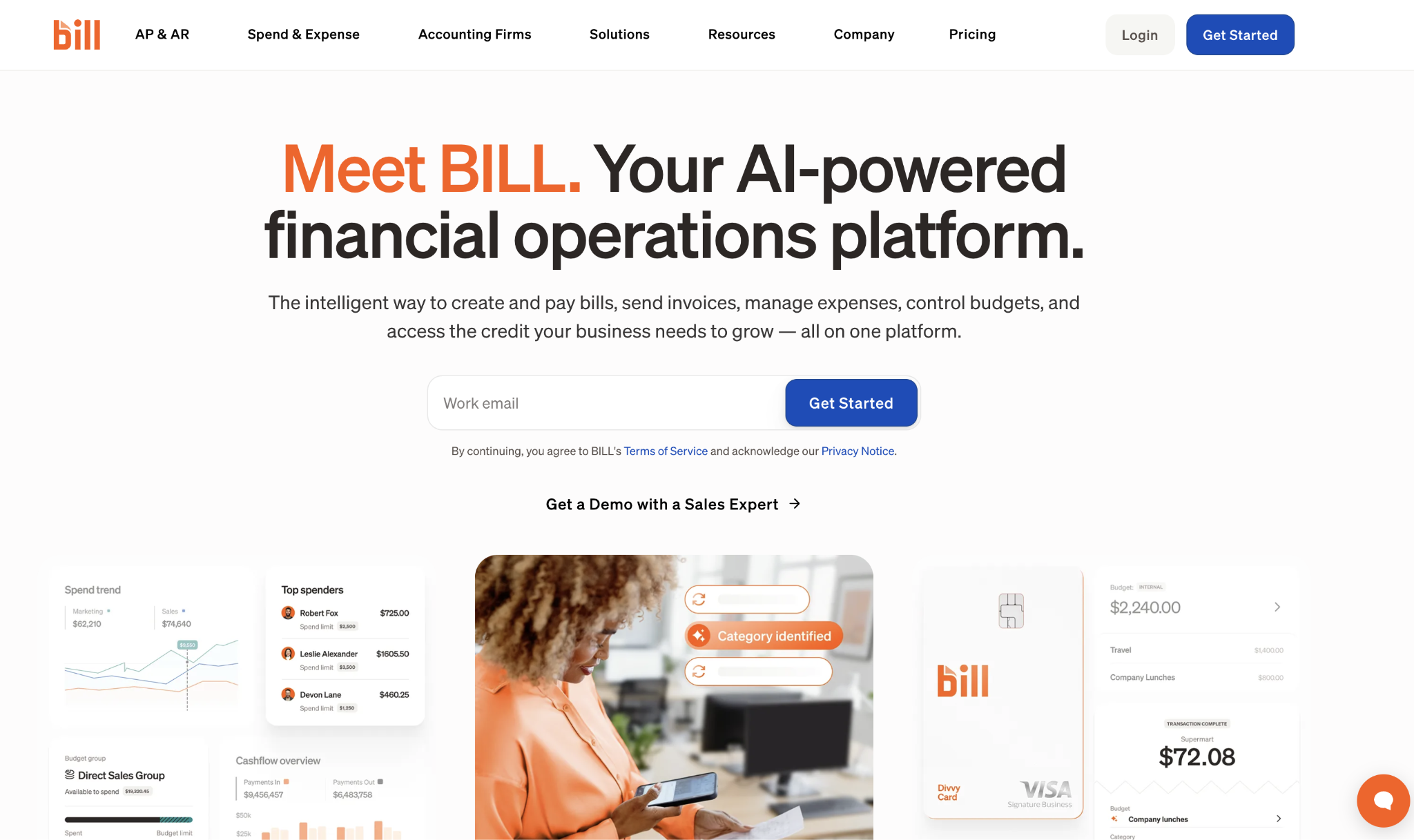
Like Ramp, it's not a standalone accounting system. You'd run it alongside your existing general ledger to automate invoice intake, approval routing, and payment execution for both payables and receivables.
BILL pros:
- AP and AR: Handles both sides of the cash flow equation in one platform
- Accounting integrations: Connects to most major general ledger systems
- Free spend module: The Spend and Expense module (formerly Divvy) is available at no cost
BILL cons:
- Per-user cost: At $45/user/month on the base plan, costs climb quickly with multiple finance team members
- Still needs a GL: You'll still need a separate accounting platform alongside BILL
- Transaction fees: ACH, wire, and card payments carry per-transaction fees regardless of which plan you're on
Pricing: Essentials (AP or AR) starts at $45/user/month; Team at $55/user/month; Corporate at $79/user/month; and Enterprise is custom-quoted. Transaction fees apply to all plans. Verify current pricing directly with BILL before committing.
Best for: Mid-market finance teams processing high invoice volumes who need structured approval workflows and payment execution without switching off their existing accounting platform.
How do you choose the right QuickBooks alternative?
The decision typically comes down to three factors:
- How many people on your team need access to accounting?
- What does your monthly budget look like?
- Whether the problem is your accounting software itself or the processes around it
For teams where four or more people need regular access to the books, Xero's unlimited-user model saves real money against QuickBooks' per-seat pricing. Hourly billers and service businesses will find that FreshBooks handles time tracking and invoicing without the add-on costs.
And if your accounting platform is working fine, but your team is buried in manual expense approvals and vendor payments, automation platforms like Ramp solve that without a full migration. Whatever direction you go, prioritize tools that integrate with your existing stack and let you upgrade later without forcing a data migration.
Frequently asked questions about QuickBooks alternatives
Is Xero really better than QuickBooks for small businesses?
Xero offers better value when four or more people need access to accounting, since all plans include unlimited users. That pricing structure is one of the clearest reasons growing teams compare it against QuickBooks. QuickBooks remains the stronger choice for native US payroll or when your existing CPA already works in it.
What is the best free QuickBooks alternative?
Zoho Books and Wave both offer free plans, but they fit different situations. Zoho Books includes double-entry accounting and bank reconciliation for eligible organizations with annual revenue under $50K, making it better suited to teams that want a traditional accounting setup. Wave suits solopreneurs who need unlimited invoicing and basic financials without a monthly fee.
Can I switch from QuickBooks without losing my data?
Switching is possible, but some data requires extra cleanup before the move. You can export your chart of accounts, customer and vendor lists, transaction history, and trial balance reports. Payroll history, attachments, and custom templates typically don't transfer cleanly, so reconcile all accounts before exporting and, if you can, avoid switching mid-year.
Do I need a full accounting replacement or just an automation layer?
The answer depends on where the friction actually is. If your accounting software works fine but your team is buried in manual expense approvals and vendor payments, an automation layer like Ramp or BILL is the faster fix. If the general ledger itself is causing problems, a full replacement like Xero or Zoho Books is the better move.


