


How Quicken and QuickBooks Compare for Growing Businesses

April 24, 2026
You've probably seen both names in the same search results and wondered if they're basically the same product. Quicken is personal finance software with a business layer added on top, while QuickBooks is a purpose-built business accounting system. They both deal with money, but they solve fundamentally different problems.
In this guide, we explore the key differences between the two platforms, where each one fits best, and the three questions that usually settle the choice based on your team size, structure, and tax situation.
In brief:
- Quicken is personal finance software with a business overlay; QuickBooks is a dedicated business accounting system with double-entry bookkeeping, payroll, and formal financial reporting.
- Quicken's Business & Personal plan supports a single user at $7.99/month. QuickBooks supports up to 25 users and starts at $38/month.
- Quicken has no payroll or 1099 support. QuickBooks adds payroll for a $50/month base plus $6.50 per employee per month.
- Sole proprietors who file Schedule C on a personal tax return can use Quicken effectively. Businesses filing taxes as a separate entity need QuickBooks.
- Once a second person needs access to the books, Quicken's single-user design becomes a hard blocker. QuickBooks is the standard choice for multi-user financial collaboration.
What are the key differences between Quicken and QuickBooks?
Beyond the double-entry distinction, the most consequential gap for growing businesses is payroll and contractor management. QuickBooks handles W-2 payroll as an add-on, with employment taxes and wage entries posting directly to your general ledger. It also generates 1099 forms for contractors at year-end.
Quicken has neither capability, which means any business paying employees or contractors needs separate tools to cover what QuickBooks handles natively.
Here’s a side-by-side look at the specific features of both platforms:
| Feature | QuickBooks Online | Quicken Business & Personal |
|---|---|---|
| Built for | Small to midsize businesses | Personal finance with business overlay |
| Double-entry accounting | Yes | Not a full double-entry system |
| Payroll | Yes (add-on) | No |
| Multi-user access | Up to 25 users | Single user only |
| Accountant portal | Dedicated free portal | Not available |
| Inventory management | Yes (Plus and above) | No |
| 1099 contractor management | Yes | No |
| Third-party integrations | Many business app integrations | Bank connections only |
| Starting price | $38/month | $7.99/month |
If your business has employees, needs multi-user access, or files taxes as a separate entity, QuickBooks is usually the better fit of the two.
Double-entry accounting and financial structure
QuickBooks uses double-entry accounting, the framework that CPAs, banks, and investors expect. Every transaction records both a debit and a credit, producing formal financial statements.
Quicken doesn't support double-entry accounting, so it can't produce the records that an LLC taxed as a corporation, S-corp, or C-corp typically needs to maintain for filing, audits, or outside investors.
Multi-user access and accountant collaboration
Quicken is single-user by design. If a bookkeeper, co-founder, or outside CPA needs access to your books, Quicken can't accommodate them. QuickBooks supports up to 25 users on its Advanced plan and offers a free dedicated portal for accountants. For growing teams, that gap quickly becomes a practical limit.
Payroll and contractor management
QuickBooks integrates payroll as an add-on, with journal entries for wages and taxes flowing directly into your financials. It also handles 1099 contractor management, including generating the forms at year's end.
Quicken has no payroll functionality and no 1099 support, so any business with W-2 employees or regular contractor payments needs to manage both outside the platform.
Reporting depth
QuickBooks generates full P&L statements, balance sheets, statements of cash flows, AR/AP aging reports, and general ledgers. Quicken produces a basic P&L, a basic balance sheet, and tax reports for personal returns, as well as some basic AR/AP reporting.
For businesses needing audit-ready records or investor-grade financials, the gap between the two is significant.
Integration ecosystem
QuickBooks connects to business apps, including Shopify, PayPal, Square, Gusto, ADP, and Expensify. Quicken's integrations are limited to bank connections through aggregators, with no connections to e-commerce, CRM, or expense management platforms.
For businesses running a POS system, an e-commerce platform, or a third-party payroll provider, QuickBooks is the more practical option.
Diving into Quicken for sole proprietors and freelancers
Quicken is a personal finance platform that introduced its cloud-based Business & Personal tier in 2025. It's designed for individuals who want to track personal budgets, investments, and basic business income in one place.
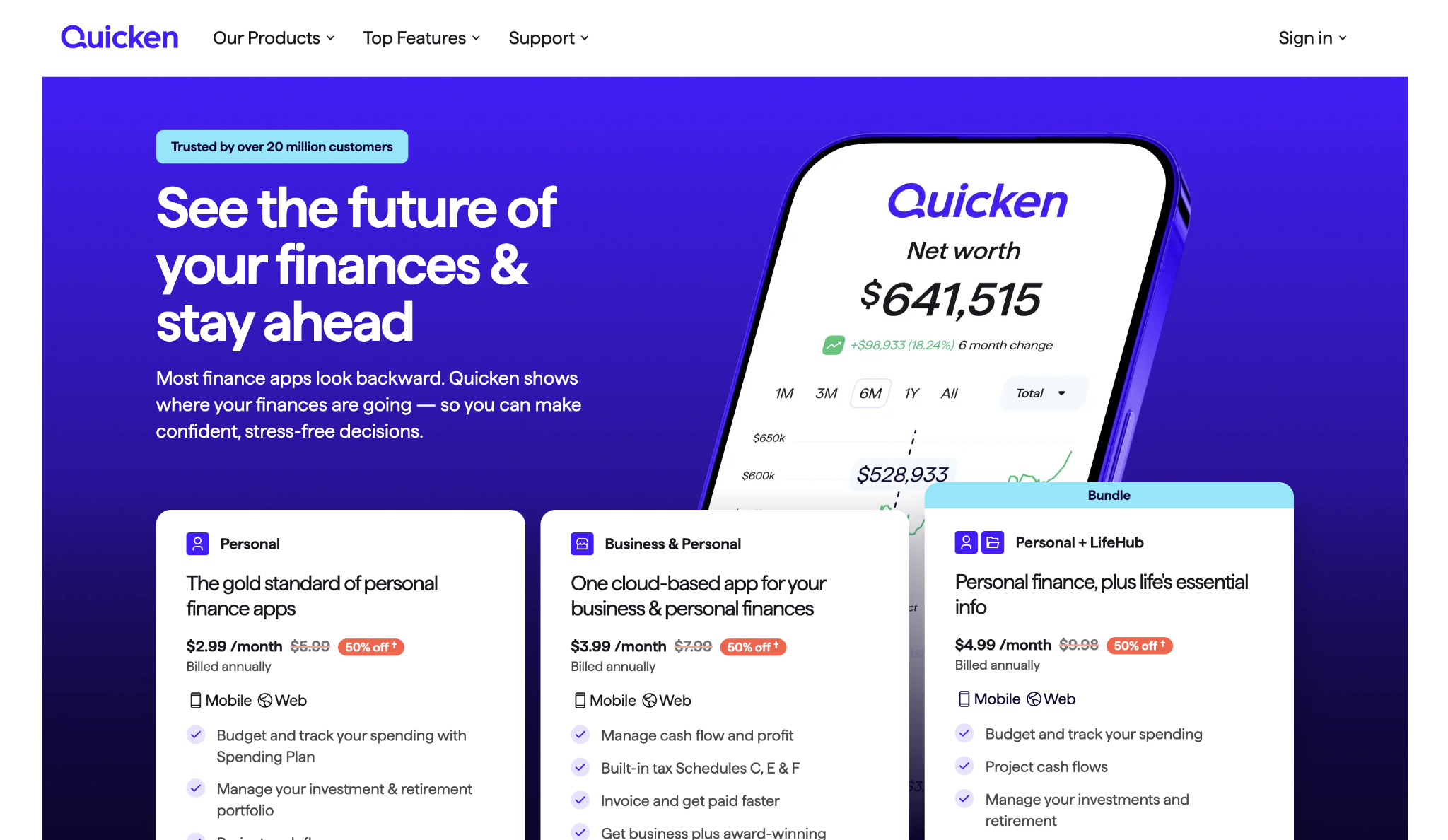
The Business & Personal plan supports invoicing, client and project tracking, and income and expense tracking for up to 10 businesses, all built within Quicken's personal finance framework.
For freelancers, sole proprietors, and rental property owners who file through their personal tax return, Quicken covers the basics at a fraction of what QuickBooks costs. The ceiling is lower, though, and once a second person needs access to financial resources, the limitations become harder to work around.
Pros and cons of Quicken
Quicken Business & Personal has a short list of genuine advantages, and they're most relevant for solo operators who want business tracking without the overhead of a full accounting system:
- Low cost: Business & Personal starts at $7.99/month and supports up to 10 businesses
- Combined personal and business tracking: The only option between the two that manages personal finances, investments, and business income in a single platform
- Schedule C, E, and F support: Handles sole proprietor, rental property, and farming income tax reporting for personal returns
- Minimal setup: Bank connections and transaction downloads work quickly with little configuration required
On the other hand, the limitations are just as clear. They tend to compound as a business adds people, complexity, or outside advisors:
- Single-user only: No way to share access with a bookkeeper, accountant, or business partner
- No payroll or 1099 support: Any business with W-2 employees or contractor payments needs a separate system
- No double-entry accounting: Can't produce the formal financial statements that banks, investors, or CPAs require
- Limited integrations: No connections to e-commerce, CRM, or AP automation tools
Pricing: Quicken Business & Personal costs $7.99/month for the mobile and web app, or $10.99/month for the Classic desktop version, both billed annually. Promotional pricing for new subscribers reduces costs in the first year, but budget for the full rate going forward.
Use cases and where Quicken stands out
Quicken's biggest strength is the personal-plus-business combination in a single platform. For a sole proprietor or a rental property owner who files a single return covering all income, Quicken eliminates the need for separate personal finance software.
Schedule C and E support is built in, and at $7.99/month, it's significantly cheaper than any QuickBooks plan. For a solo operator handling everything alone who needs basic books more than formal financial statements, that combination is hard to beat at the price.
Exploring QuickBooks for growing businesses and teams
QuickBooks Online is a business accounting system designed for small to midsize companies. It handles double-entry bookkeeping, invoicing, payroll as an add-on, inventory tracking, multi-user access, and formal financial reporting.
Unlike Quicken, it was built from the ground up for business use, which means every feature connects directly to your company's books rather than to a personal finance layer underneath.
For businesses with employees, multiple people who need access to the books, or any entity structure beyond a simple sole proprietorship, QuickBooks is usually where the comparison starts. It has a steeper learning curve than Quicken because it covers more accounting and reporting ground, and that depth gives your business more room before you'd need to switch systems.
Pros and cons of QuickBooks
QuickBooks was built for business accounting from the ground up.
These are the capabilities that tend to matter most once a business has employees or outside financial collaborators:
- Complete accounting system: Double-entry bookkeeping, formal P&L, balance sheet, cash flow statements, and general ledger
- Multi-user and accountant access: Up to 25 users on Advanced, plus a free dedicated portal for CPAs and bookkeepers
- Payroll integration: Native payroll with automatic journal entries, plus third-party options like Gusto and ADP
- Many integrations: Connects to Shopify, Amazon, PayPal, Square, Mailchimp, and many more
The tradeoffs are real, and they show up most for smaller or simpler operations that don't need the full feature set but still pay full price for it:
- Higher cost: Plans range from $38/month to $275/month, and payroll is a separate add-on
- Customer support: Support quality receives consistent criticism in user reviews across Capterra and G2
- Advanced plan reviews: The Advanced tier carries mixed reviews for value; check current ratings before committing to that plan
- Steeper learning curve: More features mean more time to get up to speed, especially if you're managing the books without formal accounting training
Pricing: QuickBooks Online starts at $38/month for Simple Start and goes up to $275/month for Advanced. Payroll is an add-on starting at a $50/month base plus $6.50 per employee per month. A 10-person company on the Essentials plan ($75/month) with Core payroll would pay roughly $190/month in total. New customers can get either 50% off for the first three months or a 30-day free trial, but you can't combine both offers.
Use cases and where QuickBooks stands out
QuickBooks is the right call any time the finance function needs to work for more than one person. The dedicated accountant portal is free and widely used, so many CPAs already have their workflow built around it. Native payroll means wages, withholdings, and employer contributions are posted directly to your general ledger without manual entries.
For businesses scaling beyond 50 employees, the formal cash flow statements, P&L statements, and balance sheets that QuickBooks generates are what banks, investors, and boards ask to see. Its integration library covers the e-commerce, payroll, and expense platforms that most growing companies already run.
Quicken or QuickBooks: How do you choose the right one for your business?
Three questions usually settle the choice: payroll, access, and tax structure, because that's where the biggest practical gaps between the two products appear.
Do you pay anyone a salary or an hourly wage?
If there is even one W-2 employee, Quicken can't help with payroll, employment tax records, or the Forms 940 and 941 the IRS requires. QuickBooks handles payroll through its add-on, with each transaction flowing directly into your financial statements. For businesses that pay employees, this question often settles the decision on its own.
Does anyone else need access to your financial records?
The moment a bookkeeper, CPA, co-founder, or controller needs to see the books, Quicken's single-user setup becomes a hard blocker. QuickBooks was designed for multi-user collaboration, and most CPAs are already familiar with the platform.
Are you filing business taxes separately from your personal return?
If your business is an LLC taxed as a corporation, an S-corp, or a C-corp, it needs double-entry accounting and formal financial statements. Quicken doesn't produce them at that standard, but QuickBooks does, and that gap tends to make the decision straightforward.
For sole proprietors filing Schedule C on their personal return, Quicken may cover the basics, though QuickBooks leaves more room if your entity structure changes later.
Frequently asked questions about Quicken vs QuickBooks
Can Quicken replace QuickBooks for a small business?
Quicken can replace QuickBooks only in a narrow set of cases: no employees, no need for multi-user access, and taxes filed through a personal return. Once payroll, double-entry accounting, 1099 management, or accountant collaboration enters the picture, the gap between the two products becomes practically uncrossable.
Is QuickBooks worth the higher price compared to Quicken?
For businesses with employees or outside financial collaborators, the higher price reflects features Quicken doesn't offer. Payroll integration, multi-user access, formal financial reporting, and hundreds of app integrations can replace separate tools or manual workarounds. For a solo operator with simple books, those capabilities may not yet justify the added cost.
Can I switch from Quicken to QuickBooks later?
Switching later is possible, but you'll likely need to export and re-import financial data rather than use a direct migration path. QuickBooks is the most common destination when businesses outgrow Quicken, which makes timing important. Moving before your books get more complex is almost always easier than waiting.
Can Quicken handle payroll or contractor payments?
Quicken has no payroll functionality and no 1099 support. If your business pays anyone a W-2 salary, you'll need a separate payroll system regardless of which accounting platform you use. For 1099 contractor payments, QuickBooks natively manages tracking and form generation; Quicken does not.


