


Which AI Accounting Software Should You Use in 2026?

July 10, 2026
A SCORE poll found that 40% of small business owners call bookkeeping and taxes the worst part of running a company, and if you've ever lost an evening to matching receipts, you already know why.
The best AI accounting software fixes exactly that layer of the problem by coding your transactions as they happen, automatically matching receipts, and flagging errors before month-end turns into a scramble.
In this guide, we break down what each tool actually automates, how they compare on price and integrations, and how to pick the right one for your business.
Key takeaways:
- Ramp holds a 4.8-star rating on G2 from more than 2,400 reviews
- QuickBooks Online sits around 4.0 on G2 and 4.3 on Capterra
- Xero rates roughly 4.4 on G2 and 4.4 on Capterra
- Zeni holds 4.6 on G2 from 81 reviews
- As of this writing, Puzzle doesn't yet have a review on Capterra
An overview of the 5 best AI accounting software
We scored each tool on AI feature depth, pricing transparency, integration quality, and independent review data from G2 and Capterra rather than relying on vendor marketing alone. Point-of-spend coding means the system assigns accounting fields when a purchase happens, before the transaction reaches month-end review. Tools that did more of that automatically scored higher than those that left cleanup for later.
Here are what we looked at independently:
- AI feature depth: We favored tools that code transactions in real time or learn from corrections, rather than leaving cleanup to month-end.
- Integration quality: Deep two-way syncing with an existing general ledger distinguishes tools that help from those that require manual exports.
- Pricing transparency: Published pricing carried more weight, and we flagged places where only third-party data was available.
- Review credibility: Verified user feedback on G2 and Capterra mattered more than vendor self-promotion.
Ledger replacements and ledger add-ons solve different problems, so the table below separates what each tool actually is before the full breakdowns:
| Software | Best for | Key AI capabilities | Starting price |
|---|---|---|---|
| Ramp | AP automation, spend management | Auto receipt matching, AI coding at the point of spend, AP agent | Free tier |
| QuickBooks Online | U.S. SMBs, existing QBO users | Anomaly detection, categorization and 13-week cash flow forecast | $38/mo |
| Xero | Multi-currency, international teams | JAX assistant, bank matching, up to 180-day forecasting | $25/mo |
| Puzzle | Early-stage SaaS startups | AI close agents, SaaS revenue recognition, burn dashboards | Free tier |
| Zeni | Venture-backed startups | AI bookkeeping plus dedicated human bookkeepers | $549/mo |
Ramp adds expense and AP automation on top of an existing ledger; QuickBooks Online and Xero are the ledger choices themselves, and Puzzle or Zeni make more sense when a startup wants its books rebuilt around software or a managed service.
Let’s dive in!
1. Ramp
Ramp is a spend management platform for corporate cards, expense management, and AP automation that layers on top of an existing general ledger rather than replacing it.
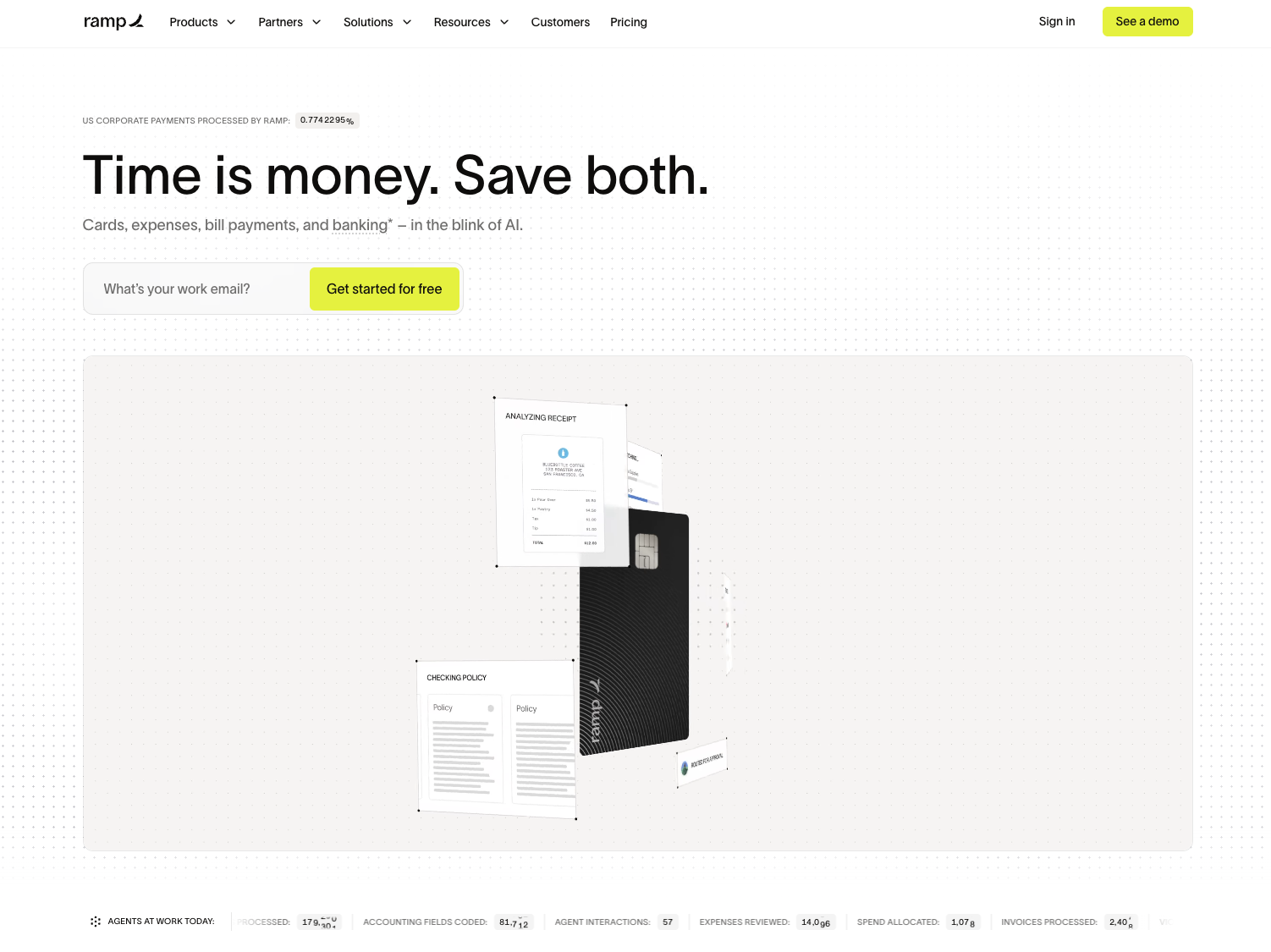
Ramp automatically reads the transaction context to fill in GL codes and department, so spend arrives coded rather than waiting on a bookkeeper.
The Policy Agent checks purchases against company policy at the point of spend, reducing the manual expense management reviews that pile up at month-end. On the AP side, a team forwards a bill by email, and Ramp reads it, matches it to a vendor record, and preps it for approval and payment.
Approval for the card runs on business financials rather than personal credit, with no personal guarantee or deposit required. In April 2026, more than 2,000 businesses used Ramp's newest automation tools to run month-end close and bill reconciliation, part of a broader shift toward AI systems in accounting that finance teams are adopting fast.
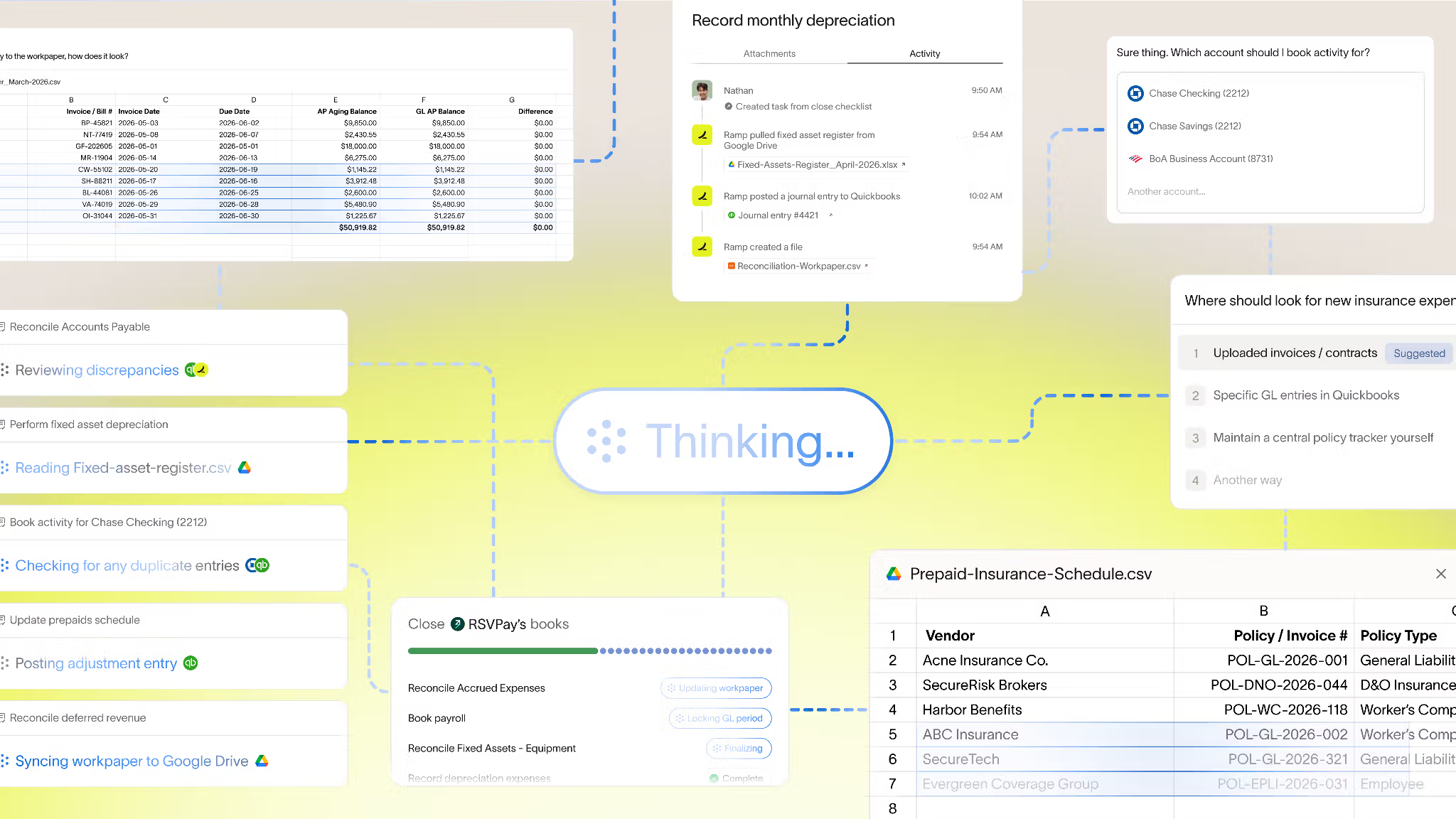
The tool fits best where transaction volume is real, and someone still reviews exceptions, since automation doesn't remove the need for a human check. It's limited to U.S.-registered LLCs and corporations, so sole proprietors and very low-volume businesses see less benefit.
Ramp pros:
- Point-of-spend coding: Ramp assigns GL codes, department, and class at the moment of purchase.
- Free automation tier: Corporate cards, receipt matching, and AP automation cost nothing on the Free plan.
- Ledger add-on: Ramp syncs to QuickBooks or Xero instead of requiring a migration.
- No personal guarantee: Card approval runs on business financials, not a founder's credit.
Ramp cons:
- Card limitations: USD-issued cards lack a PIN, and their rewards are less competitive than those of dedicated travel cards.
- Plan friction: Moving to Plus adds a per-user fee plus a platform fee that can add up at scale.
- U.S.-focused eligibility: The card product excludes sole proprietors and companies that operate primarily outside the U.S.
Pricing: Ramp's Free plan costs $0 per user per month and includes AI custom reports, invoice OCR, and automated fraud checks, making it one of the few free accounting software options with real AI depth. Plus runs $15 per user per month, plus a platform fee and adds AI coding for every field, along with AI-assisted expense reviews. At the same time, Ramp negotiates custom Enterprise pricing that includes integrations with systems like Workday and Oracle.
Best for: Ramp fits operators and finance managers at growing companies that already run QuickBooks or Xero and want expense and AP automation running quickly without a ledger migration.
2. QuickBooks Online
QuickBooks Online is the general ledger most U.S. small businesses already use, and its AI layer, now branded Intuit Intelligence, categorizes transactions, flags anomalies, and answers plain-language questions about the books.
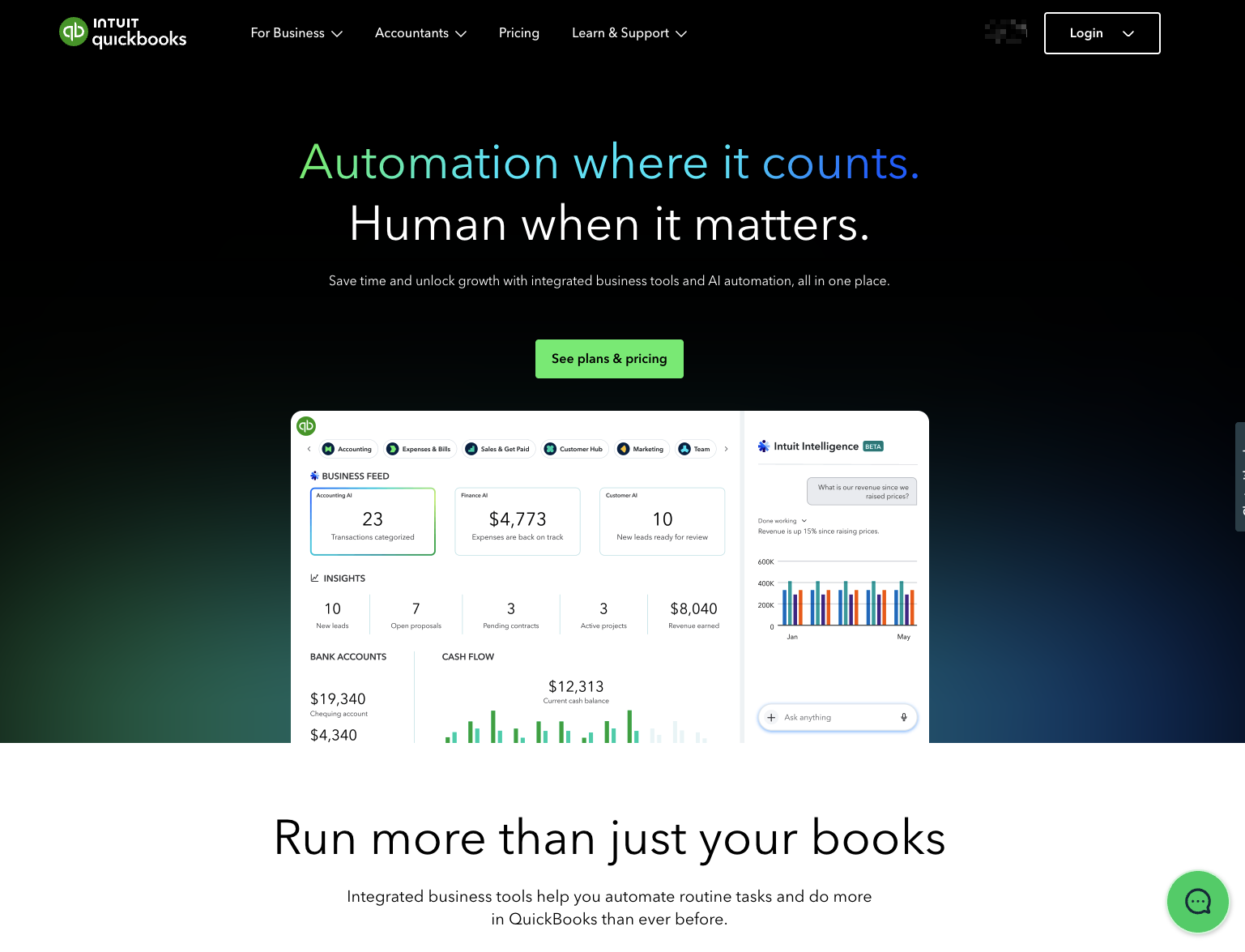
Because the system learns from corrections over time, accuracy tends to improve the longer a company stays on the platform. QuickBooks connects to hundreds of apps and handles U.S. tax and payroll workflows natively, which matters for a company that doesn't want a separate payroll system.
The Advanced plan includes cash flow and profit forecasting, plus customizable dashboards to track KPIs. Intuit has a history of periodic price increases, so current subscribers should expect their bills to change over time.
Switching away from QuickBooks later can be disruptive, given how many workflows plug into it, so it's worth comparing QuickBooks alternatives before committing, rather than after years of integrations have piled up. New users should still expect a learning curve across the connected features.
QuickBooks Online pros:
- Plain-language answers: Intuit Intelligence answers finance questions without forcing non-accountants into report menus.
- Built-in forecasting: The Advanced plan includes rolling cash flow and profit forecasting.
- Deep U.S. support: Native tax and payroll workflows plus hundreds of integrations.
QuickBooks Online cons:
- Learning curve: The number of connected workflows and settings can overwhelm a new user.
- Reconciliation inconsistency: AI-driven bank reconciliation may still require manual review in some cases.
- Rising prices: Intuit has a history of periodic price increases, and further increases are likely.
Pricing: QuickBooks Online starts at $38 per month for Simple Start, which includes basic AI categorization (discounted to $19 for the first 3 months as a limited time promotional rate); $75 per month for Essentials; $115 per month for Plus, which includes AI reconciliation and anomaly detection; and $275 per month for Advanced, which includes cash flow and profit forecasting plus custom KPI dashboards.
Best for: QuickBooks Online fits U.S. companies already using it that want AI features layered onto a familiar ledger without switching platforms, especially ones that need tight tax and payroll integration.
3. Xero
Xero is a cloud-first general ledger built for international teams, with a conversational AI assistant called JAX, short for Just Ask Xero, that handles bookkeeping, bank reconciliation, and cash flow questions. Xero includes unlimited users on every plan.
That unlimited-user structure is the biggest cost difference for larger teams, since adding headcount doesn't add licensing fees the way it does elsewhere. Xero also natively supports multicurrency accounting, which suits companies that bill or pay vendors in more than one currency.
Xero expanded JAX in July 2026 to handle more document processing, bill fraud protection, and cash flow management, as the company passed 5 million customers globally. Xero's plans now also include a new industry benchmarking tool, letting companies compare their numbers with similar businesses.
Xero has no built-in U.S. payroll, so a company needs a separate tool like Gusto for that piece. Its bank reconciliation relies more on rules than on QuickBooks's AI matching, and some users find the newer invoicing interface less intuitive than the one it replaced.
Xero pros:
- Unlimited users: Every plan includes unlimited seats, which lowers cost as headcount grows.
- Multicurrency support: Native support for international billing and vendor payments.
- Longer forecasting: Cash flow forecasting reaches 180 days on the Established plan, plus a new benchmarking tool.
Xero cons:
- No U.S. payroll: Teams need a third-party app like Gusto to run payroll.
- Rules-based reconciliation: Bank matching relies more on rules than QuickBooks's AI-driven approach.
- Interface complaints: Some users find the newer invoicing screens clunkier than the classic version.
Pricing: Xero's Early plan costs $25 a month with AI document capture and a 30-day forecast, Growing costs $55 a month with AI auto-reconcile and a 60-day forecast, and Established costs $90 a month with a 180-day forecast, KPI analysis, and the new benchmarking tool.
Best for: Xero is ideal for international or fast-growing teams that need unlimited users, multicurrency support, and don't mind pairing it with a separate payroll tool.
4. Puzzle
Puzzle is an AI-native SaaS accounting platform built for startups from pre-seed through Series B, with automation trained on startup-specific patterns rather than general small-business bookkeeping. Puzzle runs its own general ledger rather than layering on top of one.
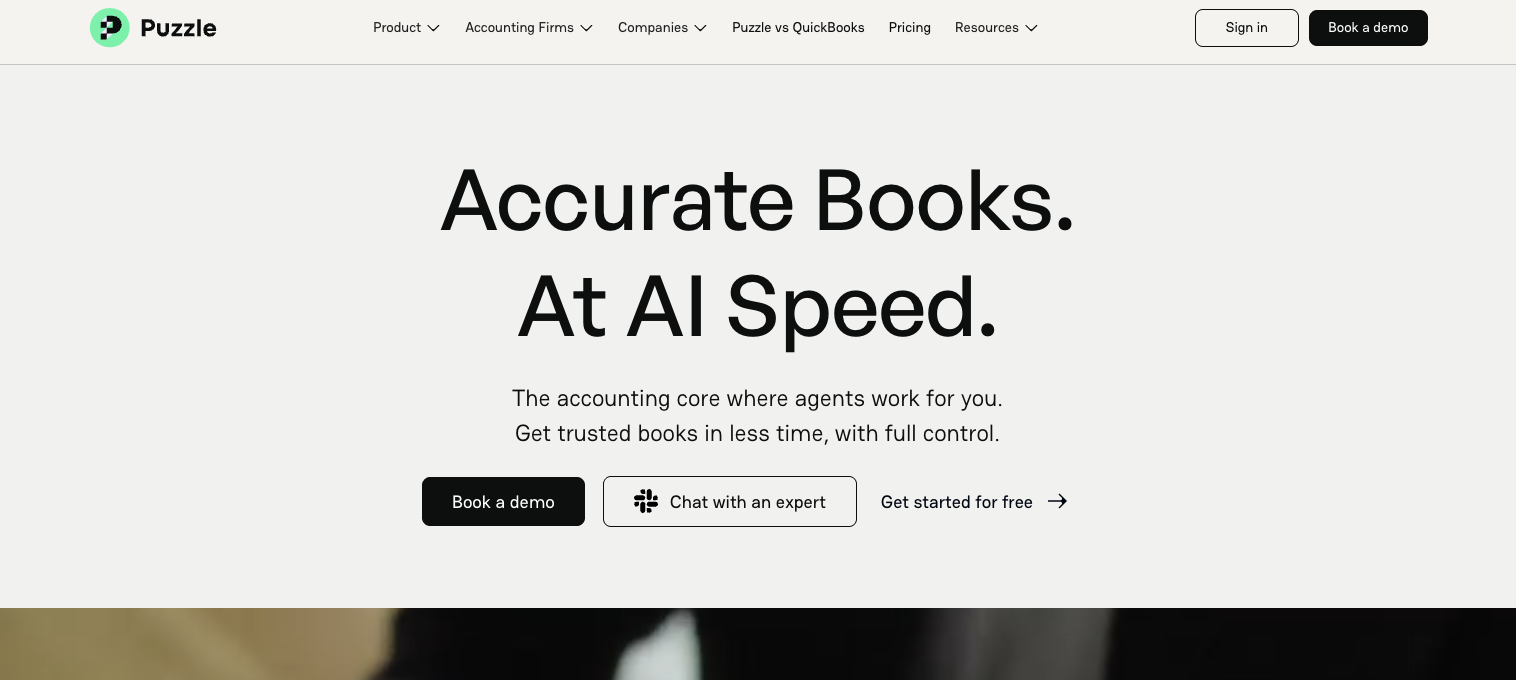
Its AI agents handle categorization, generate insights, and run an automated month-end close. At the same time, founders get real-time cash, burn, and runway dashboards, with built-in SaaS revenue recognition. It connects to Stripe, Mercury, Brex, Ramp, Rho, Rippling, Deel, and Gusto.
Because Puzzle replaces a ledger rather than adding to one, onboarding means migrating historical data off the current system, which takes more setup time than adding a card or expense tool on top of an existing setup. There's no dedicated human bookkeeper on staff to make judgment calls.
The free Starter tier caps out at $20,000 in cumulative transaction volume, after which a company moves to a paid tier. Puzzle fits a company that wants its books built around automation from the start, rather than one already deep into a QuickBooks or Xero setup.
Puzzle pros:
- SaaS-specific accounting: Automated revenue recognition and burn/runway dashboards built for startups.
- Startup-native integrations: Direct connections to Stripe, Mercury, Brex, Ramp, and Gusto.
- Lower software cost: Paid tiers start well below Zeni's managed-service pricing.
Puzzle cons:
- Ledger migration required: Switching to Puzzle means moving off the current system rather than adding a tool on top.
- No human bookkeeper: Support is software-only, with no dedicated bookkeeper on call.
- Newer platform: Puzzle has less operating history than QuickBooks or Xero.
Pricing: Puzzle's Starter tier is free for up to $20,000 in cumulative transaction volume; Core costs $30 per month, billed annually; Complete costs $50 per month, billed annually; and Scale starts at $150 per month, billed annually. Core and Complete include a self-serve 14-day free trial, while Scale is sales-assisted.
Best for: Puzzle fits early-stage SaaS startups, from pre-seed through Series B, that want AI-native bookkeeping and automated revenue recognition without a managed-service price tag.
5. Zeni
Zeni is a venture-backed startup that wants to hand off virtual bookkeeping rather than run it in-house. Zeni pairs AI automation with dedicated human bookkeepers, which puts it in a different category from the software-only tools above.
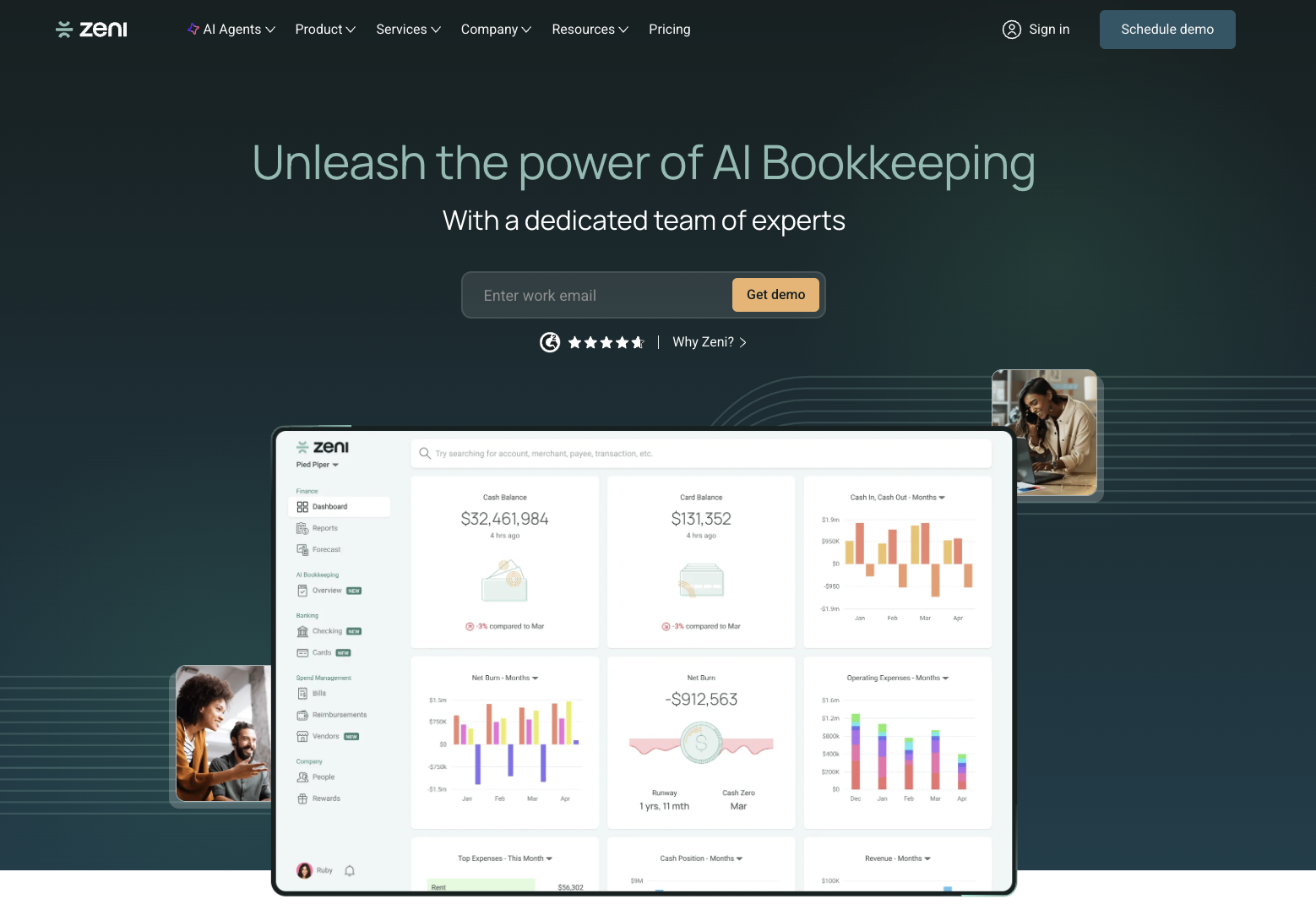
The managed-service model covers AI transaction coding, monthly closes, dashboard access, and month-over-month spend analysis, backed by a human team that reviews the output. Zeni's services extend further into accounts payable, accounts receivable, financial planning, and outsourced CFO support.
Onboarding includes a dedicated bookkeeper who gets read access to existing accounts and rebuilds historical books where needed, which takes longer upfront than connecting a card or ledger tool.
Tax preparation is available as a separate paid service rather than bundled into the bookkeeping plans.
The tradeoff for that human layer is cost: Zeni starts well above every software-only tool on this list. It can be overkill for a company with some internal finance capacity already, since part of what's being paid for is work a bookkeeper on staff would otherwise do.
Zeni pros:
- Human-backed AI: Dedicated bookkeepers review and support what the AI automates.
- Broad finance coverage: AP, AR, tax prep as an add-on, and outsourced CFO support are all offered by one provider.
- Insight layer: Agentic AI handles spend analysis and month-over-month reporting.
Zeni cons:
- Higher cost: Zeni starts far above software-only alternatives on this list.
- External tools still needed: Complex work, such as job costing, may still require outside help.
- Less fit for lean teams: Companies with existing internal finance capacity may find it redundant.
Pricing: Zeni's Starter plan costs $549 a month, billed monthly or $494 a month, billed annually; Growth costs $799 a month, billed monthly or $719 a month, billed annually; and Enterprise pricing is custom, so confirm current rates directly with Zeni.
Best for: Zeni fits venture-backed startups that want to hand off bookkeeping and finance operations to a managed service instead of running the tools themselves.
How to choose the right AI accounting software
Start with your highest-friction workflow rather than the longest feature list, since tackling one workflow first keeps the learning curve manageable for your team.
Start with receipt capture if receipts cause delays, and pilot bank matching or invoice coding instead if reconciliation or AP review is where you're losing the most time. If you already use QuickBooks or Xero and mainly need to fix expense chaos, Ramp's free tier adds AI automation without a migration.
Integration quality should carry more weight in your decision than a small monthly price difference, since two-way syncing means the accounting tool and your general ledger exchange updates back and forth rather than forcing you to re-enter or export data manually.
Ask for a demo using your own company data before committing, and budget several weeks to a few months for the AI to fully learn your transaction patterns. If you're still weighing whether to buy software at all or hire an accountant, run that comparison before picking a tool.
Frequently asked questions about AI accounting software
Does AI accounting software replace your bookkeeper?
AI accounting software reduces manual bookkeeping work rather than replacing the judgment that a bookkeeper provides. It speeds up categorization and receipt matching during reconciliation, freeing a bookkeeper or finance lead to focus on review and analysis. A person still needs to check exceptions and decide how to handle unusual transactions.
How accurate is AI expense categorization?
AI expense categorization can be very accurate when the input data is clean, and the company applies consistent coding rules. Accuracy improves as the system learns from past corrections and repeated vendor patterns. Messy receipt images and vague vendor names still create errors, especially when the chart-of-accounts rules are inconsistent.
How long does it take to implement AI accounting software?
Many tools require a data training period for the AI to learn transaction patterns, plus a short adjustment period for the team to update its workflows. A focused pilot on one high-friction workflow helps measure time savings and catch integration issues early, before expanding further. Rolling out several workflows at once makes it harder to isolate problems.
Can AI accounting tools work with QuickBooks or Xero?
Many AI tools integrate directly with QuickBooks and Xero through two-way syncing, so a company can add automation without replacing its general ledger. Ramp's free tier, for example, syncs with both. Other tools, including Puzzle, run their own ledger and require a migration instead.
Is free AI accounting software safe to use?
Free AI accounting software can be safe to use once a company confirms whether its data is used to train the vendor's AI models. Security review should include SOC 2 certification, encryption, and a clear policy isolating financial data from broader training pools. Sensitive records deserve the same diligence whether the plan costs $0 or several hundred dollars a month.


