


7 Tail Spend Management Tools Mid-Market Teams Use for Procurement

June 5, 2026
Tail spend accounts for 10-20% of total procurement spend but involves 60-80% of a company's supplier relationships. This means a large share of purchasing activity falls outside structured procurement processes. The vendors in that long tail are often poorly tracked, managed inconsistently, and nearly impossible to negotiate with individually.
In this guide, we explore the top 7 tail spend management tools worth evaluating for mid-market finance and procurement teams. We compare pricing, core capabilities, and the specific situations where each tool fits best, so you can match the right solution to your team's actual gap.
In brief:
- Tail spend accounts for 10 to 20 percent of procurement value but touches most supplier relationships, making it expensive to manage manually.
- Ramp controls tail spend at the card level by declining noncompliant purchases before they complete, and its free tier includes cards and AP.
- Simfoni prices its tail spend platform on a pay-as-you-save model, charging a share of realized savings rather than a fixed subscription fee.
- Amazon Business serves as a supplier channel rather than a controls platform, so teams integrate it into procurement via PunchOut.
- The right tool depends on where unmanaged spend starts, whether it's card purchasing, off-contract orders, or a fragmented supplier base.
7 tail spend management tools at a glance
Managing tail spend takes more than visibility. You need controls that work before money leaves the account, not after a purchase appears on a card statement. The seven tools we cover here range from spend management platforms with embedded card controls to purpose-built tail-spend solutions to B2B marketplaces.
We evaluated each tool against the criteria that finance and procurement managers at mid-market companies most often use:
- Pricing structure
- Onboarding friction
- Approval workflow depth
- Supplier coverage
- ERP and accounting integrations
- How each addresses the specific challenge of unmanaged low-value spend
Here’s a quick side-by-side before the deep dives
| Tool | Category | Starting price | Notable detail | Best for |
|---|---|---|---|---|
| Ramp | Spend management + cards | Free ($0/mo/user) | Free tier includes cards, expenses, and AP | Card-based spend control |
| Procurify | Procure-to-pay | Custom quote | 4.6/5 on G2 (over 300 reviews) | Full P2P for mid-market |
| Precoro | Procure-to-pay | From $499/month | 2-8 week go-live, hands-on onboarding | Fast P2P implementation |
| Order.co | Procurement automation | Custom quote | AI sourcing delivers an average of 5% product savings | Supplier selection engine |
| Simfoni | Dedicated tail spend | Pay-as-You-Save | Modular, plug-and-play, Kearney alliance | Enterprise tail spend |
| Vroozi | P2P with marketplace | Custom quote | Built-in digital marketplace, SAP/Oracle/NetSuite connectors | P2P with ERP integration |
| Amazon Business | B2B marketplace | Free | PunchOut integration, multi-user governance | Employee adoption |
Each tool below handles tail spend at a different point in the purchasing workflow. We lead with Ramp because it covers the broadest set of use cases for mid-market teams without a dedicated procurement function.
1. Ramp
Ramp is a spend management platform that provides finance teams with card-level controls, automated AP, real-time vendor tracking, and spend visibility in a single system.
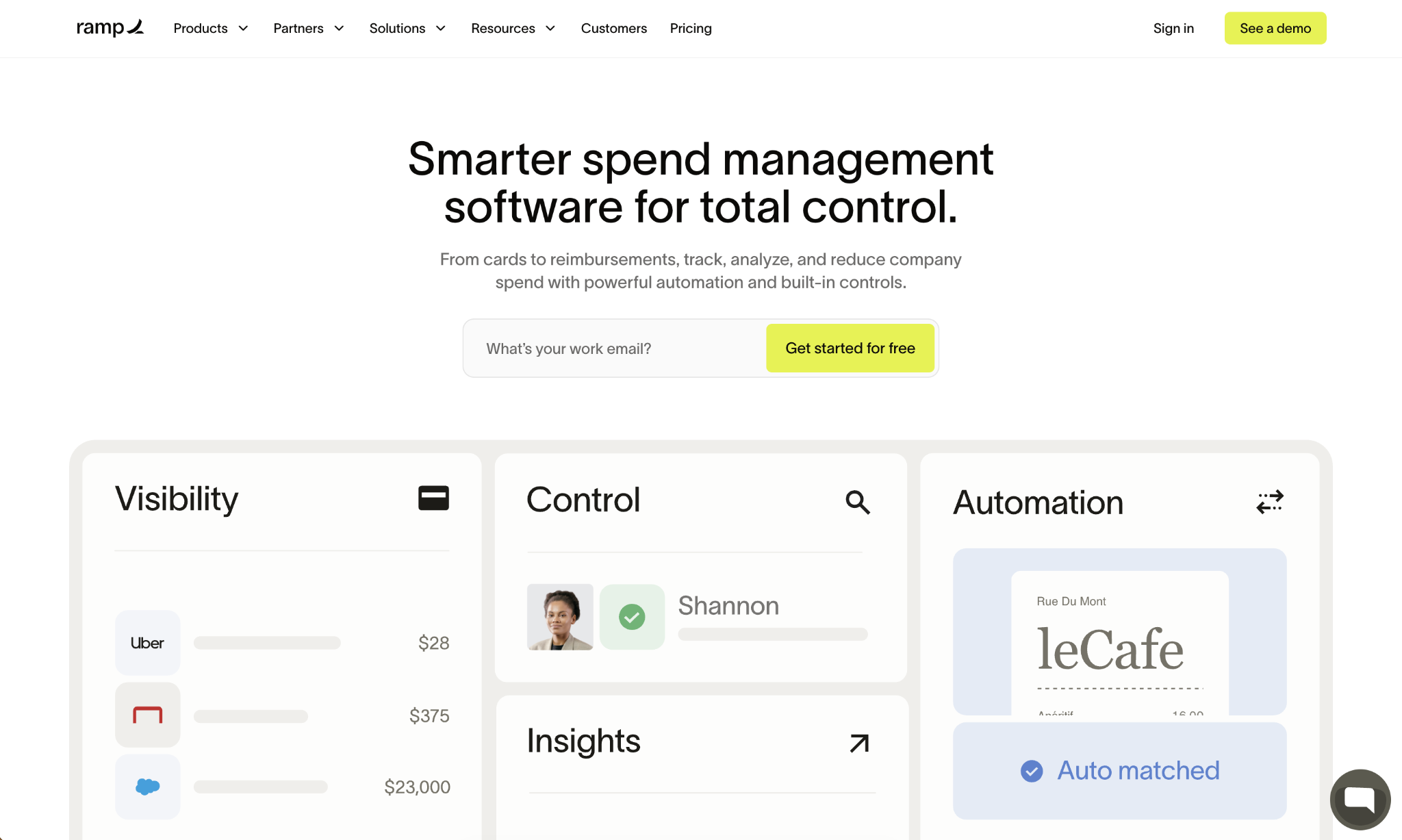
Mid-market companies using Ramp can configure per-vendor and per-category card limits that decline non-compliant transactions before a purchase completes. This is a meaningful difference from tools that only surface issues after charges appear on a statement.
Where Ramp stands out for tail spend is in vendor management and price intelligence. Your team can set card controls to restrict purchases to approved vendor categories, automatically track every contract as vendors are added, and receive alerts when a vendor's pricing drifts above benchmarks.
For finance teams dealing with uncontrolled spending across dozens of employees, card-level controls combined with automated vendor tracking address a large share of the challenges that make tail spend difficult to manage.
Ramp's procurement module (an add-on available to Plus and Enterprise subscribers) extends that coverage with structured intake workflows, purchase order management, three-way matching, and AI-driven vendor compliance reviews.
Ramp pros:
- Free plan covers core spend controls: The free tier includes unlimited virtual and physical cards, automated receipt collection, configurable approval workflows, and AP automation; enough for many mid-market teams to get real tail spend coverage without upfront cost.
- Vendor management is built in: Contract extraction, automatic vendor tracking, and price intelligence are included across plans, giving your team visibility into vendor relationships without a separate tool.
- Flat cash back on card spend: Ramp cards earn flat cash back on qualifying purchases with no category restrictions or spend caps, offsetting program costs as card volume grows.
Ramp cons:
- The procurement module is an add-on: Full PO workflows, three-way matching, and advanced supplier onboarding require it for Plus or Enterprise and incur additional costs beyond the base plan.
- Less suited for complex sourcing: Teams that need formal RFP management, RFQ processes, or structured supplier discovery will find the procurement toolset lighter than a dedicated P2P platform.
Pricing: Ramp Free is $ 0/user/month; Ramp Plus is $15/user/month plus a platform fee based on team size, with 20% savings on annual billing; Enterprise is custom-priced. The procurement module is an add-on to Plus or Enterprise.
Best for: Mid-market finance teams that want card-level tail spend controls, automated AP, and vendor visibility in one platform without the overhead of a separate procurement system.
2. Procurify
Procurify is a cloud-based procure-to-pay platform built for mid-market organizations that need structured purchasing workflows, real-time budget visibility, and mobile-first approvals.
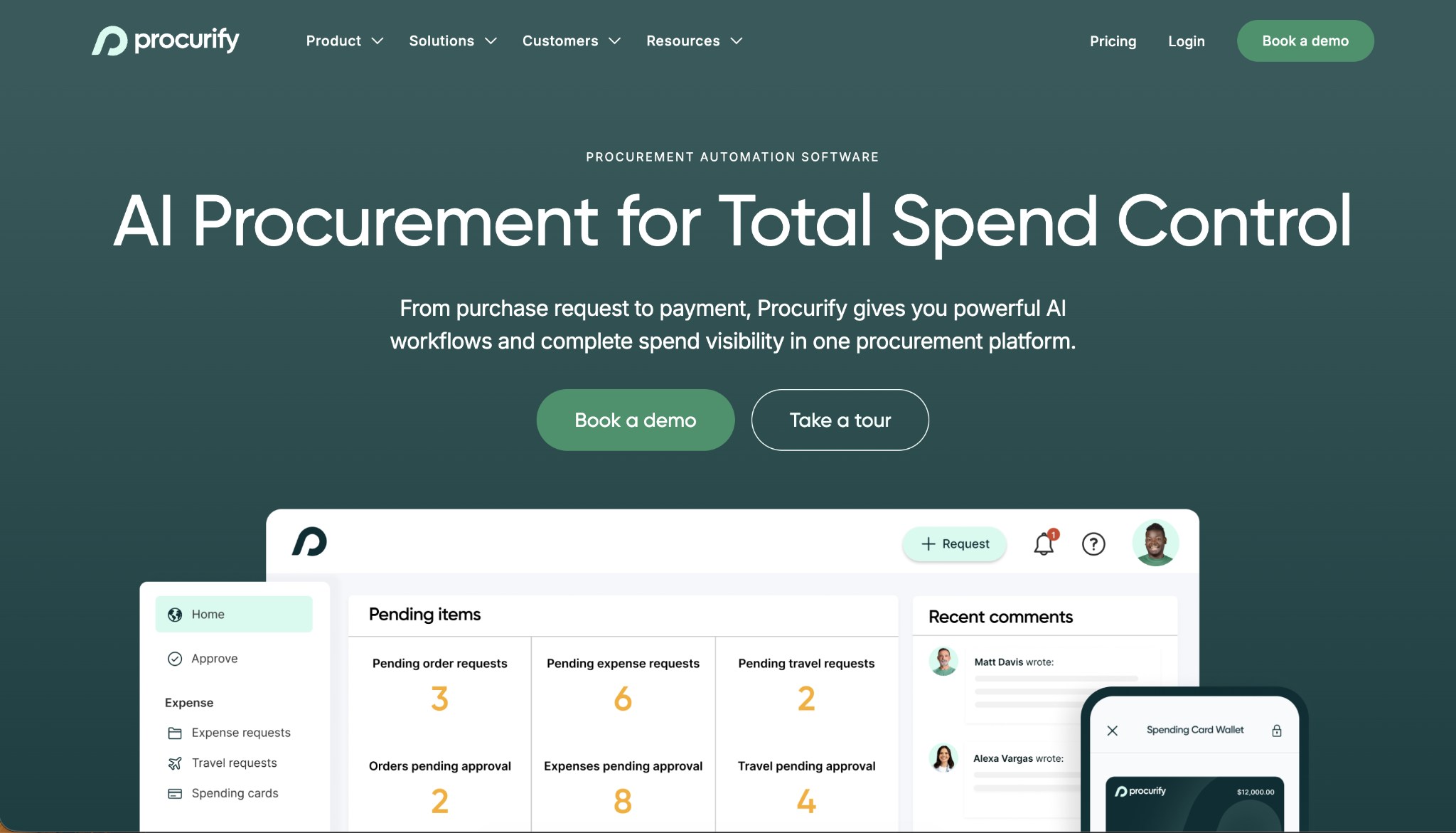
Its tail approach centers on routing purchase requests through approval workflows before orders reach vendors, turning ad hoc buying into a documented, traceable process.
What separates Procurify is how quickly its approval workflows adapt to team structure. Procurement and finance managers can configure multi-level approvals tied to spend thresholds, departments, and GL codes without IT involvement.
This matters for companies where purchasing happens across multiple cost centers, and current oversight relies on email chains or after-the-fact expense review. Procurify holds a 4.6/5 G2 rating across 300 reviews, with users consistently highlighting ease of use and approval routing flexibility as standout features.
Procurify also handles tail spend through Spending Cards (reloadable physical and virtual cards with preset limits), giving employees a compliant way to buy outside cataloged vendors.
Combined with PunchOut catalog support and direct integrations with accounting systems, the platform covers most of what a growing procurement team needs before reaching the complexity threshold at which enterprise P2P tools become necessary.
Procurify pros:
- Approval workflows are highly configurable: Multi-level, threshold-based routing works without IT support and adapts to department and GL-based structures as the organization grows.
- Spending Cards for off-catalog purchases: Reloadable virtual and physical cards with configurable limits give employees a compliant alternative to personal card reimbursement for unplanned tail purchases.
Procurify cons:
- Pricing requires a custom quote: There is no publicly listed pricing tier, which adds friction for teams evaluating budget fit before engaging in a sales process.
- Account manager access can be limited: Some users report difficulty scheduling time with their assigned account manager for non-standard support needs, particularly for custom data import requirements.
Pricing: Procurify pricing is available only via a custom quote; contact Procurify directly for a proposal based on team size and workflow requirements.
Best for: Mid-market operations and finance teams that want structured P2P workflows, configurable approval routing, and real-time budget tracking without a complex enterprise deployment.
3. Precoro
Precoro is a procure-to-pay platform that focuses on rapid implementation and high adoption rates; a key differentiator for finance teams that have watched procurement software rollouts stall at the change-management stage.
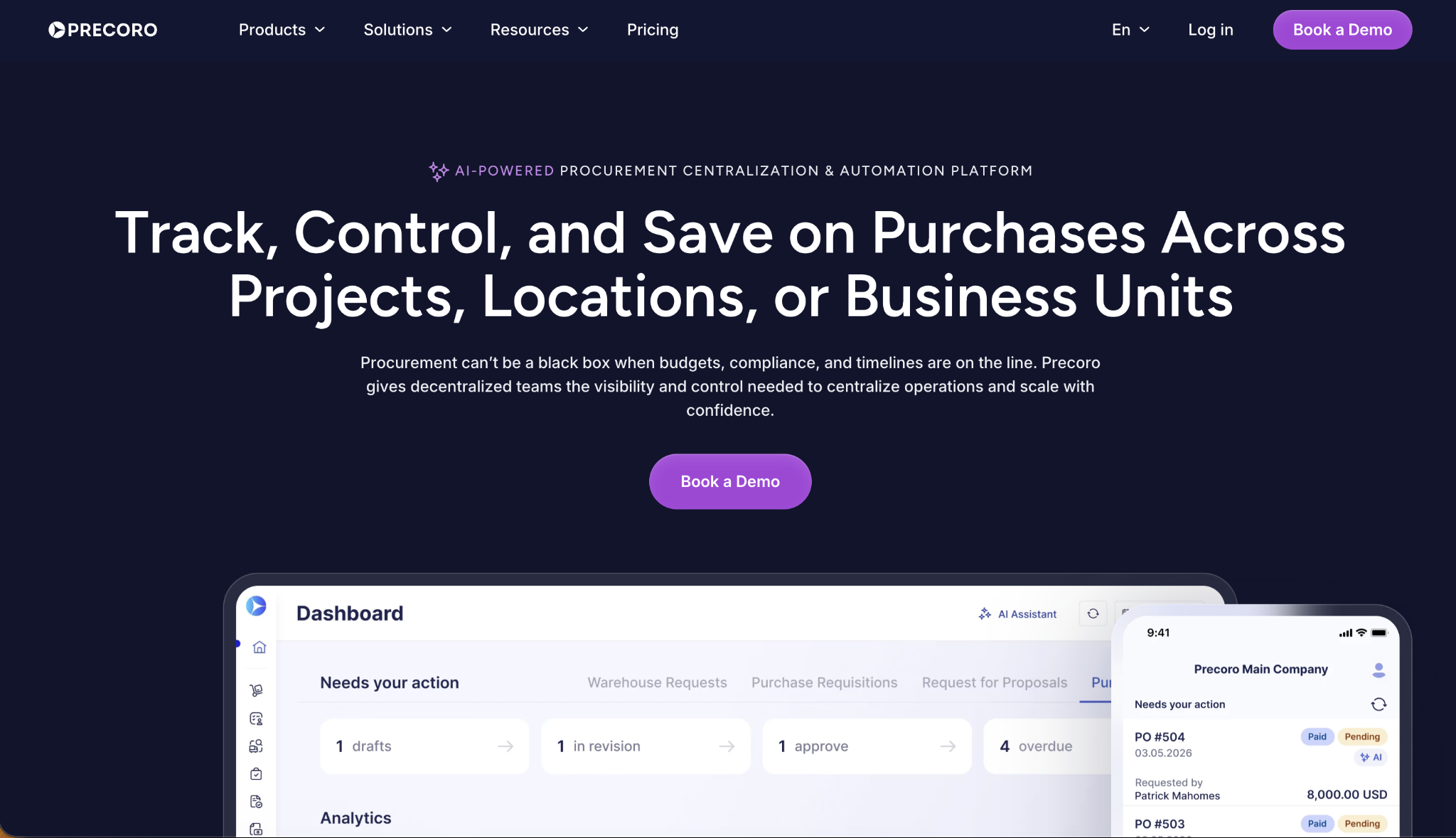
The Core plan, starting at $499 per month billed annually, covers purchase requests, POs, receipt tracking, invoice processing, and two- and three-way matching with standard accounting integrations.
Precoro's approach to tail spend relies on channeling purchases through structured intake forms and approval workflows before any order reaches a vendor. You can set up custom approval routing by department, location, or GL code, and the platform tracks every transaction against real-time budgets.
Implementation speed is a genuine differentiator here. Precoro reports a two- to eight-week go-live timeline, including customer success support, and its Concierge Setup add-on provides hands-on configuration for teams with limited internal bandwidth.
The Automation plan at $999 per month adds AI-powered OCR, PunchOut catalogs, RFP/RFQ support, and a supplier portal, extending coverage to more complex procurement best practices without requiring an enterprise-grade deployment.
Precoro pros:
- Fast, supported implementation: A two-to-eight-week go-live with included customer success guidance means finance and procurement teams get to steady-state faster than with most comparable P2P tools.
- Real-time budget tracking: Budget visibility by department, project, and location updates in real time, giving finance teams accurate data before approvals rather than after.
Precoro cons:
- Core plan lacks AI features: OCR automation, AI expense tools, and the supplier portal all require the Automation plan at $999/month, more than double the entry cost.
- User count is tier-based: Core and Automation plans cap users by tier rather than offering unlimited seats, which can drive costs up quickly as headcount grows.
Pricing: Precoro Core starts at $499/month, billed annually; the Automation plan starts at $999/month; Enterprise pricing is custom.
Best for: Growing companies that need structured P2P workflows with fast deployment timelines and dedicated implementation support from day one.
4. Order.co
Order.co is a procurement automation platform that combines AI-powered sourcing, purchasing workflows, AP automation, and spend visibility into a single system.
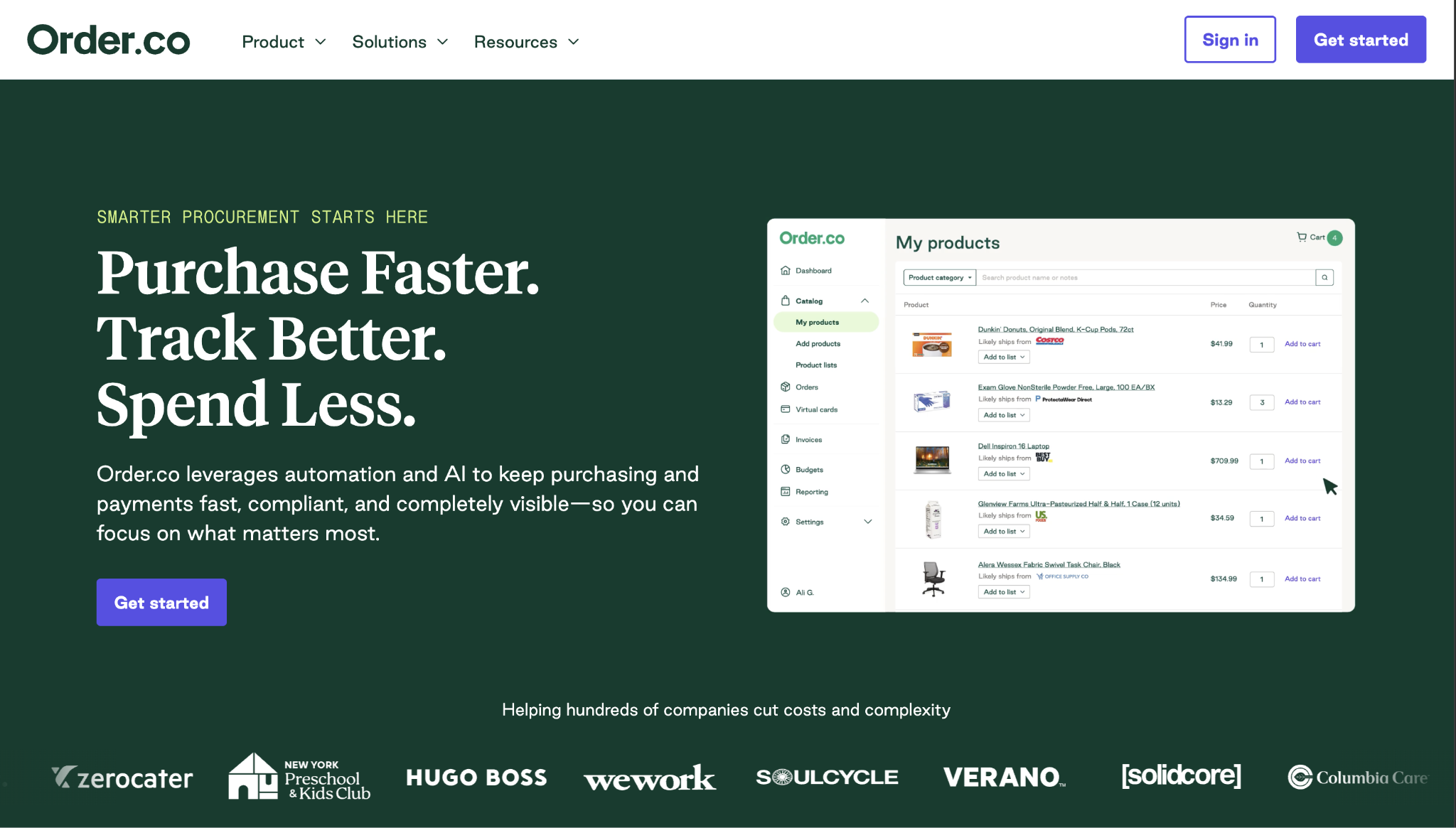
Its AI sourcing engine identifies the lowest-cost supplier for any given purchase across a network of vendors. The company reports average hard-dollar savings of 5% on products, with higher rates in maintenance and office supply categories.
Where Order.co addresses the tail spend problem is supplier consolidation. Rather than expecting procurement teams to negotiate individually with dozens of low-value vendors, the platform routes purchases through its sourcing AI and preferred supplier network, reducing the number of vendor relationships the AP team manages.
Order.co also includes virtual card issuance, AP automation with three-way matching, and deep integrations with NetSuite, QuickBooks Online, Sage Intacct, and Workday.
For multi-location businesses (hotels, coworking spaces, fitness operators), the platform provides purchasing standardization across sites without requiring a central procurement team to manage each location's vendor relationships manually.
Order.co pros:
- AI sourcing for hard-dollar savings: The platform's sourcing engine compares supplier pricing in real time and routes purchases to the best option, reducing tail spend cost through competitive selection rather than manual negotiation.
- Strong multi-location support: Pre-built workflows for hospitality, fitness, and property management help distributed teams purchase consistently without centralized oversight at each site.
Order.co cons:
- No public pricing: Custom-quote-only pricing means teams cannot assess cost fit before entering a sales conversation, slowing tool comparisons.
- Less suited for complex sourcing workflows: Teams that need formal RFP processes, multi-stage supplier qualification, or contract lifecycle management will find Order.co's toolset is lighter than a dedicated P2P platform.
Pricing: Order.co pricing is available only via a custom quote; pricing is based on company size and the specific modules required.
Best for: Multi-location businesses and distributed teams that want AI-driven supplier selection and purchasing automation without building a dedicated procurement function.
5. Simfoni
Simfoni is one of the few procurement platforms built specifically for end-to-end enterprise tail spend management.
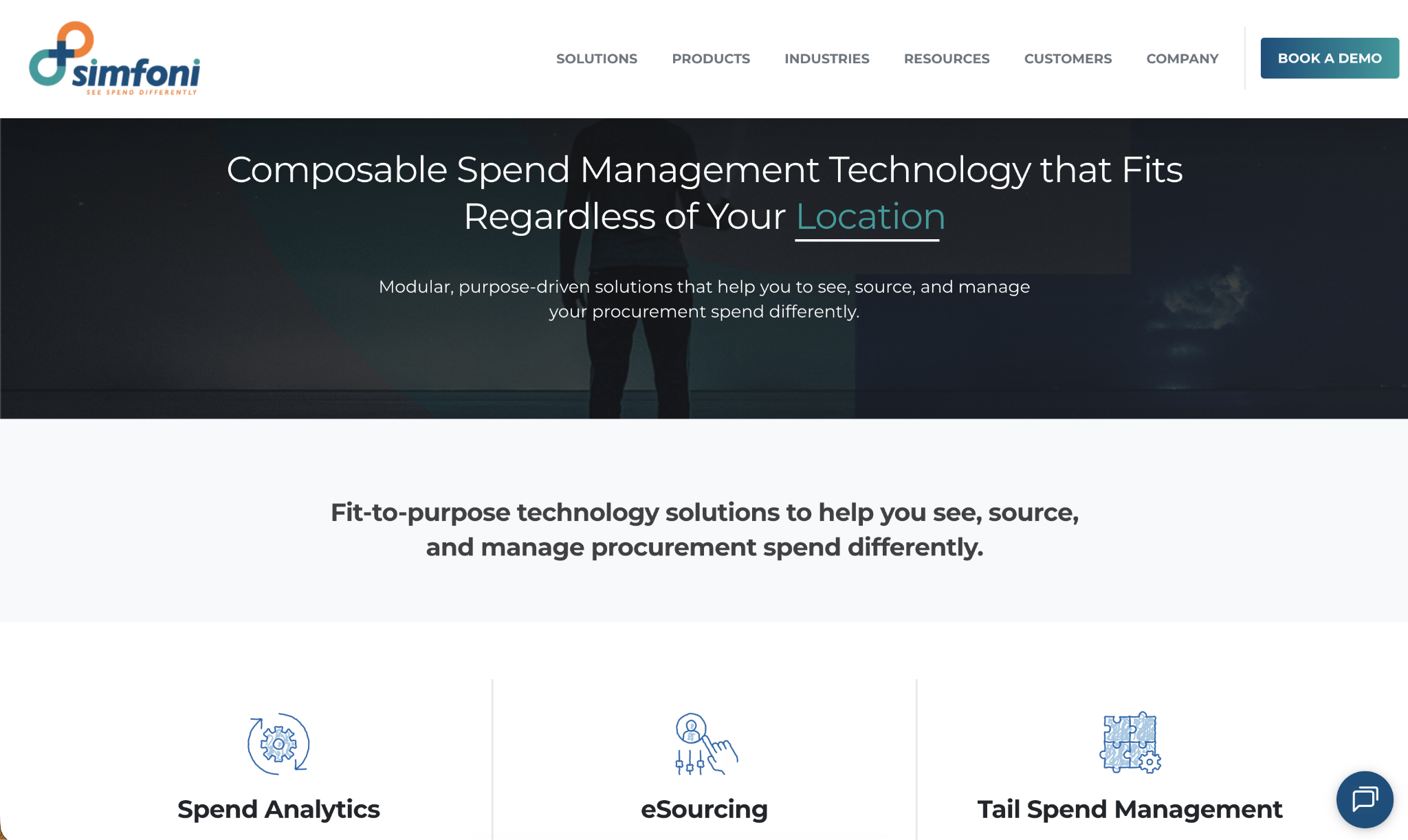
While most P2P tools treat tail spend as a byproduct of general procurement automation, Simfoni treats it as the primary use case: its Spend Automation product handles requisitions through to payment, specifically for low-value items. These high-volume transactions fall outside a company's managed supplier base.
Simfoni's Pay-as-You-Save (PAYS) commercial model stands apart from the subscription pricing most procurement tools use. Rather than charging a flat monthly fee, the platform is funded through a share of the savings it generates.
That way, the organization only pays when spend reduction actually occurs. This structure removes the adoption risk that causes tail spend programs to stall before producing results; a common failure mode in SaaS spend management deployments where teams pay for software that never gets fully adopted.
Simfoni also provides a curated, managed marketplace; AI-powered spend analytics; a BuyDesk service to support procurement teams in tracking KPIs and identifying savings opportunities; and a Kearney alliance that bundles procurement transformation expertise into the commercial structure.
Simfoni pros:
- Pay-as-You-Save pricing: The PAYS model funds the technology through the savings it delivers, removing upfront cost risk and aligning vendor incentives with the results your procurement team actually achieves.
- Purpose-built for tail spend: Simfoni covers the full tail spend lifecycle from spend visibility through supplier payment, rather than retrofitting those capabilities onto a general P2P workflow.
Simfoni cons:
- Enterprise focus: Simfoni is built for large, complex organizations with significant tail spend volume; smaller mid-market teams may find the platform's scale and commercial structure more than they need at their current stage.
- Commercial terms vary by engagement: The PAYS model is attractive in principle, but actual terms are customized per deployment, making it harder to benchmark cost against subscription-priced alternatives.
Pricing: Simfoni uses a Pay-as-You-Save commercial model; pricing is customized per engagement based on the scope of spend under management.
Best for: Enterprise procurement teams that want a dedicated tail spend solution with end-to-end coverage from requisition through payment, funded through savings rather than a fixed subscription.
6. Vroozi
Vroozi is an AI-enhanced procure-to-pay platform built around a centralized digital marketplace where all supplier content (hosted catalogs, PunchOut integrations, and contract pricing) lives in one searchable interface.
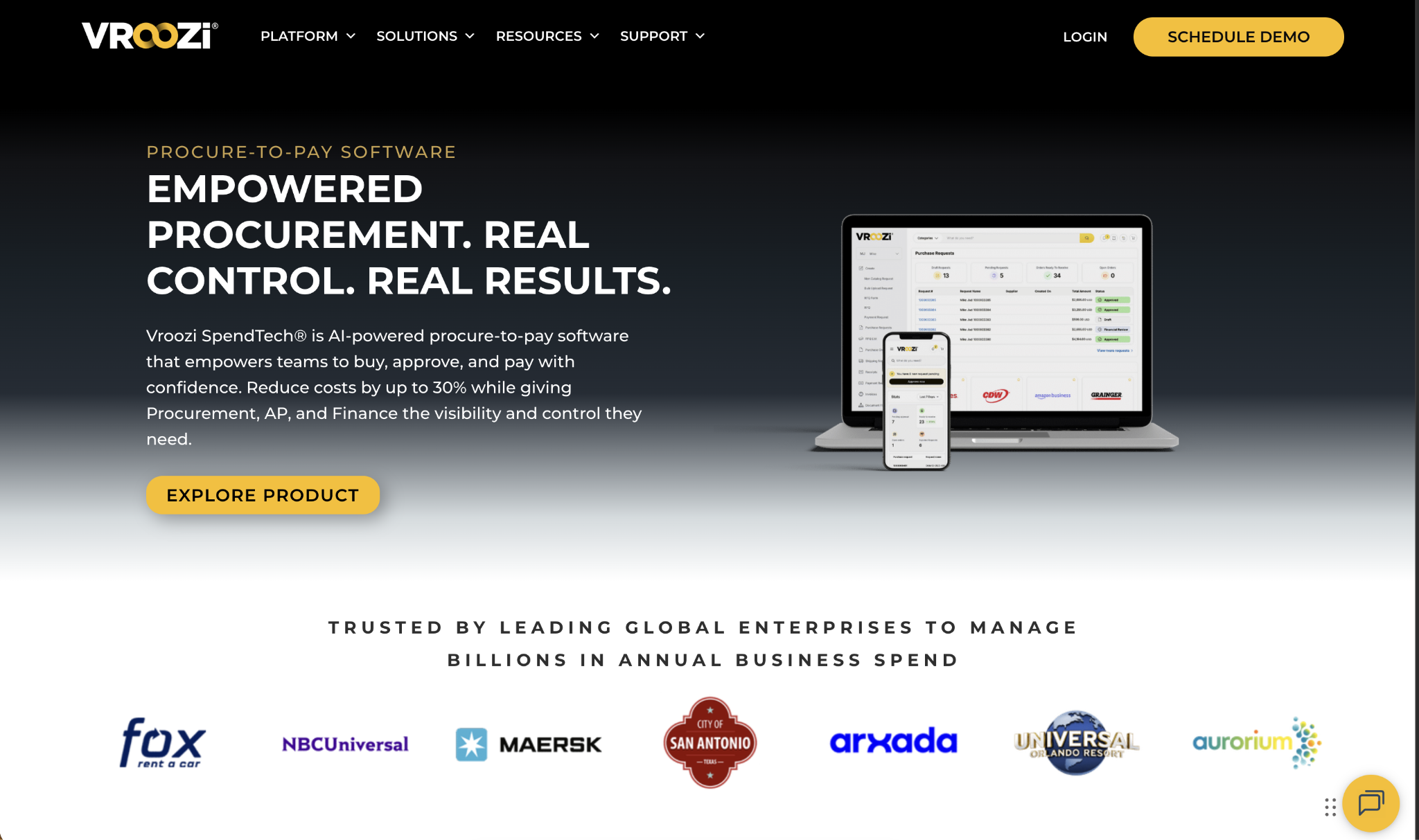
The marketplace architecture is how Vroozi addresses tail spend. By routing all purchasing through a single governed platform, the system reduces the fragmentation that lets low-value, off-catalog spend accumulate unnoticed.
Vroozi SpendTech serves enterprise and mid-market organizations with significant ERP complexity. Pre-built connectors for SAP, Oracle, NetSuite, Microsoft Dynamics, IBM, and Deltek allow procurement teams to add P2P automation without replacing existing financial systems.
On the AP side, Vroozi includes AI-powered OCR for invoice capture, two- and three-way matching, and digital payment processing. The Vroozi Premier Supplier Network (VPSN) offers pre-negotiated pricing with trusted suppliers that your procurement team can draw on to reduce tail spend costs across common categories without running individual RFPs.
Spend analytics reporting surfaces purchasing patterns across suppliers, categories, and business units - the visibility layer that basic expense management software alone typically lacks.
Vroozi pros:
- Marketplace-first design: Centralizing all supplier catalogs, PunchOut integrations, and contract pricing into a single searchable interface enables employees to comply with procurement policy without friction.
- Deep ERP compatibility: Pre-built connectors for SAP, Oracle, NetSuite, and more allow teams to deploy Vroozi without disrupting existing financial infrastructure.
Vroozi cons:
- Complex deployments take time: Enterprise ERP integrations and supplier onboarding add implementation time, which can delay time-to-value for teams that need rapid coverage.
- No public pricing: Custom-quote-only pricing makes it harder to evaluate against budget before the sales process begins.
Pricing: Vroozi pricing is available by custom quote; contact Vroozi for details based on company size and integration scope.
Best for: Mid-market and enterprise procurement teams with complex ERP environments that want a centralized marketplace approach to reducing tail spend and improving supplier compliance.
7. Amazon Business
Amazon Business is a B2B marketplace that provides organizations with access to Amazon's full catalog and business-specific features.
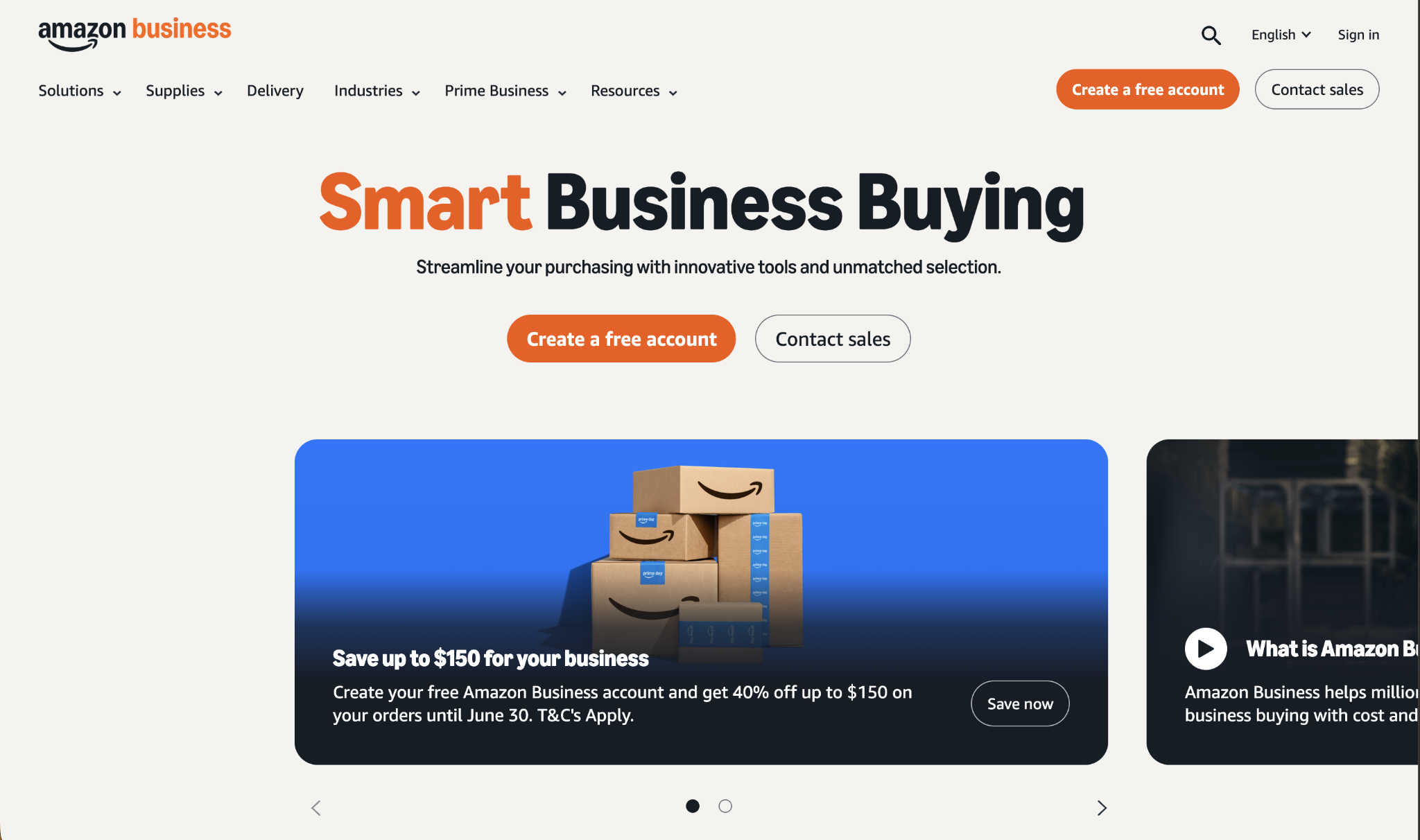
These features include multi-user accounts with configurable approval workflows, analytics reporting on purchasing activity, PunchOut integration for procurement platforms, and tax-exempt purchasing for eligible organizations.
It’s not a procurement platform in the traditional sense; it functions as a supplier channel that brings informal Amazon purchasing under governance.
The most practical use case for Amazon Business in a mid-market procurement context is to channel employee purchasing through a structured account rather than personal cards or expense reimbursements.
By connecting Amazon Business to an existing procurement platform via PunchOut, purchasing flows through standard approval and PO processes instead of bypassing them. This is how teams using Procurify, Precoro, or Vroozi typically deploy it: as a single node in a broader purchasing workflow rather than as a standalone solution.
Amazon Business also integrates with spend analytics tools, giving finance teams visibility into what is being bought and from which Amazon sellers.
For companies where employees are already buying office supplies and IT accessories on Amazon, formalizing that spend under Amazon Business governance reduces the informal purchasing that often appears as vendor fraud exposure and unreconciled card charges.
Amazon Business pros:
- Meets employees where they already shop: Familiarity with Amazon's interface drives adoption faster than introducing a new procurement catalog from scratch.
- PunchOut integration fits existing workflows: Connecting Amazon Business to your procurement platform routes purchases through existing approval and matching workflows without replacing them.
Amazon Business cons:
- Not a procurement platform: Amazon Business lacks requisition workflows, contract management, and the spend controls that dedicated P2P tools provide; it is a supplier channel, not a full solution.
- Third-party seller quality varies: Amazon Business includes third-party sellers alongside first-party inventory, and reliability varies across the supplier base.
Pricing: Amazon Business accounts are free to create; Amazon Business Prime starts at $179 per year for small teams, with custom pricing for larger organizations.
Best for: Companies that want to bring informal Amazon purchasing under governance by connecting it to an existing procurement or AP workflow via PunchOut.
How to choose the right tail spend management tool
No single tool wins across every scenario. The decision comes down to where your tail spend problem actually lives and how much implementation overhead the team can absorb right now.
Identify where your tail spend originates
Finance teams that see the problem primarily as uncontrolled card spending (employees buying from outside approved vendors on company cards) need a solution that provides card-level controls and vendor visibility.
Platforms like Ramp cover this directly with configurable spending limits, category restrictions, and real-time tracking that produces value from day one. For teams dealing with a fragmented supplier base, off-contract purchasing across departments, or a procurement process that never fully came together, a purpose-built P2P platform closes the gap by routing all purchasing through structured workflows.
Procurify, Precoro, and Vroozi each address this but differ in approach: Precoro emphasizes fast onboarding, Procurify emphasizes approval flexibility, and Vroozi emphasizes ERP integration depth. For retail tail spend management and distributed-location scenarios, Order.co's AI sourcing addresses scaling purchasing consistency without a central team.
Account for team size and procurement maturity
Organizations without a dedicated procurement function may find that a full P2P deployment introduces overhead that outweighs value in the early months. Starting with a platform that integrates with the current accounts payable software and adds controls incrementally tends to produce better adoption than a full process redesign before any value appears.
Match the tool to where your control breaks down
Tail spend accumulates wherever a purchasing workflow lacks a checkpoint: a category without card restrictions, a department ordering direct from vendors, a supplier that never made it onto the approved list.
Before choosing one of these tools, map where unmanaged spend actually originates in your organization. That map is a faster path to the right tool than a feature comparison alone.
Spend management platforms like Ramp are most useful when they match the specific workflow gap, not when they are chosen for features that address a problem you do not actually have.
Frequently asked questions about tail spend management tools
What is tail spend management?
Tail spend management is the process of bringing low-value, high-volume purchases under structured procurement governance. These purchases typically fall outside managed procurement programs, involve a large number of individual suppliers, and account for around 10-20% of total spend while touching the majority of supplier relationships.
Is tail spend the same as indirect spend?
No, they overlap but are not the same. Indirect spend refers to purchases that do not go into a final product, such as office supplies, software, or facilities services, regardless of transaction size. Tail spend refers specifically to the low-value, fragmented portion of purchasing that falls outside structured sourcing and management. Depending on an organization's procurement maturity, tail spend can include both direct and indirect categories.
What does a tail spend management tool actually do?
A tail spend management tool brings unmanaged purchasing under control by routing transactions through approval workflows, setting category-level spending limits, and providing visibility into who buys what from which vendors. Depending on the tool, control can happen at the card level before a transaction completes, through a PO workflow before an order goes to a vendor, or through a managed marketplace that channels purchasing to pre-approved suppliers.
When does a company need a dedicated tail spend tool versus a general spend management platform?
Most mid-market companies start with a general spend management platform that handles tail spend alongside strategic purchasing. A dedicated tool makes sense when the volume of tail spend transactions overwhelms the general platform, when supplier consolidation work is significant, or when the company wants outcomes-based pricing tied to actual savings rather than a fixed subscription fee.
Can you reduce tail spend without replacing your existing procurement system?
Yes. Most tools in this guide are designed to layer into existing ERP and AP infrastructure rather than replace it. Vroozi and Procurify support PunchOut catalogs and direct ERP connectors; Simfoni's modular design allows plug-in deployment; Amazon Business connects to existing procurement platforms via PunchOut. Reducing SaaS and tail procurement spend often relies on the same logic: adding governance layers to existing tools rather than replacing the underlying infrastructure.


