


6 Best Finance Automation Tools to Cut Your Monthly Close Work

July 18, 2026
A single expense report costs a company $58 and takes minutes to process, and roughly one in five contains an error that costs another $52 to fix. Multiply that across a month of receipts, invoices, and card transactions, and manual finance work quietly becomes one of the most expensive things a growing team does.
In this guide, we explore the top finance automation tools for growing businesses and compare them on price, integrations, and fit, so you can match one to the workflow that's costing you the most time.
In brief:
- A single expense report costs about $58 to process, and roughly one in five contains an error that costs another $52 to fix.
- Ramp offers the deepest free plan, bundling unlimited cards, AP automation, and two-way QuickBooks Online and Xero sync at no cost.
- BILL Spend and Expense and Rho both run at no software cost, and BILL supports the sole proprietors that Ramp's card cash minimum rules out.
- Tipalti is well-suited for high-volume cross-border contractor payouts, while Zoho Expense is among the most affordable options for teams that primarily need expense reports.
Top 6 finance automation tools at a glance
We built this ranking from vendor pricing pages, G2 review scores, third-party card reviews, and integration documentation for QuickBooks Online, Xero, NetSuite, and Sage Intacct.
On G2:
- Ramp holds roughly 4.8 stars across more than 2,000 reviews
- Expensify, Zoho Expense, BILL Spend & Expense, and Tipalti all cluster around 4.5
- Rho sits near the top of the group as well
We also weighted accounting integration, total cost including transaction and platform fees, automation depth, and whether a free tier lets a team pilot before paying. These factors separate tools that cut work from tools that just move it around.
The table below shows where each tool fits before the full breakdowns, so that you can rule several out at a glance:
| Tool | Best for | Free tier | Starting paid price | Standout feature |
|---|---|---|---|---|
| Ramp | 50 to 500 employee companies | Yes | $15/user/mo (Plus) | Card, expense, and AP in one free plan |
| BILL | SMB wants AP and AR together | Yes (Spend & Expense) | $49/user/mo (AP) | AP plus AR from one vendor |
| Rho | Startups wanting cards plus AP at no fee | Yes | $0 | No-fee corporate card with built-in AP |
| Expensify | Teams are keeping existing cards | Yes (limited) | $5/member/mo | Broad third-party card support |
| Zoho Expense | Budget-conscious Zoho users | Yes | $3/user/mo | Low-cost expense reports at scale |
| Tipalti | High-volume contractor payouts | No | $99/mo | Global mass payments |
Ramp leads because it consolidates the most workflows at the lowest entry cost, but the right fit depends on your entity type, accounting stack, and where your manual work actually sits, which the full breakdowns below get into.
1. Ramp
Ramp is a financial platform that combines corporate charge cards, expense management, bill pay, procurement, and travel into a single system.
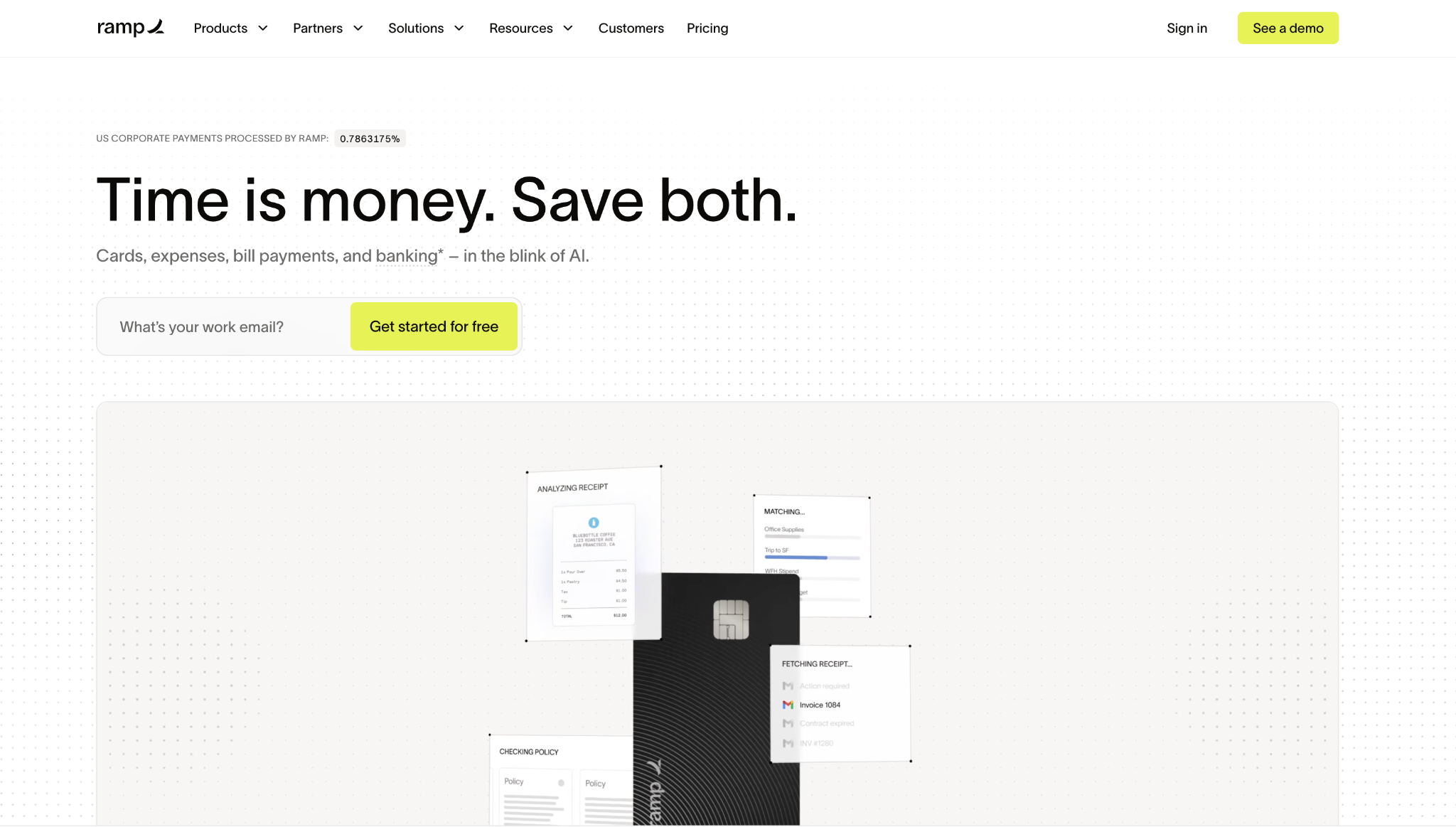
Ramp automates the work of coding spend, matching receipts, and routing approvals, and its Bill Pay module works independently, so a team can automate invoice processing without adopting the cards.
The free plan is unusually deep: unlimited cards, AP automation, OCR invoice capture, and two-way QuickBooks Online and Xero sync at no cost. Card approval runs on business financials rather than personal credit, with no personal guarantee.
Ramp's AP controls include two- and three-way purchase order matching, which verifies that your order, receipt, and invoice agree before a payment is issued. That depth makes it a strong fit for a scaling finance team, though NetSuite and Sage Intacct sync sit behind the paid Plus plan, and sole proprietors and mostly non-US companies fall outside its eligibility.
Ramp pros:
- Deep free plan: Unlimited cards, AP automation, OCR capture, and QuickBooks Online and Xero sync at $0.
- No personal guarantee: Card approval runs on business financials, not a founder's credit.
- PO matching: Two- and three-way matching confirm that the order, receipt, and invoice agree before approval.
Ramp cons:
- Card cash requirement: The corporate card needs at least $25,000 in a business bank account, though Bill Pay works without it.
- Entity limits: No support for sole proprietors, and the platform primarily serves US companies.
- ERP behind Plus: NetSuite and Sage Intacct sync require the paid Plus plan.
Pricing: The free plan is $0 per user per month, Plus runs $15 per user per month with a platform fee based on team size, and Ramp custom-prices Enterprise with advanced ERP integrations.
Best for: Companies with 50 to 500 employees that want cards, expenses, and AP consolidated in one platform, whether they run QuickBooks Online or Xero on the free plan or an ERP on Plus.
2. BILL
BILL is an AP and AR automation platform split into two products, BILL Accounts Payable and BILL Spend & Expense, the latter formerly known as Divvy.
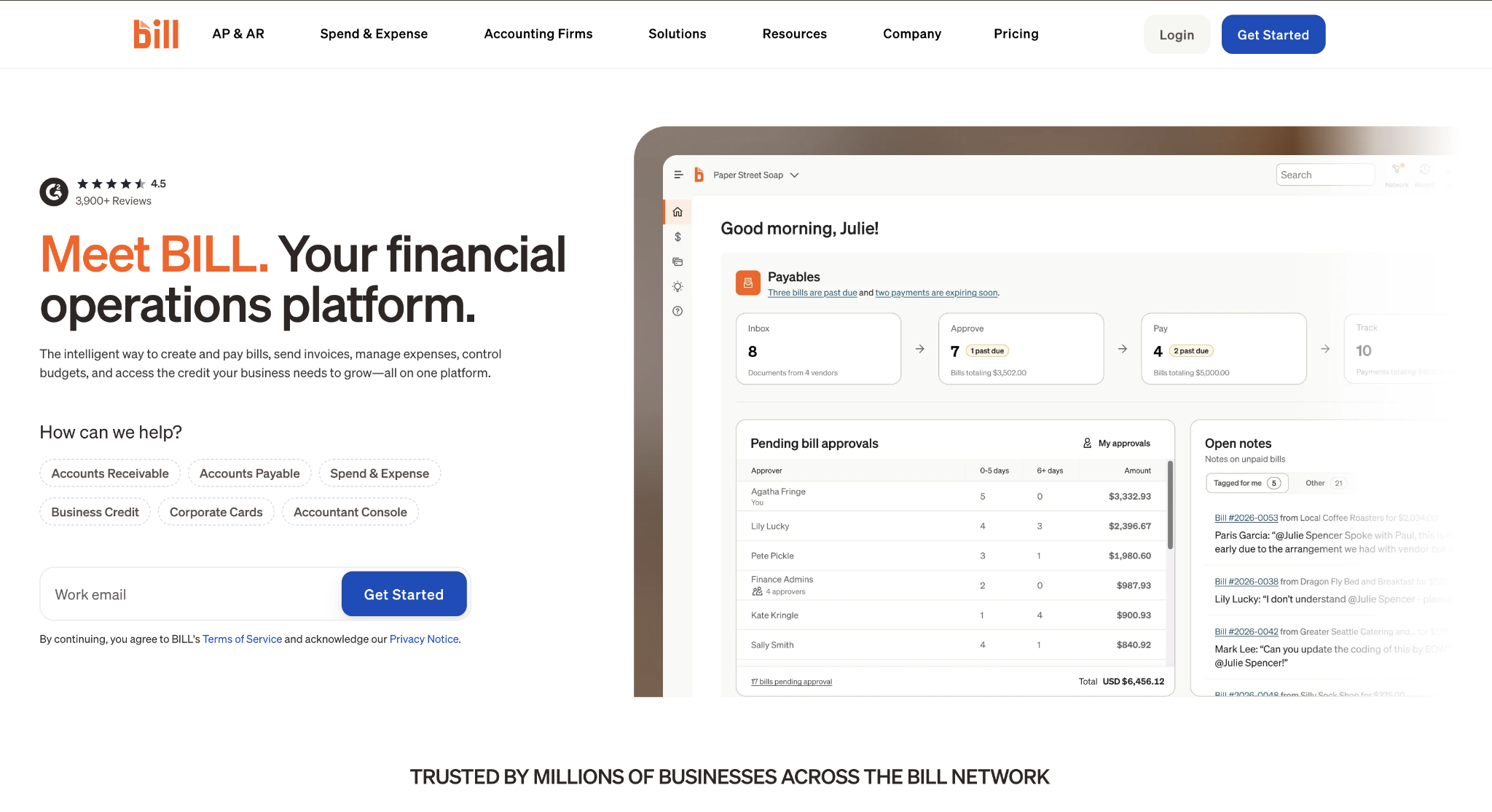
BILL handles the full accounts payable cycle, from invoice capture and approval routing to scheduled payment, alongside spend management and, more recently, travel.
Its Spend & Expense product is free, has no deposit minimum and supports sole proprietors, making BILL the natural pick when Ramp's card-approval cash requirement rules a company out. The AP side adds two-way QuickBooks Online and Xero sync starting on the Team plan, while NetSuite, Sage Intacct, and Dynamics sync require the Corporate tier.
The trade-off is complexity and per-payment cost. Running AP and Spend & Expense as two separate products adds setup work, and BILL charges transaction fees on top of subscriptions: $0.59 per ACH payment, $1.99 per mailed check, and $19.99 per international USD wire, though local-currency international payments carry no wire fee.
For a team that wants receivables handled by the same vendor as payables, that breadth usually justifies the extra setup.
BILL pros:
- Free spend plan: BILL Spend & Expense is free with no deposit minimum and supports sole proprietors.
- AP and AR together: Bill pay, and receivables run from one vendor instead of two.
- Accounting sync: Two-way QuickBooks Online and Xero sync starts on the Team plan.
BILL cons:
- Per-payment fees: $0.59 per ACH, $1.99 per mailed check, and $19.99 per international USD wire add up on volume.
- Product split: AP and Spend & Expense remain separate products, adding setup complexity.
- ERP behind Corporate: NetSuite, Sage Intacct, and Dynamics sync require the Corporate tier.
Pricing: BILL Accounts Payable runs $49 per user per month for Essentials, $65 for Team, and $89 for Corporate, while Spend & Expense is free, with card and payment fees applied separately.
Best for: Small and mid-sized businesses that want AP and AR in one system without cash minimums for the spend-management product.
3. Rho
Rho is a finance platform that pairs a no-fee corporate card with built-in AP automation and business banking, issued through Webster Bank.
Rho sets corporate card limits based on business cash and financials rather than personal credit, with no personal guarantee required.
What sets Rho apart in this list is price: the platform charges no subscription, per-user, or per-card fees, so a growing team gets card issuing, expense controls, and one-click bill pay without a monthly software line item. Its AP tools handle invoice capture, approval routing, and payment, which lets a company run spend and payables from a single platform.
Rho integrates with QuickBooks Online, NetSuite, and Sage Intacct, so it fits a company already on or moving toward an ERP. Like the other fintech platforms here, it expects a registered entity rather than a sole proprietorship. Its banking-plus-card model fits venture-backed startups and scaling SMBs more than very early or micro teams.
Rho pros:
- No platform fees: No subscription, per-user, or per-card charges for cards, expenses, and AP.
- No personal guarantee: Card limits scale with cash and financials instead of personal credit.
- AP built in: Invoice capture, approval routing, and one-click bill pay run alongside the card.
Rho cons:
- Entity requirement: Rho expects a registered LLC, corporation, or LP, not a sole proprietor.
- Best fit skews later: The banking-plus-card model suits funded startups and scaling SMBs more than micro teams.
- Xero support unclear: Rho advertises QuickBooks Online, NetSuite, and Sage Intacct sync more than Xero, so confirm your ledger during a pilot.
Pricing: Rho charges $0 for its corporate card, expense management, and AP automation, earning revenue through interchange and optional treasury services rather than software fees.
Best for: Venture-backed startups and scaling SMBs that want a no-fee corporate card with built-in AP automation, rather than a separate spend-management subscription.
4. Expensify
Expensify is an expense management tool built around receipt capture, where SmartScan OCR reads receipts, batch upload handles volume, and categorization runs automatically.
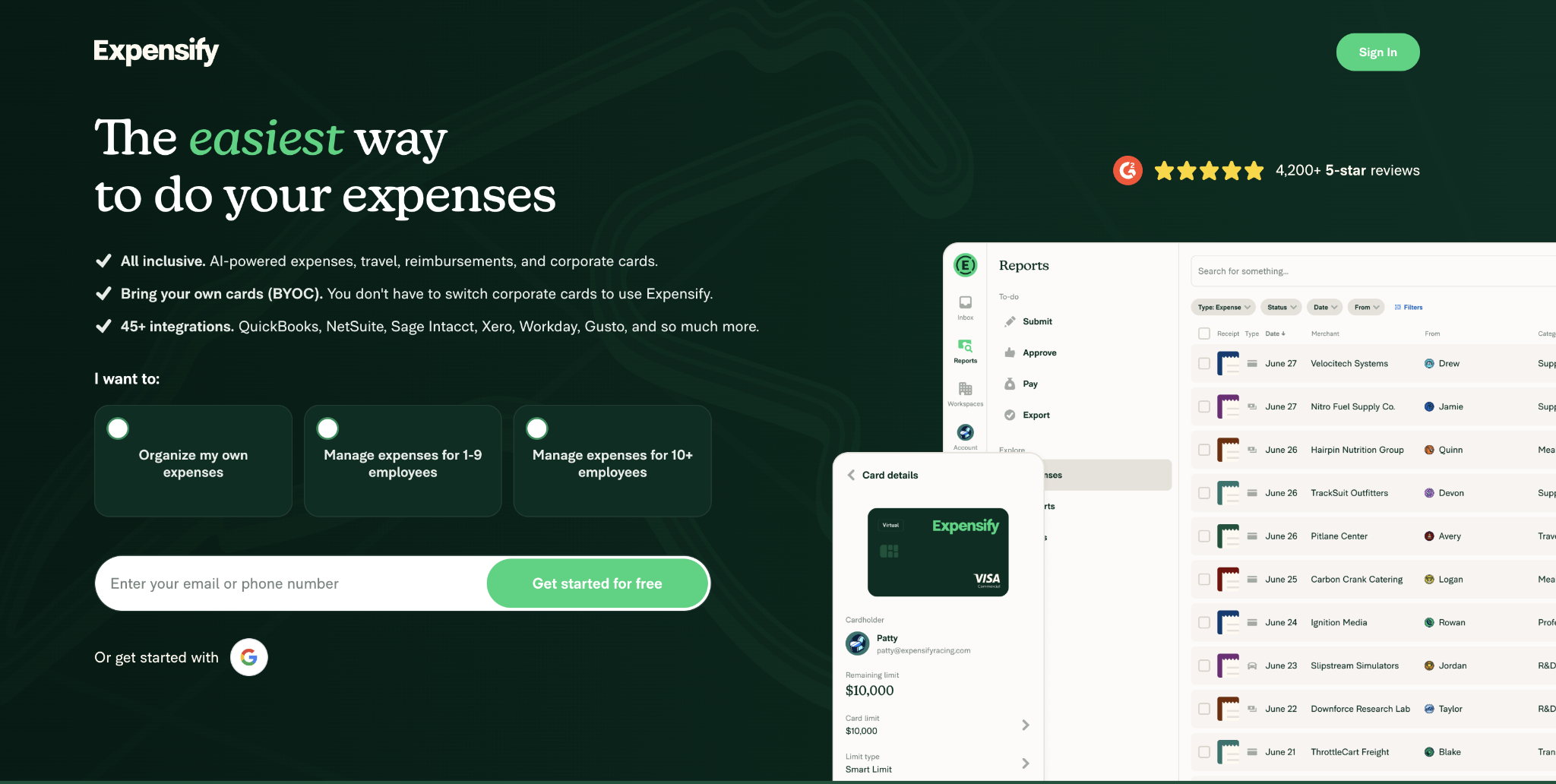
Expensify leads with a bring-your-own-card model that connects to a wide range of third-party banks, so a team can automate expense reimbursement without switching its existing cards.
The free plan covers up to 25 SmartScans a month along with reimbursements, invoicing, and bill pay, which suits a very small team testing the waters. Moving to the Collect plan at $5 per member per month unlocks unlimited SmartScans, approvals, third-party card feeds, and QuickBooks and Xero integrations, and it's the tier most growing teams land on.
The Control plan, starting at $9 per active member per month with Expensify Card usage and an annual commitment, adds NetSuite and Sage Intacct integrations for companies on an ERP. Cash back applies to eligible USD purchases, with higher rates gated behind larger monthly spend, so the rewards angle matters more for heavier card users than light ones.
Expensify pros:
- Receipt capture first: SmartScan OCR and batch upload automate the most tedious part of expense reports.
- Keep existing cards: Broad third-party bank support means no forced card switch.
- Affordable Collect tier: Unlimited SmartScans, approvals, and QuickBooks and Xero sync at $5 per member.
Expensify cons:
- Limited free plan: The free tier caps SmartScans at 25 a month.
- ERP behind Control: NetSuite and Sage Intacct integrations require the higher Control tier.
- Conditional cash back: Higher reward rates only kick in after large monthly card spend.
Pricing: Expensify's free plan covers up to 25 SmartScans per month; Collect costs $5 per member per month; and Control starts at $9 per active member per month with card usage and an annual commitment.
Best for: Small and mid-sized teams that want strong receipt capture, approvals, and reimbursements while keeping their existing bank cards.
5. Zoho Expense
Zoho Expense automates the expense-report side of finance, covering receipt scanning, automated expense creation, custom approval workflows, and corporate card reconciliation.
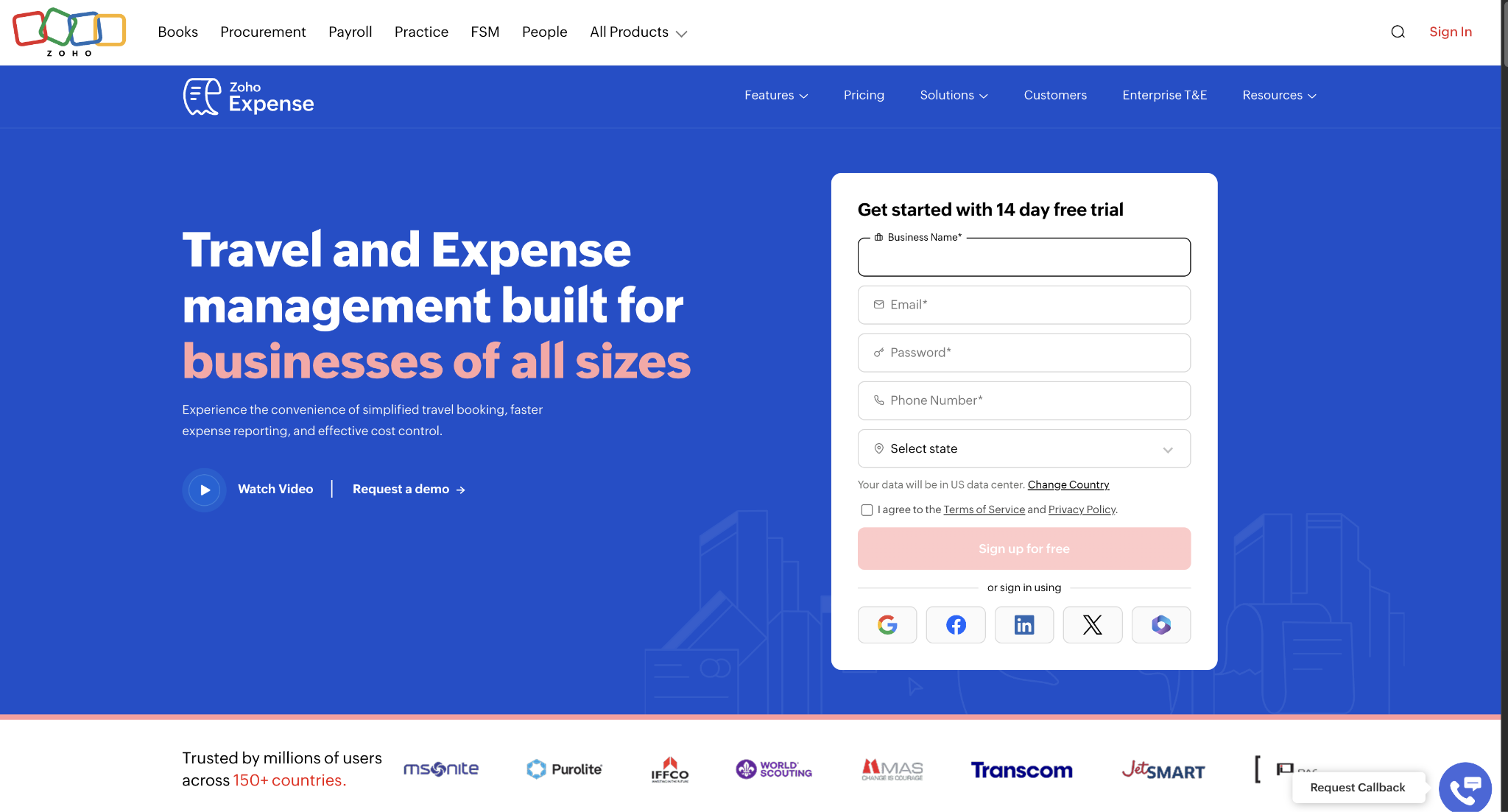
Zoho Expense also supports per diem and mileage tracking, ACH reimbursement workflows, and accounting sync, though its core job is employee expenses rather than full vendor payables.
Its pricing is among the lowest in this comparison, which is the main draw for a budget-conscious team. A free plan covers up to 3 users with basic auto-scans and multicurrency expense tracking.
The Standard plan costs $3 per user per month (billed annually at $4 per month), with multilevel approvals and unlimited users. In contrast, the Premium plan at $5 per user per month (billed annually at $7 per user per month) adds travel requests and per diem automation.
Zoho Expense fits most naturally alongside Zoho Books and Zoho CRM, where the shared ecosystem reduces integration friction. Because it focuses on expense reports, a company that also needs bill pay and vendor payments will still need a separate AP tool, so it works best as part of a stack rather than as a single system of record.
Zoho Expense pros:
- Low pricing: Paid plans start at $3 per user per month, making it one of the cheapest options here.
- Free tier: A limited free plan covers up to three users for small teams.
- Zoho ecosystem fit: Works cleanly alongside Zoho Books and Zoho CRM.
Zoho Expense cons:
- No bill pay: It doesn't replace a separate AP tool for vendor invoices and payments.
- No card program: It reconciles cards but doesn't issue a corporate card itself.
- Narrow scope: It focuses on expense reports over procurement, AP, and global payouts.
Pricing: Zoho Expense offers a free plan for up to 3 users; Standard at $3 per user per month (billed annually; $4 per month); and Premium at $5 per user per month (billed annually; $7 per month), with Enterprise priced on request.
Best for: Budget-conscious teams that mainly need expense reports, especially those already running Zoho Books or Zoho CRM.
6. Tipalti
Tipalti is an AP and global payouts platform built for high-volume payments to contractors and vendors.
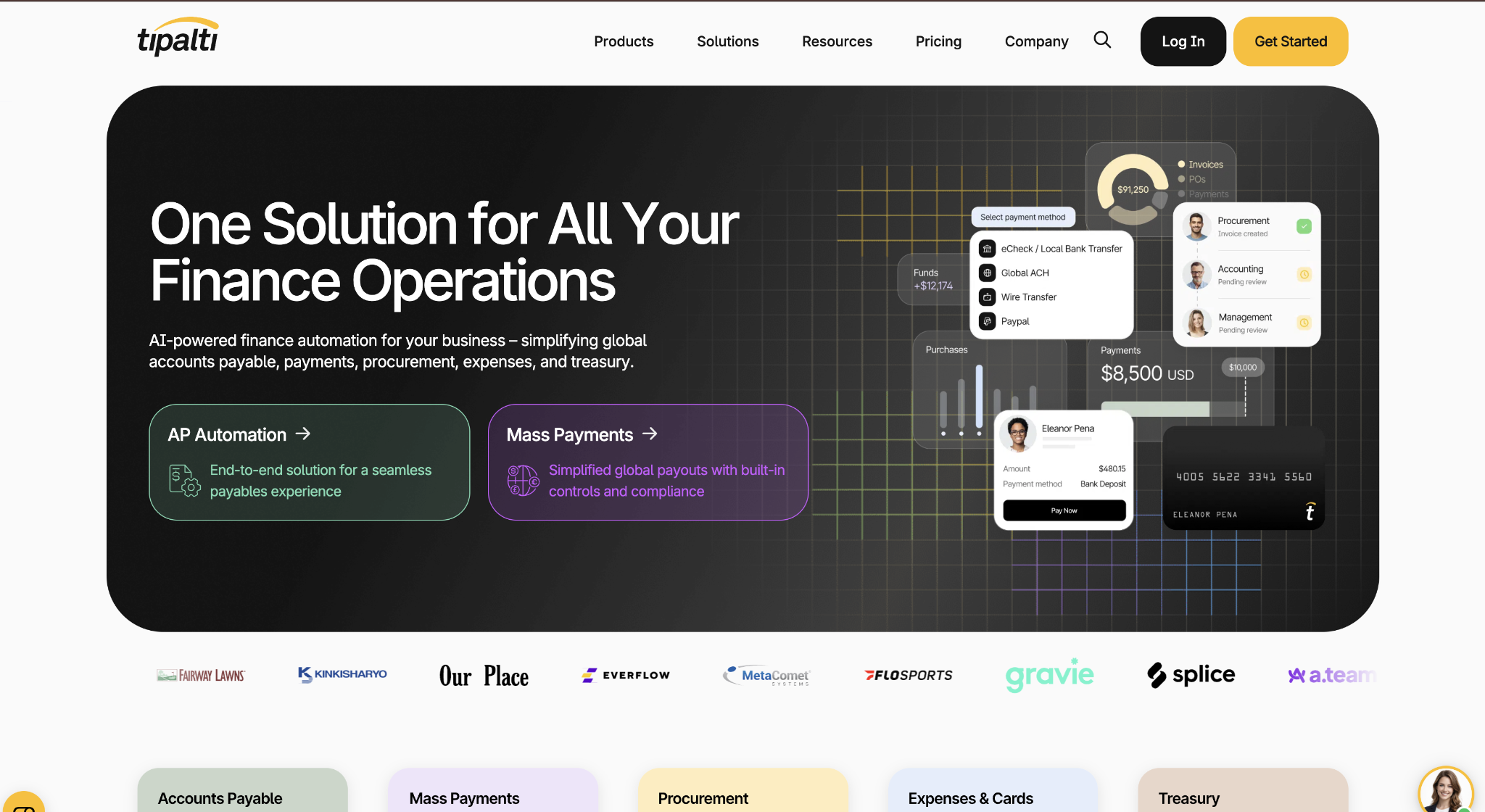
Tipalti moves vendor onboarding, tax form collection, and payment detail management into a supplier portal. In contrast, its global mass payments support cross-border payout volume that trips up general-purpose AP tools.
Fraud detection is part of the core product, and Tipalti prices on a platform-fee model rather than per seat, so team size doesn't change the base rate. That structure fits a company where a small finance team pays a large and growing base of contractors, and where the constraint is payment volume and compliance rather than employee expense reports.
There's no free tier, so a company commits to a paid plan from the start, and Expenses, Procurement, and Treasury are priced as separate add-on modules. Tipalti integrates with primary ERPs, but some secondary systems connect via no-code connectors rather than native APIs.
Tipalti pros:
- Unlimited users: Platform-fee pricing means adding seats doesn't raise the base rate.
- Supplier portal: Vendor onboarding, tax forms, and payment details move out of email.
- Global payouts: Handles high-volume cross-border payments to contractors and vendors.
Tipalti cons:
- No free tier: A paid plan is required from the start.
- Add-on modules: Expenses, Procurement, and Treasury are priced separately.
- Secondary ERP sync: Some ERPs connect through no-code connectors rather than native APIs.
Pricing: Tipalti's published rates start at $99 per month for AP and $249 per month for Mass Payments, with the final quote depending on transaction volume plus any added modules.
Best for: Mid-market companies paying high volumes of contractors and vendors across borders that need global payout workflows more than employee spend management.
How do you choose the right finance automation tool for your business?
Start by confirming your team has outgrown manual processes, because the right tool should reduce reconciliation and reporting work rather than add overhead. If month-end close keeps slipping, reconciliations eat large chunks of the month, or the team is consolidating multiple QuickBooks files in a spreadsheet, that's the signal to automate.
When you compare the tools, a few criteria matter more than a long feature checklist:
- Accounting integration: Confirm your accounting software connects and which plan tier it requires, especially for NetSuite or Sage Intacct.
- Total cost: Transaction fees, platform fees, training time, and implementation work should be included in the comparison, since they often exceed the license price.
- Automation depth: A pilot should show how much manual exception handling remains after go-live across AP, expense review, and reconciliation.
- Pilot scope: Run one tool against your top 10 to 20 vendors alongside your current process before rolling it out company-wide.
Modern platforms like Ramp are best for 50 to 500-employee companies that want cards, expenses, and AP in one place, with a free plan that carries the pilot and a Plus tier that adds ERP sync as you scale.
Frequently asked questions about finance automation tools
How much do finance automation tools cost?
Free tiers are available for Ramp, BILL Spend & Expense, Rho, Expensify, and Zoho Expense. Paid plans range from Zoho Expense at $3 per user per month to BILL AP at $49-$89 per user per month. Tipalti starts at $99 per month as a platform fee, with unlimited users.
How long does it take to set up finance automation?
Setup timelines vary by team size, workflow complexity, and ERP integration needs. A pilot and rollout usually come first, followed by an adjustment period before exception rates drop. Expect some manual work during the first month while your team cleans up policies, vendor records, and accounting mappings.
Do these tools integrate with QuickBooks Online?
They connect to QuickBooks Online, but the tier and sync depth vary. Ramp and Expensify include QuickBooks Online in their entry plans; BILL adds two-way sync at its Team tier; and Rho supports it alongside NetSuite and Sage Intacct. Your pilot should include a real sync before you sign a longer contract.
When has a business outgrown manual finance processes?
A business has outgrown manual processes when close and reconciliation work delays reporting or forces spreadsheet workarounds around QuickBooks limits. Another signal is a finance team spending more time chasing receipts and fixing coding errors than reviewing cash flow. At that point, automation gives the team back control over approvals, coding, and reporting.


