


8 Expense Reimbursement Tools for Mid-Market Finance Teams

June 13, 2026
Processing a single expense report manually takes an average of 20 minutes and costs $58 in staff time. At a company processing 60 expense reports per month, that overhead adds up to more than $41,000 per year before accounting for policy disputes, delayed payouts, or the time employees spend re-submitting rejected claims.
The right expense reimbursement tool replaces that workflow with automated receipt capture, configurable approval chains, and direct deposit payouts.
In this guide, we explore 8 expense reimbursement platforms, comparing Ramp, Expensify, Rippling, SAP Concur, Zoho Expense, Navan, Emburse, and Fyle (Sage Expense Management) on pricing, integration depth, and the specific team profiles where each fits best.
In brief:
- A company processing 60 expense reports a month spends over $41,000 a year on manual handling before disputes or delays.
- Ramp reduces upstream reimbursement volume by shifting spend to company cards, with controls that block out-of-policy purchases before they become claims.
- Expensify fits high out-of-pocket volume with flat $5-per-member Collect pricing and fast ACH payouts after approval.
- Rippling pays approved reimbursements through the same payroll run as salaries, removing the separate ACH batch for teams already running payroll there.
- The right tool depends on whether you want to process out-of-pocket expenses faster or reduce how many your team generates.
8 expense reimbursement tools at a glance
The choice between these platforms comes down to three questions:
- How your team currently spends
- How quickly do you need to pay employees back
- What your accounting stack requires at the integration tier you'll use
For instance, a tool that saves a 30-person team hours per week may create different tradeoffs for a 300-person company running multi-entity accounting.
With this in mind, we evaluated each tool on receipt-capture quality, approval-workflow flexibility, ACH payout speed, accounting integration depth, pricing transparency, and mobile experience for employees submitting expenses in the field.
Here are the tools at a glance:
| Tool | Category | Starting price | Standout feature | Best for |
|---|---|---|---|---|
| Ramp | Spend management + cards | Free ($0/user/mo) | AI-powered auto-coding | Card-first teams |
| Expensify | Reimbursement-first | $5/member/mo | SmartScan OCR | High-volume reimbursements |
| Rippling | HR-embedded expenses | Custom quote | Payroll-linked disbursement | HR-led organizations |
| SAP Concur | Enterprise T&E | Custom quote | Multi-country compliance | Global enterprises |
| Zoho Expense | SMB expense management | $3/user/mo (annual) | Zoho ecosystem sync | Zoho-stack teams |
| Navan | Travel + expense | Free tier | Booking-to-expense automation | Travel-heavy teams |
| Emburse | Mid-market expenses | Custom quote | Multi-level approval routing | Mid-market complexity |
| Fyle (Sage) | Card-free reimbursement | Custom quote | Text/email submission | Field and mobile teams |
We lead with Ramp because it addresses the root cause of high reimbursement volume, not just the speed of processing it.
1. Ramp
Ramp is a spend management platform that reduces how much your team needs to reimburse by shifting spending to company cards with configurable controls.
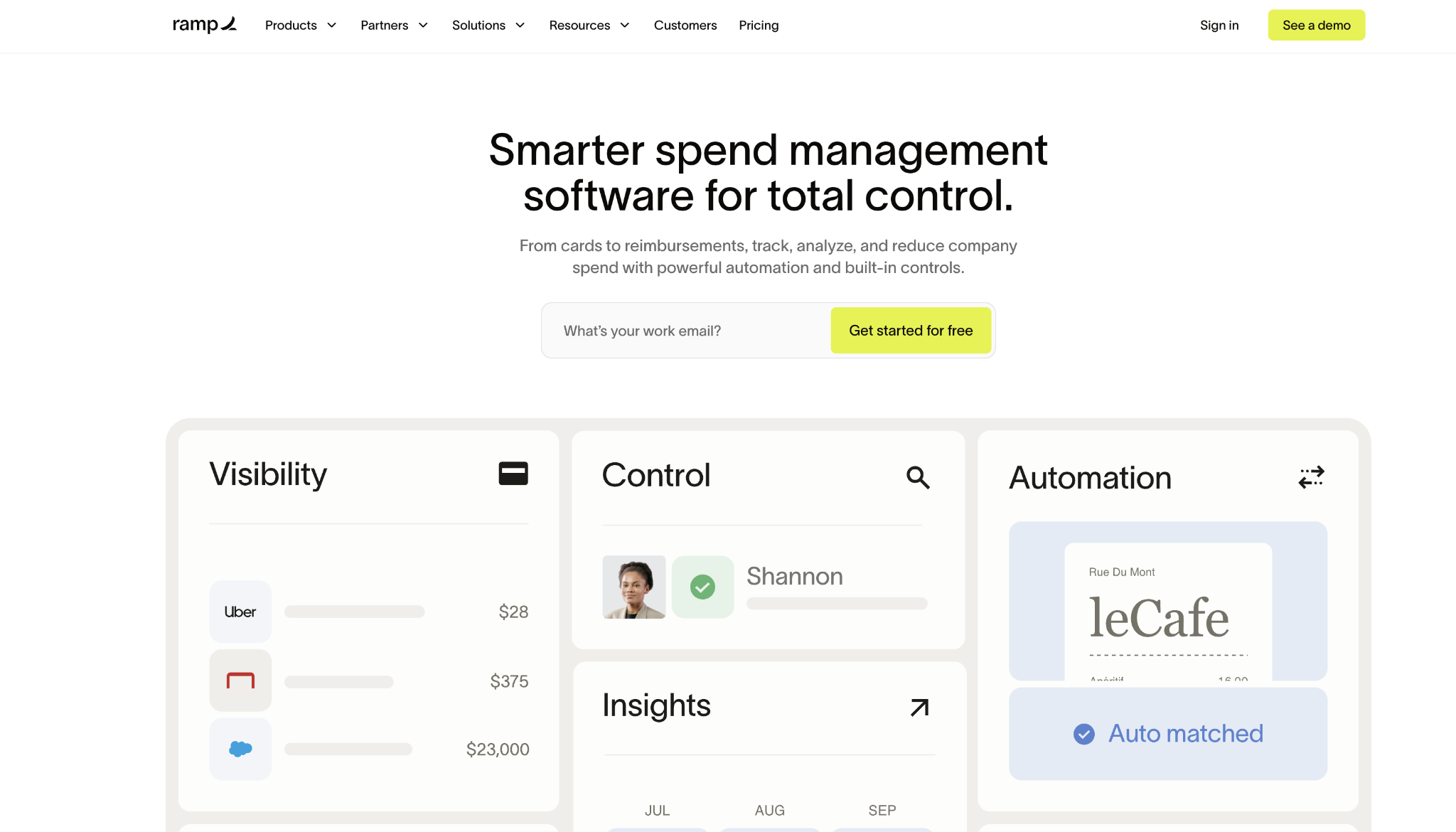
When employees have out-of-pocket expenses, the reimbursement workflow runs on the same platform as all other company spend, and ACH deposits settle into employees' bank accounts without routing through a separate system.
Where Ramp makes the biggest difference is in what happens before the spending occurs. Card limits, merchant category restrictions, and vendor approval rules enforce policy at the point of sale, not after a receipt lands in the finance queue.
The Accounting Agent auto-codes transactions and reimbursements against the chart of accounts with 90%+ accuracy and delivers clean books 3 times faster per month than manual review, saving finance teams 40+ hours per month.
Ramp's free tier covers unlimited users, virtual and physical cards, reimbursements, and direct integrations with QuickBooks Online and Xero. Teams that require NetSuite, Sage Intacct, or more advanced procurement workflows can upgrade to Plus.
No personal guarantee is required for card issuance, which removes a barrier that stalls corporate card rollouts at growth-stage companies.
Ramp pros:
- Free tier includes unlimited reimbursements: Your finance team can automate receipt capture, approval routing, and ACH disbursement at no per-user cost, making the tool accessible before the budget exists for paid expense software.
- Reduces reimbursement volume upstream: Card-level controls that decline non-compliant purchases at authorization reduce the number of out-of-pocket transactions that generate reimbursement requests, addressing the problem before it reaches the approval queue.
- Flat cash back on card spend: Ramp cards earn flat cash back on qualifying purchases, generating a return on card volume that offsets program costs as spending grows.
Ramp cons:
- Most compelling with card adoption: Teams resistant to shifting from personal card reimbursements to company cards capture less of the platform's value proposition because upstream spend controls apply only to company-issued cards.
- NetSuite and Sage Intacct require Plus: ERP-level accounting integrations and deeper procurement workflows are gated behind the $15/user/month Plus plan, which changes the cost calculation for teams on those systems.
Pricing: Ramp Free is $ 0/user/month; Ramp Plus is $15/user/month plus a platform fee based on team size, with 20% savings on annual billing; Enterprise is custom-priced.
Best for: Finance teams at growing companies that want to reduce reimbursement volume by shifting spend to company cards, while automating the out-of-pocket submissions that remain.
2. Expensify
Expensify is purpose-built for teams processing high volumes of out-of-pocket expense reimbursements that need fast payouts after approval.
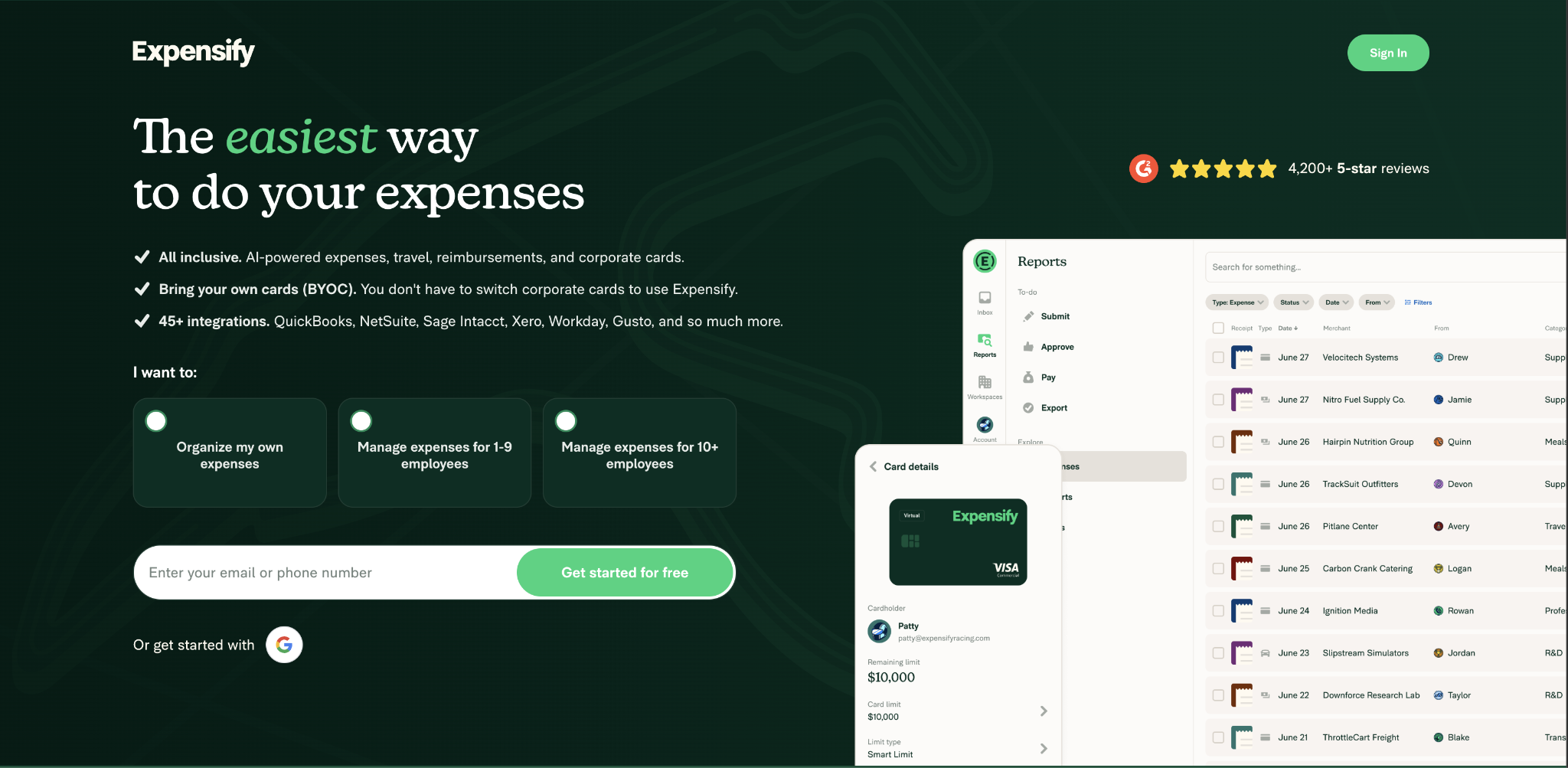
SmartScan OCR extracts merchant, amount, date, and category from receipt photos and email-forwarded receipts without manual data entry. Once an expense clears the approval chain, ACH deposits are made to employees' bank accounts without additional intervention from the finance team.
Configurable approval workflows route expenses based on department, dollar threshold, and expense category. Managers approve from mobile devices without logging into a desktop portal, reducing the approval lag that delays reimbursements in email-based processes.
Expensify also covers corporate expense management through the optional Expensify Card, which shifts some company spending off personal cards and reduces the volume of reimbursement requests the platform processes each month.
Accounting integrations cover QuickBooks Online, Xero, NetSuite, Sage Intacct, and QuickBooks Desktop. The Collect plan at $5/member/month requires no annual commitment and no minimum seat count, making it accessible to smaller finance teams evaluating the tool before a formal vendor selection process.
For teams already processing dozens of expense reports per week, the reduction in manual receipt matching typically offsets the per-user cost within the first month.
Expensify pros:
- Purpose-built reimbursement workflow: The product was designed around out-of-pocket submission and fast ACH payout, making it the strongest dedicated reimbursement tool on this list for teams whose primary need is processing expenses quickly and accurately.
- Transparent per-member entry pricing: The Collect plan at $5/member/month requires no annual commitment, giving small teams access to automated receipt capture and ACH disbursement without locking into a contract.
Expensify cons:
- OCR errors require manual review: Low-quality receipt photos and non-standard formats still generate extraction errors that must be reviewed before the expense proceeds to approval.
- Pricing ties to card adoption: The Control plan drops from $18/user/month to $9/user/month with Expensify Card adoption, which makes cost projections harder as team card usage shifts over time.
Pricing: Collect plan at $5/member/month with no annual commitment; Control plan at $9/active member/month with annual commitment and Expensify Card, or $18/month without the card; pay-per-use at $36/month.
Best for: Finance teams processing frequent out-of-pocket reimbursements that want fast ACH payouts and a low per-user entry price without requiring employees to adopt a new corporate card.
3. Rippling
Rippling is a workforce management platform connecting HR, IT, and finance in a single system.
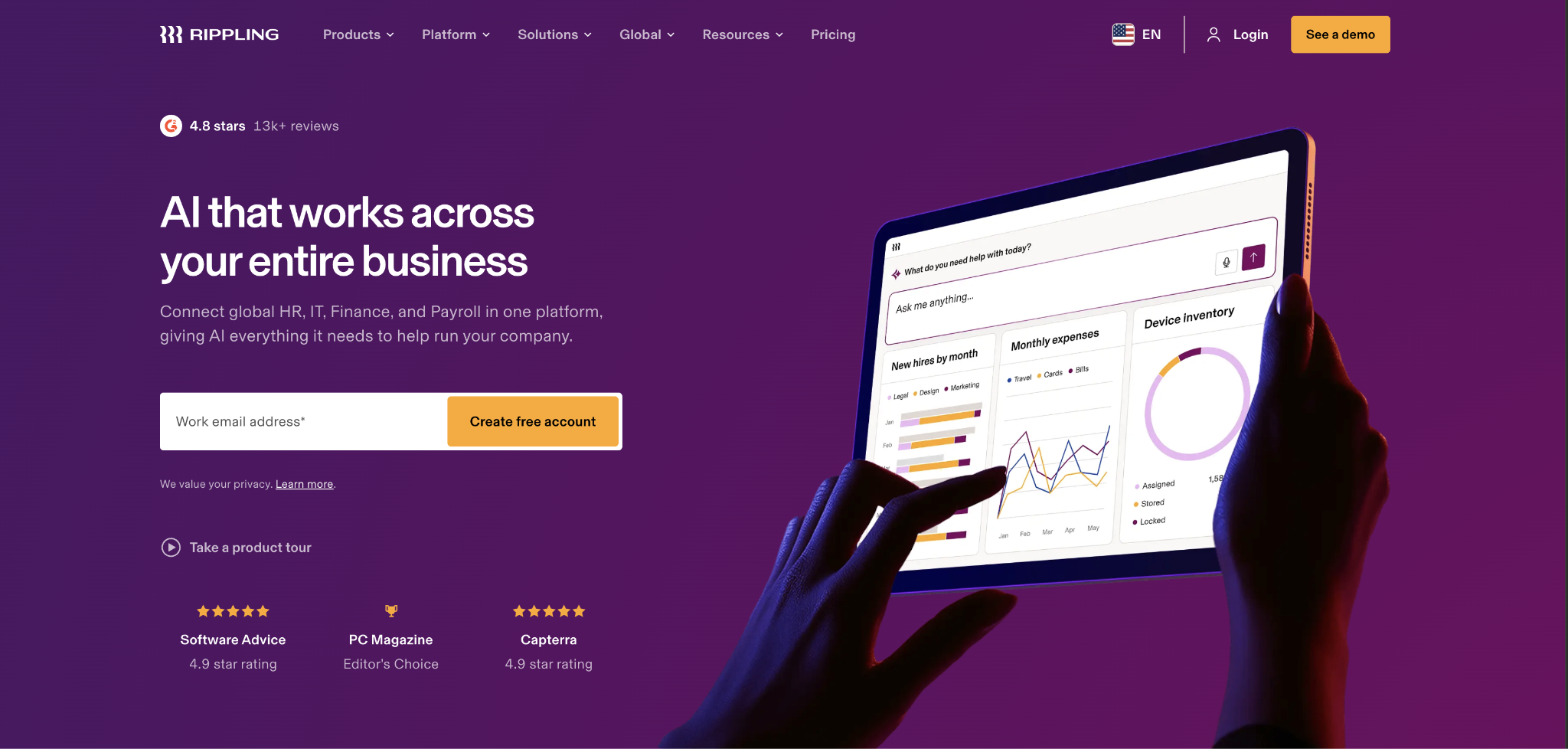
Its expense management module takes a different approach to the reimbursement cycle:
- Approved expenses are disbursed through the same payroll run that pays employee salaries
- Finance teams do not manage a separate ACH reimbursement batch
- Employees receive reimbursements with their next paycheck, without a separate transfer
This payroll integration delivers the most value for companies where expense cycles and payroll run on overlapping schedules, and where HR is already managed in Rippling. The expense module covers receipt capture, configurable approval policies by department and dollar amount, custom expense categories, and accounting exports to QuickBooks, NetSuite, and Xero.
When an employee's department or role changes in Rippling's HR system, their expense approval routing updates automatically without a finance admin manually adjusting the settings.
For growing companies scaling headcount quickly, this automated policy sync reduces the administrative backlog that accumulates when expense tools and HR systems operate independently.
Adding Rippling's Spend module to an existing Rippling deployment involves no new vendor relationship, no data migration, and no integration setup, which is a meaningful time advantage for teams already on the platform.
Rippling pros:
- Expenses disbursed through payroll: Approved reimbursements settle on the same payroll schedule as salaries, removing the separate ACH batch cycle and simplifying reconciliation for the finance team.
- HR policy changes update approval routing automatically: Role and department changes in the HR system propagate to expense workflows immediately, eliminating a recurring manual update that most expense tools require a finance admin to handle separately.
Rippling cons:
- Full value requires the broader platform: Standalone expense management without Rippling's HR and payroll modules captures significantly less of the differentiation. Teams evaluating only an expense tool will often find dedicated options more cost-effective.
- Custom pricing adds evaluation friction: Rippling does not publish modular pricing publicly, which requires a sales engagement before you can benchmark total cost of ownership against transparently priced alternatives.
Pricing: Rippling uses modular per-seat pricing; contact Rippling for a quote based on team size and specific modules required. The base platform starts around $8/user/month, with Spend as a separately priced add-on.
Best for: Companies already using Rippling for HR and payroll that want to consolidate expense reimbursement in the same system and eliminate the separate disbursement cycle.
4. SAP Concur
SAP Concur handles T&E and expense reimbursement for global enterprises running multiple legal entities across different tax jurisdictions and currencies.
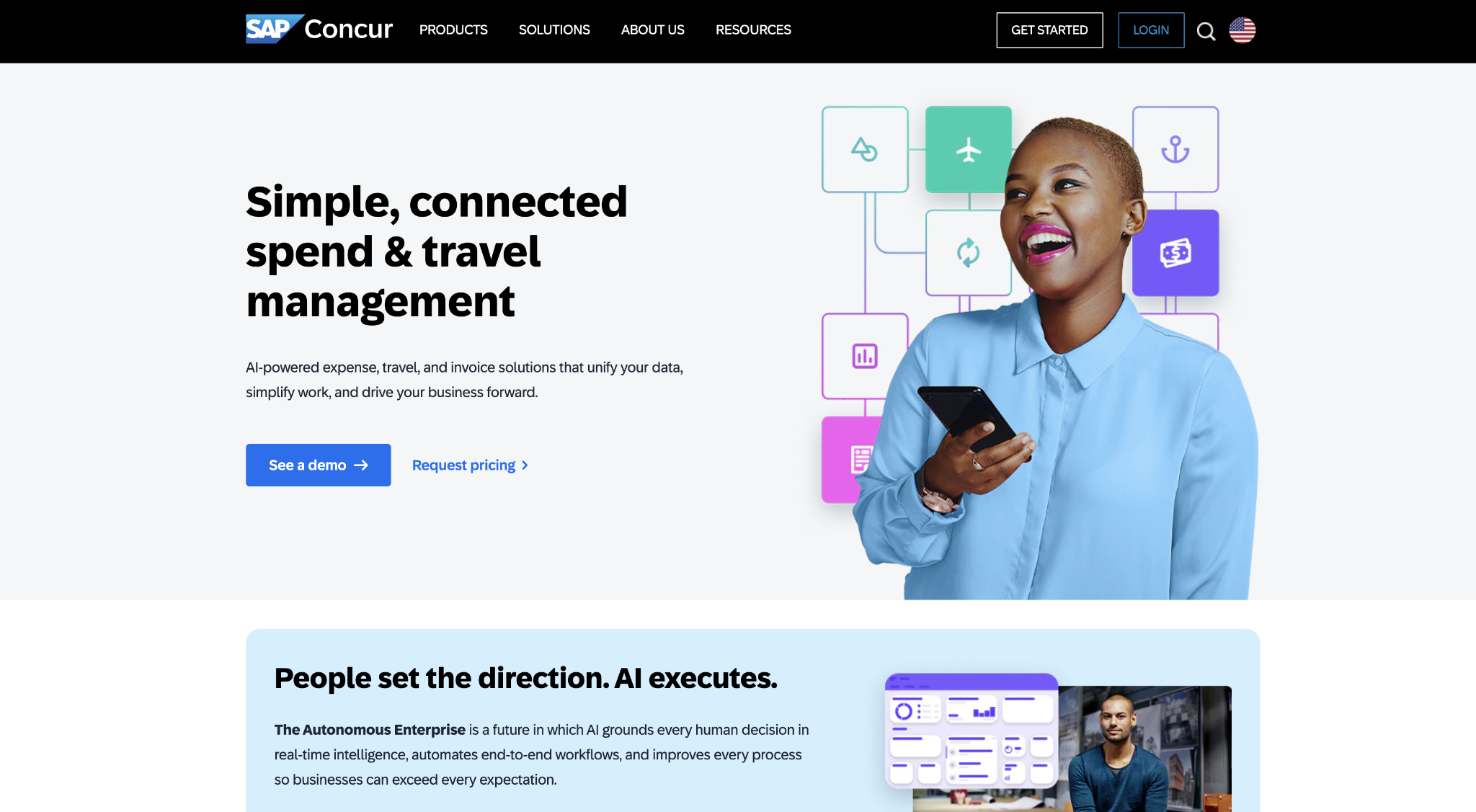
The platform enforces region-specific per diem rates, manages multi-country approval hierarchies, and integrates with enterprise ERPs, including SAP S/4HANA and Oracle Fusion, in ways mid-market tools are not designed to handle.
For large organizations, the depth of compliance tooling is the point. Finance teams managing 10 or more legal entities in different countries cannot rely on a tool built for a U.S.-based single-entity company.
Concur's regional compliance updates, multi-currency reconciliation, and audit trail documentation address requirements that only surface at enterprise scale.
Implementation timelines and configuration complexity are real costs to plan for alongside licensing. Concur deployments in large organizations typically involve IT, HR, and procurement, and go-live timelines often extend well beyond those required by mid-market tools.
Budget those coordination costs into your total cost-of-ownership comparison when evaluating Concur against purpose-built mid-market tools.
SAP Concur pros:
- Global compliance depth: Multi-country per diem rules, jurisdiction-specific tax handling, and regional audit documentation are maintained as platform standards rather than custom configurations your team manages independently.
- Enterprise ERP integration: Direct connectors to SAP S/4HANA, Oracle Fusion, and other enterprise systems are built for finance teams running complex multi-entity accounting structures.
SAP Concur cons:
- Implementation requires significant coordination: Large deployments involve IT, HR, and procurement stakeholders, and go-live timelines extend well beyond what mid-market tools require, adding real cost to the total investment.
- The interface creates friction for employee adoption: Users consistently report that it is dated compared to newer platforms, which reduces submission rates, especially in the absence of active training programs.
Pricing: A custom quote is required; contact SAP Concur for pricing based on company size, entity count, and feature scope.
Best for: Global enterprises with multi-entity operations, multi-currency requirements, and jurisdiction-specific compliance needs that mid-market expense tools are not designed to handle. If you’re evaluating whether they have outgrown a mid-market tool, you should also review SAP Concur alternatives before committing to a full Concur deployment.
5. Zoho Expense
Zoho Expense is the expense management module within the broader Zoho suite, which includes Zoho Books, Zoho CRM, and Zoho Payroll.
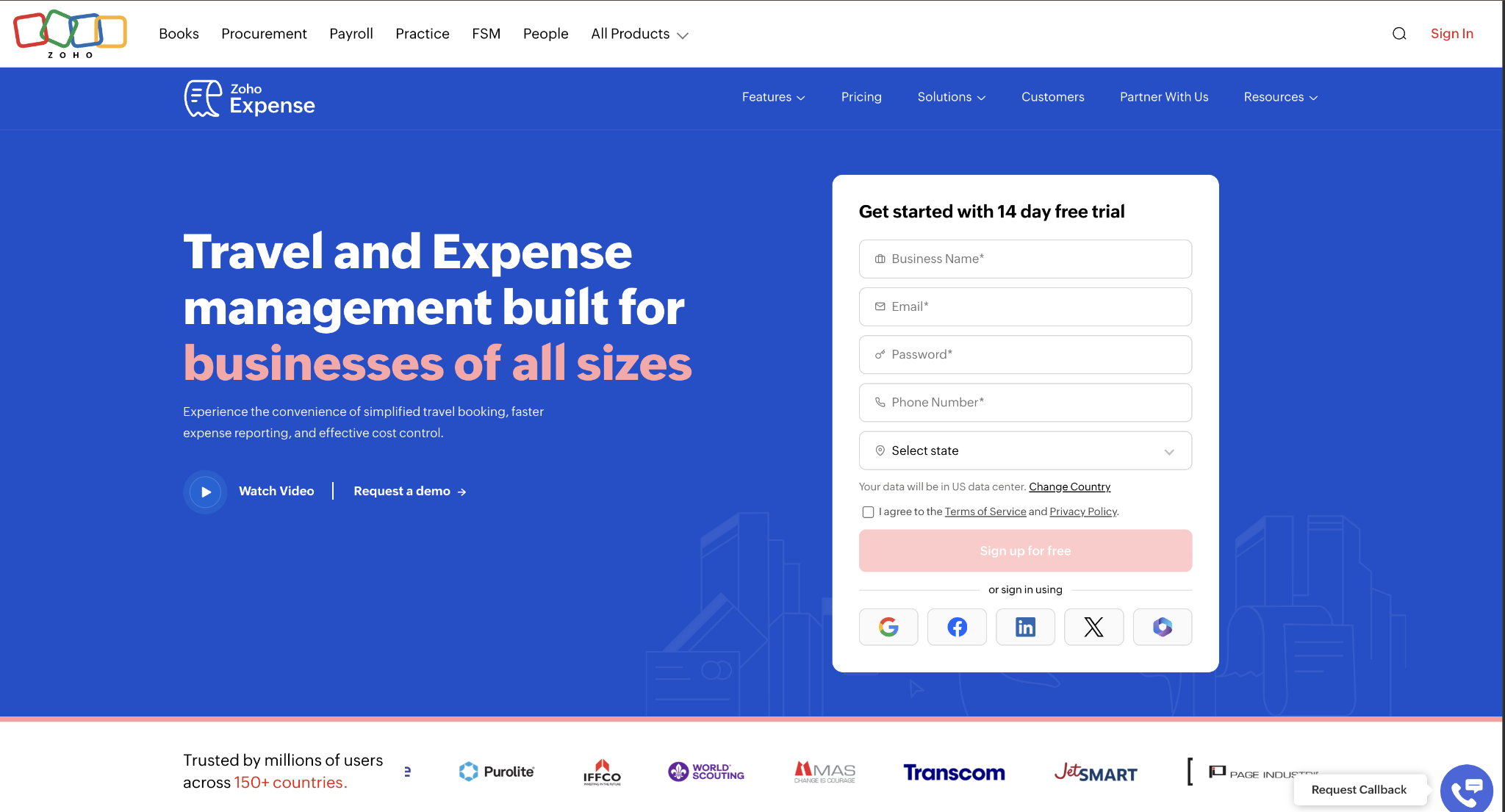
For teams already on Zoho infrastructure, native integration means expense data flows directly into accounting without CSV exports, manual imports, or third-party connectors. Setup takes hours rather than the days a standalone tool integration typically requires.
The platform covers receipt scanning, mileage tracking, multi-level approval workflows, cash advance management, and per diem configuration. Zoho Expense holds a 4.5/5 rating on G2. Published pricing starting at $3/user/month (Standard, billed annually) makes it one of the most accessible options on this list for small teams that need automation without enterprise-level licensing.
Outside the Zoho ecosystem, the integration advantage narrows. Teams on QuickBooks, NetSuite, or Xero can connect to Zoho Expense via available integrations. Still, the native data sync that makes the platform efficient within Zoho relies on a standard API connection.
If your accounting system is not Zoho Books, the case for Zoho Expense over Expensify or Fyle weakens substantially.
Zoho Expense pros:
- Lowest published per-user price: Standard pricing at $3/user/month, billed annually, is the most budget-accessible entry point on this list, suitable for small teams before headcount growth justifies higher-tier tools.
- Native Zoho ecosystem sync: Expense data flows directly into Zoho Books without connectors or exports, eliminating the need for a recurring reconciliation step for teams already in the Zoho stack.
Zoho Expense cons:
- Approval routing limits at scale: Complex multi-department approval matrices push against the configuration ceiling at Standard, requiring a Premium upgrade or a different tool as organizational complexity grows.
- Value narrows outside Zoho: Teams not running Zoho Books or Zoho CRM lose the primary integration advantage and compete against tools with deeper cross-platform accounting support.
Pricing: Free plan for up to 3 users; Standard at $3/user/month billed annually ($4/month billed monthly); Premium at $5/user/month billed annually ($6/month billed monthly).
Best for: Small teams already using Zoho Books or Zoho CRM that want the lowest-friction, lowest-cost path to automated expense management without adopting a new platform.
6. Navan
Navan connects corporate travel booking to expense management on a single platform, so receipts for flights, hotels, and ground transportation automatically populate expense reports, eliminating manual entry.
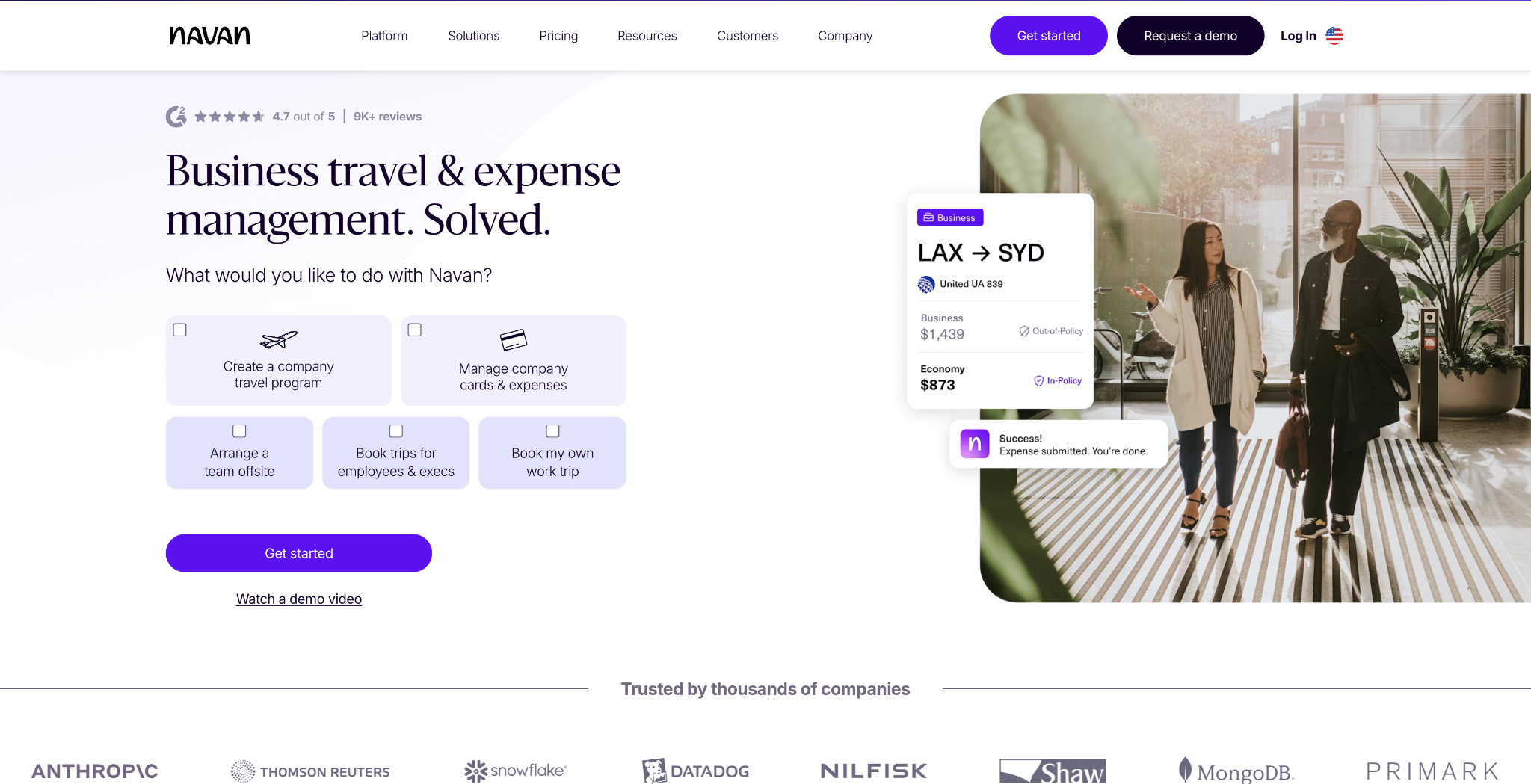
For sales teams, consulting firms, and distributed organizations where travel is a primary expense category, this automatic population eliminates hours of receipt matching per employee per trip.
The travel policy is enforced before the booking is made, not after the charge appears on the statement. Employees see only in-policy options when searching for flights and hotels, which catches violations before they create out-of-pocket reimbursement requests.
This pre-booking approach works earlier in the workflow than purchasing card controls, which apply at the point of payment rather than at the search stage.
A free tier covers expense management and receipt scanning for teams not ready to adopt the full travel module. For companies where travel is a small share of total expenses, the primary differentiator of automatic booking-to-expense population carries less weight, and dedicated reimbursement tools like Expensify or Rippling handle the submission workflow more efficiently.
Navan pros:
- Automatic travel expense population: Approved bookings flow directly into expense reports without manual receipt entry, eliminating the most time-consuming step for travel-heavy employees.
- Pre-booking policy enforcement: Travel policy violations are blocked before charges are incurred rather than flagged for review after an out-of-policy charge appears on a statement.
Navan cons:
- Primary value is travel-centric: Teams where travel is not a significant expense category get less differentiated value than from tools purpose-built for non-travel reimbursement workflows.
- Paid plans require a sales conversation: The free tier covers basic expense tracking, but full travel management and advanced expense controls require pricing engagement before you can evaluate full cost.
Pricing: Free for the first 5 active expense users; $15 per active expense user per month for companies under 300 employees, with custom pricing above that.
Best for: Consulting firms, sales organizations, and distributed teams where travel consistently represents a large share of monthly expense submissions.
7. Emburse
Emburse Professional (formerly Certify) targets mid-market companies that need approval routing depth beyond what small-business tools support, without the implementation overhead of an enterprise platform like SAP Concur.
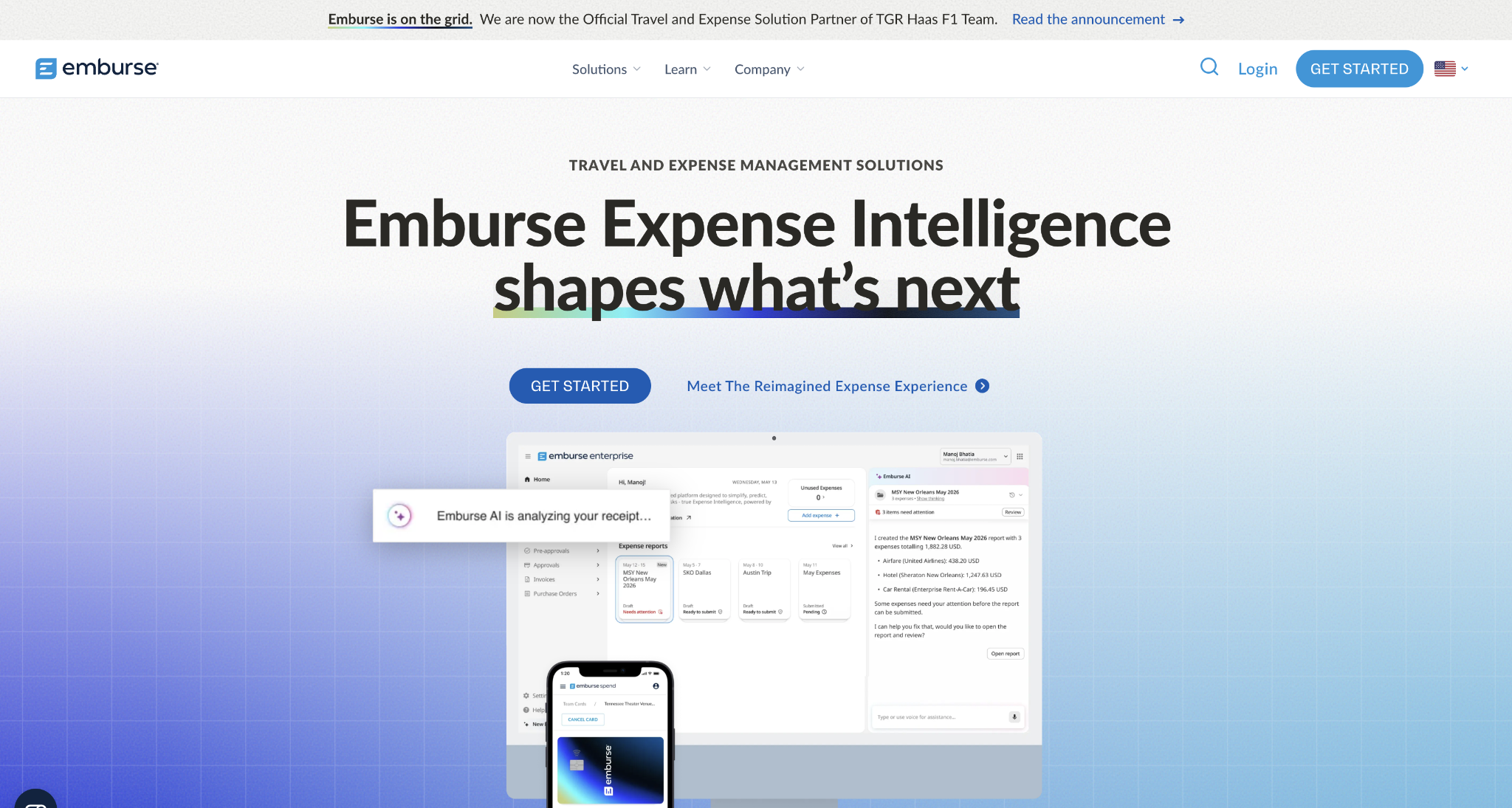
Finance teams can configure multi-level approval chains by expense amount, department, project code, and cost center, with audit trail documentation that supports growing companies preparing for external financial reviews.
Emburse's broader suite covers card programs, accounts payable software workflows and expense reimbursement, which means growing teams can consolidate more of their spend management with one vendor as requirements expand.
G2 reviews consistently highlight approval routing flexibility as a standout feature, while noting that the submission interface for non-finance employees requires more training than mobile-first tools.
For mid-market teams that have grown beyond Zoho Expense or Expensify but are not yet at the scale where SAP Concur makes sense, Emburse occupies a clear position: more configuration depth than SMB tools, lower implementation complexity than enterprise platforms, and a suite structure that scales as the organization adds AP and card workflows.
Emburse pros:
- Approval routing built for mid-market complexity: Multi-level workflows configurable by amount, department, project, and cost center match the approval structures that growing companies actually operate, without requiring enterprise-scale customization.
- Suite covers AP automation and cards: The broader Emburse product family provides a path to consolidate AP workflows and corporate card programs alongside expense reimbursement as requirements grow.
Emburse cons:
- The submission interface creates friction: Non-finance employees report that the submission workflow requires more steps than mobile-first tools, increasing training requirements and reducing unprompted adoption.
- Custom pricing slows comparison: Quote-only pricing means teams cannot benchmark costs before engaging sales, adding time to the evaluation process compared with transparently priced alternatives.
Pricing: A custom quote is required; contact Emburse for pricing based on company size, product tier, and specific modules required.
Best for: Mid-market finance teams that need multi-level approval routing, compliance-grade audit trails, and a platform that can grow into AP automation and card programs without a full enterprise deployment.
8. Fyle (Sage Expense Management)
Fyle (now operating as Sage Expense Management) handles expense reimbursement without requiring companies to adopt a new corporate card program.
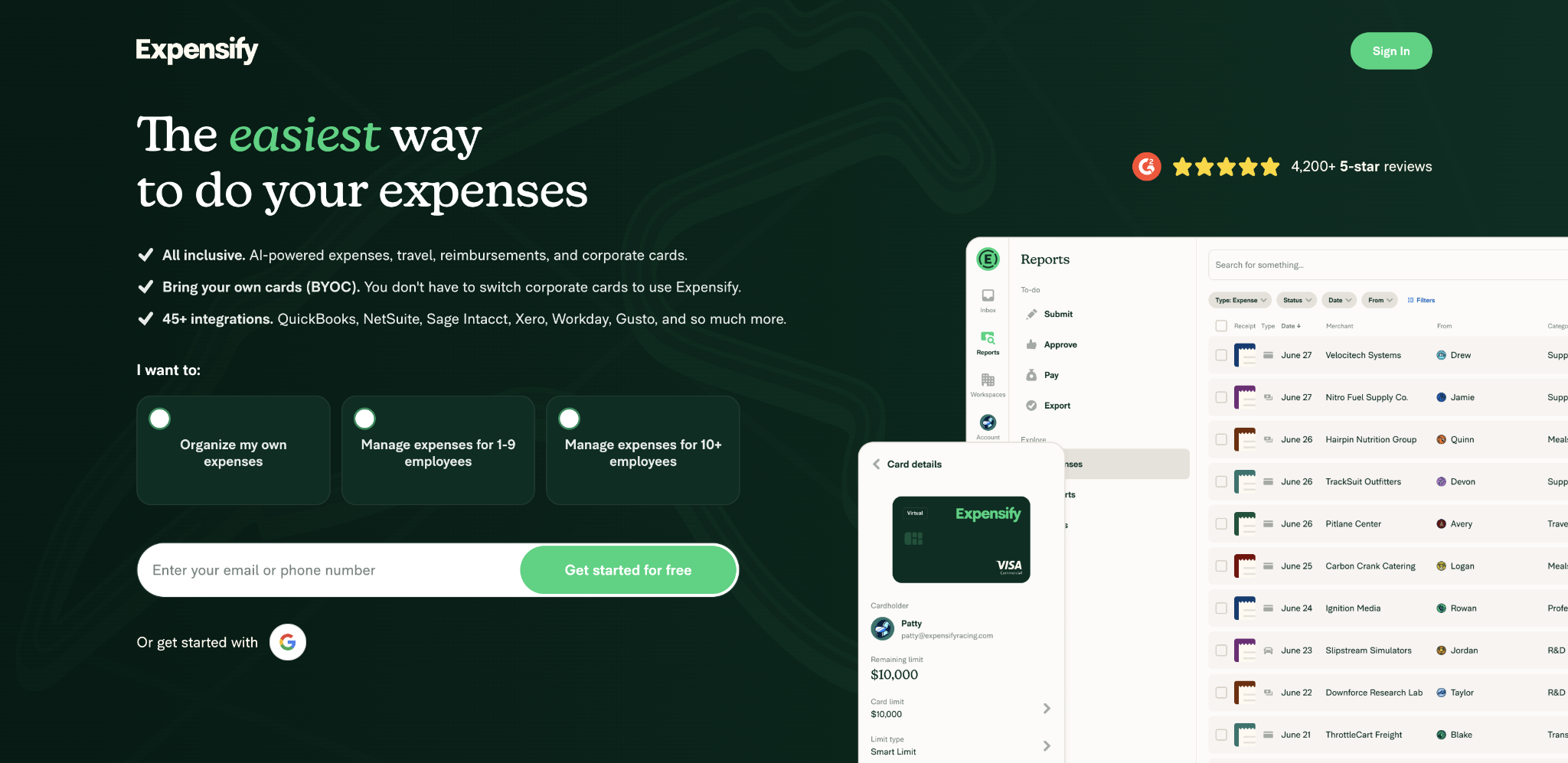
Employees submit receipts via text message, email, Slack, or direct photo upload, which makes the tool practical for field teams working away from desks. Real-time policy checks flag out-of-policy submissions at the point of entry rather than after approval, reducing the back-and-forth review cycle between employees and finance.
Integrations cover QuickBooks Online, Xero, NetSuite, and Sage Intacct. The platform supports mileage tracking, per diem rules, and custom expense category configuration. Usage-based pricing means the company pays for users who actively submit expenses in a given period, rather than carrying a flat per-seat cost for employees who submit infrequently.
For organizations that have already committed to existing card programs through their bank or a legacy corporate card issuer, Fyle covers automated reimbursement workflows without any card transition.
This matters in companies where card program consolidation is operationally or contractually difficult, and where the finance team needs faster reimbursement processing without disrupting the existing card relationship.
Fyle pros:
- Works with existing card programs: Companies that want automated reimbursement workflows without changing their card setup can layer Fyle on top of their existing card programs, with no card migration required.
- Field-friendly submission options: Receipt submission via text, email, and Slack covers teams who won't use a dedicated expense app, improving submission rates in field-based organizations.
Fyle cons:
- Does not reduce expense volume upstream: Without a corporate card program, Fyle accelerates the reimbursement process but does not reduce the number of out-of-pocket transactions that generate requests in the first place.
- Custom pricing adds evaluation friction: Usage-based billing and quote-only pricing make it harder to benchmark cost against per-seat alternatives without a sales conversation.
Pricing: Usage-based pricing; custom quote required based on company size and active user volume.
Best for: Companies with existing corporate card programs that want automated reimbursement workflows and flexible submission options without adopting a new card product.
How to choose the right expense reimbursement tool
The right tool depends on where your reimbursement problem originates and how much workflow change your team can absorb alongside the efficiency gains.
Match the tool to your reimbursement-to-card ratio
If your team generates a high volume of out-of-pocket expenses, the question is whether you want to process those faster or reduce how many you generate. Ramp reduces volume by catching spend before it leaves employee pockets. That distinction drives the decision more than any feature comparison.
If your company can realistically shift employee spending to company cards, a card-first platform compounds its value over time. If out-of-pocket reimbursement is embedded in how your operations work, weight payout speed and mobile submission quality above everything else.
The right platform also depends on the disbursement and reimbursement workflows your finance team manages across the organization.
Check your accounting integration before committing
Most tools advertise QuickBooks and Xero integrations across all plans. NetSuite, Sage Intacct, Oracle, and multi-entity sync are frequently locked to higher-priced tiers or require custom setup.
Before committing to a plan, confirm that native integration with your specific accounting system is available at the tier you'll actually use. A tool whose NetSuite integration requires an Enterprise upgrade changes the cost calculation significantly for a team currently on QuickBooks that is planning an ERP migration.
Calculate the total cost at the growth-stage headcount
A platform priced at $3 per user per month looks reasonable at 25 employees. At 200 employees, that same platform generates $7,200 per year before add-ons. Run the math at your current headcount and your projected headcount 18 months from now.
The cost trajectory often influences decisions for growing teams. Platforms with custom or modular pricing can appear expensive today but scale more predictably than per-seat tools as headcount rises quickly.
Next steps
Whichever way those three checks point, the right tool is the one that matches where your reimbursement volume comes from, not the one with the longest feature list.
If the goal is to reduce that volume rather than just process it faster, modern spend management platforms like Ramp combine company cards with built-in reimbursement on a single platform.
With that, the out-of-pocket claims that remain run alongside the spend you have already moved onto cards. Compare that approach against the dedicated reimbursement tools above before you commit.
Frequently asked questions about expense reimbursement tools
What is the difference between expense management and expense reimbursement software?
Expense management covers all company spending: corporate card transactions, vendor payments, budgets, and analytics. Expense reimbursement software focuses on a single workflow: employees submitting out-of-pocket expenses and receiving reimbursement. Most platforms in this guide handle both, but teams with high reimbursement volumes should confirm that reimbursement workflows are treated as a primary feature rather than as a secondary feature of expense management software focused on card transactions.
Can expense reimbursement software replace corporate cards?
The relationship typically runs in the other direction. Corporate cards reduce reimbursement volume by eliminating out-of-pocket spending for predictable categories: subscriptions, software, travel, and office supplies. Most growing teams benefit from having both, with cards covering routine purchases and reimbursement workflows handling mileage, parking, and other categories where card coverage is impractical. Ramp addresses both sides; Expensify and Fyle focus primarily on reimbursement.
How long should expense reimbursement take after approval?
Processing times vary by platform and your banking configuration. Some tools process ACH disbursements the next business day after approval; others run batch cycles that take three to five business days. Fast payouts drive higher submission rates: employees submit receipts promptly when reimbursement is quick rather than batching expenses at month-end. Ask for specific ACH processing timelines during your evaluation, rather than relying on general claims of "fast" payouts.
Is expense reimbursement software worth it for small teams?
Small teams frequently see the largest proportional returns because manual processing overhead hits harder when fewer people absorb it. A 12-person team processing 35 expense reports per month spends proportionally more on expense administration than a 150-person company with similar volume spread across more staff. With free tiers available from multiple platforms on this list, most small teams can automate their reimbursement workflow without adding new budget line items.
What is the fastest way to reimburse employees?
Speed depends on your platform and banking setup. Platforms that process ACH disbursements daily and connect directly to your business bank account can pay employees within one to two business days of approval. Rippling's payroll-linked disbursement settles reimbursements as part of the regular payroll run, which can be faster than a separate payment batch for companies on a weekly or biweekly payroll cycle. If same-day or next-day reimbursement is a priority, confirm the exact ACH processing schedule before committing, and review what ACH fraud controls the platform applies to new bank account additions, since those verification steps can delay first-time payouts.


