


What Is the Best Accounts Payable Automation Software in 2026?

July 18, 2026
Paying suppliers by hand is where some growing companies quietly lose time and money. 79% of organizations have once faced attempted or actual payment fraud. If your team is still keying invoices into a spreadsheet and matching receipts by hand, you're carrying that risk on top of the hours it eats.
The right accounts payable automation software captures invoices, routes approvals, matches them to purchase orders, and pays vendors from a single platform.
In this article, we rank the five best accounts payable automation tools, break down where each one fits, and help you match one to your invoice volume and accounting stack.
In brief:
- Ramp includes AP automation, approvals, and payments on a free tier, with Ramp Plus at $15 per user per month, which adds NetSuite and Sage Intacct.
- BILL runs accounts payable and receivable on one platform for $49 per user per month, with per-user pricing that increases as more approvers join.
- Tipalti starts at $99 per month with unlimited users and targets global suppliers, multiple entities, and contractor tax compliance.
- Invoice volume and accounting stack decide most of the fit, pointing smaller teams to Ramp or Melio and larger ones to Stampli, Tipalti, or BILL.
An overview of the 5 best accounts payable automation software
We built these rankings from product fit we verified on each vendor's own page, then cross-checked how real buyers rate these tools.
On G2's AP automation category, scores cluster tightly at the time of writing:
- Ramp scores 4.8
- Stampli around 4.6
- Tipalti and Melio around 4.5
- BILL around 4.4, with Capterra's accounts payable listings landing in a similar range
We weighted pricing transparency, invoice volume, ERP integration depth, supplier complexity, and setup effort. These determine fit for operators and finance managers at 50 to 500-employee companies, more than the enterprise features your team may not need yet.
The table below gives you a glance at where each tool starts in price and who it serves best, and we break down each one in depth after it:
| Platform | Why it made the list | Starting price | Best for |
|---|---|---|---|
| Ramp | Broad AP coverage with cards and expenses | Free; Plus at $15/user/month | AP with cards and expenses in one system |
| BILL | AP and AR coverage in one platform | $49/user/month | AP and AR in a single platform |
| Stampli | Invoice collaboration and ERP depth | Quote-based | Collaboration and NetSuite or Sage Intacct depth |
| Tipalti | Global supplier and entity support | $99/month; higher tiers quote-based | Global suppliers and multi-entity |
| Melio | Simple small-business payments | Free; Core at $25/month | Simple payments on QuickBooks or Xero |
Let’s dive in!
1. Ramp
Ramp is a spend management platform that handles accounts payable, corporate cards, and expense management in one system, and it ranks first here for companies where one person owns all three.
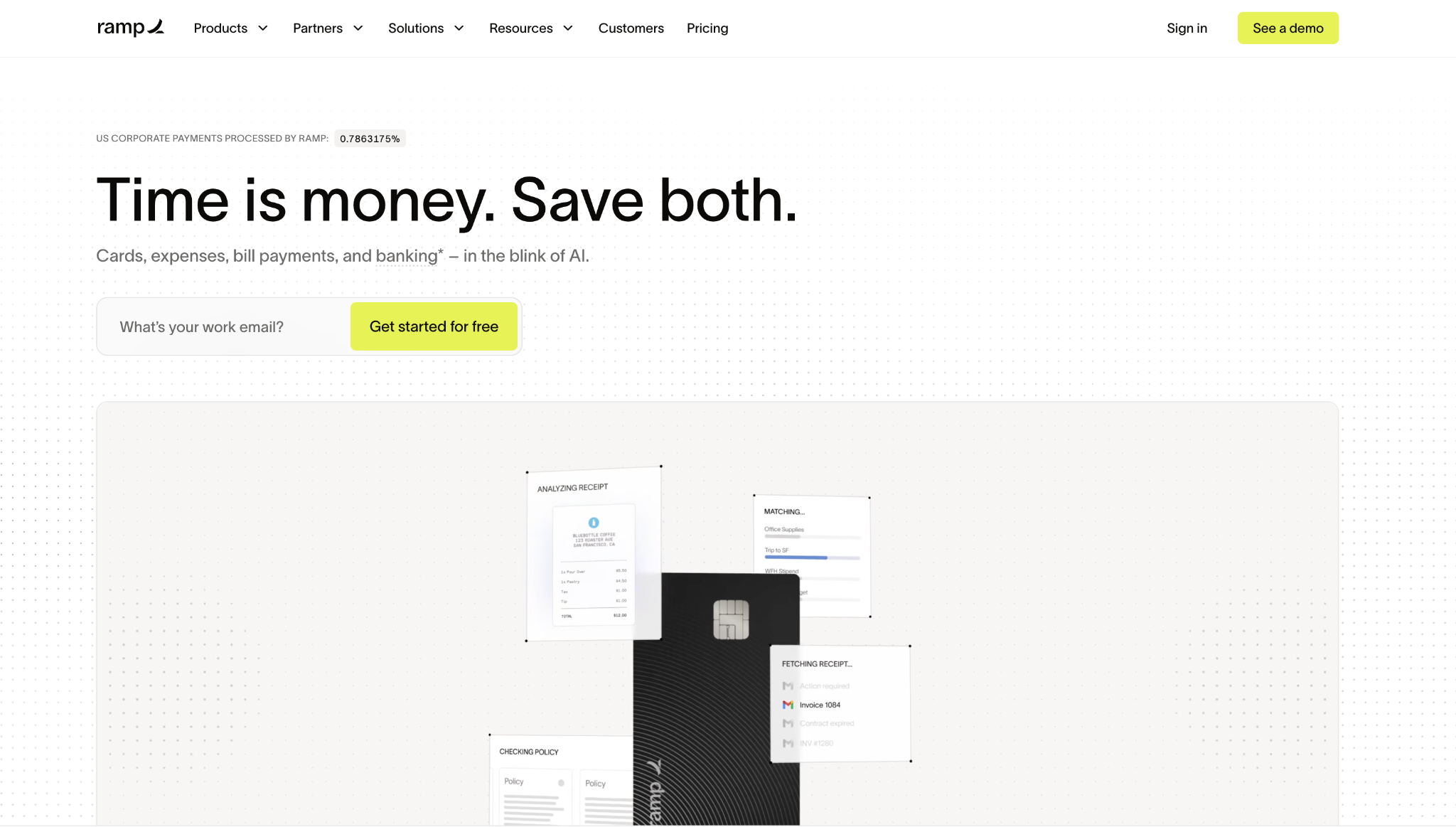
Its AP tools capture invoices with OCR, route them through configurable approvals, match them against purchase orders, and execute payment. That workflow shows how far AI in accounting has come, and it lets a 60-person company run real bill pay without hiring a dedicated AP clerk.
Because the same platform issues corporate cards and tracks expenses, managers see committed and actual spend in one dashboard instead of stitching it together from three tools.
For the accidental finance manager who inherited AP, that consolidation is the real draw: onboarding connects to QuickBooks Online or Xero in an afternoon, and vendor records, approval rules, and GL coding live in one place.
Ramp runs several fraud checks before a payment leaves the account, which matters given how common duplicate and spoofed invoices have become. The key thing to know is that Ramp is built to spend first, so teams with deep multi-entity accounting or complex global supplier payments should pilot those workflows.
Ramp pros:
- Free AP tools: Ramp includes invoice automation, approvals, vendor management, and payment execution on its base tier, so smaller teams can start without a software line item.
- One finance workflow: Bill pay sits in the same system as cards and expenses, giving managers real-time spend visibility rather than month-old reports.
- QuickBooks and Xero fit: The free tier integrates with QuickBooks Online and Xero, covering the accounting stacks that most growing companies already use.
- Fraud checks: Ramp runs multiple automated checks before payment, which helps catch duplicate and suspicious invoices before cash moves.
Ramp cons:
- Paid ERP access: NetSuite and Sage Intacct integrations require the Plus tier so that ERP-heavy teams won't stay on the free plan for long.
- Spend-first design: Ramp fits spend control and payment workflows better than very high-volume, heavily structured AP.
- Global limits: Companies paying complex international supplier networks will find Tipalti purpose-built for that in ways Ramp is not.
Pricing: Ramp's base tier is free, and Ramp Plus runs $15 per user per month, adding NetSuite and Sage Intacct integrations, multi-entity support, and 24/7 phone support. Bill pay fees start at $0.59 per standard ACH, with higher fees for checks and wires, and those transaction fees are waived when you pay from a Ramp business checking account.
Best for: Companies between 50 and 150 employees where a founder or ops lead wants accounts payable, cards, and expenses handled in one place without adding a new budget line, especially teams on QuickBooks Online or Xero.
2. BILL
BILL is a dedicated accounts payable and receivable platform, and it's the pick here for finance teams that want to run both sides of the ledger in one system.
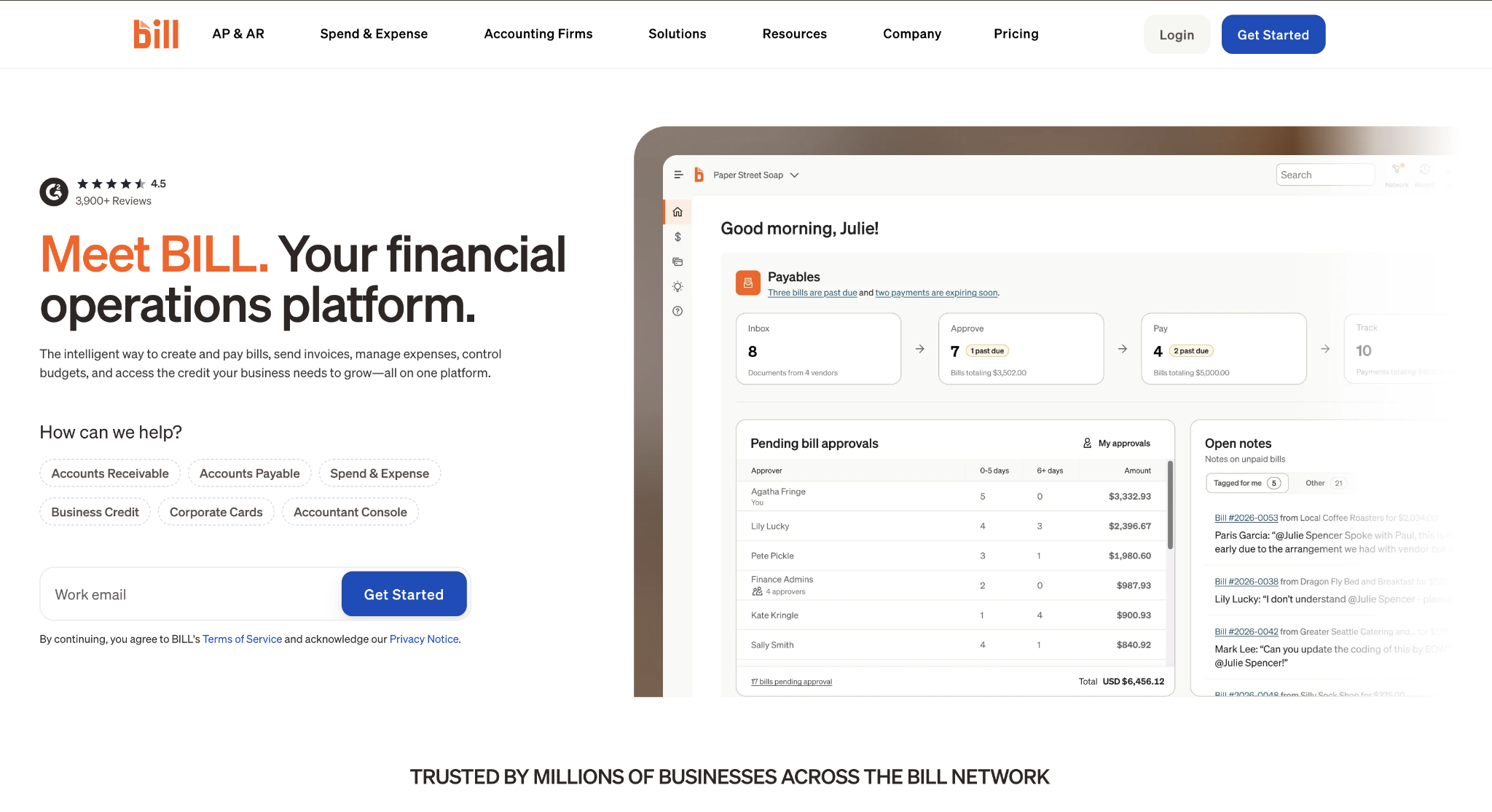
It focuses on invoice coding, multi-step approval workflows, fraud controls, and domestic and international payments, so a team drowning in both unpaid bills and unsent invoices can consolidate the work.
Because it pairs accounts payable with accounts receivable, BILL suits companies where collecting from customers is as much of a headache as paying suppliers.
For the overwhelmed finance manager processing hundreds of bills a month, BILL's depth is the appeal, but its ERP sync deserves a careful look during onboarding. It integrates with QuickBooks, Xero, NetSuite, and Sage Intacct, with two-way NetSuite and Sage sync reserved for the Corporate plan.
The tradeoff to plan around is the cost structure. BILL charges per user, so as more approvers join a workflow, the monthly bill rises faster than it would with a flat-fee tool. It is worth modeling against the approver count before committing.
BILL pros:
- AP and AR together: BILL consolidates bill payments and receivables into a single platform, so finance teams manage cash going out and coming in from a single system.
- International payments: The platform supports vendor payments outside the United States, which matters once your supplier base crosses borders.
- Accounting integrations: BILL connects with QuickBooks, Xero, NetSuite, and Sage Intacct, covering both entry-level and mid-market stacks.
- Fraud controls: Layered approval workflows and payment controls help finance teams reduce the risk of fraudulent or duplicate payments.
BILL cons:
- Matching questions: Confirm how BILL handles three-way matching with a live demo on real POs, since matching depth varies by plan.
- NetSuite setup: Two-way ERP sync runs on the Corporate tier and requires careful configuration to prevent duplicate vendor creation.
- Per-user cost: Pricing rises faster than flat-fee competitors as more approvers join the workflow.
Pricing: BILL lists Essentials at $49 per user per month, Team at $65, and Corporate at $89, with Enterprise custom-priced. Its pricing page also lists per-transaction fees for ACH, check, and card payments, so factor both the seat cost and payment volume into the estimate.
Best for: Growing finance teams that want accounts payable and receivable consolidated in one platform and are comfortable paying per-user pricing to get that breadth, typically at 100 employees and up.
3. Stampli
Stampli is an AP automation platform built around invoice collaboration, and it fits teams where the biggest delay is people, not payments.
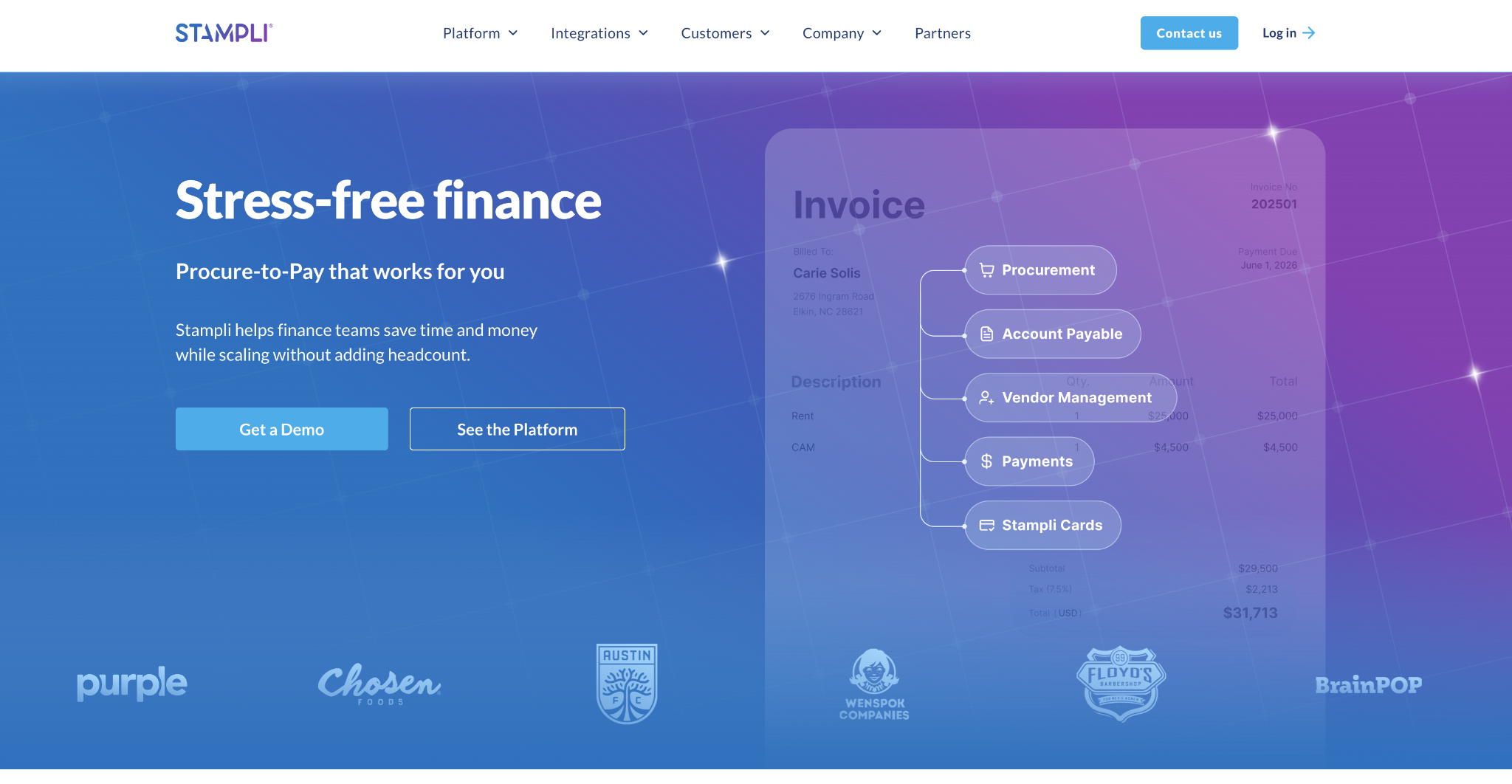
Each invoice becomes its own workspace where questions, comments, and approval history stay attached to the bill, so an approver never has to reconstruct context from a buried email thread.
Its AI assistant handles line-level coding and two- and three-way purchase order matching, which catches quantity and price discrepancies before payment.
Stampli tends to land best with companies of 100 to 500 employees on NetSuite or Sage Intacct, where invoice volume is high enough that scattered approvals genuinely slow the close. Onboarding centers on mapping the existing approval hierarchy and ERP fields, and buyers consistently cite quick setup and ease of use as reasons they chose it.
Stampli pros:
- Invoice-level collaboration: Questions and approvals stay attached to each invoice rather than scattered across email, shortening approval cycles.
- ERP depth: Stampli targets NetSuite and Sage Intacct users who need line-level sync and full approval context inside the ledger.
- PO matching: Line-level two- and three-way matching helps teams catch quantity and price issues before a payment goes out.
- Set-up experience: Buyers frequently cite fast implementation and ease of use as reasons they chose it.
Stampli cons:
- No public pricing: Stampli requires a sales quote, which makes early budgeting and comparison harder.
- Variable cost: Final pricing shifts with bill volume and the modules you add, so two companies can pay very different amounts.
- Payment-light: Teams that mainly need simple bill payment may find Stampli heavier than Melio or Ramp.
Pricing: Stampli uses quote-based pricing with no public rate card. Ask the sales team to price the expected monthly bill volume, ERP integration needs, and required modules, then compare that figure against the flat-fee and per-user tools on this list before deciding.
Best for: Companies with 100 to 500 employees on NetSuite or Sage Intacct, where approval delays, rather than payment execution, are the main accounts payable problem.
4. Tipalti
Tipalti is a global payables platform that serves companies whose suppliers, contractors, and legal entities are spread across countries.
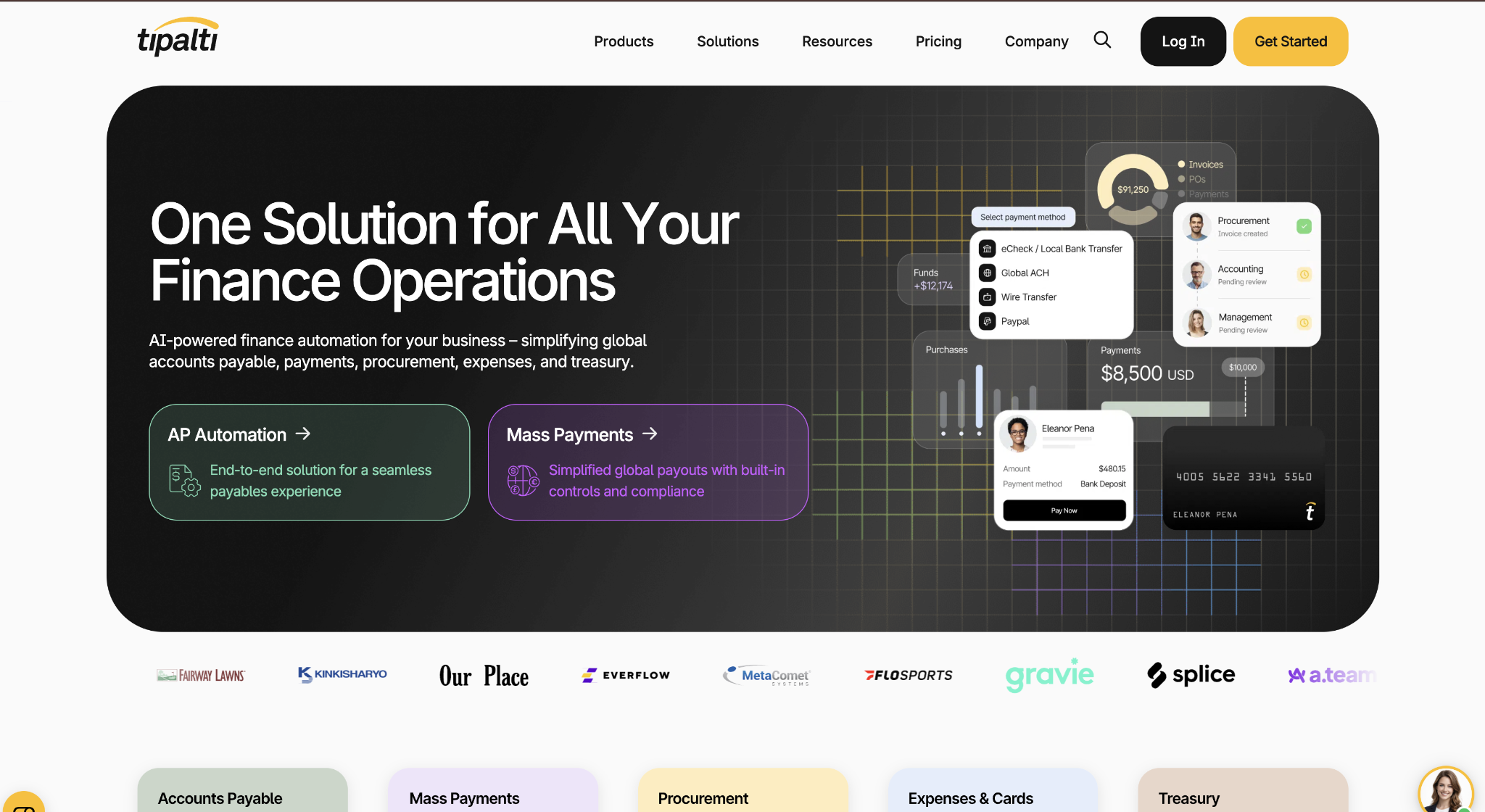
It handles supplier onboarding, W-9 and W-8 tax form collection, VAT compliance, currency conversion, and multi-entity management, so the compliance work that can consume a finance manager's month gets systematized.
For a company paying contractors in several countries, that breadth is the reason Tipalti earns its place over simpler tools.
The ideal buyer is usually approaching 200 or more employees with real cross-border complexity, because that's where Tipalti's depth pays for itself rather than adding overhead. Onboarding is more involved than a QuickBooks-native tool, since you're mapping entities, currencies, payment methods, and tax rules.
Budget predictability is the main tradeoff. Tipalti publishes a starting price but layers on per-transaction and module costs, and its higher tiers are quote-based, so mid-market buyers should get a full quote tied to their entity and volume profile before committing.
Tipalti pros:
- Global payments: Tipalti supports payments across many currencies and countries, a capability that is hard to replicate with domestic-first tools.
- Tax collection: Built-in W-9 and W-8 workflows and a supplier portal cut down manual contractor tax follow-up.
- Compliance support: VAT handling and currency management help teams stay compliant on cross-border payments.
- Multi-entity workflows: Companies with multiple legal entities can manage payables across all entities in a single system.
Tipalti cons:
- Layered pricing: A published starting price still sits on top of per-transaction and per-module costs, so the actual amount requires a quote.
- Budget risk: Quote-based higher tiers can be hard to assess early against a mid-market budget.
- Domestic overkill: Companies with only domestic suppliers may pay for complexity they don't need.
Pricing: Tipalti lists accounts payable plans starting at $99 per month that include unlimited users, a self-service supplier portal, and core automation, with per-transaction fees and additional modules layered on, and higher tiers quoted based on needs. Verify the total directly with Tipalti using your entity count, supplier countries, currencies, and expected annual payment volume.
Best for: Companies approaching 200 or more employees with international suppliers, multiple entities, or contractor tax compliance that has outgrown spreadsheets.
5. Melio
Melio is the simplest tool on this list, and that simplicity is exactly the point for the right company. It fits growing businesses with fewer than 100 employees that use QuickBooks or Xero and want to automate bill payments without setting up a full AP suite.
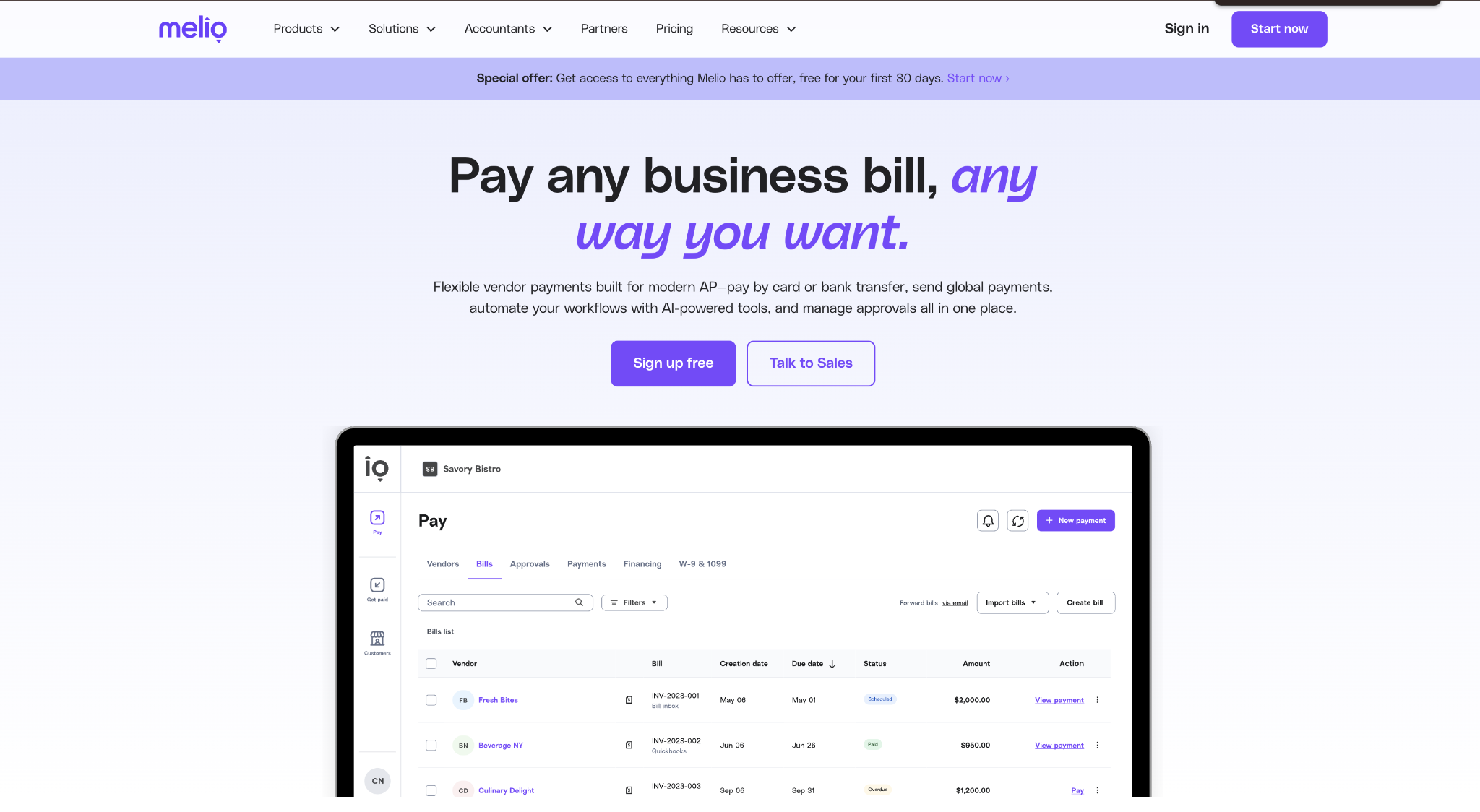
You schedule payments, pay vendors by ACH or card, even when the vendor only takes checks, and sync the records back to your books with very little configuration. For a founder still doing finance alongside other jobs, Melio's appeal lies in how quickly it starts and how little it demands, but that lightness is also its ceiling.
It doesn't center on advanced invoice coding or heavy purchase-order matching, so a company that expects to add a formal PO process or migrate to NetSuite within two years should weigh whether starting here creates a second migration later.
The tier structure is the detail to plan around. Melio's free plan supports a single user, which limits approval workflows, so teams that need more than one approver will move up a tier sooner than the free label suggests.
Melio pros:
- Free entry plan: The Go tier gives very small teams a no-fee starting point for bill payment, with a handful of free ACH payments each month.
- Flat monthly tiers: Paid plans use flat monthly pricing rather than per-user fees, which keeps costs predictable as approvers grow.
- Low transaction fees: ACH and check fees are lower than those of several competitors on this list, which adds up at volume.
- Fast setup: QuickBooks and Xero users can usually start with far less configuration than ERP-heavy systems require.
Cons:
- Limited AP depth: Melio doesn't focus on advanced invoice coding or detailed PO matching.
- ERP mismatch: NetSuite and Sage Intacct users should confirm fit before choosing it.
- Single free user: The free tier supports only one user, which limits multi-approver workflows.
Pricing: Melio lists the Go plan as free for a single user, with Core at $25 per month, Boost at $55 per month, and Unlimited at $80 per month. The Unlimited tier adds unlimited seats and unlimited free ACH. After each plan's free monthly payment allotment, ACH and check transaction fees apply.
Best for: Companies under 100 employees on QuickBooks or Xero that need bill payment handled now and can defer full AP automation until a PO process or ERP migration makes it worthwhile.
How to choose the right accounts payable automation software
Start with two variables that decide most of the fit within your wider procurement process:
- Monthly invoice volume
- Accounting stack
If you're under 100 employees, prioritize OCR capture, basic approval routing, QuickBooks or Xero sync, and support for payment terms like net 30, which points toward Ramp's free tier or Melio.
Two capabilities deserve a hard look in every demo:
- Three-way matching: Validates an invoice by comparing it against the purchase order and the receiving document before approving payment, catching quantity and price errors and helping prevent duplicate invoices. Confirm how each tool handles it on your real POs.
- Fraud controls: Payment fraud remains widespread, and pairing automated matching with approval limits is among the more effective defenses against vendor fraud. Ask whether the ERP integration runs in real time and in both directions.
Run a short pilot with your own invoices, because exception handling and coding accuracy only reveal themselves against real data.
If you want accounts payable, cards, and expenses in one place without adding a budget line, Ramp's free tier is a low-risk place to start. Pilot bill pay against your own invoices to see how the capture, matching, and approval flow holds up before you commit.
Frequently asked questions about accounts payable automation software
How much does accounts payable automation software cost?
Costs range from free to five figures a year. Ramp and Melio offer free base tiers; BILL starts at $49 per user per month; Tipalti at $99 per month; and Stampli is quote-based. Final cost depends on the number of users, invoice volume, and ERP integrations.
How long does AP automation take to set up?
Setup ranges from a few days to a few months. Cloud tools on a simple QuickBooks or Xero stack go live quickly, while mid-market systems take longer because you map approval rules, vendor records, and ERP sync. Judge the payoff over the first year, not week-one speed.
What is three-way matching in accounts payable?
Three-way matching validates an invoice by comparing it against the purchase order and the receiving document, and payment proceeds only when all three agree. The process catches quantity and price discrepancies before money leaves your account and helps stop duplicate invoices from being paid twice.
Does AP automation software work with QuickBooks?
Yes, most AP automation platforms sync with QuickBooks Online, though the depth varies. BILL offers two-way sync with GL coding, Ramp includes QuickBooks on its free tier, and Melio is built around it. Confirm whether the sync runs in real time or scheduled batches before signing.


