


What Should You Use Instead of Wise Business When Volume Starts Climbing?

May 18, 2026
Wise works well for personal transfers, but most companies hit their limits once they're processing regular vendor payments across currencies or managing AP workflows at any real volume. The manual transfer steps, thin accounting integrations, and volume caps make it a workaround rather than a real business payment platform.
In this article, we cover 8 Wise alternatives worth evaluating, from multi-currency accounts built for balance-holding to AP platforms that eliminate manual payment work, including pricing, FX rates, and the target users for each tool.
In brief:
- Ramp consolidates AP automation, corporate cards, and vendor payments into a single free platform. It's the strongest starting point for US companies with domestic-heavy payables because it eliminates the manual workflow friction that makes Wise feel necessary.
- Airwallex offers multi-currency accounts in 20+ currencies at roughly 0.5% above interbank rates, which is among the more competitive rates for regular international payments. That rate matches or beats Wise on most major currency pairs and often improves with volume.
- Revolut Business starts free with multi-currency accounts and team cards on all plans. A 0.6% FX markup applies once you exceed your monthly plan allowance, so matching your tier to your actual transfer volume matters.
- Payoneer suits marketplace sellers and contractor-heavy teams best, with access to payments in 200+ countries. It charges a $4 fee on bank withdrawals under $400 and lacks direct accounting integrations, which limits its fit for teams with heavier reconciliation needs.
- OFX and Convera are the stronger choices for large, infrequent transfers. Both charge no transfer fees and offer forward contracts to lock in rates for transfers scheduled up to 12 months ahead.
8 best Wise alternatives at a glance
Not every tool here solves the same problem. Some are multi-currency accounts built for teams holding balances in foreign currencies; others are point-to-point transfer services for occasional large payments; and Ramp sits in a separate category as an AP automation platform that also covers international vendor payments.
The table below gives a quick side-by-side of pricing, FX fees, and primary use case to help you narrow the list before reading the full sections:
| Tool | Monthly cost | FX fee | Best for |
|---|---|---|---|
| Ramp | Free | N/A | AP automation and domestic payables |
| Airwallex | Free to custom | ~0.5% above interbank | Multi-currency business accounts |
| Revolut Business | $0–$119 | Interbank (within plan limits) | Team cards and multi-currency transfers |
| Mercury | $0–$350 | N/A (USD-focused) | US startup banking |
| Payoneer | $29.99/yr | Up to 2% | Marketplace payment collections |
| OFX | Free | ~0.5–1% spread | Large infrequent transfers |
| Xe Business | Free | FX spread | Forward contracts and FX hedging |
| Convera | Free | Negotiated spread | Enterprise international payments |
The right choice depends on transfer frequency, currency mix, and whether holding a balance or point-to-point transfers is the priority.
1. Ramp
Ramp addresses the underlying problem that drives most businesses to Wise in the first place: too many disconnected tools managing vendor payments.
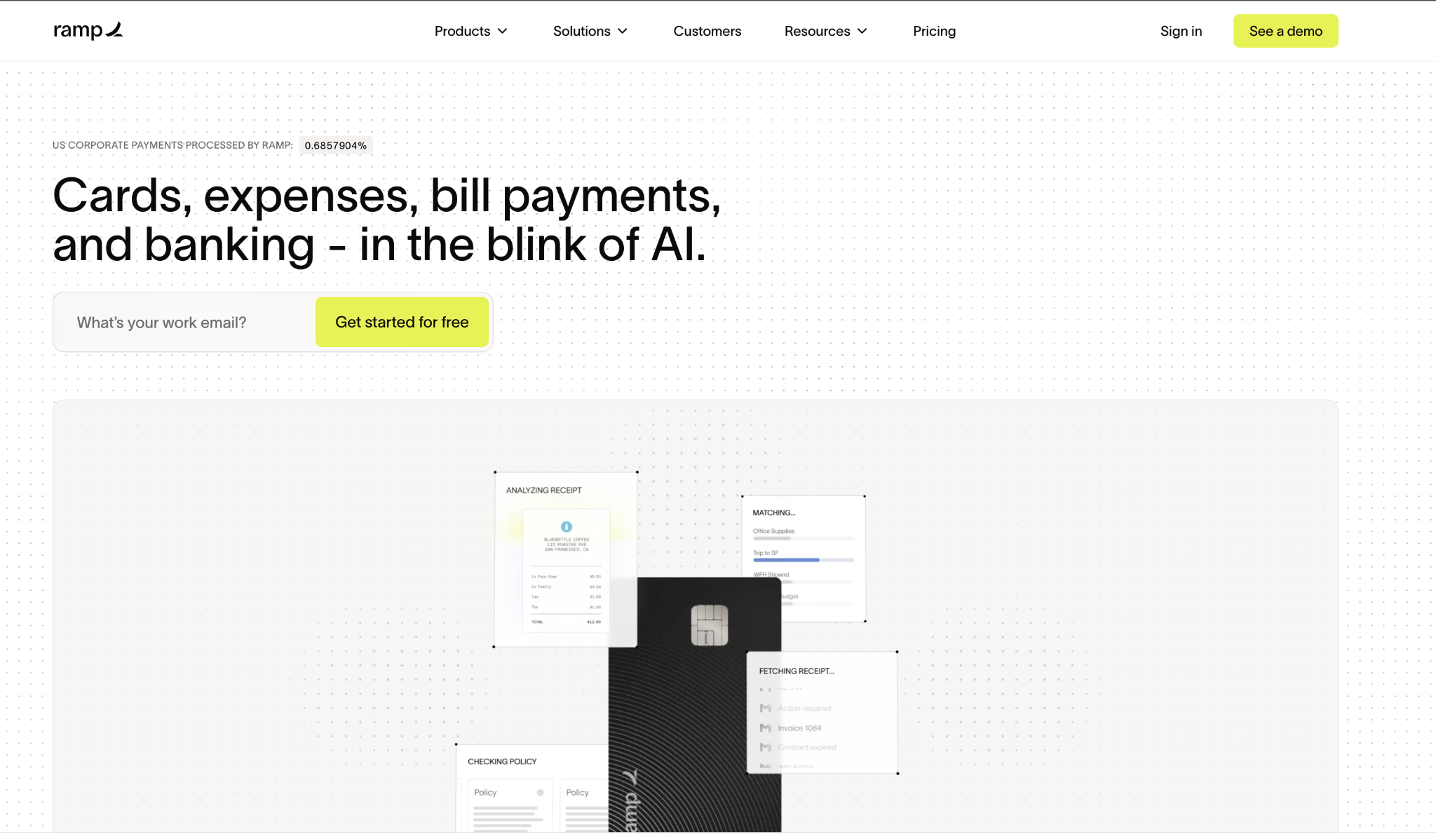
Ramp's AP automation handles invoice capture, approval routing, and direct payments to domestic and international vendors via ACH and wire. It integrates with QuickBooks, Xero, NetSuite, and Sage for a clean close. The corporate card with flat cash back handles team spend.
Combining expense management with accounts payable automation in one free platform eliminates the workflow friction that drives most Wise Business use cases.
With Ramp, setup is quick and doesn't require a discovery call or sales cycle. Most teams are live within a day, with accounting integrations configured in the same session. Ramp also includes spend analytics, vendor management, and contract tracking as part of its core platform, giving finance teams visibility beyond payment execution.
Ramp pros:
- No fees: Ramp charges no monthly or annual fees. Wire transfer fees are waived when paying from a Ramp Business Account, which is free to open. That's an uncommon combination for a platform that includes AP automation and corporate cards at no additional charge.
- AP automation: Invoice capture, approval routing, and vendor payment execution are all handled within the platform. You can configure multi-step approval workflows for different spend thresholds without manual handoffs between systems.
- Flat cash back: All corporate card spend earns flat cash back with no rotating categories or caps to track. The rate applies uniformly across card types and spend categories.
- Accounting integrations: Native sync with QuickBooks, Xero, NetSuite, and Sage keeps your books current without manual exports. Transactions and receipts reconcile automatically at close.
Ramp cons:
- No multi-currency accounts: Ramp is USD-focused and doesn't support holding or converting foreign currency balances. Teams with regular cross-border payment needs should pair it with a dedicated FX tool.
- Not an FX replacement: If your primary use case is moving money across borders at competitive exchange rates, Ramp doesn't cover that workflow. It's a payment operations platform, not an FX transfer service.
Pricing: Free. No monthly fee, no annual fee. ACH, domestic wire, and international SWIFT wire fees are waived when you pay from a Ramp Business Account, which is free to open. The corporate card program and AP automation are both included at no additional charge, making Ramp one of the few platforms in this category with genuinely zero cost of entry.
Best for: US companies that want AP automation, corporate cards, and vendor payment workflows in one free platform.
2. Airwallex
Airwallex is a multi-currency business platform that lets you hold and pay from local-currency accounts in 20+ currencies and convert at approximately 0.5% above the interbank rate, competitive with Wise for most currency pairs.
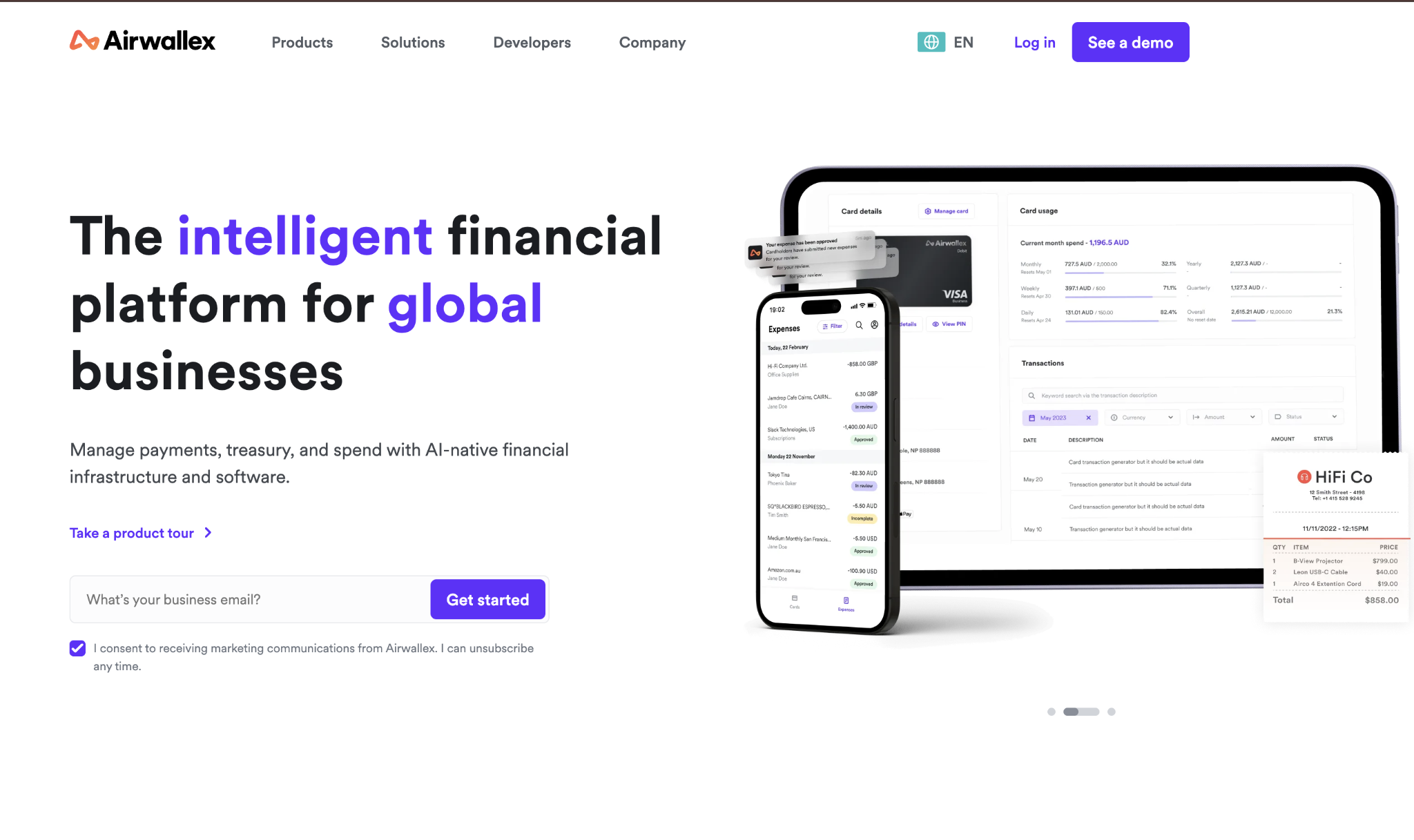
You can pay international vendors from local-currency accounts, run batch payouts for contractors, and issue team cards across markets.
Setup requires standard KYB documentation and typically takes 2–3 business days for US businesses. Airwallex holds US customer funds through FDIC-insured banking partners, so your balances are protected. Accounting integrations cover Xero, QuickBooks, and NetSuite for a cleaner close without manual exports.
For teams running batch contractor payouts, Airwallex handles high volumes well, allowing you to process multiple payments in different currencies from a single funded balance. The team card program works across markets, too, so employees in different countries can spend from locally held currency accounts without triggering FX conversion at the point of purchase.
If you're comparing this to managing multiple local bank accounts or a stack of wire transfer instructions, the value of consolidation adds up quickly.
Airwallex pros:
- Multi-currency accounts: You can hold and manage balances in 20+ currencies without opening separate bank accounts in each market. Local account details in major markets let you receive payments as if you're banking locally.
- Competitive FX rates: Conversions run at approximately 0.5% above interbank for major currency pairs. That rate matches or beats Wise on most corridors and is lower than standard bank wire margins.
- FDIC-insured funds: US customer balances are held through FDIC-insured banking partners, giving you the same deposit protection as a traditional bank account. That's not a given with fintech payment platforms.
- Batch payments: You can execute high-volume contractor or vendor payouts in a single batch rather than initiating transfers one at a time. For teams processing dozens of international payments weekly, that's real-time savings.
- Accounting integrations: Native integrations with Xero, QuickBooks, and NetSuite automate reconciliation and eliminate manual export workflows. Transaction data syncs in real time, keeping your accounting software up to date without manual intervention.
Airwallex cons:
- Volume-based pricing complexity: Higher-volume plans are negotiated through sales rather than published on a rate card, making it harder to estimate your costs before committing. You'll need to go through a sales conversation to understand what your actual pricing tier looks like.
- Thinner rates on emerging markets: FX rates for major currency pairs are competitive, but spreads widen on emerging market currencies where liquidity is lower. If a portion of your payments are in non-G10 currencies, test those specific corridors before signing.
- Support response times: Customer support can lag during high-volume periods, creating friction for teams managing time-sensitive payments. Dedicated support typically requires a higher-tier plan.
Pricing: Free for low-volume accounts. Higher-volume plans are priced through sales based on transfer volume and currency mix, so your cost scales with usage rather than a flat monthly rate. Custom enterprise pricing is available for companies that consistently move significant cross-border volume.
Best for: Companies paying international suppliers or contractors regularly who need multi-currency accounts and competitive FX rates without managing multiple banking relationships.
3. Revolut Business
Revolut Business combines multi-currency accounts, team cards, and international transfers on a subscription model.
The Basic plan is free, Grow is $30/month, and Scale is $119/month. Higher tiers add FX allowances, more team member slots, and bulk payment capabilities. Once you exceed your plan's monthly FX allowance, a 0.6% markup over interbank applies, which is still competitive compared to standard bank wire rates.
Cards come with per-card spending controls and category-level limits, and international transfers settle the same day in major corridors. Accounting integrations with QuickBooks and Xero are available but may require additional reconciliation steps during high-volume months.
The platform also includes expense management features, virtual cards for software subscriptions, and spend analytics, making it more than a transfer tool. Revolut's UK regulatory base means its compliance and licensing structure differs from that of US-native fintechs, which is worth reviewing if your business operates under specific financial regulations.
For most growing companies, the combination of free multi-currency accounts and a predictable subscription model covers the core use case well.
Revolut Business pros:
- Free multi-currency accounts: The Basic plan includes multi-currency accounts at no monthly fee, making it easy to evaluate the platform before committing to a paid tier. Most core features are accessible without an immediate upgrade.
- Team cards with controls: Spending controls and category-level limits are available on all plan tiers. You can set per-card limits and restrict spend categories without a separate expense management tool.
- Same-day settlement: International transfers settle the same day in major corridors, which matters for vendor relationships that expect prompt payment. Settlement speed is more consistent on paid tiers.
- Annual billing discount: Both paid plans are available at a discount when billed annually. If you know you'll use Revolut Business consistently, committing annually reduces your effective monthly cost.
Revolut Business cons:
- FX markup above plan limits: Once you exceed your monthly FX allowance, a 0.6% markup over interbank applies to all additional conversions. Teams running high transfer volumes may hit the Scale tier's caps faster than expected.
- Reconciliation overhead: Accounting integrations with QuickBooks and Xero may require additional manual reconciliation steps during high-volume months. The integration works, but it's not as clean as dedicated AP platforms.
- Support varies by tier: Customer support quality and response times differ meaningfully between the free and paid tiers. If reliable support is important for your operations, factor the plan tier into your decision.
Pricing: Basic is free. Grow is $30/month. Scale is $119/month. Both paid plans are available at a discount with annual billing, reducing the effective monthly cost if you commit upfront. Each upgrade tier adds higher FX allowances, more team member seats, and expanded bulk payment capabilities.
Best for: Growing teams that need multi-currency accounts, employee cards, and predictable monthly pricing for international transfers. For teams that find Revolut's limits too restrictive, see Revolut alternatives for what the next options look like.
4. Mercury
Mercury is a US business banking platform built for startups, offering checking and savings accounts, team debit cards, and USD wire and ACH transfers.
It shows up in Wise comparisons because many companies consider it a primary banking home, though it's USD-focused rather than a true FX transfer tool.
Mercury's strengths are its modern banking infrastructure: same-day ACH, yield on deposits, and startup-oriented features like VC database connections and venture debt access. If your international payment volume is significant, most teams pair Mercury with a dedicated FX tool for that piece.
The platform sits closer to a bank than a payments tool, which is why it shows up in this comparison less as a direct Wise replacement and more as a complementary piece. If you're building out a full finance stack, Mercury handles the banking layer while a tool like Airwallex or OFX handles the FX layer.
The handoff between the two isn't native, but most teams manage it with scheduled transfers or automated sweeps between accounts.
Mercury pros:
- No monthly fee on the base plan: The standard Mercury account has no monthly fee, no minimum balance, and no transaction fees on standard ACH and wire transfers. That baseline makes it a low-friction entry point for startups building their first banking setup.
- Yield on deposits: Mercury offers yield on checking and savings balances, which matters for companies parking operating reserves. Yield tiers improve on the Plus and Pro plans.
- Fast domestic transfers: Same-day ACH and domestic wire transfers keep payment cycles short for domestic vendors and payroll. For US-focused operations, Mercury's banking rails are reliable and quick.
- Startup ecosystem features: VC database connections, venture debt access, and startup-oriented tools make Mercury more than a bank account. These features don't exist on traditional business banking platforms.
Mercury cons:
- USD-focused: Mercury doesn't offer multi-currency accounts or competitive FX conversion. International wire transfers are possible but aren't built for companies running regular cross-border payment workflows.
- Mercury Pro pricing: At $350/month, Mercury Pro is expensive for most growing companies and only justifies the cost for businesses with complex multi-entity treasury setups. Most teams stay on the free tier and add a separate FX tool.
- Limited international coverage: Mercury's international wire coverage is narrower than that of dedicated FX transfer tools. For teams with regular cross-border volume, you'll need a separate platform to handle that workflow.
Pricing: Free base plan with no monthly fee, no minimum balance, and no transaction fees on standard ACH and wire transfers. Mercury Plus is $35/month and includes priority support and higher-yield tiers. Mercury Pro is $350/month for companies with complex treasury needs, multi-entity management, or high-volume wire requirements.
Best for: US startups and scale-ups that want modern business banking with deposit yield and to handle international transfers through a separate tool.
5. Payoneer
Payoneer was built for marketplace payments: collecting from Amazon, Upwork, Fiverr, and similar platforms into a single account, then distributing to local bank accounts.
For businesses with contractor networks already on the platform, payments between Payoneer accounts are free. Coverage in 200+ countries makes it one of the most broadly accessible options on this list.
The limitations become visible at the accounting layer. Payoneer doesn't sync with QuickBooks or Xero, so your reconciliation requires manual exports. FX rates run up to 2% above the mid-market rate for cross-currency withdrawals. The $4 fee on bank withdrawals under $400 adds up if you're making frequent small transfers.
If your business model involves receiving from global marketplaces and distributing to contractors across countries, Payoneer's network coverage is hard to match. The 200+ country footprint means you can receive in markets where US-based fintechs often have thin or no local presence.
The tradeoff is that Payoneer's cost structure makes it expensive for high-frequency small transfers or for companies that need tight accounting close workflows.
Payoneer pros:
- Marketplace collection strength: Payoneer connects natively to major platforms, including Amazon, Upwork, and Fiverr, centralizing revenue from multiple sources into a single account. This removes the need to manage separate payout accounts across platforms.
- Free Payoneer-to-Payoneer payments: Transfers between Payoneer accounts are free regardless of currency or destination. For teams with contractor networks already on the platform, this removes transfer costs entirely for internal distribution.
- 200+ country coverage: Payoneer reaches more than 200 countries and territories, including markets where most US fintechs don't have a local presence. That breadth is a real advantage for teams paying contractors in emerging markets.
- Mass payout capabilities: You can execute batch distributions to large contractor networks from a single account. For businesses managing dozens or hundreds of recurring contractor payments monthly, the volume handling is built in.
Payoneer cons:
- No accounting integrations: Payoneer doesn't connect directly to QuickBooks or Xero, so reconciliation requires manual exports for each payment cycle. That overhead adds up for finance teams processing regular volume.
- High FX fees: FX rates run up to 2% above the mid-market rate for cross-currency withdrawals. For companies that regularly convert large amounts, those margins erode the cost advantage of free internal transfers.
- Withdrawal fees: The $4 fee on bank withdrawals under $400 adds up quickly for teams making frequent small disbursements. If your typical transfer size is below that threshold, the per-transfer cost is disproportionate.
- Annual account fee: The $29.99 annual account fee applies to accounts that receive less than $6,000 in any 12 consecutive months. Active accounts that exceed that threshold generally avoid it entirely.
Pricing: $29.99 annual account fee applies only to accounts that receive less than $6,000 in any 12 consecutive months. Active accounts above that threshold generally avoid it. Bank withdrawal fees are $4 per transfer for amounts under $400, which can add up quickly for teams making frequent small disbursements.
Best for: E-commerce sellers and freelancers collecting from global marketplaces who need to consolidate revenue across multiple platforms. Our full roundup of Payoneer alternatives covers more options for your evaluation.
6. OFX Business
OFX is a specialist FX transfer service for companies making large, infrequent international payments.
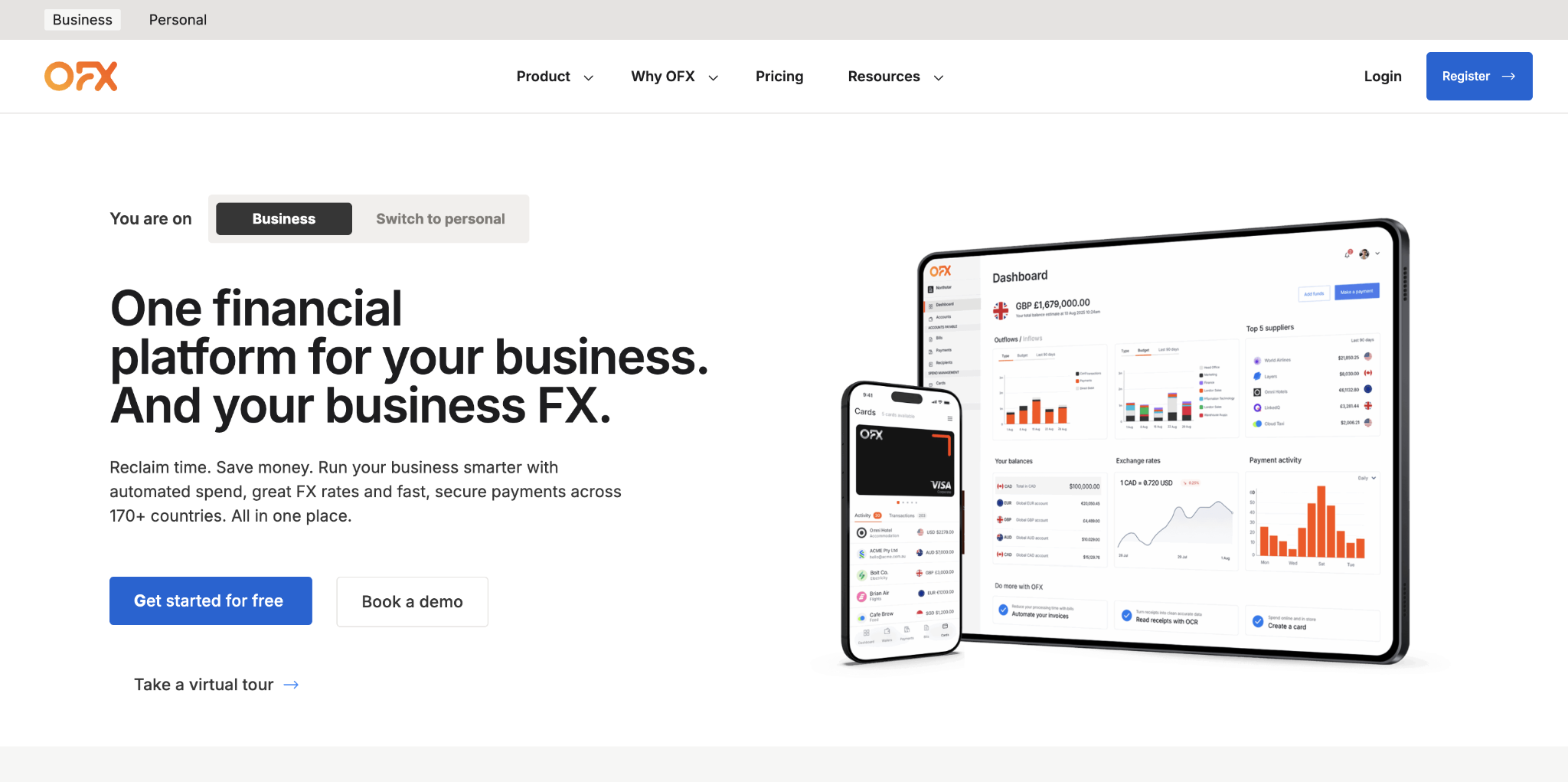
It charges no transfer fees, earning revenue through the FX spread, which typically runs 0.5–1% above interbank rates depending on transfer size and currency pair. OFX also offers forward contracts to lock in today's rate on transfers scheduled up to 12 months ahead, useful for businesses with predictable currency exposure.
The service doesn't include multi-currency balance holding: you initiate a transfer, it converts the amount and sends it. Onboarding involves standard KYB documentation and takes 2–3 business days.
OFX's rate transparency has improved over the years, and larger customers typically receive narrower spreads through relationship pricing. The platform doesn't offer the same self-serve experience as Wise or Airwallex, but the dedicated business support and ability to lock in forward rates make it a stronger choice for treasury-minded finance teams.
If your company makes a handful of large transfers per month rather than dozens of smaller ones, OFX's cost structure works in your favor.
OFX Business pros:
- No transfer fees: OFX charges no per-transfer or monthly fees. All costs are embedded in the FX spread, making it easy to calculate what you're paying on each transaction once you have a rate quote.
- Forward contracts: You can lock in today's exchange rate on transfers scheduled up to 12 months ahead. For businesses with predictable cross-border payment schedules, this removes FX rate uncertainty from your planning.
- Volume-based rate improvement: FX spreads narrow for larger transfers and established relationships. Companies that regularly move significant volume will typically receive better rates than the published starting range.
- Dedicated business support: OFX assigns dedicated support to business accounts, which matters for large transfers where you want a named contact if something goes wrong or timing needs to shift.
OFX Business cons:
- No multi-currency balance holding: OFX is a transfer service, not a multi-currency account. You fund a transfer, it converts and sends. There's no option to hold foreign currency balances and convert over time.
- FX spreads are not always quoted upfront: Live rates are provided when you initiate a transaction, rather than on a public rate card. You need to go through the transfer setup to see the actual spread for your currency pair and amount.
- High-frequency transfers are expensive: The cost structure favors large, infrequent payments. Teams running dozens of small international transfers weekly will find the spread economics less competitive than flat-fee alternatives.
Pricing: Free to use with no monthly fee and no per-transfer fees. OFX earns through the FX spread, which typically runs 0.5–1% above interbank and narrows for larger transfers and established relationships. There's no cost to open an account or access the forward contract features.
Best for: Companies making large, infrequent international transfers who want rate certainty through forward contracts without paying monthly fees. For companies evaluating their full banking setup alongside an FX provider, our guide on choosing a business bank covers the key factors.
7. Xe Business
Xe Business covers transfers in 130+ currencies with forward contracts, limit orders, and rate alerts.
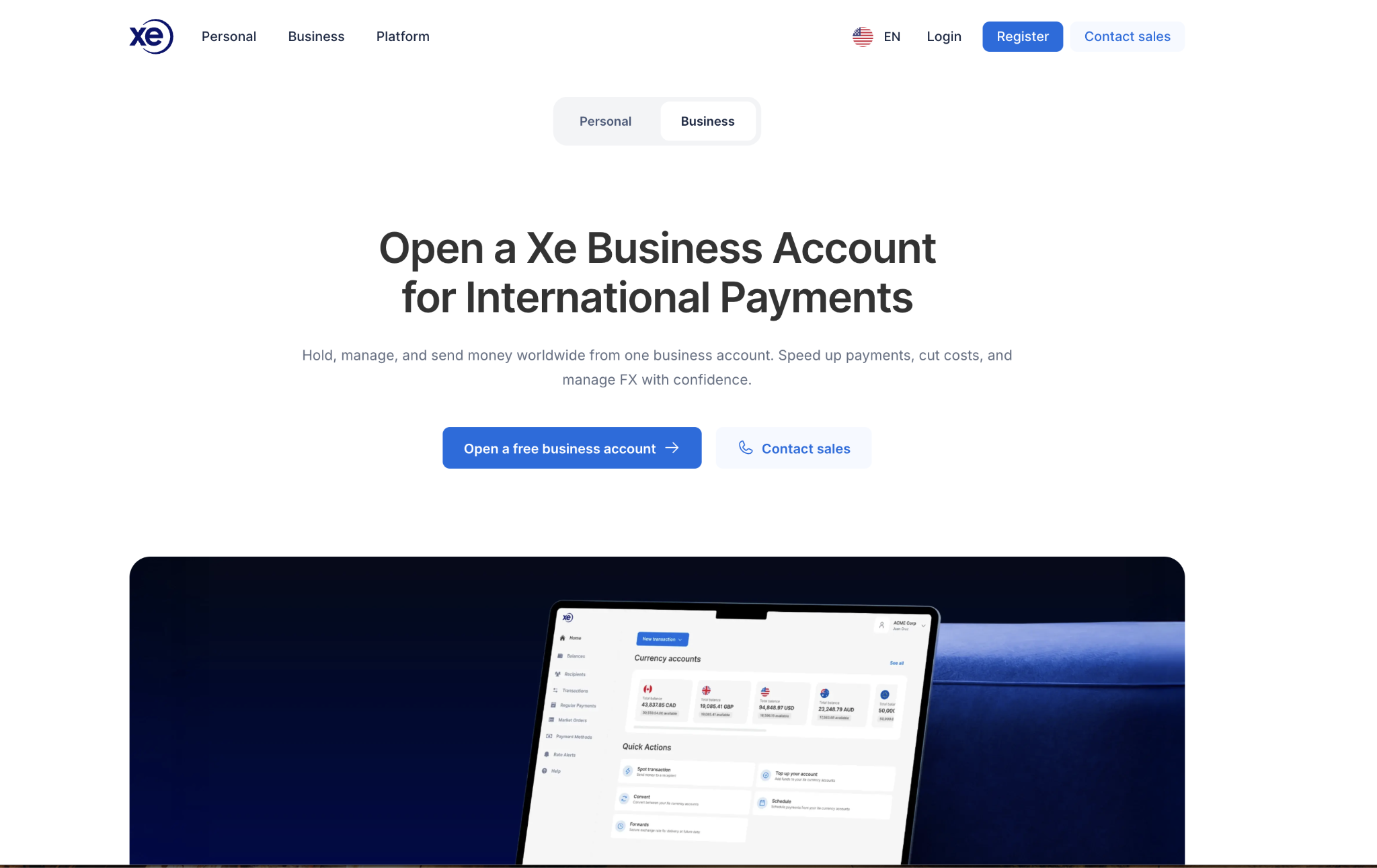
Like OFX, it charges no monthly or transfer fees and earns from the FX spread. The platform suits companies with regular international payment needs that want tools to manage FX risk through forward hedging.
Xe assigns dedicated account managers to volume accounts once your transfer history is established. The primary limitation is the lack of accounting integrations: Xe Business doesn't connect directly to QuickBooks, Xero, or NetSuite, so reconciliation is manual.
For teams that need a clean accounting workflow, Airwallex or Revolut Business will be a better fit. If rate certainty and forward hedging without a monthly fee match your priorities, Xe is worth requesting a quote.
The platform's rate alert feature lets you set target exchange rates and get notified when the market reaches your threshold, useful for companies that aren't on a fixed payment schedule and want to time conversions.
Xe's 130+ currency coverage includes some emerging-market corridors where other tools charge higher spreads or require correspondent-bank routing. For teams managing FX exposure without a dedicated treasury function, Xe provides hedging tools at no additional monthly cost.
Xe Business pros:
- 130+ currency coverage: Xe Business transfers cover more than 130 currencies, including corridors where other tools have limited coverage or higher spreads. That breadth matters for companies with diverse international payment destinations.
- No monthly fee: There's no monthly charge and no per-transfer fee. You only pay through the FX spread. That makes Xe a low-cost entry point for companies with occasional or irregular cross-border payment needs.
- Dedicated account manager: Volume accounts receive a dedicated account manager once your transfer history is established. Having a named contact matters when you're executing large transfers or setting up forward hedging strategies.
- Rate alerts and limit orders: You can set target exchange rates and receive notifications when your rate is reached, or place limit orders that execute automatically. These tools let you perform time conversions without manually monitoring markets.
Xe Business cons:
- No accounting integrations: Xe Business doesn't connect directly to QuickBooks, Xero, or NetSuite. Every payment cycle requires manual reconciliation, which adds overhead for teams processing regular volumes.
- Limited multi-currency accounts: Xe Business now offers multi-currency balance holding across 20+ currencies, but its account infrastructure is less developed than that of Airwallex or Revolut Business. Teams that need deep local-currency account details in many markets may find Xe's wallet coverage narrower.
- FX spread requires a quote: Live rates aren't displayed on a public rate card, so you need to initiate a transfer to see your actual spread. This makes it harder to compare Xe's rates to competitors without going through the transfer setup first.
Pricing: Free to use with no monthly fee and no per-transfer fees. Revenue comes from the FX spread, which varies by currency pair and transfer size. Getting an accurate rate quote requires initiating a transfer, since rates aren't published on a public-facing rate card.
Best for: Companies managing FX exposure on predictable future payments who want forward contracts and rate certainty without committing to a monthly fee.
8. Convera
Convera (formerly Western Union Business Solutions) handles enterprise international payments for organizations moving serious volume.

Its typical clients include universities collecting international tuition fees, import/export businesses paying suppliers in multiple currencies, and mid-market companies with dedicated treasury teams. If your annual FX volume is below $500K, the setup overhead probably isn't worth it.
The onboarding process involves a discovery call with a relationship manager and takes up to a week. Once you're live, you gain access to forward contracts, FX options, and a dedicated account team to help with timing and strategy.
Convera's rates at scale are negotiated based on volume and are typically better than those of any self-serve tool at high transfer volumes. This is a relationship-managed service, which is either a feature or a friction depending on how your team operates.
Convera's enterprise focus means the platform is built around service relationships rather than self-serve dashboards, which works well for treasury teams that prefer managed accounts. The onboarding process reviews your currency flows and payment schedules in detail, allowing the account team to recommend hedging strategies aligned to your actual exposure.
Companies that have outgrown self-serve tools and are moving enough volume to justify dedicated FX support will find Convera's depth worth the setup overhead.
Convera pros:
- Enterprise-grade account management: Convera assigns a dedicated account team rather than routing you through a general support queue. For organizations moving high cross-border volume, that relationship provides real support for timing decisions and hedging strategy.
- Forward contracts and FX options: You get access to both forward contracts and FX options for risk management, which is a more complete hedging toolkit than most self-serve platforms offer. For companies with defined currency exposure, this allows more precise cost management.
- Negotiated rates at volume: Convera's pricing is based on negotiated spreads that improve significantly with increasing transfer volume. Companies moving $500K or more annually will typically achieve rates that are better than those of any published self-serve platform.
- 200+ country coverage: Convera operates across more than 200 countries, with deep coverage in corridors where other enterprise-focused tools have gaps. That reach matters most for import/export businesses with diverse supplier geographies.
Convera cons:
- Not self-serve: All access goes through an account manager, not a self-serve dashboard. That works well for treasury teams that prefer a managed service, but it adds friction for teams used to executing transfers on demand.
- High-volume threshold: Convera's onboarding investment and relationship-managed model make sense at $500K or more in annual FX volume. Below that threshold, the setup cost doesn't justify the switch from self-serve alternatives.
- Longer setup time: Onboarding involves a discovery call and account review that takes up to a week, compared to 2–3 business days for most self-serve tools. If you need to move money quickly, that timeline is a constraint.
- No public pricing: Rates aren't published and require completing part of the onboarding process to get a real indication. Comparing Convera's rates to competitors means disclosing your volume before you know the numbers.
Pricing: No monthly fee. All pricing is based on the FX spread negotiated with your dedicated account manager, and rates improve meaningfully at higher transfer volumes. You'll need to complete the onboarding process and share expected transaction volumes to get a real rate indication.
Best for: Companies moving $500K or more annually in international payments who need dedicated FX support and risk management tools.
How to choose the right Wise alternative
If your team is spending hours each week on invoice approvals and coordinating vendor payments, that's an AP automation problem that Ramp solves, regardless of currency. If your company pays suppliers across a dozen currencies and needs to hold balances, Airwallex or Revolut Business is built for that.
For companies making occasional large transfers, OFX and Xe Business are the cost-efficient choices since neither charges monthly nor per-transfer fees. When your annual FX volume exceeds $500K, Convera justifies the enterprise onboarding.
Most finance teams end up with two tools rather than one: an AP platform for domestic workflows alongside a dedicated FX tool for cross-border volume. For most growing companies, Ramp solves the core problems that cause teams to outgrow Wise.
Frequently asked questions about Wise alternatives
Is there a free Wise alternative for businesses?
Several options on this list charge no monthly fee. OFX, Xe Business, and Convera are all free and earn from the FX spread. Mercury's base business banking plan is also free for US companies. Free tools typically come with trade-offs: Revolut Business's free plan includes FX allowances, and Airwallex's premium features are unlocked at higher tiers.
Which Wise alternative has the best FX rates?
Airwallex typically quotes around 0.5% above interbank for major currency pairs, which matches or beats Wise's rate on many corridors. For transfers above $50K, OFX and Convera can negotiate even lower rates. The best rate depends on transfer size, currency pair, and the volume a company brings to the relationship.
Can Ramp replace Wise for international transfers?
Ramp doesn't offer multi-currency accounts or FX transfers, so it's not a direct replacement for Wise's transfer functionality. If your primary need is paying international vendors, pair Ramp with Airwallex for the FX piece. If AP automation is the underlying problem, Ramp often solves it without requiring a separate FX tool.
What's the best option for paying international contractors?
Airwallex and Revolut Business both handle contractor payments across currencies well. Payoneer is worth considering if your contractor network is already on the platform, since Payoneer-to-Payoneer payments are free. For lower-volume contractor payments, OFX handles large individual transfers at competitive rates with no monthly fee.


