


How Do Wave and QuickBooks Compare on Price and Scale?

July 25, 2026
Wave and QuickBooks Online sit at opposite ends. One is free and deliberately simple; the other is expensive and deliberately deep. The question isn't which is better, but which matches the stage your business is in right now.
In this guide, we compare Wave and QuickBooks Online on pricing, features, scale, and migration friction, then walk through which one fits your company today and when it makes sense to switch.
Key takeaways:
- Pricing: Wave has a free Starter plan and a $19 per month Pro plan, while QuickBooks Online runs $38 to $275 per month across four tiers as of July 2026, with a price increase announced for August 2026 on Essentials, Plus, and Advanced.
- Features: Both handle invoicing, expense tracking, and core financial statements, but QuickBooks is the better fit for inventory, project profitability, class tracking, and auditability.
- Scale: Wave suits service businesses with fewer than ten employees, while QuickBooks Advanced supports larger teams with more controls, reports, and seats.
- Integrations: Wave's native ecosystem is much narrower, while QuickBooks connects to a broader app marketplace across payroll, e-commerce, CRM, payments, and spend management.
- Migration: Moving from Wave to QuickBooks is a CSV transfer, while moving from QuickBooks to Wave usually means starting fresh, because Wave doesn't import QuickBooks transaction history.
Wave vs QuickBooks at a glance
Wave was built to make basic bookkeeping free for people who never wanted to think about bookkeeping. QuickBooks Online was built to grow with a company through hiring, inventory, and outside reporting, and it prices accordingly.
That difference in design intent shows up across six dimensions that decide most comparisons:
| Wave | QuickBooks Online | |
|---|---|---|
| Core price | $0 Starter; $19/mo Pro | $38-$275/mo across four plans |
| Payroll | Add-on: $40/mo + $6 per payee , all 50 US states | Paid add-on with three tiers; benefits administration on the upper two |
| Included users | 1 on Starter; unlimited on Pro | 1 to 25 depending on plan, plus accountant seats |
| Best for | Freelancers and service businesses with simple finances | Growing companies with inventory, projects, or investors |
| Standout limitation | No inventory, projects, audit trail, or multi-currency on any plan | Repeated price increases |
| Geography | US and Canada focus | Broader international availability |
Read the table as a stage test rather than a feature scorecard. If every row on the Wave side already describes your business, paying more buys capacity you won't use yet, and the breakdowns below show where each tool starts to strain.
A deep-dive into the Wave software for small service businesses
Wave is free accounting software built for freelancers and microbusinesses in the US and Canada. The Starter plan includes unlimited invoices, estimates, bills, and bookkeeping records at $0 per month, with no trial expiration attached.
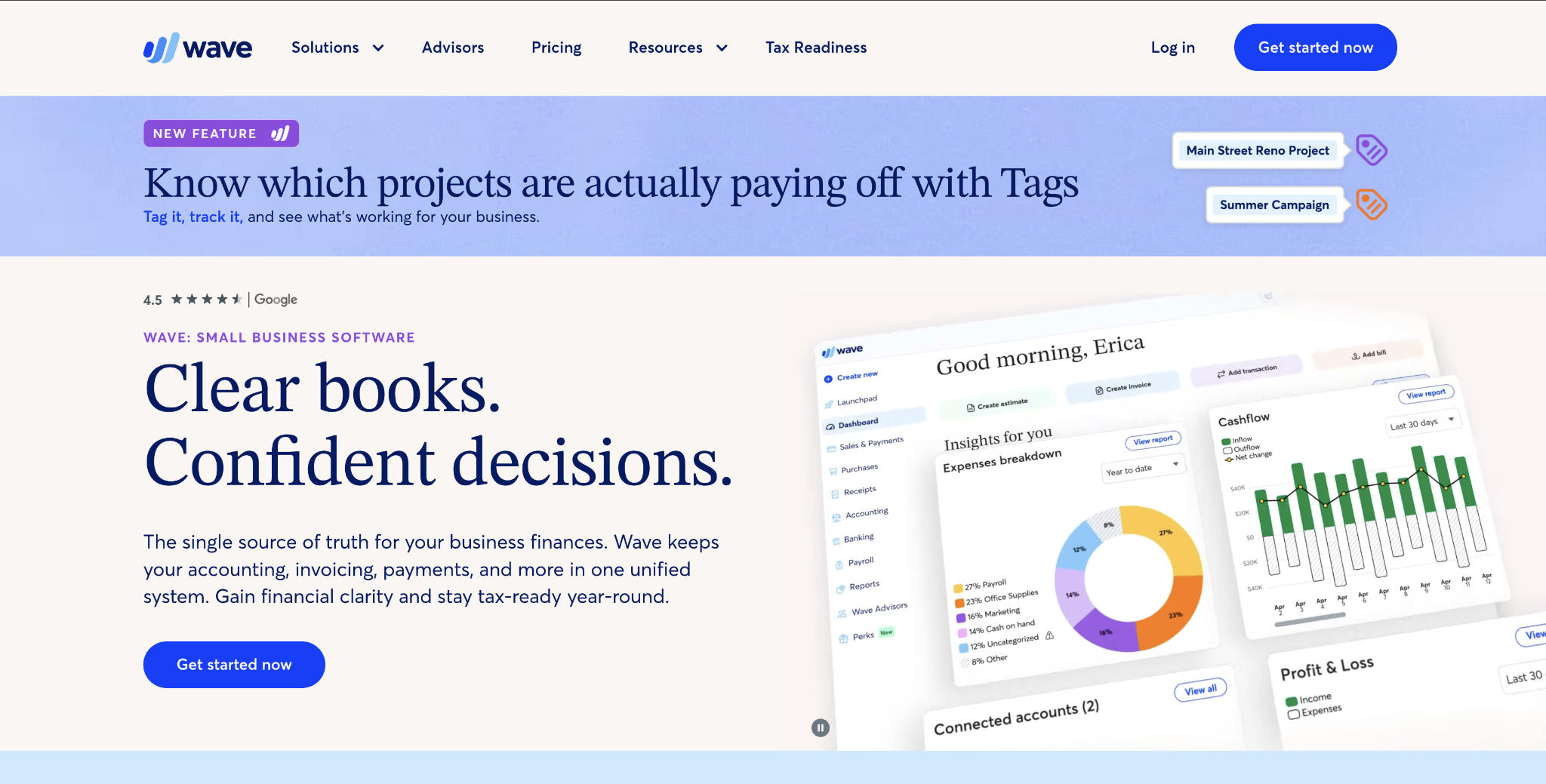
Pro costs $19 per month, or $190 per year, and adds automatic bank imports via Plaid, auto-categorization, unlimited receipt capture, automated late payment reminders, and invoices without Wave branding. Starter users enter or import transactions manually instead.
Wave's design assumption is that your finances are simple and will stay that way. For a solo consultant billing a handful of clients, that assumption holds, and the product removes almost all of the setup work a general ledger usually demands.
Pros and cons of Wave
Wave earns its place when the spend profile is simple and invoice-driven:
- Free core accounting: Unlimited invoicing, estimates, and bills on the Starter plan, with no trial expiration or feature clock.
- Cheap automation: Pro adds bank feeds, auto-categorization, receipt capture, and unlimited users for $19 per month.
- Nationwide tax-service payroll: Wave files and pays payroll taxes in all 50 US states, at the same price in every state.
- Approachable for non-accountants: The product fits sole proprietors and very small businesses that don't need complex accounting features.
Those strengths come with hard ceilings that a growing company reaches quickly:
- No inventory, projects, or job costing: Wave has no inventory tracking or job costing on any plan, so product businesses and hourly-billing firms hit this wall immediately.
- Thin reporting: The report library is limited, with no budget vs. actuals and no 12-month profit-and-loss view.
- Closed ecosystem: Native connections are limited compared with QuickBooks, and broader third-party connectivity usually runs through Zapier, which itself requires the Pro plan.
- Geographic limits: Wave serves only US and Canadian businesses, and a company's base currency can't be changed once it's set.
- No tax filing beyond payroll: Wave tracks configurable sales taxes, but it doesn't prepare or file sales tax and VAT returns for you.
Pricing: Wave's Starter plan is free, and Pro costs $19 per month or $190 per year. Payroll adds $40 per month plus $6 per payee; receipt capture on Starter costs $11 per month, online payments cost 2.9% plus $0.60 per card transaction and 1% with a $1 minimum for ACH transfers, and Wave Advisors starts at $149 per month on the Pro plan.
Best for: Freelancers, solopreneurs, and service-based microbusinesses in the US or Canada with simple, invoice-driven finances and no inventory or project billing to track.
Where Wave stands out
Wave's real advantage is that nothing has to be justified. A solo operator can send a compliant invoice within an hour of signing up, and the Starter plan never expires into a paywall.
That matters most for pre-revenue and bootstrapped businesses, where the cost of accounting software competes directly with the cost of doing the work. Wave lets that line item stay at zero until the business genuinely outgrows it.
Exploring QuickBooks Online for growing companies
QuickBooks Online serves small businesses in the US, and every plan includes dedicated accountant seats. Intuit sells four main plans: Simple Start at $38 per month, Essentials at $75, Plus at $115, and Advanced at $275, as of July 2026.
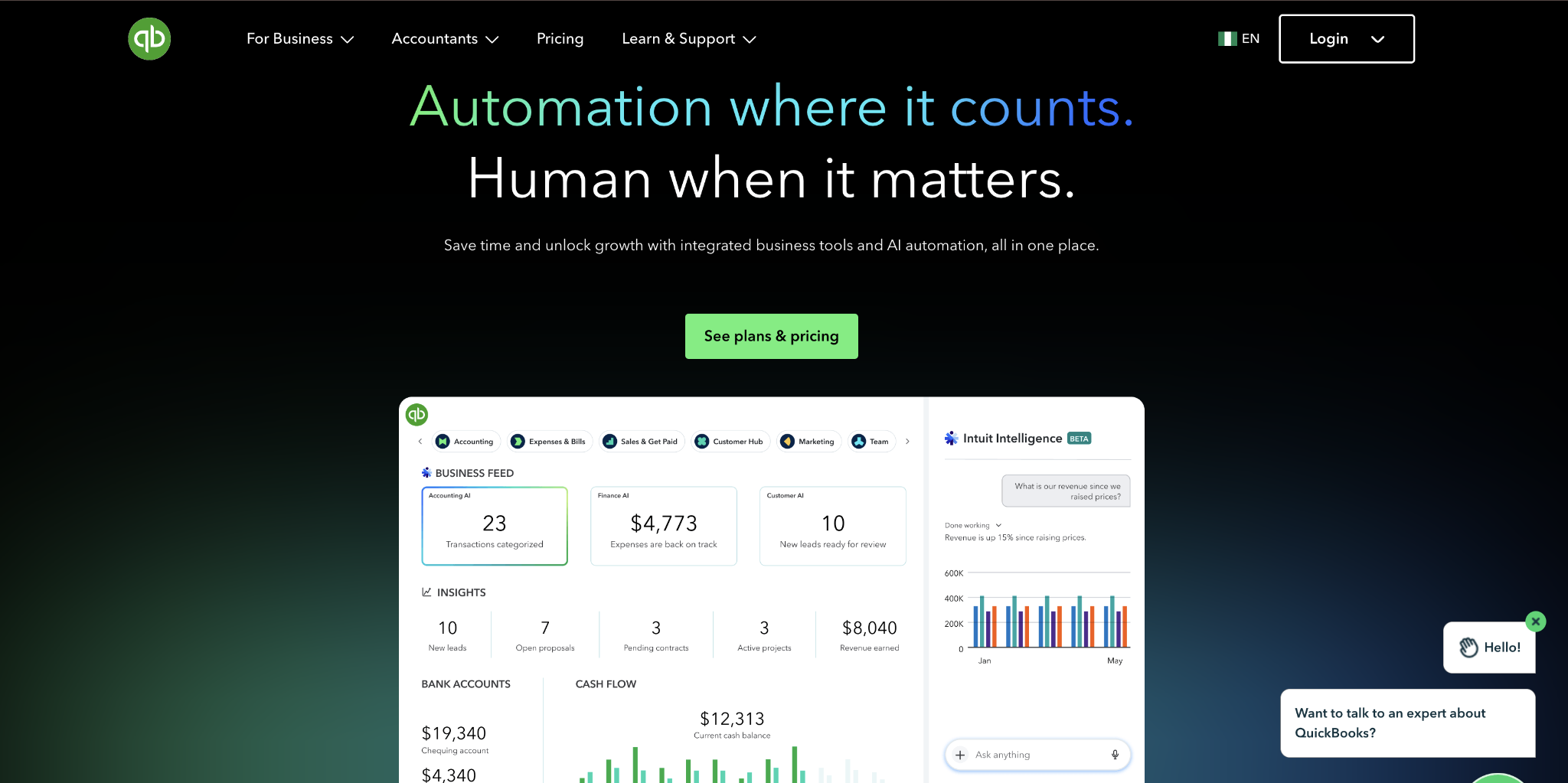
Feature gates, not headcount, decide which plan you actually need. Multi-currency starts at Essentials, inventory and project profitability start at Plus, and custom reports, workflow automation, and 25 user seats arrive at Advanced.
That gating cuts both ways. A company that needs only one gated feature still pays for the whole tier, which is why the effective price often runs higher than the entry figure suggests.
Pros and cons of QuickBooks Online
QuickBooks buys room to grow, and the depth shows up exactly where Wave stops:
- Room to grow: Advanced supports 25 standard users and can carry a company well beyond Wave's practical ceiling.
- Complete feature set from Plus up: Inventory, project profitability, class and location tracking, and budget vs. actuals become available on the higher tiers.
- Deep ecosystem: Native integrations span CRM, e-commerce, payroll, and expense management, plus a REST API and Zapier.
- Accountant-friendly: Every plan includes an audit log and accountant seats; the report library is far deeper than Wave's, and QuickBooks familiarity among US accountants can reduce friction and cost at tax time.
The cost structure is where most teams hesitate:
- Rising prices: Prices have risen repeatedly, with another round arriving in August 2026 for Essentials, Plus, and Advanced.
- Tier gating: Inventory requires Plus and custom reports require Advanced, so your company may land on a pricier plan than the entry price implies.
- Seat limits: Simple Start includes one user and Advanced caps standard users at 25, with accountant seats counted separately.
- Separate payroll cost: Payroll is a paid add-on rather than an included module, so the real monthly figure runs higher than the plan price alone.
Pricing: QuickBooks Online costs $38 to $275 per month depending on plan as of July 2026, ahead of the August 2026 increase on Essentials, Plus, and Advanced. Intuit currently discounts all plans 50% off for the first three months, offers a 30-day free trial that can't be combined with that promotion, and sells payroll separately starting at $50 per month plus $7 per employee.
Best for: Growing businesses with employees, inventory, project billing, a CPA relationship, or investors who expect GAAP-ready financials.
Where QuickBooks Online stands out
QuickBooks earns its price when someone outside the business reads the numbers. Lenders, boards, and CPAs expect accrual-basis financials, class-level detail, and an audit log, and QuickBooks produces all three without workarounds.
The ecosystem compounds that advantage. Because most US payroll, e-commerce, and spend management tools build a native QuickBooks integration first, the accounting system rarely becomes the bottleneck as the rest of the stack grows.
Wave or QuickBooks: Which should you pick?
Use company stage as the first filter, then check the features your finance process requires. Wave fits service businesses that need invoicing and basic bookkeeping without inventory or project accounting. QuickBooks fits growing companies that need inventory, project profitability, audit trails, deeper reporting, or investor-ready controls.
Pick Wave if you're early-stage with simple finances
Pick Wave if you're a freelancer, solo founder, or service business on the small side of that ten-employee line, with no inventory and no hourly job costing to track. At that stage, your finances are usually simple, and Wave Pro handles that workflow at much less than QuickBooks' regular price.
It also fits bootstrapped or pre-revenue startups that don't yet need investor-grade financials. You can start on Wave and migrate to QuickBooks later through CSV exports of your transactions, customers, vendors, and chart of accounts. That lets you take the free ride now and upgrade when the ceilings start to pinch.
Use QuickBooks if you're growing or plan to
Pick QuickBooks if you're past ten employees or headed there. It also fits if you sell physical products, bill by project, work with a CPA, or answer to a board. Inventory and job costing don't exist in Wave at any price, and investor or lender reporting often calls for accrual-basis financials with class tracking and budget vs. actuals.
If you work with a CPA, that alone tilts the decision, since QuickBooks familiarity among US accountants can reduce friction. Your software stack points the same direction. QuickBooks connects natively to expense management, payroll, e-commerce, and other operating tools, while Wave reaches many third-party tools only through Zapier on a paid plan.
At 50 employees, QuickBooks is the practical choice because Wave's controls and reporting sit well below that stage. Migrating from QuickBooks to Wave means starting over, since Wave doesn't carry over QuickBooks transaction history.
Whichever way you go, migrating from QuickBooks to Wave means starting over, since Wave doesn't carry over QuickBooks transaction history. Choosing the ledger is only half the decision, though, since QuickBooks records the spending but doesn't control it.
Platforms like Ramp sit above the ledger and handle that layer, issuing corporate cards with built-in limits, capturing receipts as purchases happen, and syncing coded transactions two-way with QuickBooks Online. That way, the books your accountant opens are already clean.
Frequently asked questions about Wave vs QuickBooks
Is Wave really free, and what's the catch?
Wave's Starter plan is genuinely free, with unlimited invoices, estimates, and bills. Since automatic bank imports now require the $19 per month Pro plan, Starter users do more manual transaction work. Wave also earns revenue on payment processing fees and its payroll add-on, which costs $40 per month plus $6 per payee at the same rate in every US state.
Is QuickBooks worth the extra cost over Wave?
QuickBooks is usually worth the extra cost for companies with ten or more employees, inventory, project billing, or a CPA relationship. The gap can also be narrower than it looks: once you add Wave's payroll, receipt capture, and Zapier costs, a growing team's total spend can approach QuickBooks Essentials territory without the same features.
Which is better for taxes, and does either file for me?
Both tools organize the books your accountant uses for business income tax filing; business income tax filing still belongs with you or a tax preparer. Their paid payroll add-ons do file and pay payroll taxes automatically, but neither tool calculates or pays quarterly estimated taxes for you. That responsibility stays with you or your advisor.
Which one handles inventory?
Only QuickBooks tracks inventory, and only on its Plus and Advanced plans. Those plans cover stock levels, purchase orders, and cost of goods. Wave offers no inventory features on any plan, so product-based businesses outgrow it immediately.
Is Wave good enough for an LLC or a growing business?
Wave works fine for a small, service-based LLC with simple finances. A growing business hits its ceilings fast: limited reports, no audit trail, no class tracking, and third-party app connections that may require Wave's API and at least one paid subscriber. Once you're approaching ten employees, plan your move to QuickBooks.


