


How the Top Stripe Alternatives Compare for Payment Processing

July 25, 2026
Stripe is a fine default for online payments. However, it stops being the obvious choice the moment your real problem shifts away from taking cards, whether that means selling in person, staying compliant on global tax, or clearing the pile of vendor bills stacking up on the desk.
The right replacement depends less on the brand and more on the specific job you need done.
In this guide, we compare seven options across checkout, subscription billing, international coverage, and finance operations, so you can match the tool to your business model instead of chasing the lowest advertised rate.
In brief:
- Ramp is the strongest fit when the problem is outbound money, corporate cards, bill pay, and reconciliation, and its core platform is free.
- PayPal and Square launch fastest for teams without engineering help, both with no monthly fee to start.
- Adyen suits enterprises with high international volume, pricing at a fixed $0.13 plus interchange plus 0.6% for Visa and Mastercard.
- Paddle becomes the merchant of record for SaaS, handling global sales tax and VAT for about 5% of revenue plus $0.50 per transaction.
- Flat-rate processors like PayPal and Square tend to win at lower monthly card volume and on small tickets, where fixed per-transaction fees dominate.
7 best Stripe alternatives at a glance
No single processor wins on every axis, so the best Stripe alternative is the one built for the way your business actually takes money. The seven below split cleanly by job: flat-rate processors for speed, interchange-plus for volume, a merchant of record for global tax, and a spend platform for the money going out:
| Tool | Best alternative for | Pricing model | Starting fee | Monthly cost | Free plan |
|---|---|---|---|---|---|
| Ramp | Finance operations and bill pay | Free core platform | $0 | $0 | Yes |
| PayPal | Fast payment setup | Flat-rate | 2.99% + $0.49 online | $0 | Yes |
| Square | Online and in-person selling | Flat-rate | 2.6% + 15¢ in person | $0, paid POS tiers | Yes |
| Adyen | Global enterprises | Interchange++ | $0.13 + interchange + 0.6% | $0, invoice minimums | No |
| Shopify Payments | Ecommerce stores | Flat-rate, plan-based | 2.5%–2.9% + $0.30 online | Shopify plan-based | No |
| Helcim | Interchange-plus pricing | Interchange-plus | Interchange + ~0.4% + 8¢ in person | $0 | Yes |
| Paddle | SaaS and digital goods | Revenue share, merchant of record | ~5% + $0.50 | $0 | Revenue share only |
Below, we break down where each tool earns its place, starting with the one that solves a problem Stripe was never built for.
1. Ramp
Where Stripe brings customer money in, Ramp manages the money a company sends out. It runs corporate cards, vendor payments, bill pay, and expense coding in one place, so it fits when the real pain is reconciliation and spend visibility rather than checkout. For a lot of growing teams, that outbound side is where the manual work piles up.
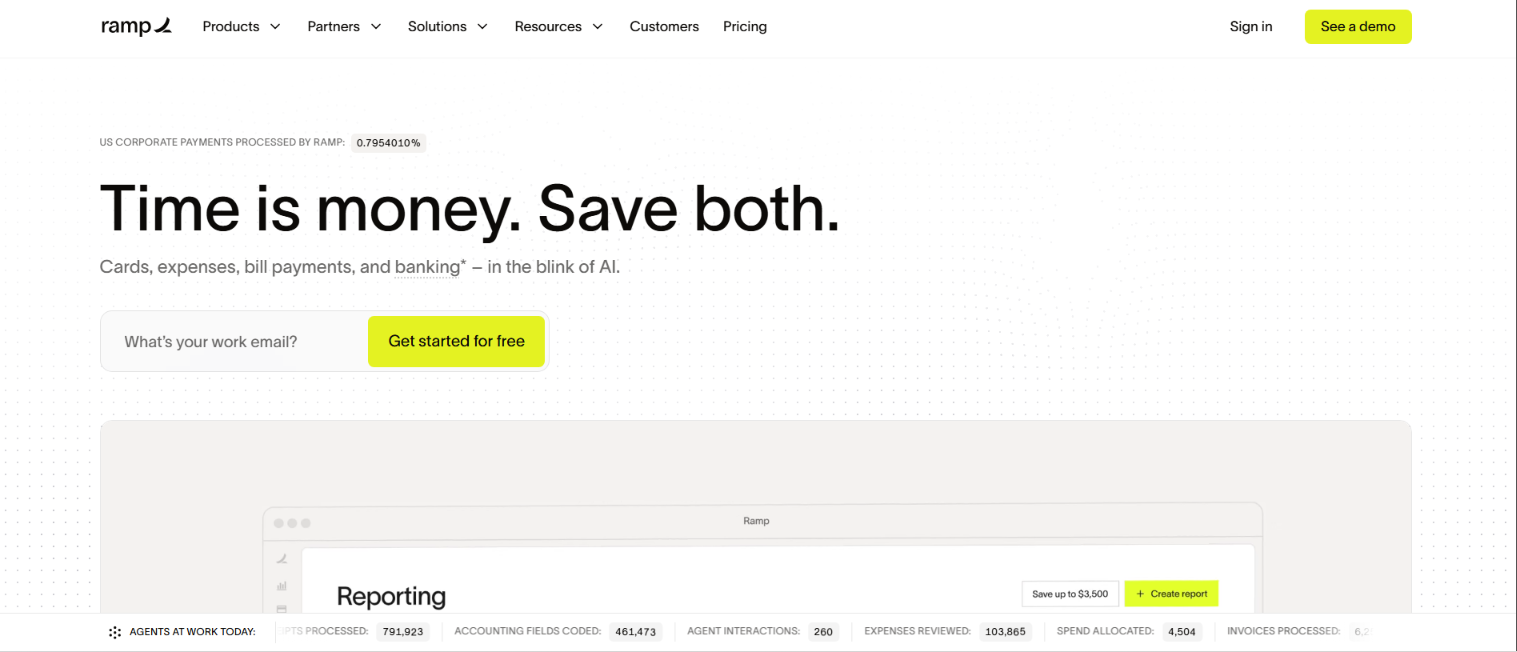
Because Ramp connects with major accounting systems like NetSuite, Sage Intacct, Xero, and QuickBooks, transactions sync without the manual exports that stretch month-end close. Its accounting automation codes card expenses to the general ledger and attaches merchant details, receipts, and approval status.
This cuts the manual work behind accounts payable software and gives finance teams time back for the close itself.
Ramp isn't a checkout replacement, so a merchant still needs a processor actually to collect money from customers. We lead with it here because a real share of Stripe frustration turns out to be about spend and close, not the payment API, and that's exactly the gap Ramp fills.
Ramp pros:
- No platform fees: Ramp's core spend platform is free, with no monthly or annual software charge to get cards and bill pay running.
- Accounting sync: Native connections to NetSuite, QuickBooks, and Xero push coded transactions across without manual exports or re-keying.
- Automated coding: Expense categorization, receipt matching, and approval routing happen automatically, so the finance team stops chasing documentation.
- Flat cash back: Every dollar of card spend earns flat cash back, with no category tiers to track.
Ramp cons:
- Checkout gap: Ramp doesn't process customer payments, so it works alongside a merchant processor rather than replacing one.
- No customer collection: Ramp moves money out rather than in, so collecting from customers in any currency still needs a dedicated processor.
Pricing: Ramp's core platform is free, with no monthly software fee for cards, bill pay, or expense management, and the QuickBooks Online and Xero integrations don't require a paid plan, though NetSuite and Sage Intacct sync sits behind Ramp Plus. A team can start at zero and add a paid tier like Ramp Plus only if it needs more advanced controls.
Best for: mid-sized companies whose Stripe frustration is really about spend visibility, vendor payments, and a month-end close that takes too long.
2. PayPal
If you want to accept cards without writing a line of code, PayPal is usually the quickest way there. Plenty of companies run it as a secondary checkout button next to a primary processor, because customers recognize the brand and can pay in a couple of clicks.
That speed comes with trade-offs that show up most on small tickets and disputes. The fixed per-transaction fee takes a larger share of low-value sales, and PayPal's dispute costs run higher than some competitors, so it fits best when convenience and reach matter more than squeezing out the lowest rate.
As a widely used payment facilitator, PayPal also pools merchants under one account, which is part of why holds can happen.
Cash timing is one area where PayPal looks strong, since funds can land in the PayPal balance quickly and an instant transfer to a bank account is available for a fee when the standard payout is too slow. That flexibility helps during a tight week.
PayPal pros:
- Fast setup: PayPal charges no monthly fee and accepts cards with almost no configuration so that a business can be live the same day.
- Familiar checkout: Most customers already have PayPal accounts, which can lift conversion when it's added as a second payment button.
- Quick cash access: Funds reach the PayPal balance fast, and instant transfer to a bank account is available for 1.50% when timing is tight.
PayPal cons:
- Dispute cost: PayPal charges a $20 chargeback fee, which adds up quickly in categories where disputes are common.
- Small-ticket drag: The $0.49 fixed online fee takes a bigger bite out of low-value sales, and cross-border transactions add a surcharge.
Pricing: PayPal's standard online card payments cost 2.99% plus $0.49, PayPal Checkout costs 3.49% plus $0.49, and in-person QR code transactions cost 2.29% plus $0.09. There's no monthly fee, but international sales add a cross-border surcharge on top of these rates.
Best for: small and newer businesses that want payments live immediately and can accept some hold and dispute risk in exchange for zero setup cost.
3. Square
Square earns its place if you sell across a counter and a website and don't want two separate systems to run them. It puts POS hardware, payment processing, invoicing, and online selling in one account, which suits retailers, restaurants, and service businesses that need to take money in person and online without building a developer-led checkout.
The trade-off shows up with growth. Square's flat online rate can cost more than interchange-plus once monthly volume climbs, and support escalation and payment holds can frustrate businesses that need predictable payouts.
So, cash timing deserves a look before committing. If Square starts to pinch, our roundup of Square alternatives walks through where each option fits.
For most sellers under that growth threshold, the convenience wins. Square accepts cards, Apple Pay, Google Pay, Cash App Pay, and ACH, plus free invoicing, with Card on File available for recurring charges at a higher keyed-in rate, all from one vendor with a single login.
Square pros:
- One account: Hardware, POS, invoicing, and online payments live together, so a team manages retail and ecommerce from a single system.
- Broad acceptance: Square takes cards, Apple Pay, Google Pay, Cash App Pay, and ACH, covering the payment types most retail and service customers expect.
- Free invoicing: Invoicing is included at no extra cost, and Card on File supports recurring billing without a separate tool, though card-on-file charges are priced at 3.5% plus 15 cents.
Square cons:
- Online rate: On lower-tier plans, Square's online processing can run higher than interchange-plus options once volume grows.
- Support and holds: Payment holds and slow support escalation can complicate cash timing for businesses that depend on reliable payouts.
Pricing: Square uses published flat-rate pricing with a free plan, charging 2.6% plus 15 cents for in-person cards on the free plan, where online payments run 3.3% plus 30 cents. Paid tiers such as Square Plus at $49 per month per location lower those rates, bringing online down to 2.9% plus 30 cents, and add features, so cost scales with how and where a business sells.
Best for: retail and service businesses that sell both in person and online and want hardware, POS, and payments from one vendor.
4. Adyen
Adyen sits at the enterprise end of this list, powering payments for global brands with direct acquiring across many markets and a single platform for online, in-store, and mobile payments. It's a good fit when you operate across countries and channels and want one processor to handle them all.
The pricing is unusually transparent for its scale. Adyen uses interchange++, so the markup is fixed and interchange passes through at actual cost, and it supports broad multi-currency settlement plus cardholder currency conversion. The catch is onboarding, which assumes a dedicated payments team rather than a self-serve signup.
That makes Adyen a poor match for small merchants and a strong one for companies with real payment operations capacity. Volume minimums and a heavier setup process are the price of the direct-acquiring reach and control it delivers.
Adyen pros:
- Transparent markup: Interchange++ pricing fixes Adyen's markup and passes interchange through at cost, so a finance team can see what the processor actually earns.
- Global reach: Multi-currency settlement and direct acquiring across markets suit companies selling across countries and channels.
- One platform: Online, in-store, and mobile payments run through a single integration, which simplifies reporting for multi-channel operations.
Adyen cons:
- Involved onboarding: Setup assumes a dedicated payments team, so it's heavier than self-serve processors.
- Enterprise scale: A minimum monthly invoice and heavier setup expectations make it a poor fit for smaller merchants.
Pricing: Adyen charges a fixed $0.13 per transaction plus a payment method fee, with interchange plus 0.6% for Visa and Mastercard, no setup fee, and a minimum monthly invoice that varies by industry. Tiered pricing can lower the acquirer markup as monthly volume grows.
Best for: enterprises processing high international volume across digital, in-store, and mobile channels.
5. Shopify Payments
For stores already running on Shopify, Shopify Payments removes the separate processor relationship entirely. Orders, payouts, and payment data stay inside the Shopify admin, so the team avoids stitching a third-party processor into the storefront.
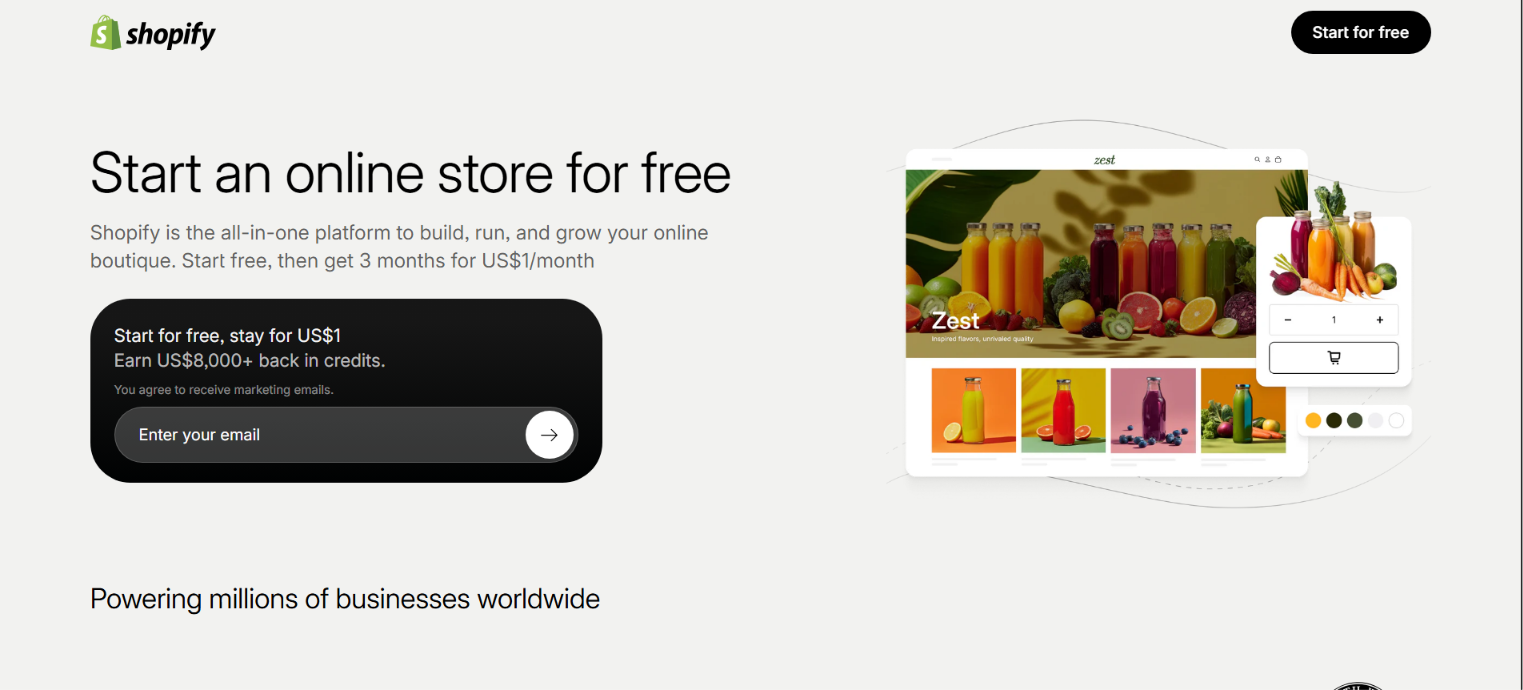
The dependency cuts both ways, and that's the real decision here. Staying on Shopify keeps everything in one place, but leaving Shopify means moving payments too, so Shopify Payments makes the most sense for merchants committed to the platform for the long run.
Cost tracks the Shopify plan rather than a standalone rate card. Higher-tier plans lower card rates, and while casual in-person selling is included on paid plans, upgrading to Shopify POS Pro adds another monthly fee per location, so the total depends on the mix of plan and channels a store runs.
Shopify Payments pros:
- One admin: Ecommerce orders, payouts, and payment data stay inside Shopify, so there's no separate processor to reconcile.
- Simple setup: A storefront already on Shopify skips third-party processor onboarding and keeps payments close to order management.
Shopify Payments cons:
- Shopify-only: Shopify Payments works only on Shopify, so it doesn't fit teams that want to move storefronts freely.
- Add-on fees: Fuller in-person features mean paying for POS Pro per location, and lower plans carry higher card rates.
Pricing: Shopify Payments pricing depends on the Shopify plan, with online card rates running from 2.9% plus $0.30 on Basic down to 2.5% plus $0.30 on Advanced, charged on top of the monthly plan fee. In-person rates are lower, and using a third-party processor instead adds an extra percentage fee that shrinks on higher plans.
Best for: ecommerce businesses already committed to Shopify as their storefront.
6. Helcim
Helcim is built for businesses that have outgrown flat-rate pricing and want to see exactly what they're paying. Its interchange-plus model separates the card networks' non-negotiable interchange from Helcim's own markup, a structure that can beat flat-rate as volume grows.
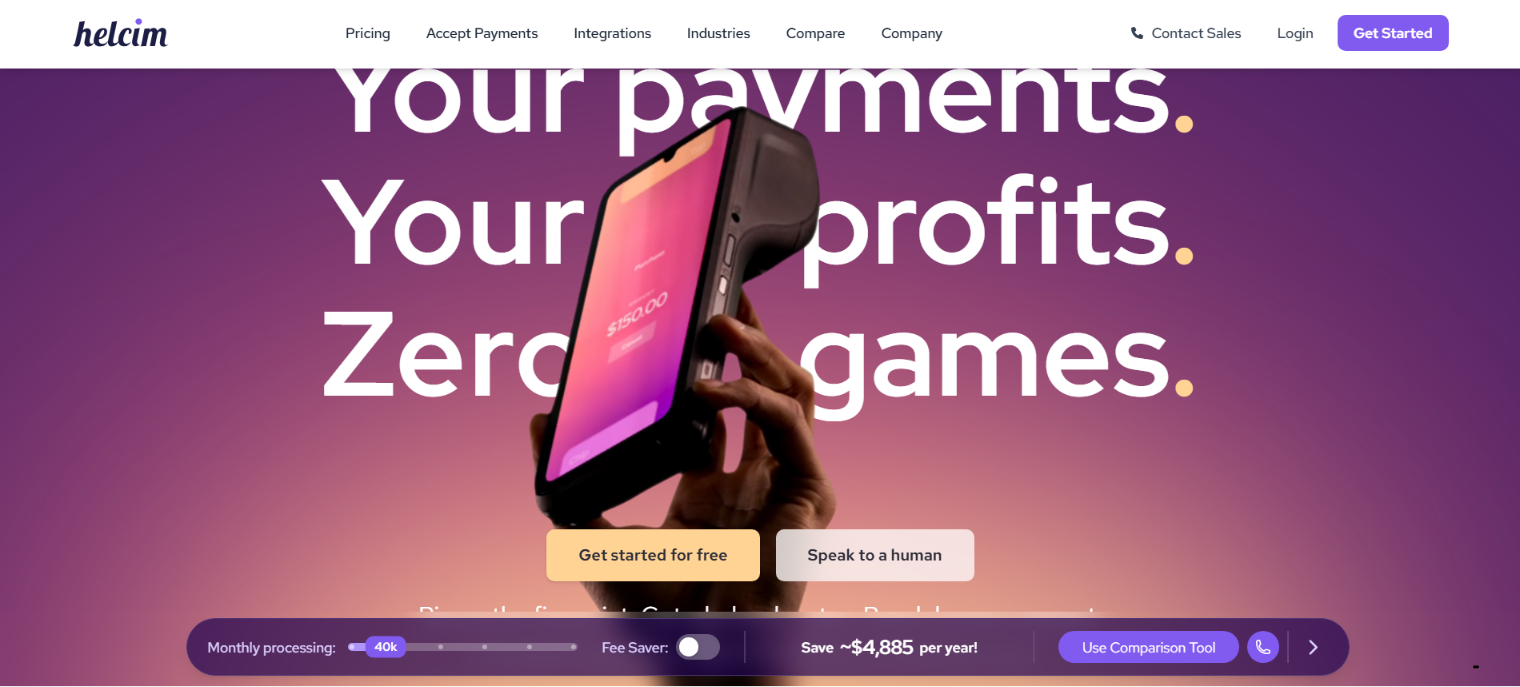
The trade-off is predictability. Because interchange varies by card type, the blended rate moves month to month, so it takes a little more attention to forecast than a single flat number. In exchange, Helcim's markup falls automatically as monthly processing climbs through its volume tiers.
The fee structure is unusually clean for the category. Helcim charges no monthly software fee, no setup or cancellation fee, and no PCI compliance charge, and it refunds the chargeback fee on a won dispute, though payouts aren't as fast as instant-transfer options.
Helcim pros:
- Volume discounts: Helcim's markup drops through tiers as monthly processing grows, so pricing improves with scale.
- Low fixed costs: There's no standard monthly, setup, cancellation, or PCI compliance fee, and won disputes get the chargeback fee refunded.
Helcim cons:
- Variable rate: The blended cost is harder to forecast than flat-rate pricing because it shifts with the card mix.
- Slower deposits: Payout timing lags instant-transfer options, so check your cash timing before switching.
Pricing: Helcim uses interchange-plus pricing with automatic volume discounts and no standard monthly software fee, starting around interchange plus 0.4% and 8 cents in person, or interchange plus 0.5% and 25 cents for keyed and online sales, and dropping at higher volume tiers. It also refunds chargeback fees on any dispute the merchant wins.
Best for: growing SMBs with enough monthly volume to benefit from transparent interchange-plus pricing.
7. Paddle
Paddle takes a different job off your plate than the other processors here. As a merchant of record, it becomes the legal seller of the software and absorbs global sales tax and VAT compliance across the countries where the product sells.
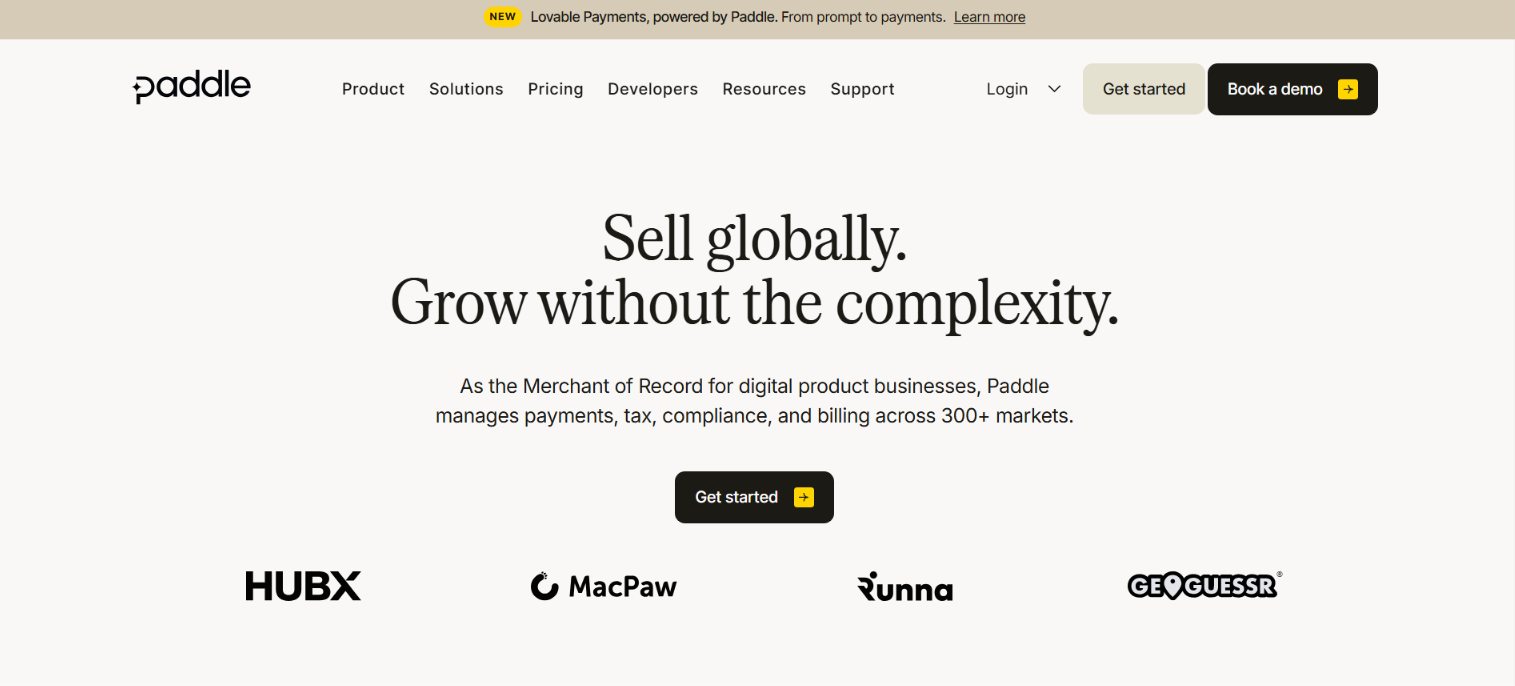
That matters most when tax and subscription operations create more work than payment acceptance itself. Paddle bundles recurring billing, dunning, failed-payment recovery, fraud management, and multi-currency selling into one integration, so a small team doesn't have to assemble those pieces separately.
Paddle's limits are worth naming, too. It only handles digital goods, not in-person sales or physical products, and its revenue-share pricing takes a percentage of every sale rather than a flat per-transaction rate, which gets harder to justify as margins and volume grow.
For the other side of the software-cost ledger, our guide to SaaS spend management covers how to keep those subscriptions in check.
Paddle pros:
- Tax coverage: Paddle handles global sales tax and VAT compliance as merchant of record, removing a major operational burden for global sellers.
- Bundled billing: Recurring subscriptions, dunning, failed-payment recovery, and fraud tools come standard rather than as separate add-ons.
Paddle cons:
- Digital-only: Paddle doesn't support in-person payments or physical goods, so it fits software and digital products only.
- Revenue share: Pricing takes a percentage of revenue, which can cost more than flat per-transaction rates at higher volume.
Pricing: Paddle's standard plan runs about 5% of revenue plus $0.50 per transaction with no monthly fee, covering payments, billing, and tax compliance in one rate. Larger sellers can negotiate custom pricing based on volume.
Best for: SaaS and digital goods companies selling globally where tax compliance drives the move away from Stripe.
How to choose the right Stripe alternative
The best alternative is the one that matches your real problem, whether that's checkout, subscription billing, tax compliance, or finance operations, rather than the lowest advertised rate.
That headline number hides what drives cost: transaction mix, chargebacks, integrations, payout timing, and the accounting work each tool adds or removes. Interchange-plus pricing helps here because it separates network interchange from the processor's markup, showing what the processor earns, and volume shapes the decision more than any brand name does.
From there, match the model to the tool: If your payment costs already look fine but outbound spend and close are the real mess, treat Ramp as the adjacent finance tool and pair it with whichever processor you keep.
Frequently asked questions about Stripe alternatives
Which Stripe alternative has no monthly fees?
PayPal charges no monthly fee for a business account, and Adyen lists no setup or monthly fee, though its volume minimums suit larger merchants. Square and Helcim can also work if you're avoiding monthly software charges, so it pays to confirm current plan terms before moving volume. Ramp's core spend platform is free too, but it is best for managing outbound spend rather than processing customer payments.
What is the best Stripe alternative for managing company spend and paying bills?
This is a different job than payment processing, so the answer is a spend management platform rather than a checkout processor. Ramp is the strongest fit, handling corporate cards, bill pay, AP automation, and employee expense reimbursement in one free core platform, and it syncs with major accounting tools so month-end close moves faster. A finance team keeps its existing processor for taking payments and uses a tool like this for the money going out.
Is there a Stripe alternative that also handles corporate cards and expense management?
Stripe itself focuses on payment acceptance, so corporate cards and expense management usually come from a separate spend platform. Ramp covers both, issuing corporate cards with flat cash back and automating expense management with receipt matching and approval routing. It works alongside your payment processor rather than replacing it, which is why we treat it as an adjacent tool rather than a direct Stripe swap.
What is the best Stripe alternative for recurring billing and subscriptions?
Paddle is the clearest fit when subscription billing, dunning, failed-payment recovery, and global tax compliance all need to live together in one system. Stripe still handles recurring billing well, but its billing add-ons cost extra for subscription businesses that need more than basic processing. If you mostly sell domestically and your tax setup is simple, the case for switching is weaker.


