


7 Square Alternatives for Businesses That Have Outgrown Flat-Rate Pricing

June 13, 2026
Square's flat-rate pricing and plug-and-play hardware make it easy to start accepting payments. However, the model has limits once your transaction volume climbs past $25,000 per month. Accounts can freeze mid-week without warning, and purpose-built tools for restaurants or omnichannel retail handle workflows Square was never designed to support.
In this guide, we explore seven Square alternatives by use case, compare pricing across different volume levels, and explain which option best fits each business type.
In brief:
- Square raised its Free plan online rate to 3.3% plus $0.30 in January 2026, widening the cost gap with alternatives for businesses processing meaningful online volume.
- Ramp covers corporate cards and spend management with no monthly fee, no personal guarantee requirement, and flat cash back on qualifying purchases.
- Toast's Core plan at $69 per month includes table management and native delivery integration; kitchen display systems are a purpose-built add-on rather than a third-party workaround.
- Helcim applies automatic volume discounts at $50,000, $100,000, $500,000, and $1 million per month with no contract and no cancellation penalties.
- Stripe processes payments in 135-plus currencies at 2.9% plus $0.30 for online transactions, compared to Square's 3.3% plus $0.30 on the Free plan.
An overview of the top 7 best Square alternatives
The platforms below cover a range of use cases, from restaurant operations to developer-built payment flows and corporate expense management. Not every option here is a direct POS replacement: Ramp, for instance, addresses the corporate card and expense management layer rather than in-store payment processing.
We narrowed the list by focusing on what matters most when evaluating whether moving off Square is worth the switching costs. We focused on five criteria:
- Monthly software cost and transaction fees at different volume levels
- Industry or use-case fit (restaurant, retail, developer, enterprise spend management)
- Account stability and fund-hold risk
- Hardware options and setup requirements
- Accounting and reporting integrations
With these in mind, here's a quick comparison across the seven platforms:
| Platform | Best for | Monthly cost | Transaction fee |
|---|---|---|---|
| Ramp | Spend management | $0 | Flat cash back |
| Toast | Restaurants | $69+ | 2.49% + $0.15 |
| Shopify POS | Omnichannel retail | $29+ | 2.6% + $0.10 |
| Stripe | Developer integration | $0 | 2.9% + $0.30 online |
| Clover | Hardware flexibility | $16+ | 2.3–2.6% + $0.10 |
| Helcim | Volume-based pricing | $0 | Interchange + 0.40% + $0.08 |
| PayPal Zettle | Mobile sellers | $0 | 2.29% + $0.09 |
Whether your primary reason for leaving is pricing, industry fit, or account stability, the breakdown below narrows your shortlist before you dig into each platform in detail.
1. Ramp
Ramp is a spend management platform that covers corporate cards, expense automation, and accounting sync: the parts of the finance stack that Square's basic reporting tools don't scale well for growing teams.
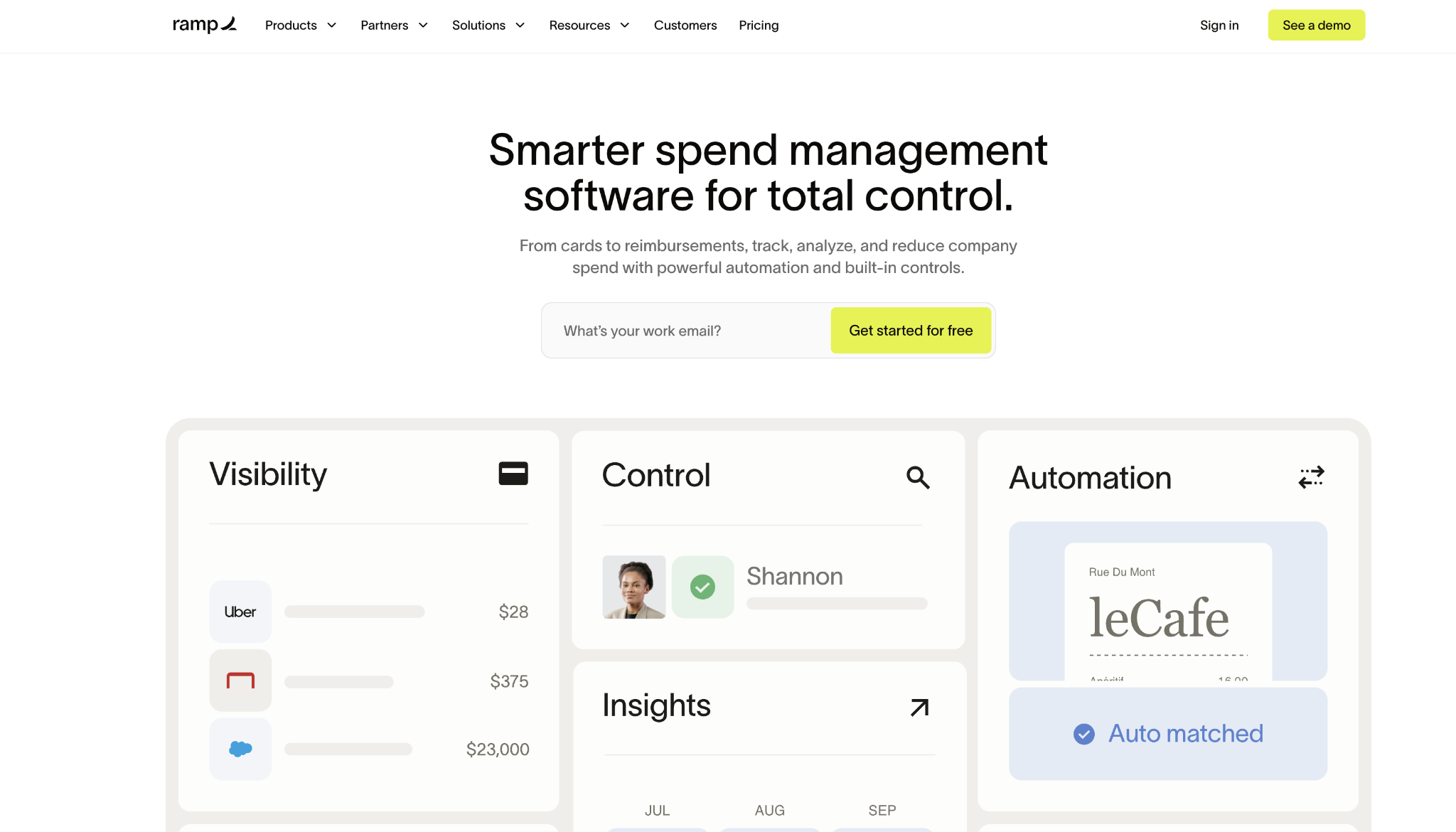
The free plan includes unlimited physical and virtual cards with per-card spending limits, automated receipt matching, and QuickBooks or Xero sync at no monthly cost. No payment facilitator model exposes your account to sudden holds, and no personal guarantee is required to qualify.
Ramp pros:
- Automatic cash back: Earned on qualifying purchases with no redemption steps or holding periods.
- Unlimited corporate cards: Per-card spending limits and merchant category controls included at no extra cost.
- Free accounting sync: QuickBooks Online and Xero at no charge; NetSuite and Sage Intacct available on Plus.
- No personal guarantee required. No annual fee, no foreign transaction fees.
- Real-time spend visibility: All cards are visible from a single dashboard with live activity across the team.
Ramp cons:
- $25,000 bank balance required: Approximately $25,000 in a U.S. business bank account is needed to qualify.
- U.S. entities only: Limited to LLCs, corporations, and LPs incorporated in the United States.
- ERP integrations gated to Plus: NetSuite and Sage Intacct require the $15-per-user-per-month plan.
- Not a POS replacement. Designed to work alongside your existing payment setup, not replace it.
Pricing: Ramp's core plan is free and covers unlimited cards, bill pay, and QuickBooks or Xero sync. Ramp Plus costs $15 per user per month and adds NetSuite and Sage Intacct integrations, multi-entity support, and advanced approval workflows.
Best for: Companies with 50 to 500 employees that need corporate expense controls and automated spend management alongside their payment processing setup.
2. Toast
Toast entered the market as a restaurant-native platform, with table management, delivery integration, and kitchen display systems designed as native workflows rather than third-party software.
Full-service restaurants running Square typically bolt on separate tools for kitchen routing, delivery management, and floor operations. On Toast, those workflows are purpose-built for restaurant environments, reducing integration overhead and keeping the floor and kitchen running on a single system during peak service.
Toast pros:
- Kitchen display systems: Route orders from POS to kitchen without a separate third-party integration.
- Table management: Real-time table turn metrics and server-side reporting built into the platform.
- Native delivery integration: DoorDash, Uber Eats, and Grubhub connected without third-party software.
- Offline processing: Transactions continue during internet outages without interruption.
- Menu engineering tools: Track item performance and adjust pricing from the same system.
Toast cons:
- Processing locked to Toast: No third-party processor option; you pay Toast's rates or nothing.
- Higher Starter Kit rates: Transaction rates from 3.09% to 3.69% plus $0.15 on the no-monthly-fee plan.
- Proprietary hardware only: No bring-your-own-device option; Toast hardware required throughout.
- Contract commitments: Most tiers include early termination penalties.
- KDS requires a paid add-on: a separate subscription beyond the base monthly fee.
Pricing: The Core plan starts at $69 per month, plus 2.49% and $0.15 per in-person transaction; kitchen display systems are available as a paid add-on beyond the base fee. The Starter Kit waives the monthly fee but charges higher processing rates, ranging from 3.09% to 3.69% plus $0.15 per transaction.
Best for: Full-service restaurants with table service and multi-station kitchens, where Square's general-purpose POS creates friction that Toast's native restaurant layer eliminates.
3. Shopify POS
Shopify POS connects an online store and physical locations through a single inventory and customer database. A sale at the register automatically adjusts the online stock count, and customer profiles built from in-store purchases carry over to the online shopping history.
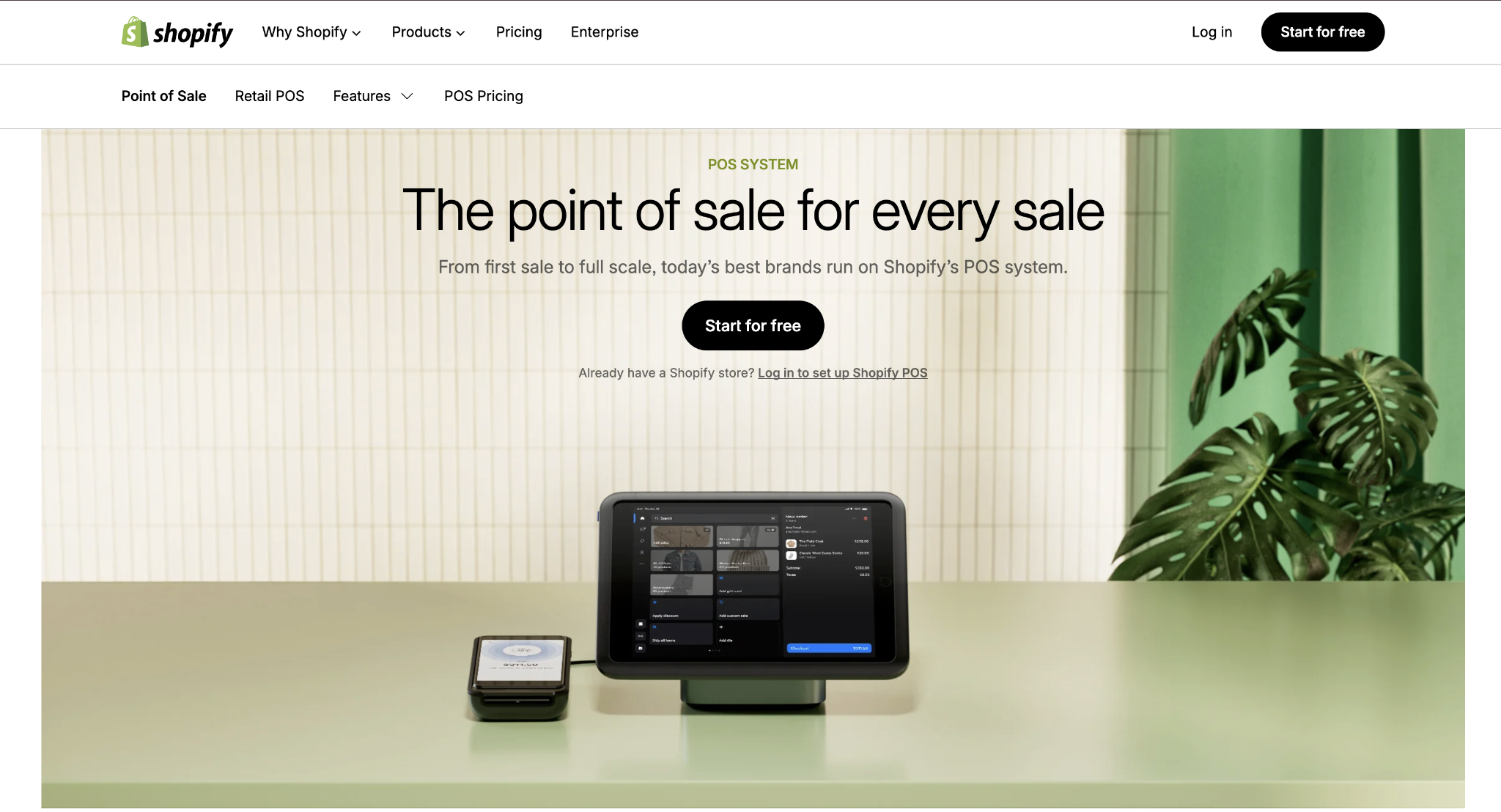
Retailers selling across multiple channels who currently manage inventory manually between Square's in-store system and a separate e-commerce platform lose that reconciliation work entirely on Shopify POS. The unified layer is what removes the stock discrepancies that drive cash flow problems in retail.
Shopify POS pros:
- Unified inventory: A single dashboard manages in-store and online stock without manual syncs.
- Customer profiles: In-store purchase history is combined with online browsing data into a single record.
- Buy online, pick up in-store: Built-in, no third-party plugin required.
- App marketplace: Extend core POS functionality through Shopify's app ecosystem.
- Unified reporting: All sales channels are visible in a single view, with no separate exports.
Shopify POS cons:
- Third-party processor fees: Using a processor other than Shopify Payments triggers additional transaction fees.
- POS Pro is required for advanced features: Advanced in-store capabilities cost $89 per location per month.
- Location-based cost scaling: Costs increase with each additional physical location.
- Limited low-level customization: Less configurable than developer-focused platforms.
- Higher Shopify Payments Processing rates: When not using Shopify's native payment system.
Pricing: The Basic plan starts at $29 per month on annual billing and includes POS Lite. POS Pro adds $89 per month per location for advanced features. Shopify Payments processes in-person transactions at 2.6% plus $0.10.
Best for: Retailers who already sell online or plan to, for whom unified inventory across channels removes stock discrepancies that erode margins and require constant manual correction.
4. Stripe
Stripe gives development teams full control over payment flows through API access, native support for 135-plus currencies, and machine-learning fraud prevention through Stripe Radar.
Stripe is less a replacement for Square's hardware-first POS and more a replacement for Square's online and API payment layer. For businesses where the checkout flow needs custom logic, or the billing cycle requires recurring automation, Stripe handles what Square's built-in tools can't accommodate without add-ons.
Stripe pros:
- Full API access: Custom checkout flows and payment orchestration without platform constraints.
- 135-plus currencies: Supported natively without third-party integrations.
- Stripe Radar: Machine learning trained on Stripe's network for fraud detection.
- Payment Links: No-code payment pages when developer resources aren't available.
- Lower online rate than Square: 2.9% + $0.30 versus Square's 3.3% + $0.30 on the Free plan.
Stripe cons:
- Developer resources required: In-house resources needed to configure and maintain payment flows.
- No proprietary POS hardware: Stripe Terminal relies on third-party card readers.
- Support via documentation and email: No phone support for standard accounts.
- Higher setup complexity: More configuration overhead than plug-and-play processors.
- Limited built-in business management: No native inventory, reporting, or operational tools outside payments.
Pricing: Stripe charges no monthly fees. Online transactions process at 2.9% plus $0.30. In-person transactions through Stripe Terminal incur a 2.7% fee plus a $0.05 fee.
Best for: Businesses with in-house development resources that need custom checkout logic, recurring billing, or multi-currency processing that Square's built-in tools can't accommodate.
5. Clover
Clover offers hardware from pocket-sized card readers to full countertop stations with receipt printers and cash drawers, all running a customizable app-based interface.
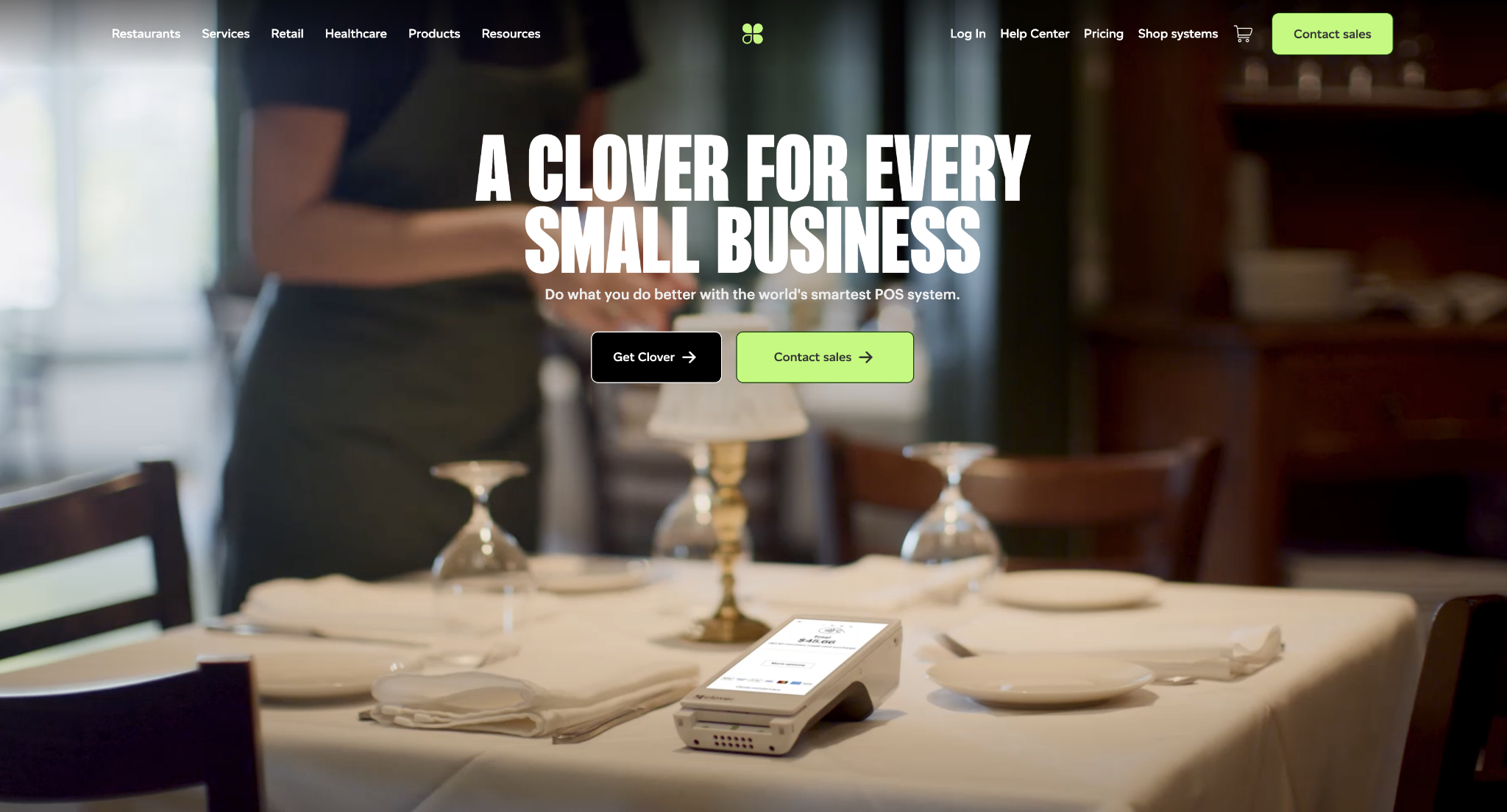
The platform is distributed largely through banks and resellers, so pricing, contract terms, and support experience often vary by provider rather than following a single published rate. For businesses that need hardware flexibility across a range of form factors, Clover covers options Square's more limited lineup can't match.
Clover pros:
- Hardware range: Portable readers, tablet stations, and full countertop setups are all available.
- App marketplace: Extends functionality across both retail and food service operations.
- Built-in inventory and employee management: Shift tracking and inventory across all device types.
- Customizable interface: Adapts to both retail and restaurant workflows without separate systems.
- Versatile use cases: Works for both business types without requiring separate platforms.
Clover cons:
- Reseller-dependent pricing: Contract terms and processing rates often vary by provider, so your effective rate can differ from Clover's published pricing.
- Multi-year contracts are possible: Some resellers require long-term commitments with early-termination fees.
- Higher total cost: Hardware and software fees combined are higher than those of simpler alternatives.
- More setup required: More configuration overhead than plug-and-play processors.
- Rate opacity: Processing rates depend entirely on your reseller, not on Clover's published pricing.
Pricing: Monthly software fees run from $16 to $239 depending on the plan. Processing rates typically fall between 2.3% and 2.6%, plus $0.10 through resellers. Hardware costs range from $49 for a basic card reader to $1,799 for a full countertop station.
Best for: Retail and restaurant businesses that need a range of hardware form factors, built-in inventory and employee management, and no reliance on third-party apps for core operations.
6. Helcim
Helcim uses interchange-plus pricing that lists card network fees and Helcim's markup separately on every statement, with no guesswork about what each transaction actually costs.
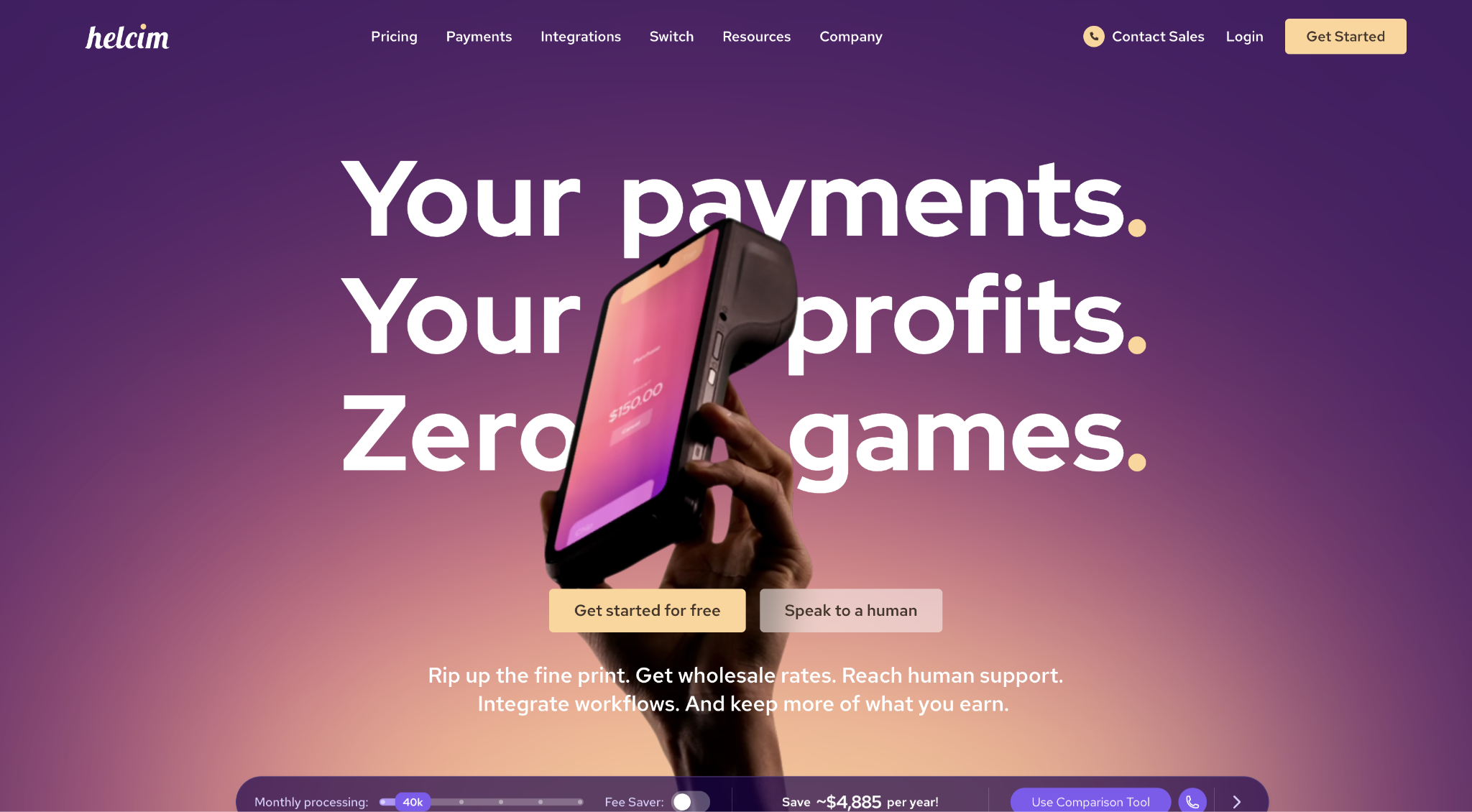
Automatic volume discounts apply at $50,000, $100,000, $500,000, and $1 million in monthly processing, with no contract required and no cancellation penalties. For businesses processing consistently above $50,000 per month, the effective rate from interchange-plus pricing with automatic discounts compares favorably against Square's flat rate without requiring a rate negotiation.
Helcim pros:
- Transparent interchange-plus pricing: Card network fees and Helcim markup are shown separately on every statement.
- Automatic volume discounts: Four processing thresholds with no negotiation required.
- Month-to-month terms: No setup fees, no PCI compliance fees, no cancellation charges.
- Invoicing and virtual terminal included: Payment tools included at no extra charge.
- Lower effective rate at volume: Saves real money versus flat-rate pricing past $50,000 per month.
Helcim cons:
- Minimal savings below $10,000/month: Interchange-plus pricing doesn't outperform flat-rate at low volumes.
- Variable per-transaction costs: Cost projections are less predictable than flat-rate models.
- Smaller hardware selection: Fewer hardware options than Clover or Toast.
- Learning curve on pricing: Teams unfamiliar with interchange mechanics take time to read statements correctly.
- Less competitive at very low volumes: Flat-rate alternatives win on simplicity below $10,000 per month.
Pricing: Helcim charges interchange plus 0.40% plus $0.08 for in-person transactions and interchange plus 0.50% plus $0.25 for online transactions. No monthly fees, setup charges, or PCI compliance fees apply.
Best for: Businesses processing more than $50,000 per month consistently, where automatic volume discounts and transparent interchange-plus pricing make the switch from flat-rate models worthwhile.
7. PayPal Zettle
PayPal Zettle has the lowest barrier to entry of the seven platforms. A $29 card reader pairs with any smartphone, and you can start accepting card payments within minutes without a dedicated terminal, a monthly subscription, or a minimum processing volume requirement.
For mobile sellers, seasonal operators, and pop-up businesses where volume fluctuates month to month, the absence of a monthly fee and a minimum transaction requirement keeps costs predictable during months with low revenue.
PayPal Zettle pros:
- $29 card reader: Works with any existing smartphone; no dedicated hardware needed.
- No monthly fees or minimums: No minimum processing volume requirement.
- Free POS tools included: Inventory tracking, sales reporting, and invoicing come with the account at no extra cost.
- PayPal ecosystem access: Online orders are processed through the same account.
- Quick setup: Minimal configuration required to start accepting payments.
PayPal Zettle cons:
- Slow customer support: Wait times for issue resolution are long, according to published reviews.
- Account restrictions without notice: Fund withdrawals can be blocked without prior warning.
- Fund holds reported: Holds of up to 180 days reported by some customers.
- Limited advanced features: Fewer capabilities than full POS platforms.
- Higher online rate: Online orders processed through PayPal incur a 2.99% fee plus $0.49 per transaction.
Pricing: PayPal Zettle charges $29 for the card reader, plus 2.29% plus $0.09 per in-person transaction, with no monthly fees. Online orders processed through PayPal incur a 2.99% fee plus $0.49 per transaction.
Best for: Mobile sellers, pop-up shops, and seasonal businesses where no monthly fees and no minimum processing volume keep costs predictable when your revenue fluctuates.
How to choose the right Square alternative
To choose the right Square alternative, your business type is the first filter:
- Restaurants with full table service should evaluate Toast first, since kitchen routing, floor management, and delivery integration come purpose-built rather than as separate add-ons Square doesn't include
- Retailers selling online or planning to should evaluate Shopify POS, where unified inventory eliminates the manual sync overhead that Square's siloed setup creates
- Hardware-first businesses that need a range of form factors and don't want separate systems for retail and food service should look at Clover
- Mobile sellers and seasonal operators with inconsistent volume will find the most predictable costs at PayPal Zettle
Your processing volume is the second filter:
- Below $10,000 per month, flat-rate pricing from PayPal Zettle keeps costs simple and predictable
- Past $10,000 per month, interchange-plus models like Helcim's start saving real money over flat-rate pricing, and Helcim's automatic discounts reduce costs further at $50,000 and above
- If your primary need is corporate expense controls and spend automation alongside your payment setup, Ramp's free tier covers expense management software functions with no personal guarantee
- Businesses with development resources that need custom checkout flows, recurring billing, or multi-currency support will find Stripe the clearest fit
For most teams leaving Square, the platform you replace it with depends on what broke first. Match that reason to the platform built around it, and your shortlist usually comes down to one or two names worth testing against your current setup.
If what broke first was spend visibility rather than payment acceptance, Ramp's free plan adds corporate cards, automated expense tracking, and QuickBooks or Xero sync alongside whichever processor you land on.
Frequently asked questions about Square alternatives
What is the cheapest Square alternative for low-volume businesses?
PayPal Zettle offers the lowest upfront cost, with a $29 card reader, 2.29% plus $0.09 per in-person transaction, and no monthly fees. Helcim also charges no monthly fees and delivers lower per-transaction costs through interchange-plus pricing. However, the savings over flat-rate alternatives don't become meaningful until you're processing at least $10,000 per month. Both are solid options for businesses whose volume doesn't yet justify the monthly software costs on platforms like Toast or Shopify POS.
Which Square alternative works best for restaurants?
Toast is the strongest fit for full-service restaurants with table service operations. The Core plan includes table management and delivery integration, and Toast's kitchen display systems use purpose-built hardware and software rather than the third-party workarounds restaurants on Square typically need. The Core plan at $69 per month with 2.49% plus $0.15 processing covers the operational layer that restaurants running Square often lack.
Can you negotiate processing fees with Square alternatives?
Most processors publish standard rates with limited room for negotiation below $100,000 per month in volume. At that level, custom-rate conversations are available from most providers, and Helcim applies automatic discounts at $50,000, $100,000, $500,000, and $1 million per month without requiring a sales conversation. Ramp takes a different approach: flat cash back on all card purchases reduces your net spending cost without depending on rate negotiations with your processor.
Do Square alternatives work for international payments?
With native support for 135-plus currencies, Stripe is the strongest option for businesses whose customers are outside the United States. PayPal Zettle accepts internationally issued cards, though PayPal applies cross-border and currency conversion charges to those transactions. Shopify POS handles international payments through Shopify Payments in supported markets. Ramp and Helcim are primarily domestic platforms, so businesses with significant cross-border volume should consider Stripe or international payment providers built for that use case.
Which Square alternative has the most stable accounts?
Helcim is the standout here because it issues each business its own dedicated merchant account rather than pooling funds, which leaves accounts less exposed to the sudden holds an aggregator model creates. Stripe, Square, and PayPal Zettle all operate as payment facilitators that pool merchants under a master account, so some hold-and-freeze risk remains. However, Stripe's underwriting tends to be more predictable for established, low-dispute businesses. Ramp operates entirely outside payment processing, so account stability in the payments sense does not apply.


