


Which Payoneer Alternative Is Actually Worth Migrating To?

May 26, 2026
Payoneer is built around marketplace payment collections and cross-border payouts, but it falls short for companies that need AP automation, contractor compliance, or consolidated spend management.
Payoneer's fee update also raised cross-currency withdrawal costs to 2% for most account types, and transfers under $400 now incur a flat $4 fee. That pricing shift hit high-frequency, lower-value payouts hard. If you run or manage regular international vendor payments or contractor payouts, those numbers add up fast.
In this article, we reviewed seven alternatives that address gaps Payoneer doesn't cover well: AP automation, contractor compliance, low-cost multi-currency transfers, and consolidated spend management with corporate cards. We’ll explore fees, coverage, independent review scores, and ICP fit so you can find the right match without running through seven free trials.
In brief, here’s how the best alternatives stack up:
- Ramp earned a 4.8/5 on G2 across 2,400+ business user reviews and a 4.9/5 on Capterra across 2,520 reviews, consistently the highest scores among spend management platforms
- Wise Business holds a 4.3/5 rating on Trustpilot based on 250,000+ reviews
- Deel earns a 4.7/5 on G2 across 13,922 reviews and a 4.9/5 on Capterra across 4,252 reviews
- Tipalti scores a 4.5/5 on G2 and a 7.3/10 on TrustRadius
- Airwallex earns a 4.3/5 on G2 and a 3.3/5 on Trustpilot across 2,300+ reviews
- Revolut Business holds a 4.7/5 on Trustpilot across 400,000+ reviews
- WorldFirst carries a 3.5/5 on Trustpilot across 2,800+ reviews
7 best Payoneer alternatives at a glance
To aggregate verified reviews from business users, we sourced data from G2, Capterra, TrustRadius, and Trustpilot. Where possible, we focused on feedback from companies with 50–500 employees, the stage where Payoneer's limitations tend to show up most clearly.
We evaluated each platform across six dimensions:
- Transfer fees and FX markup
- Monthly cost
- Currency and country coverage
- Accounting integrations
- Compliance tooling
- Third-party review scores
| Platform | Monthly fee | FX/transfer fee | Countries/currencies | Best for |
|---|---|---|---|---|
| Ramp | Free–custom | Varies; waivable | Multi-currency wires | Expense management + vendor payments |
| Wise Business | Free | From 0.63% | 40+ currencies, ~80 countries | Low-cost multi-currency transfers |
| Deel | $49–$599/user/mo | 0.6–2% FX markup | 150+ countries | Contractor compliance and global hiring |
| Tipalti | From $99/mo | Negotiated | 200+ countries, 120+ currencies | High-volume AP automation |
| Airwallex | Free–custom | ~0.5% above interbank | 180+ countries, 20+ local currencies | Corporate cards and multi-currency treasury |
| Revolut Business | $10–$140/mo | Interbank rate (within plan) | 25+ currencies, 150+ destinations | Team cards and expense management |
| WorldFirst | Free | 0.3%–0.6% for major currencies | 20+ currencies, non-US only | International supplier payments (not available to US-registered businesses) |
Each platform fills a different gap. In the next sections, we dive deep into what each one does, who it's built for, and where it falls short.
1. Ramp
Ramp is a spend management platform that puts corporate cards, expense management software, bill pay, and vendor payments in a single system.
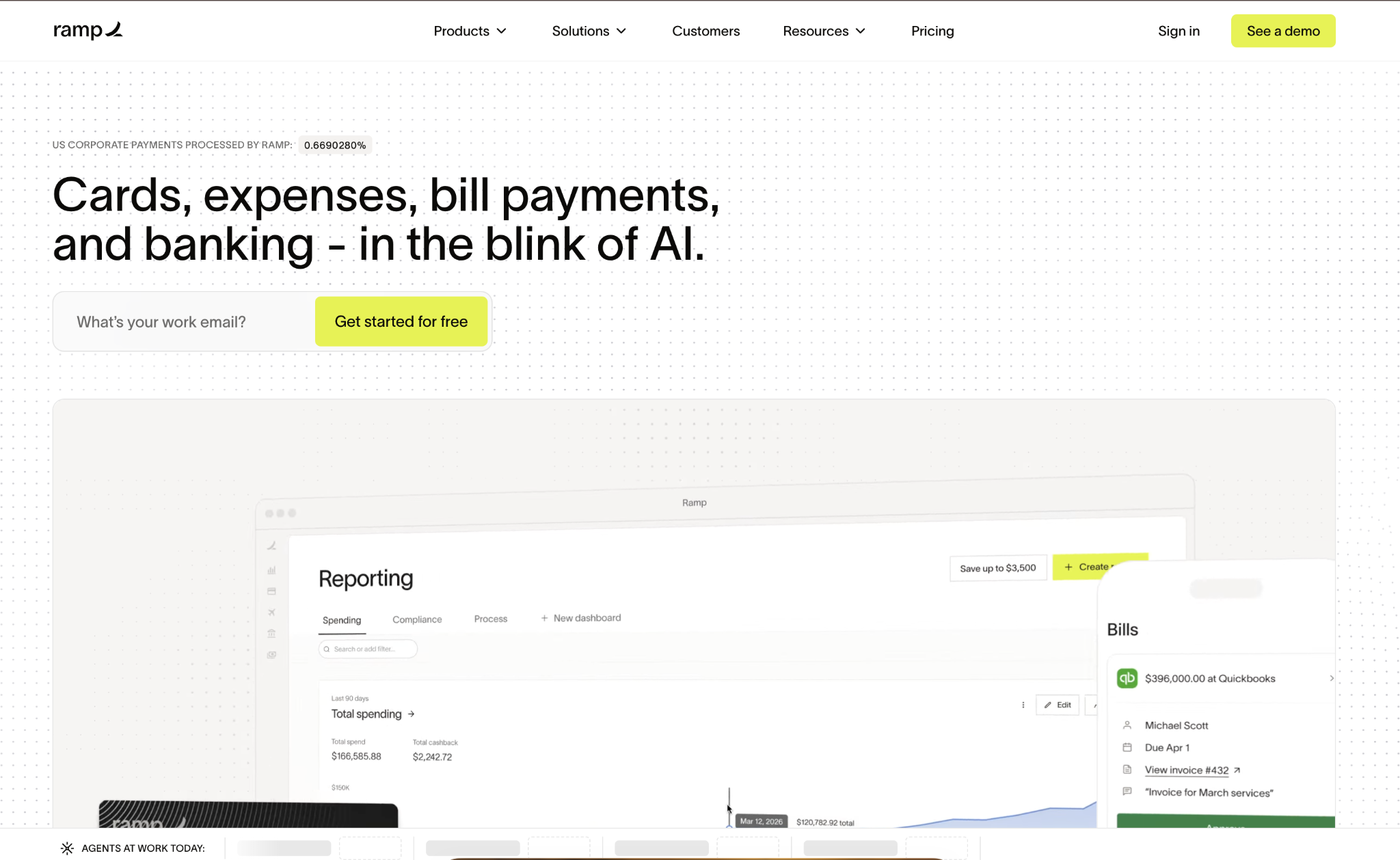
It's built for companies tired of managing separate tools for card spend, expense reports, and AP automation, and that want to consolidate without adding per-seat costs at every tier.
For finance managers at companies with 50–500 employees, Ramp reduces the administrative overhead of managing multiple payment workflows. International wires go through Bill Pay, and the platform covers domestic ACH, checks, and card-based vendor payments from the same interface.
Onboarding is faster than with most enterprise AP tools; most companies process payments within a week of setup, and support includes a dedicated account team on Plus and Enterprise plans. If you're running a mix of US vendor payments and occasional international wires, Ramp keeps it all in one place.
Ramp pros:
- Unified platform: Corporate cards, expense management, bill pay, and procurement in one place, with no per-seat fee on the base tier
- Fee waiver option: Bill Pay wire fees can be waived through the Ramp Business Account, reducing the total cost of international vendor payments
Ramp cons:
- Multi-currency gating: Local currency bill funding, reimbursements, and local card issuing are limited to higher-tier plans
- Limited public wire fee data: Per-transaction wire amounts aren't published, so confirm current fees directly with your account team
Pricing: Free tier, Plus at $15/user/month with a platform fee based on team size, and custom Enterprise pricing. No annual fee on cards.
Best for: Companies that want to consolidate expense management and vendor payments on a single platform, with primary domestic payment volume and occasional international wire transfers.
2. Wise Business
Wise Business uses the mid-market exchange rate, with transfer fees starting at 0.63%, and charges no monthly, setup, or inactivity fee.

Companies can hold balances in 40+ currencies without forced conversion, which is practical for teams running regular contractor payouts or supplier payments across multiple currency corridors.
For finance managers with distributed contractor relationships, Wise Business fills the gap between Payoneer's marketplace-focused payout model and full-featured AP automation software.
Local bank account details in major currency corridors, batch payment tools for sending to multiple recipients, and transparent fee breakdowns before confirming any transfer make this one of the simpler tools to evaluate.
Compliance tooling isn't included; Wise doesn't handle contractor classification, tax forms, or 1099 prep. Teams with contractor rosters spanning multiple jurisdictions will need a separate solution for that.
Wise Business pros:
- Mid-market rate with full transparency: Transfer fees start from 0.63% with no hidden FX markup, and the exact fee is shown before confirming any payment
- No subscription cost: No monthly fee, no setup fee, and no inactivity charge — payment is charged only when funds move
Wise Business cons:
- No compliance tooling: Contractor classification, tax forms, and withholding are on the finance team to manage
- No corporate cards: No team spending controls or card-based expense management
Pricing: No monthly fee, with per-transfer fees that vary by currency corridor and amount. Fee calculator available on the Wise Business pricing page.
Best for: Companies that need straightforward, low-cost international transfers and already have separate systems for compliance and expense management.
3. Deel
Deel handles compliance, contracts, and payments across 150+ countries, with localized employment contracts, statutory benefits management, and built-in tax withholding for full-time international hires.
It's designed for companies building distributed teams that need legal and compliance infrastructure and payment routing.
For companies at the 50–200-employee stage adding contractors in new countries, Deel removes the manual work of researching local labor laws, drafting compliant contracts, and managing withholding taxes by jurisdiction.
The platform generates localized contracts, manages contractor invoicing, and routes payments to recipients in their preferred currency and method. Integrations with Workday, QuickBooks, Xero, Oracle, and UKG mean contractor spend flows into existing accounting and HR systems without manual imports.
Onboarding a new contractor typically takes a few minutes: select the country, choose a contract template, set payment terms, and the contractor completes their profile and KYC on their end.
Deel pros:
- Contractor compliance across 150+ countries: Classification, local tax withholding, statutory benefits, and payment routing handled in one platform
- Localized contracts: Country-specific contract templates with built-in compliance reduce legal exposure when hiring internationally
Deel cons:
- FX markup embedded in the rate: Currency conversion fees aren't shown separately on invoices, making it harder to track the true per-payment cost
- Per-contractor pricing: Costs scale linearly as contractor counts grow, which gets expensive for companies with large freelancer pools
Pricing: Contractor Management at $49/contractor/month, Employer of Record at $599/employee/month, and Global Payroll at $29/employee/month.
Best for: Startups and mid-market companies with distributed or remote teams that need contractor compliance and localized employment handled in the same platform as payments.
4. Tipalti
Tipalti is an accounts payable automation platform built for high-volume payables, processing payments in 120+ currencies across 200+ countries.
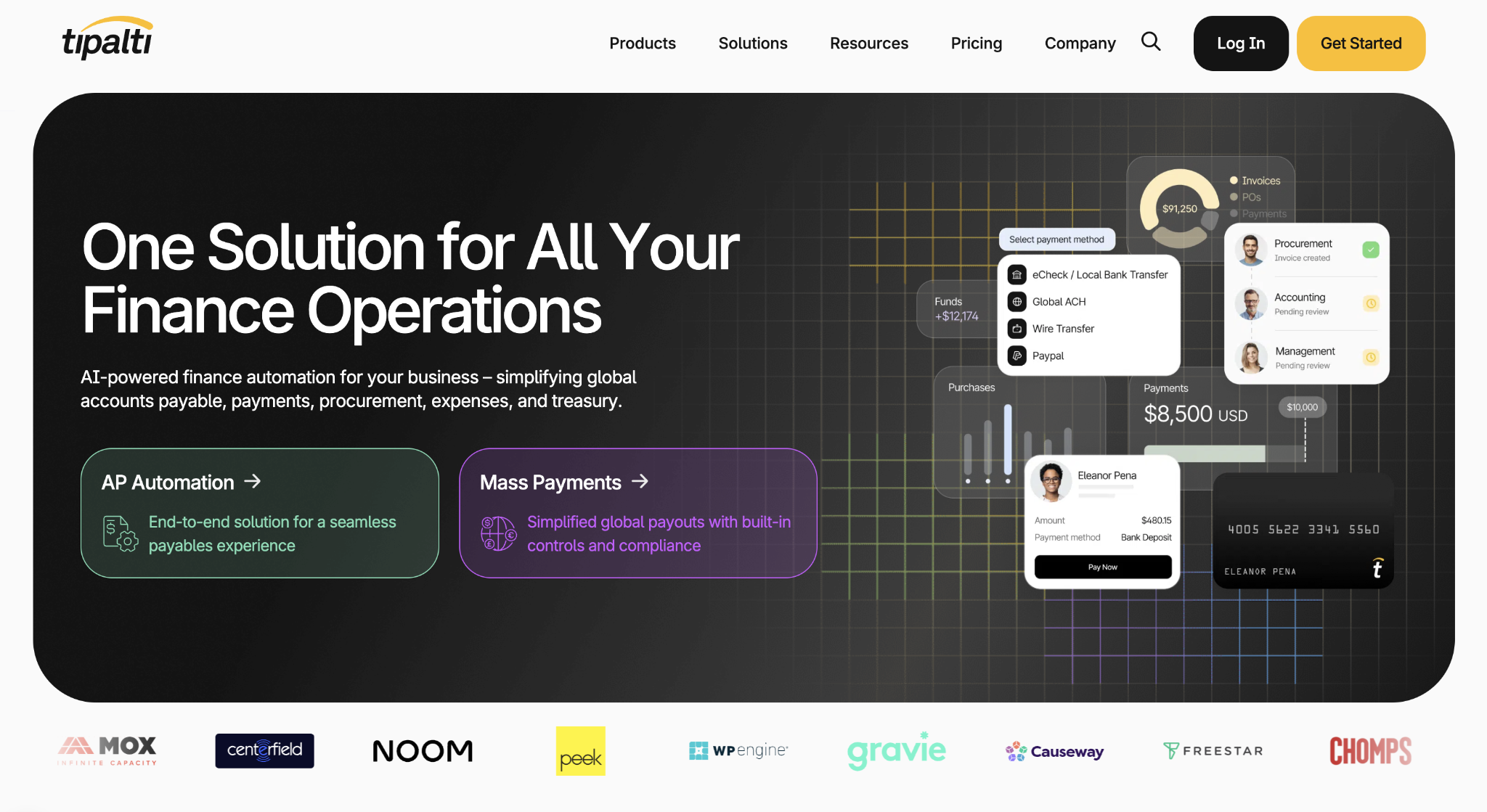
It's built for mid-market companies with dedicated finance staff handling hundreds of AP transactions monthly, not a fit for teams still running payables manually from a spreadsheet.
If your finance team spends significant hours on W-8/W-9 collection, TIN validation, and 1099 prep, Tipalti automates all of that. Built-in AML/OFAC screening runs on every payee, and a supplier portal lets vendors self-manage their payment preferences, reducing the back-and-forth that slows high-volume AP operations.
Native ERP integrations with NetSuite, QuickBooks, Xero, and Oracle sync payment data directly into your accounting system. Implementation typically takes 4–8 weeks, depending on the ERP configuration and payee volume, so if you need something up and running quickly, Tipalti isn't the right starting point.
Tipalti pros:
- Tax compliance automation: W-8/W-9 collection, TIN validation, withholding, 1099 prep, and AML/OFAC screening run automatically on every payee
- ERP integrations: Native connections with NetSuite, QuickBooks, Xero, and Oracle sync payment data without manual reconciliation
Tipalti cons:
- Complex onboarding: Implementation takes 4–8 weeks and requires a dedicated finance resource to manage the process
- Higher cost floor: The starter tier begins at $99/month, and enterprise pricing scales significantly for high-volume operations
Pricing: Starts at $99/month for the starter tier, with enterprise pricing for companies with higher payment volumes.
Best for: Mid-market companies with dedicated finance staff processing high AP transaction volumes who need automated tax compliance and ERP integration.
5. Airwallex
Airwallex offers multi-currency accounts, corporate cards with spend controls, and local payment rails across 180+ countries.
Local account details in 20+ currencies, more than double Payoneer's local account options, come with FX conversion at approximately 0.5% above the interbank rate for major currency pairs.
For finance managers running global-first operations, Airwallex consolidates what would otherwise require both a separate multi-currency account and a separate card program. Virtual and physical cards come with team-level spend controls, and the API-first architecture supports custom payment workflows for operations teams that need that level of control.
The free Explore plan covers global payments and basic multi-currency accounts; the Grow plan at $12/active user/month adds higher payment limits and priority support. One operational detail worth knowing before signing up: customer support runs Monday through Friday only.
Airwallex pros:
- 20+ local currency accounts: More than double Payoneer's local account options, with FX rates at roughly 0.5% above interbank for major currency pairs
- Corporate cards with spend controls: Virtual and physical cards with team-level limits, reducing the need for a separate card program
Airwallex cons:
- Weekday-only support: Customer service runs Monday through Friday; if a payment issue surfaces over the weekend, resolution waits until Monday
- Account freeze risk: Multiple verified reviews on G2 and Trustpilot cite accounts frozen without advance notice, a real problem for time-sensitive payables
Pricing: Free Explore plan, Grow at $12/active user/month, and custom Accelerate pricing for larger operations.
Best for: Tech-forward, global-first companies that need multi-currency treasury alongside team cards and spend controls in a single platform.
6. Revolut Business
Revolut Business lets you hold 25+ currencies in-app, with transfers to 150+ destinations and interbank-rate exchanges within the monthly plan allowance.
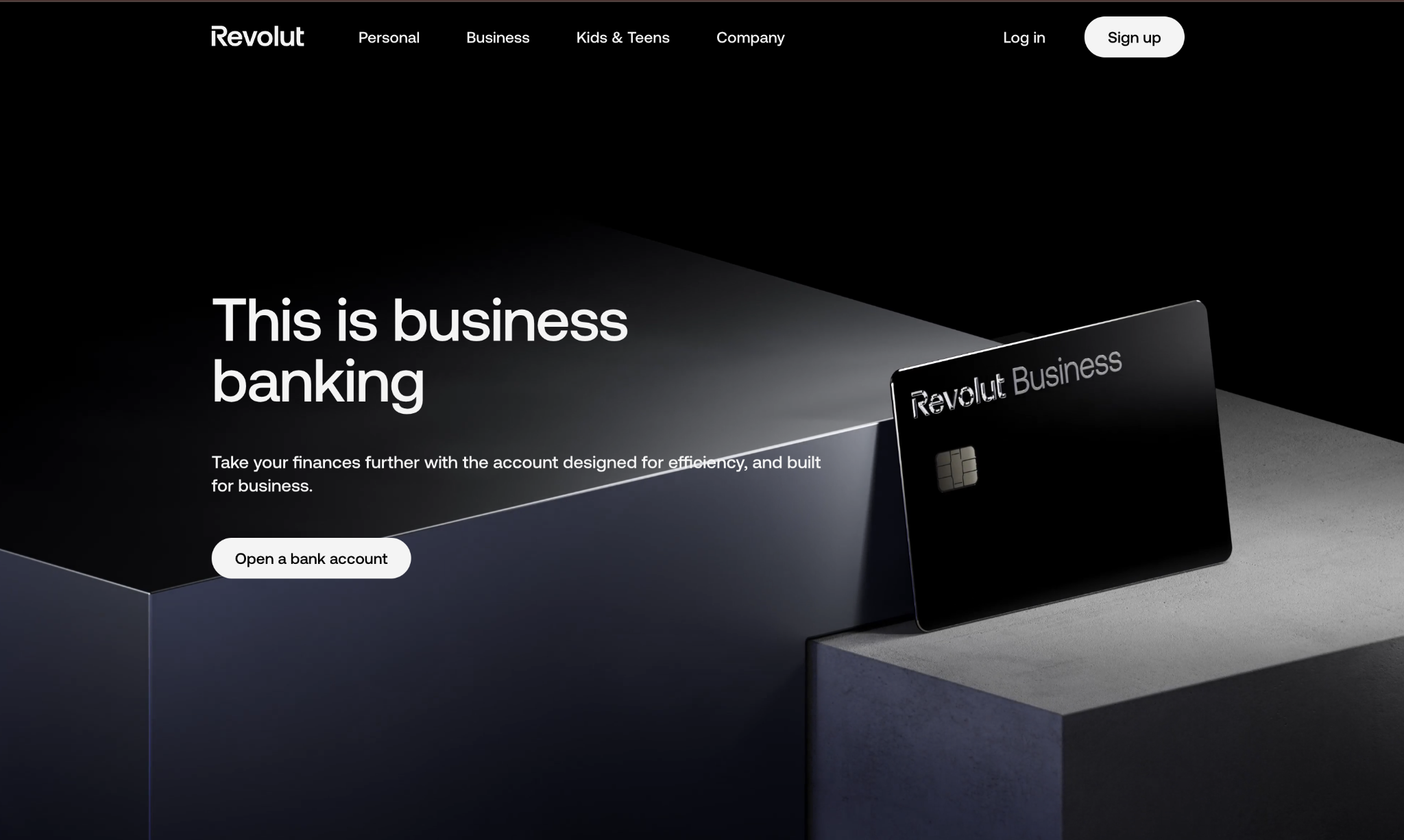
Physical and virtual cards are included with every plan, featuring built-in expense tracking and receipt capture for team members.
For SMBs and remote teams managing multi-currency payroll and team card spend, Revolut Business offers a practical all-in-one setup without the complexity of dedicated AP software. The expense module handles receipt capture, approval workflows, and basic categorization, functional for teams under 100 people, though larger finance teams typically find it less capable than dedicated tools.
One detail that matters when choosing a plan: each tier includes a monthly exchange allowance, and once that limit is exceeded, a markup applies. Matching the right plan to actual FX volume matters.
Revolut Business pros:
- Interbank rates within plan allowance: Exchange at the mid-market rate up to the monthly plan limit, competitive for regular multi-currency activity
- Team cards on every plan: Physical and virtual cards with built-in expense tracking come on all plans, including Basic
Revolut Business cons:
- Allowance limits: Once the monthly exchange allowance is exceeded, a markup applies, and the right plan depends entirely on actual FX volume
- Card processing fees: 1% to 2.8% on card payments, depending on plan, which adds up for high-volume card-based payables
Pricing: Basic at $10/month, Grow at $40/month, Scale at $140/month, and custom Enterprise pricing.
Best for: SMBs and remote teams that want combined expense management, team cards, and multi-currency accounts without managing separate tools.
7. WorldFirst
WorldFirst charges no fees for account opening, maintenance, or incoming payments, with FX rates at 0.3%–0.6% above interbank for major currencies.
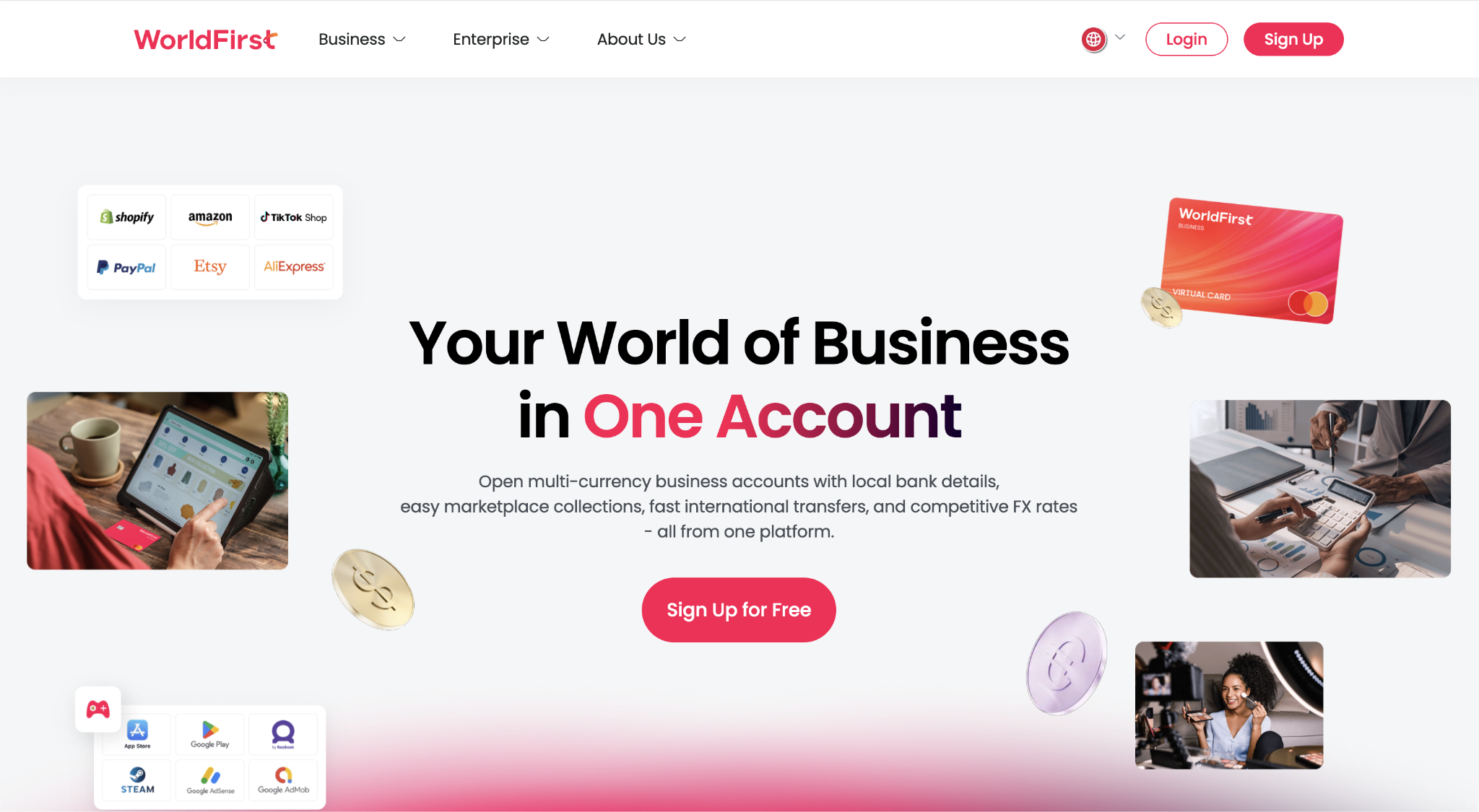
It's a payment-only platform with no card issuance, expense management, or compliance tooling. It targets companies whose primary need is competitive rates on regular international supplier payments.
For import/export businesses and e-commerce sellers paying overseas suppliers, WorldFirst's fee structure makes sense when the primary need is moving money at low cost without paying for features the team won't use.
The platform supports 20+ currencies for sending payments, and received funds can be held in different currency accounts before conversion. Trustpilot shows positive feedback on payment speed and ease of use, and recurring friction around the initial KYC and account verification process.
One practical limitation for US users: WorldFirst doesn't currently offer a mobile app for US accounts, and the US version of the platform has fewer features than the UK and Hong Kong versions.
WorldFirst pros:
- No monthly fees: Free account opening, maintenance, and incoming payments. The FX spread is the only cost when converting or sending funds.
- Competitive FX rates: 0.3%–0.6% above interbank for major currency pairs, competitive with Wise Business on larger transfers
WorldFirst cons:
- No spend management: Purely a payment platform with no card issuance, spend controls, or compliance tools; separate systems are needed for those functions
- Not available to US businesses: WorldFirst does not accept US-registered business accounts. Finance teams based in the United States should evaluate other alternatives instead.
Pricing: Free to open and maintain, with revenue from the FX spread and per-payment SWIFT fees on international wire transfers.
Best for: SMBs with international supply chains that need low-cost supplier payments without monthly commitments.
How to choose the right Payoneer alternative
The right platform depends on what's actually frustrating about Payoneer for your team. If the main issue is cross-currency withdrawal costs, Wise Business can reduce them without adding operational complexity.
If contractor compliance needs to be handled alongside payments, covering localized contracts, tax withholding, and payee self-service, Deel or Tipalti fills that gap. Deel is the stronger fit for smaller distributed teams; Tipalti is built for higher-volume AP operations with ERP integration requirements.
Revolut Business and Airwallex are right for teams that need multi-currency accounts and team cards. Airwallex offers more local-currency account options, while Revolut Business offers broader pricing flexibility across plans and a more established support base.
If expense management, corporate cards, and vendor payments currently live in separate tools creating reconciliation headaches, Ramp consolidates that into one platform at no base cost.
Frequently asked questions about Payoneer alternatives
Is Wise Business cheaper than Payoneer for international transfers?
Wise Business charges transfer fees starting at 0.63% based on the mid-market exchange rate, with no monthly subscription fee. Payoneer's cross-currency withdrawal fees rose to 3% in 2025 for most account types, and transfers under $400 now carry a flat $4 fee, a combination that makes Wise Business meaningfully cheaper for most regular transfer volumes and corridors.
Can Ramp replace Payoneer for international payments?
Ramp handles international wires through Bill Pay, but fuller local-currency payment capabilities are gated to higher-tier plans. For teams paying contractors across multiple currencies at high frequency, the practical approach is to pair Ramp for domestic AP, cards, and expense management with Wise Business or Airwallex for currency-specific transfers.
What is the biggest risk of staying on Payoneer?
The combination of rising withdrawal costs and concerns about account stability makes staying on Payoneer a higher-risk choice than it was a few years ago. Cross-currency withdrawal fees reached 3% in 2025 for most account types, and Payoneer's Trustpilot reviews show a recurring pattern of frozen accounts and slow resolution for affected users. If your team depends on predictable payment timing, those risks are worth weighing carefully against the migration effort.
How long does it take to migrate away from Payoneer?
For companies with moderate payment complexity, migration typically takes 30 to 60 days, including parallel testing and notifying vendors. Vendors receiving payments into their own Payoneer accounts need extra lead time to provide alternate bank details, so starting that conversation early reduces the risk of payment gaps during the transition.


