


What's the Best Accounting Software for Consultants When Billing by the Hour or on Retainer?

June 27, 2026
Most consultants lose more to forgotten billable hours and late tax penalties than to any client who didn't pay. The right accounting tool captures that time automatically, sets aside what you owe each quarter, and tells you which engagements are actually worth keeping.
This guide is for independent consultants and small practices choosing a first or next accounting tool. We compare six options, starting with a quick-pick summary, the features that matter, and how to choose by revenue.
In brief
- Ramp tops the list for consultants who want corporate cards and expense automation that sync with their accounting tool, free to start.
- FreshBooks is the strongest default for consultants who bill by the hour or on retainer.
- QuickBooks Solopreneur suits solo consultants focused on quarterly self-employment taxes.
- Xero includes unlimited users on every plan; the value is that once staff or partners share the books, they can.
- Wave's core accounting is free with no client cap, and Zoho Books is free for under $50,000 in annual revenue.
An overview of the 6 best accounting software for consultants
Before comparing the six tools, get clear on what consulting work demands and what the spend is worth. Consultants need a few things that general small-business accounting treats as afterthoughts, because billing is time-based and taxes land directly on you.
We weigh each tool against the work it supports:
- Time tracking that becomes an invoice: Untracked hours are lost revenue, so a timer that flows straight into billing keeps that money from slipping away.
- Recurring and custom invoicing: Retainers and fixed-fee projects need invoices that send themselves on schedule without manual rework.
- Automatic bank feeds: Live transaction imports keep bank reconciliation from eating up an evening every month.
- Quarterly estimated tax tracking: Self-employment tax falls due four times a year, and a tool that flags those deadlines helps you avoid penalties.
- Project-level profitability: Margin by client shows which engagements to keep and which to reprice, alongside everyday expense tracking.
- A client portal and integrations: Connections to a CRM, project tools, and payments keep the consulting stack in sync, and AI accounting features can automate the categorizing that causes bookkeeping mistakes.
With these in mind, here are the best tools at a glance:
| Tool | Best for | Starts at (monthly) | Free option |
|---|---|---|---|
| Ramp | Expense automation and corporate cards | $0 | Free core platform |
| FreshBooks | Time and retainer billing | $23 | 30-day trial |
| QuickBooks | All-rounder plus quarterly taxes | $20 (Solopreneur) | 30-day trial |
| Xero | Teams and international work | $25 | 30-day trial |
| Zoho Books | Budget and Zoho users | $15 (billed annually) | Free under $50k revenue |
| Wave | Free basic invoicing | $0 | Free core plan |
How heavily each of these matters scales with how well the work runs, which is why revenue is the next-fastest filter.
1. Ramp
For consultants who want to automate the expense side of the books rather than just record it, Ramp leads the list. It pairs corporate cards with expense management and bill pay, then syncs every transaction into QuickBooks, Xero, or whichever ledger you run.
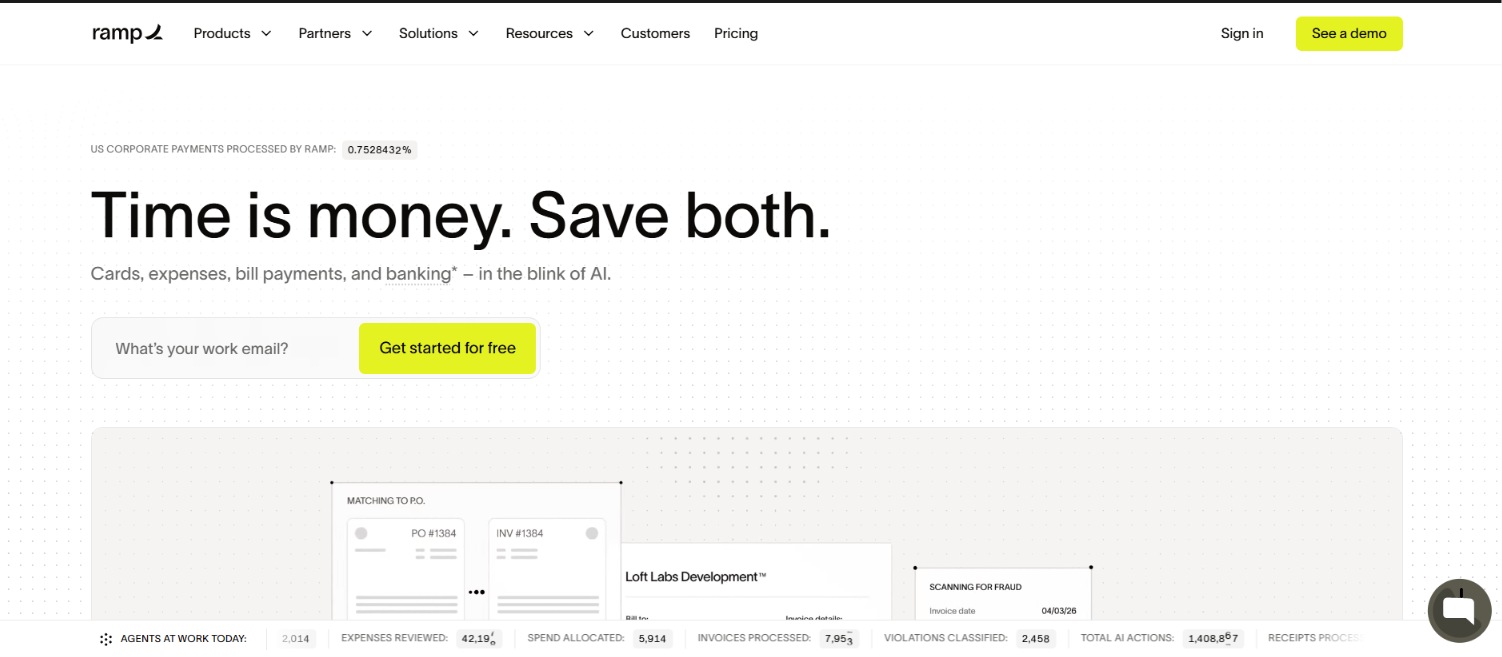
What makes Ramp different from a card you already have is that the spend data lands in your books, categorized, so reconciliation stops being a monthly scramble. For a consultant expensing software that covers travel and contractor tools across a dozen vendors, that automation is the whole point, and it runs on the free tier rather than a paid upgrade.
Ramp pros:
- Free core platform: Unlimited virtual and physical cards plus expense tracking carry no monthly or annual fee.
- Automated bookkeeping: Receipt matching and real-time categorizing cut the manual work that eats consulting hours, then sync to QuickBooks or Xero.
- Cash back on spend: Purchases earn up to 1.5% cash back with no separate issuer foreign transaction fee, though a Visa currency conversion markup of up to 3% can apply on foreign purchases.
Ramp cons:
- Not a standalone ledger: Ramp manages spend and cards, so it works alongside an accounting tool rather than replacing one.
- Built for registered businesses: It fits incorporated consultants with a business bank account, so brand-new sole proprietors may not qualify yet.
- Paid tier for extras: Local currency card controls and advanced approvals sit on the Plus plan, while full multi-currency bill pay (funding vendor payments in local currency) is an Enterprise feature.
Pricing: Ramp's core platform is free, with no annual or per-user fees, and includes unlimited cards and expense management. The Plus plan adds local currency card controls, advanced approvals, and deeper accounting automation at $15 per user a month plus a platform fee based on team size.
Best for: Consultants and consulting firms that run regular card spend and want expenses, cards, and bill pay automated into their books.
2. FreshBooks
FreshBooks built its reputation on turning billable time into clean invoices, making it the natural starting point for consultants who bill by the hour or on retainer. It covers the day-to-day without an accounting background.
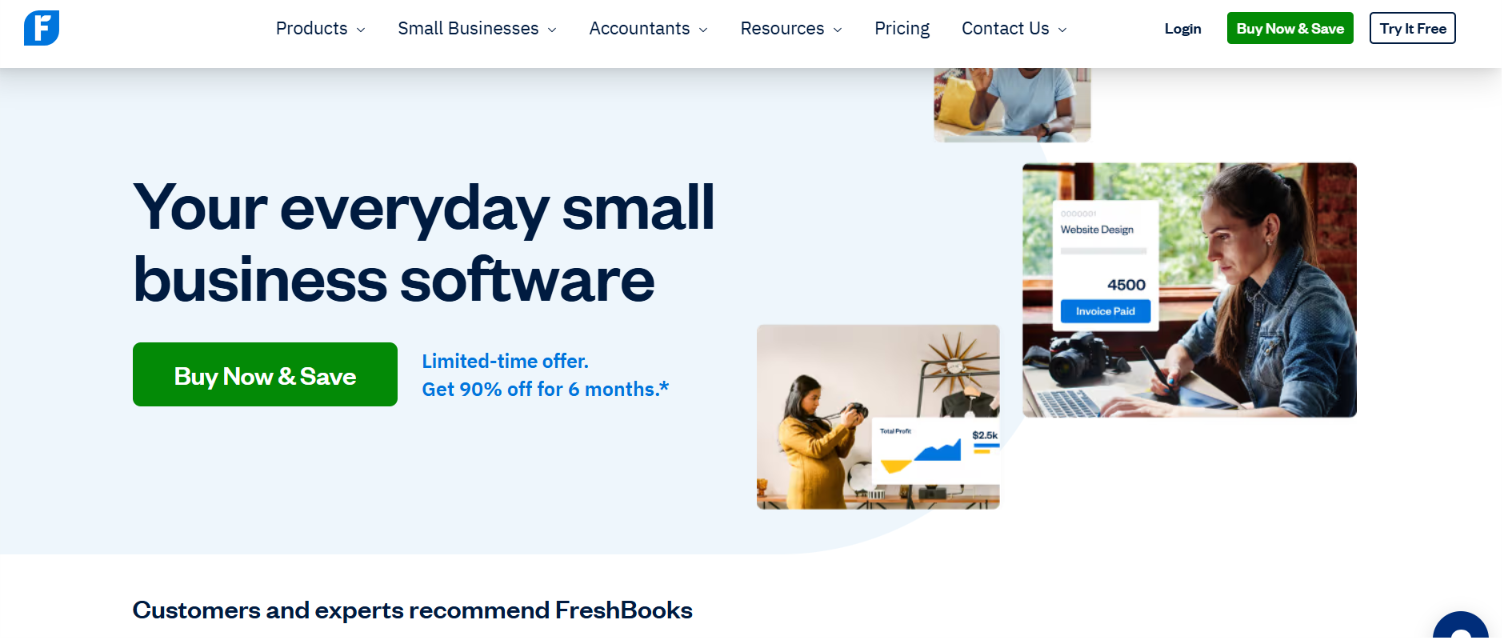
The pull for consultants is that the timer, the invoice, and the payment link live in one place, so the hour you bill is the hour you tracked. You can run retainers, send recurring invoices, and let clients pay through a portal without bolting on extra tools, which is why FreshBooks tends to be the first real upgrade from spreadsheets and manual invoices.
FreshBooks pros:
- Time to invoice: Time tracking flows directly into billing, so logged hours rarely slip through the cracks.
- Retainer billing: Recurring invoices and a clean client portal are well-suited to ongoing engagements and fixed-fee work.
- Easy to run: The interface remains approachable for consultants who don't think in terms of debits and credits.
FreshBooks cons:
- Client caps: Lower tiers limit the number of billable clients to 5 on Lite and 50 on Plus.
- Cost creep: The price climbs with each added client and team member, at $11 per extra user.
- Lighter ledger: Double-entry accounting runs shallower than QuickBooks or Xero.
Pricing: Lite runs $23 a month for up to 5 clients, Plus is $43 for up to 50 clients, and Premium is $70 for unlimited clients, with 1 user included and extra seats at $11 a month. A 30-day free trial is available, and annual billing further lowers the rate.
Best for: Solo consultants and small practices where billable hours drive most of the revenue.
3. QuickBooks Online
QuickBooks is the all-rounder most accountants already support, with a Solopreneur tier for tax-focused single operators and Online tiers that scale to a growing firm. Bring on a bookkeeper later, and QuickBooks is the tool they're most likely to know.
The reason QuickBooks shows up on nearly every shortlist is reach: most US accountants and bookkeepers already work in it, so handing off your books later means no migration and no relearning. For a solo consultant, the Solopreneur tier keeps things light and tax-focused, while the Online tiers add the reporting and multi-user access a growing practice eventually needs.
QuickBooks pros:
- Deep feature set: Reporting, automated categorizing, and live expert help cover most needs as a practice grows.
- Strong tax tools: Schedule C tracking, mileage, and quarterly estimate calculations suit self-employed consultants.
- Big ecosystem: Hundreds of integrations connect to the CRM and project tools, a consulting stack relies on.
QuickBooks cons:
- Rising cost: Prices climb quickly across the Online tiers as you add users and features.
- Limited Solopreneur: The Solopreneur tier supports only one user and limits 1099 contractor management to a single contractor.
Pricing: Solopreneur runs $20 a month for a single user, while Online plans start at $38 for Simple Start, $75 for Essentials with three users, and $115 for Plus with five users and project profitability. Intuit offers a 30-day free trial or an introductory discount, and Quicken vs QuickBooks is worth weighing if the need is personal.
Best for: QuickBooks suits consultants who want an all-rounder that their accountant already supports, or solo consultants focused on quarterly taxes through Solopreneur. Many users also compare QuickBooks alternatives.
4. Xero
Xero is a cloud accounting software with unlimited users on every plan. The value is picked once the books are shared with a partner, assistant, or accountant. Strong multi-currency support also makes Xero a fit for international consulting work.
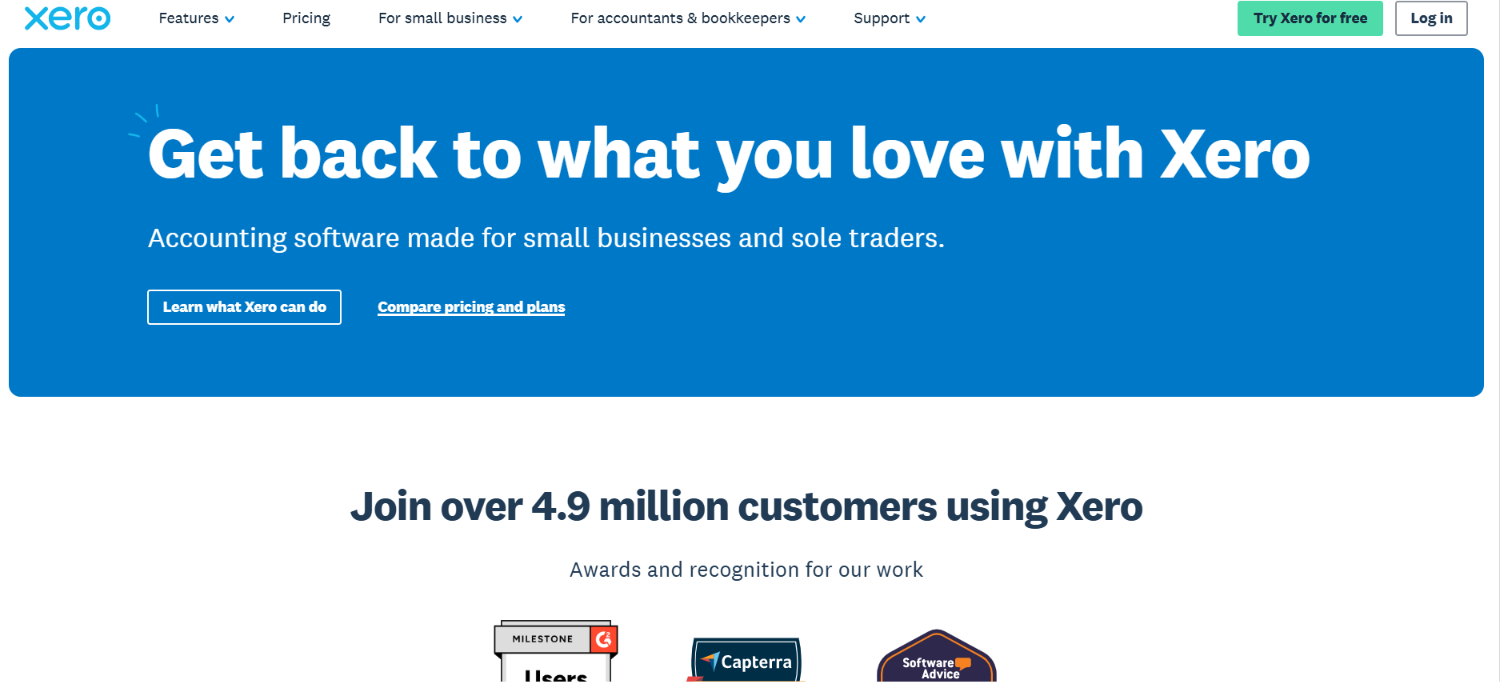
The unlimited-users model is what sets Xero apart, since adding an assistant, a partner, or your accountant never raises the bill the way per-seat pricing does. Pair that with multi-currency on the higher tiers, and Xero becomes the natural pick once your work crosses borders or your books stop being a one-person job.
Xero pros:
- Unlimited users: Every plan includes unlimited users, so adding staff costs nothing extra.
- Wide integrations: Over a thousand apps connect, with clean multi-currency for cross-border clients.
- Project tracking: Higher tiers track time and costs by project for client-level profitability.
Xero cons:
- Invoice cap: The entry Early plan limits you to 20 invoices and 5 bills a month.
- Project tier: Project profitability sits behind the top Established plan.
- Payroll setup: Configuring payroll add-ons can be fiddly for first-timers.
Pricing: Early runs $25 per month with monthly invoice limits; Growing is $55 per month with unlimited invoices; and Established is $90 per month with multi-currency and project tracking. All plans include unlimited users, and a 30-day trial shows whether the invoice limits align with actual volume.
Best for: Consultants working with partners or staff, or those with significant international clients.
5. Zoho Books
Zoho Books offers the most features per dollar, with a genuine free plan under a revenue threshold and tight integration for existing Zoho CRM users. For anyone watching cost, Zoho Books packs real automation into low tiers.
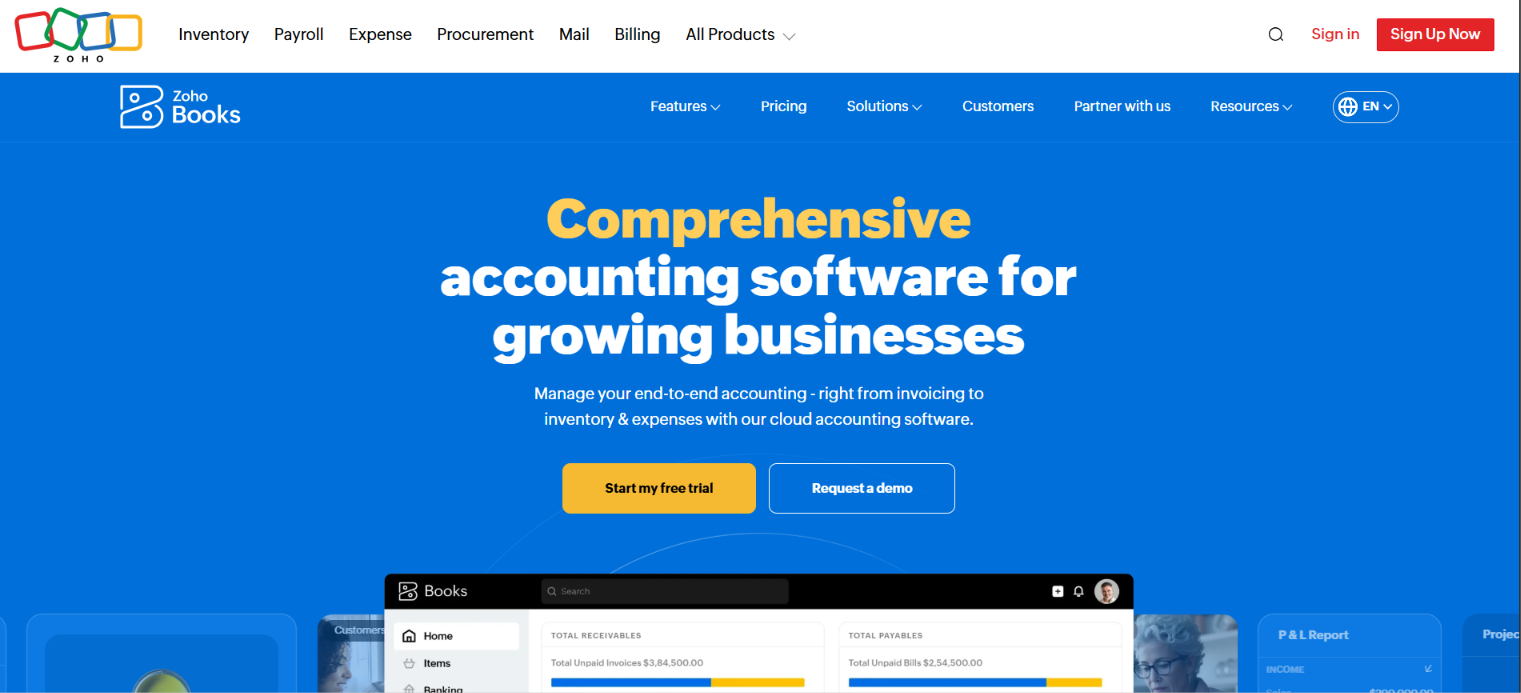
The appeal is how much you get before paying anything, since the free plan covers real double-entry accounting rather than a stripped-down trial. The catch is that the most value appears when Zoho Books sits alongside other Zoho apps, so a consultant already running Zoho CRM or Projects gets automation that standalone users have to set up by hand.
Zoho Books pros:
- Free plan: Consultants with annual revenue under $50,000 get core accounting at no cost.
- Low-paid tiers: Paid plans stay inexpensive while adding project-tied time tracking and a client portal.
- Strong automation: Workflow rules handle repetitive bookkeeping tasks, especially within the Zoho ecosystem.
Zoho Books cons:
- Learning curve: The feature breadth takes time to learn well.
- Ecosystem value: The best return comes if you already use other Zoho apps.
- Fewer US tax shortcuts: It has fewer built-in US tax aids than QuickBooks.
Pricing: The free plan covers consultants with annual revenue under $50,000, and the entry Standard tier costs $15 per month, billed annually, with 3 users included. Paid tiers add project tracking and higher invoice limits as revenue crosses the free threshold.
Best for: Budget-conscious consultants who want real features, or for anyone already working in Zoho.
6. Wave
Wave offers genuinely free core accounting with no client caps or time limit, which covers the basics for a solo consultant willing to do some manual work. For consultants searching for free accounting software, Wave is the most complete no-cost starting point.
<
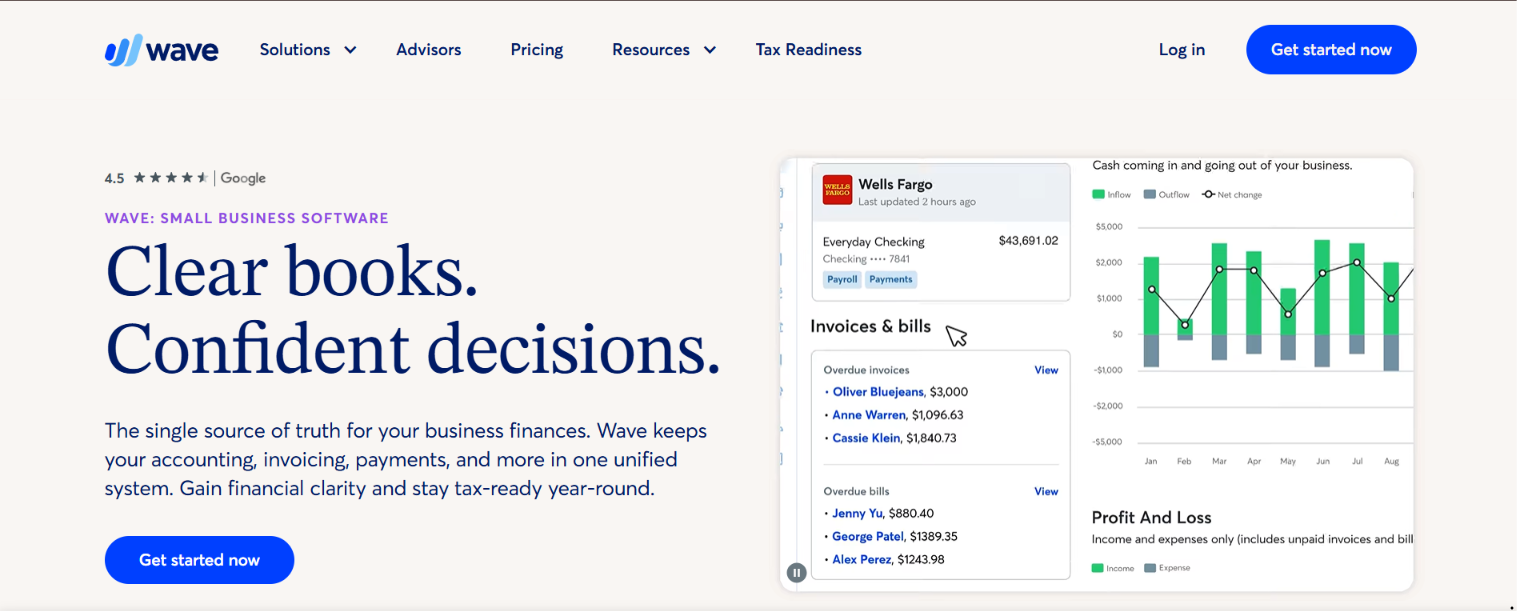
What you trade for free is automation, since the Starter plan imports bank transactions in read-only mode and leaves reconciliation as a manual task. For a consultant with a light invoice load who doesn't mind some hands-on bookkeeping, the trade is easy to make, and the Pro plan is there once the manual work starts to cost more time than it saves.
Wave pros:
- Free core: Invoicing, expense tracking, and reporting are free with no client limit.
- Simple setup: A short learning curve means a new consultant can invoice fast.
- Mobile invoicing: The mobile app lets you invoice and manage expenses on the go, useful when work happens away from a desk.
Wave cons:
- No time tracking: Wave has no native timer, a real gap for hourly billing.
- Paid bank feeds: Automatic bank import and reconciliation now require the paid Pro plan.
- Limited support: Free-tier support is thin, and payment processing fees apply per transaction.
Pricing: The Starter plan is free for unlimited invoicing and expense tracking, with bank connection in read-only mode. The Pro plan at $19 a month adds automatic bank feeds, transaction auto-categorization, and reconciliation, with receipt scanning available as a separate add-on, plus card and ACH fees on collected payments.
Best for: Budget-constrained consultants with simple, project-light invoicing needs.
The bottom line
Ramp is the best starting point for consultants who want to automate cards, expenses, and bill pay, and it syncs with whatever ledger you pair it with. For the books themselves, FreshBooks is the default for time and retainer billing; QuickBooks Solopreneur suits solo consultants worried about quarterly taxes.
Your next step is concrete. Open a business bank account separate from personal spending, then trial the one tool that matches your biggest friction with real invoices for a month. If the books still feel like a burden after that, weigh what an accountant costs or virtual bookkeeping against the hours you'd save.
Frequently asked questions about accounting software for consultants
What is the best accounting software for consultants?
There is no single best tool, since the right pick depends on how you bill and how much you earn. FreshBooks is the strongest default for time-based and retainer billing, but compare it against the table above for your revenue level and tax needs.
Is there free accounting software for consultants?
Yes, Wave's core accounting is free with no client cap, and Zoho Books is free for consultants with annual revenue under $50,000. The trade-offs are that Wave now charges for automatic bank feeds and reconciliation, and Zoho's free plan ends once revenue crosses its threshold.
What software do consulting firms use?
Firms with staff tend to choose Xero for its unlimited users or QuickBooks Online for its reporting and multi-user access. Both usually sit alongside a CRM or project tool that tracks billable work across the team.
Which accounting software is best for a traveling consultant?
Prioritize a strong mobile app, automatic mileage tracking, and receipt capture, all of which QuickBooks and FreshBooks handle well. If your travel is international, multi-currency support like Xero's matters more than anything else.
Can accounting software handle quarterly estimated taxes for consultants?
Yes, tools like QuickBooks Solopreneur calculate estimated taxes and flag the four annual deadlines in January, April, June, and September. That matters because self-employment tax is owed throughout the year, and missing a deadline triggers penalties.


